Do you take photos on an iPhone? Discover all the secrets of professional mobile photo editing. Today, in our blog, you will get the answer to the question, “What app can I use to blur pictures?”
Blurring the background is one of the techniques used by professional photographers to add depth and interest to an image. Let’s choose the best iPhone app to blur the background of a photo among several options. Such applications are a great solution to make your photos look professional. However, you can get confused about their number and functionality. To help you find the best one, we have collected the ten best iPhone photo app blur background options in this article. So you can easily choose one of them for your use. Without further ado, let’s get started.
Luminar Mobile—Download and Edit Instantly
Top 10 Apps to Blur Background on iPhone
Selecting the appropriate app hinges on your unique needs and preferences—an app is here to meet your iPhone photography needs. With our top ten excellent apps, the choice can still be daunting. Each of the applications offers robust blurring capabilities and has its advantages. But your decision should be guided by your specific requirements. Here is a short follow-up to help you to make the choice:
1. iPhone Camera Portrait Mode
Best for blurring backgrounds during shooting.
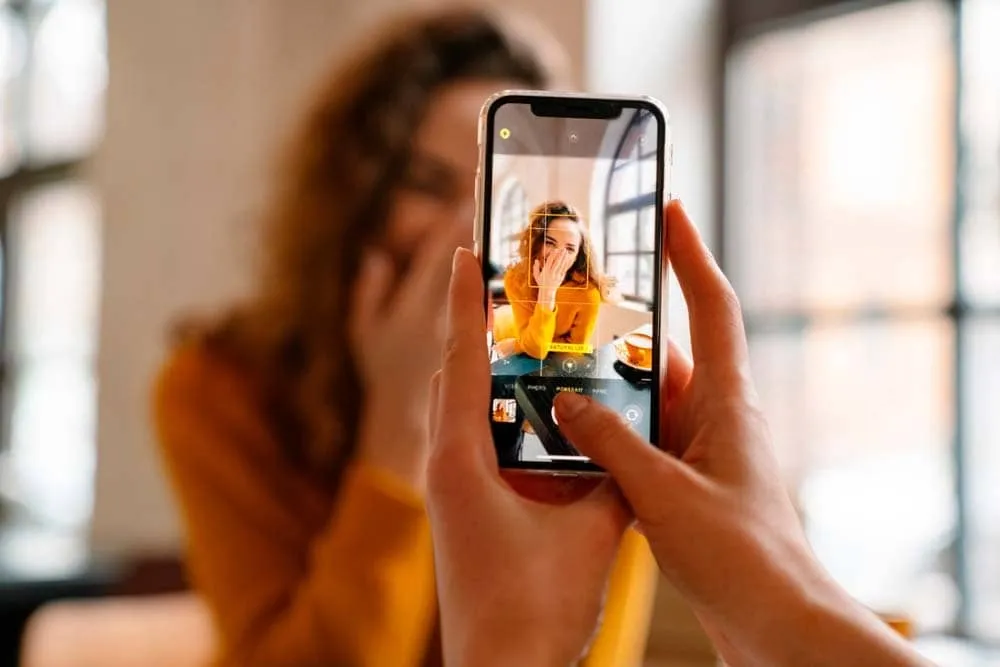
Want to blur photo background without a separate app? Use Portrait mode in the iPhone Camera app. It unfocuses the background as you shoot, delivering a polished look instantly. This feature excels with people portraits, creating a professional effect in your photo library.
Portrait mode is precise and powerful, and it is available on iPhone 7 Plus and newer models. Newer models, like the iPhone XR and iPhone XS series, offer Depth Control, allowing you to adjust indistinctness strength for even more stunning results. Portrait mode is a quick and effective way to achieve a professional-looking background directly from your iPhone’s camera without installing extra apps.
Key Features
-
Unfocuses background instantly when a photo is taken
-
Consistent, high-quality effect
-
Adjustable strength on newer iPhones
-
Integrated into the native Camera app
-
No additional apps or purchases are needed
-
Compatible with iPhone 7 Plus, iPhone 8 Plus, iPhone X, iPhone XR, iPhone XS, and iPhone XS Max
Price
It is totally free.
You may also like: How to Blur a Picture: Step-by-Step Guide
2. FabFocus
Best for unfocusing backgrounds in headshot portraits.
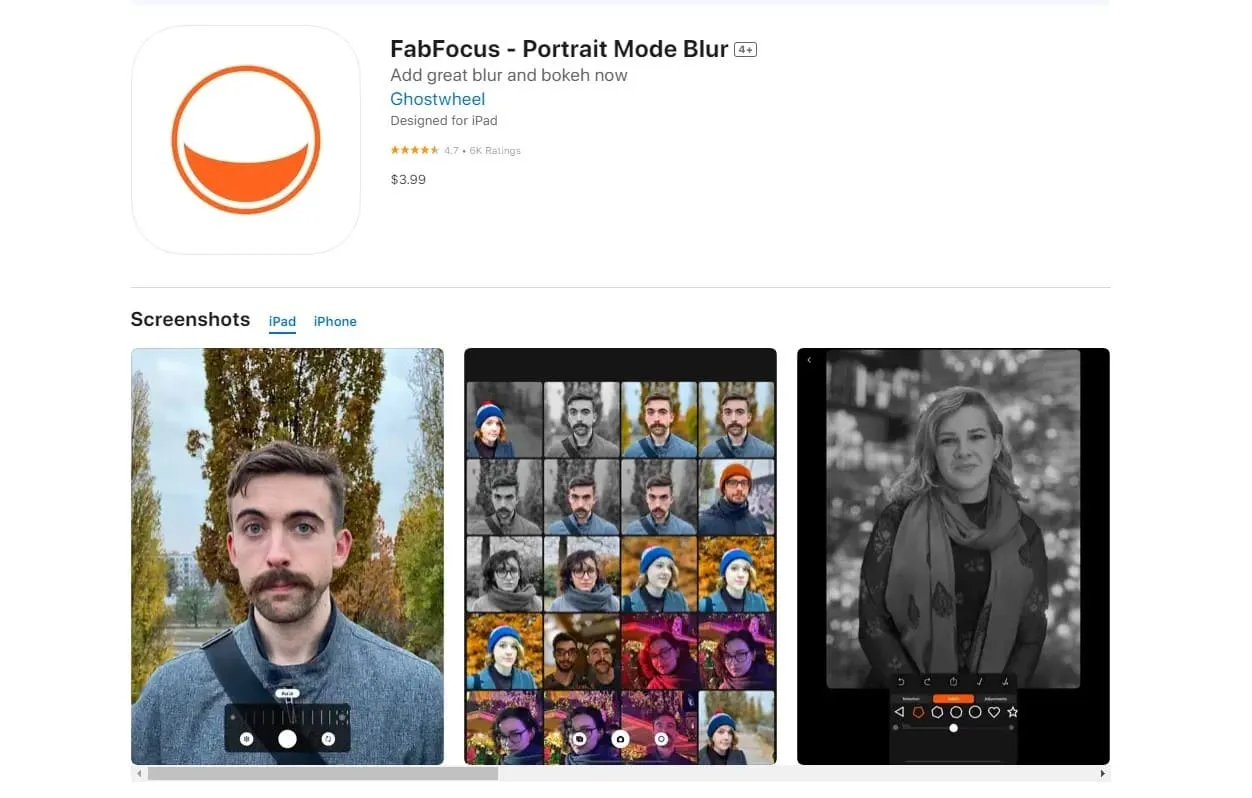
FabFocus is ideal for creating beautifully unfocused backgrounds in headshot portraits. The app uses facial recognition to detect faces and blur the background automatically and accurately. For finer control, you can manually adjust the effect and use the eraser tool to correct any mistakes. You can also tweak the effect intensity to achieve the desired effect, with the option to undo changes if needed.
Key Features
-
Specialized app for portrait blurring
-
Facial recognition technology for accurate background unfocus
-
Manual selection tool for fine-tuning
-
In-app camera for taking headshots
-
Adjustable intensity
Price
It is available on the App Store for $3.99.
3. Adobe Photoshop Express
Best for comprehensive photo editing with background defocus capabilities.
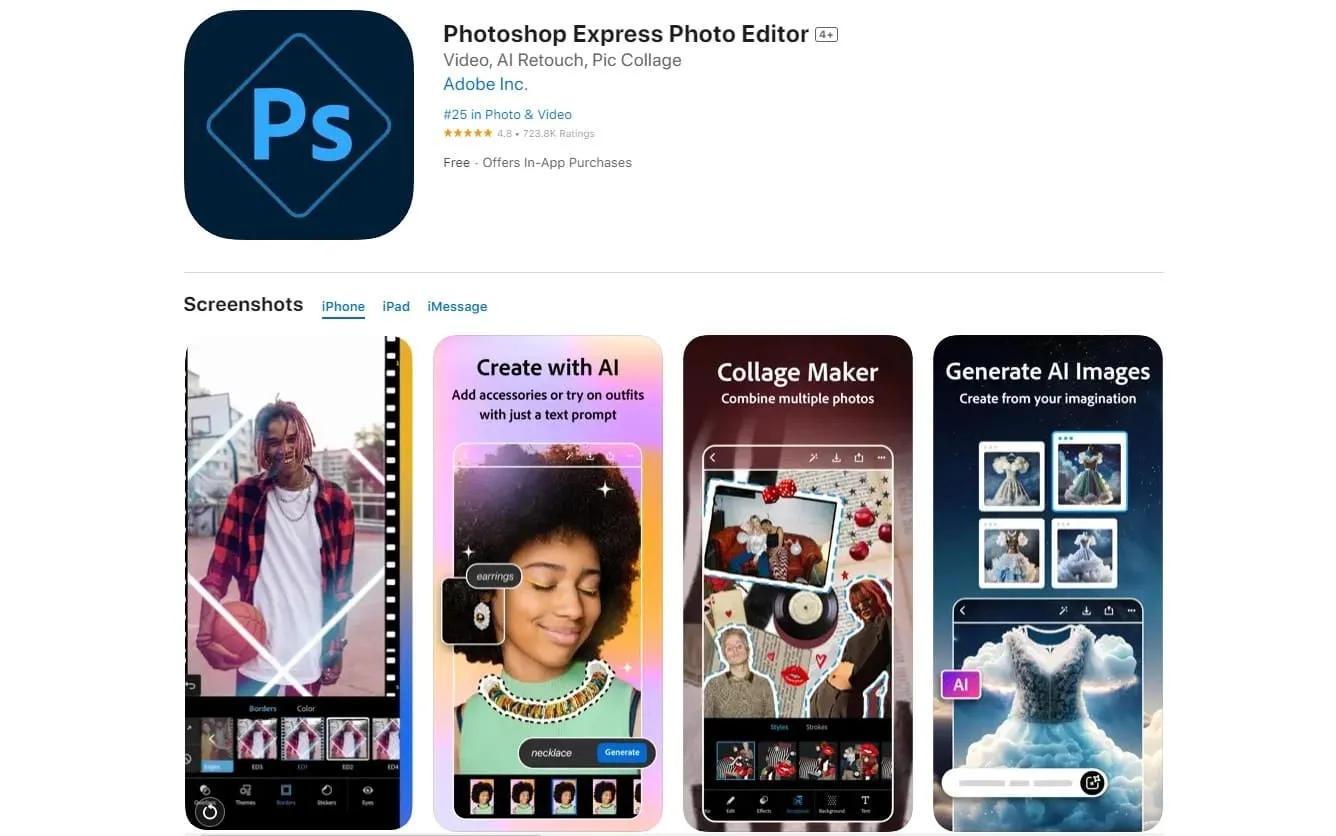 Adobe Photoshop Express offers robust photo editing, including professional background blur. It features customizable effect intensity and a wide range of editing tools, such as cropping, straightening, and filters. The app is user-friendly and perfect for quick edits or detailed adjustments.
Features
-
Powerful tools
-
Extensive editing options (crop, straighten, filters)
-
Adjustable effect intensity
-
Integration with Adobe Creative Cloud
-
Supports high-resolution images
-
User-friendly interface
Price
It is free (with optional in-app purchases).
4. AfterFocus
Best for unfocusing backgrounds behind subjects with complex edges.
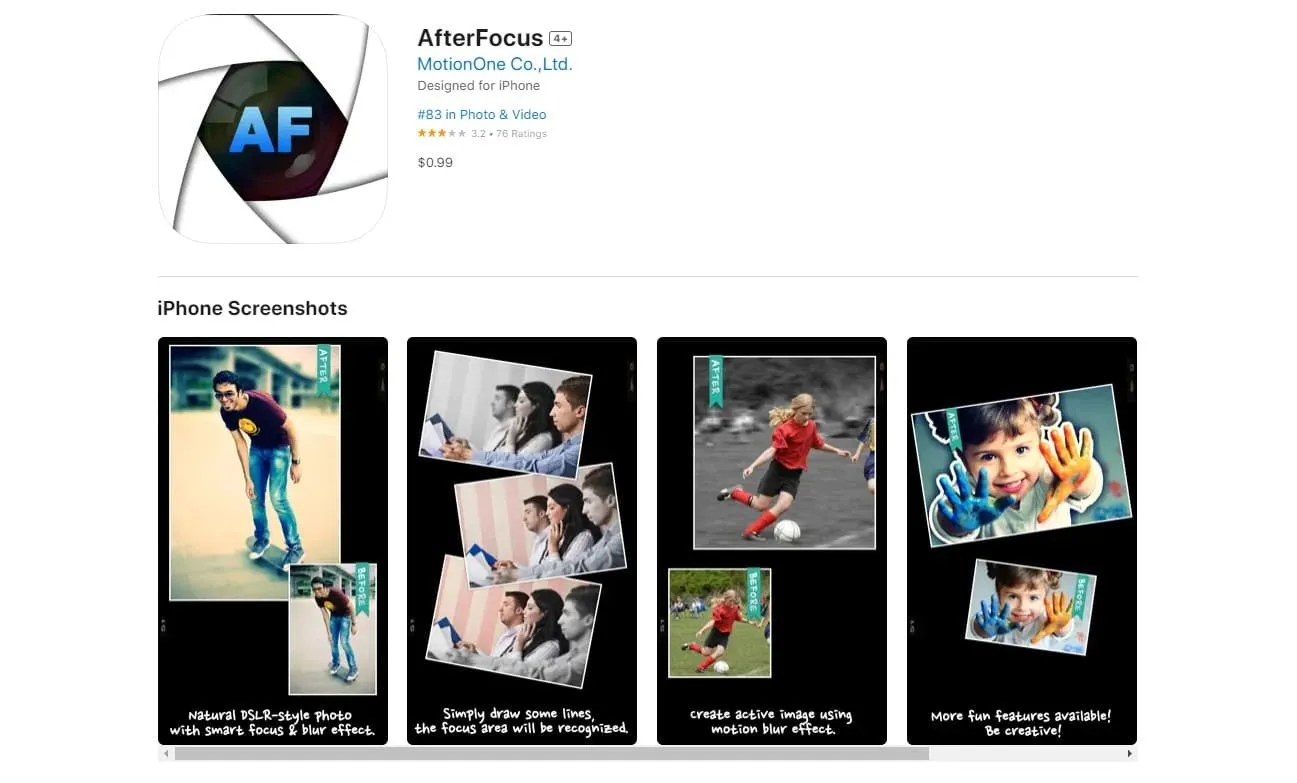 AfterFocus excels at blurring backgrounds for subjects with intricate edges. Unlike apps focused on simple portraits, AfterFocus lets you precisely unfocus any subject. The app features smart and manual selection tools, allowing you to create a realistic background blur. You can select the foreground, midground, and background, enabling a gradual unfocus that mimics high-end camera effects. For those seeking high-quality, natural effects for complex subjects, AfterFocus is an excellent choice.
Key Features
-
Precise blur tool for detailed subjects
-
Smart and manual selection options for custom unfocusing
-
Gradual, realistic effect with foreground, midground, and background selection
-
Adjustable effect strength
-
Multiple creative unfocus effects
Price
It is available on the App Store for $0.99.
5. FaceTune
Best for quickly unfocusing backgrounds in portrait photos.
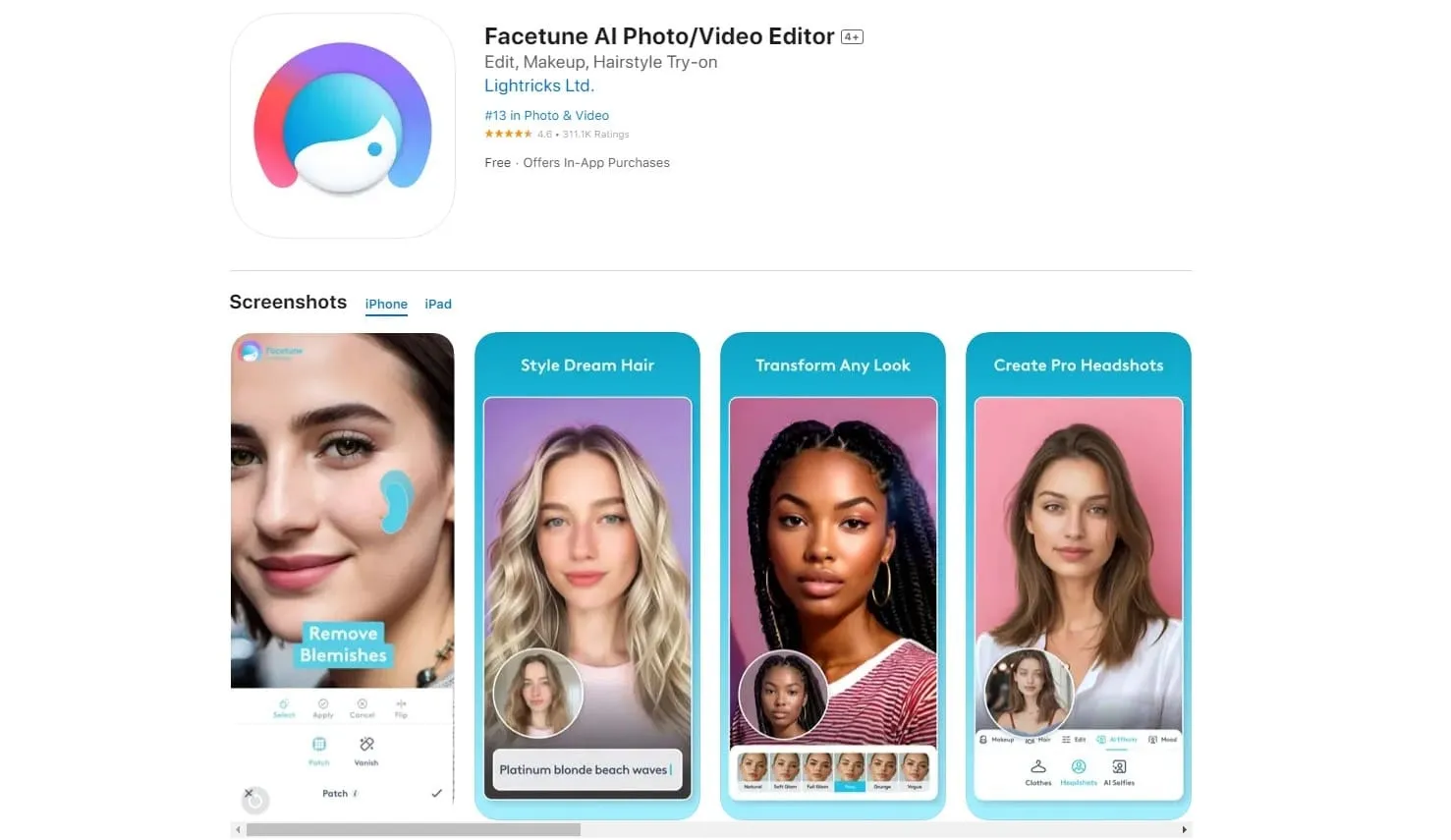 If you need to unfocus the background of your portrait photos quickly, FaceTune is an excellent choice. This versatile portrait editing app includes a powerful Defocus tool that blurs the background with a single tap, keeping your subject sharp. You can manually adjust the effect for more precise control, ideal for complex edges like hair. Additionally, the app allows you to tweak the effect’s strength to achieve a natural look.
Key Features
-
Simple background blur tool
-
One-tap effect activation
-
Manual selection and deselection of subjects
-
Adjustable effect strength with a slider
Price
It is free (with an optional in-app subscription).
6. Tadaa SLR
Best for creating precise, DSLR-like background blur.
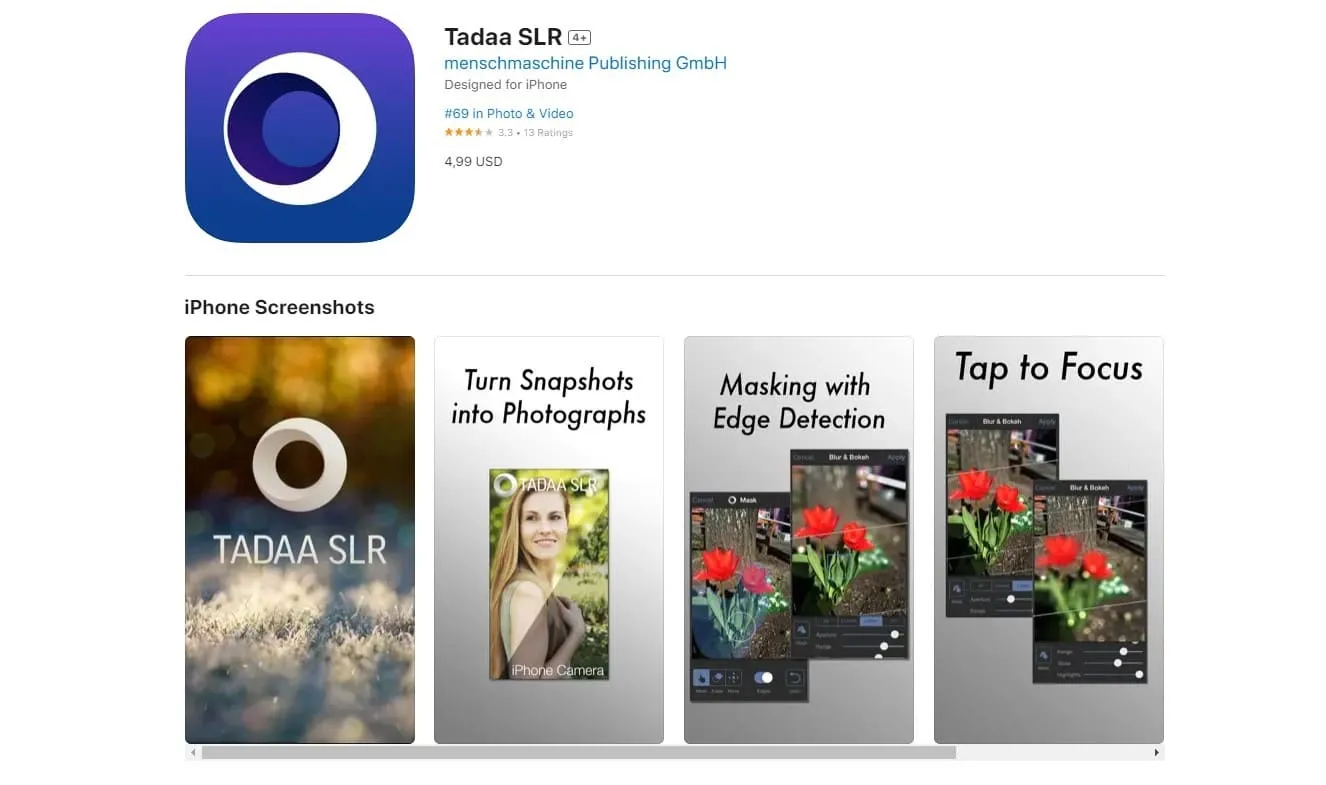 For stunning background unfocus, Tadaa SLR is a top choice. This app offers high-quality, artistic blurring for any subject by simply painting with your finger. You can adjust the effect’s strength and quality after applying it. Tadaa’s edge detection works remarkably well, even with tricky edges, allowing for precise unfocusing. The app also includes creative options like linear blur for tilt-shift effects, adding a unique focal line to your photos.
Key Features
-
Advanced edge-detection technology for accuracy
-
Variety of customizable unfocus effects
-
Tools for artistic tilt-shift effects
Price
It is available on the App Store for $3.99.
7. Snapseed
Best for creative background defocuses for any photo type.
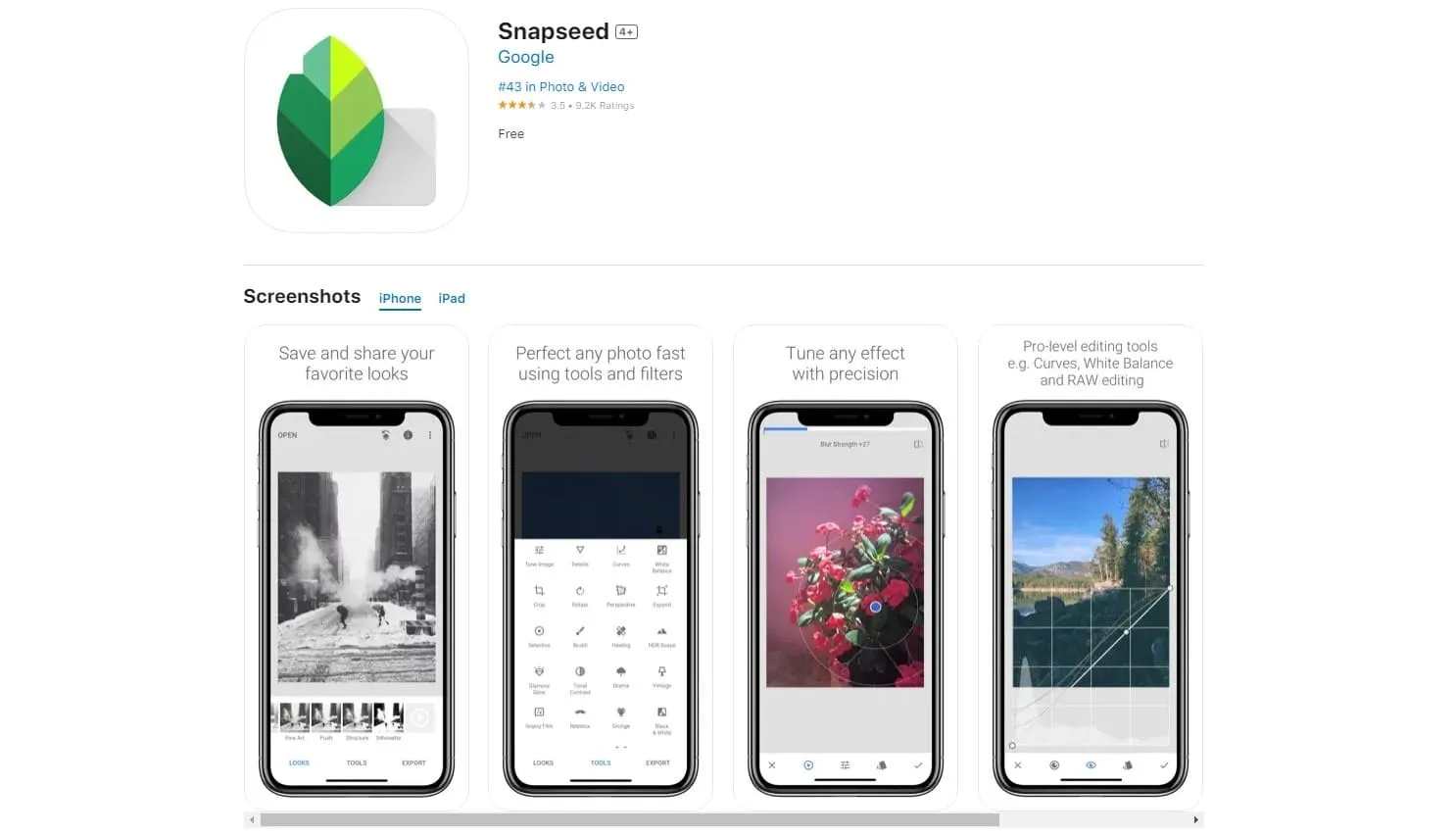 Snapseed is a widely known photo editing app with a powerful background defocus tool, Lens Blur. Accessible from the Tools menu, it is intuitive and easy to use. You can adjust the effect shape and size with a pinch of your fingers and change its placement by dragging on the screen. Unlike other apps, Snapseed’s feature allows for creative effects like tilt-shift and blurred vignettes, ensuring your main subject remains sharp while the edges are blurred.
Key Features
-
Full-featured photo editing app
-
Fantastic Lens Blur tool
-
Radial and linear blurring
-
Adjustable effect size
-
Creative tilt-shift effects
Price
It is totally free.
Luminar for Mobile—Download and Edit InstantlyGo to the App Store
8. PortraitCam
Best for creating depth-of-field effects and unfocusing backgrounds in portraits.
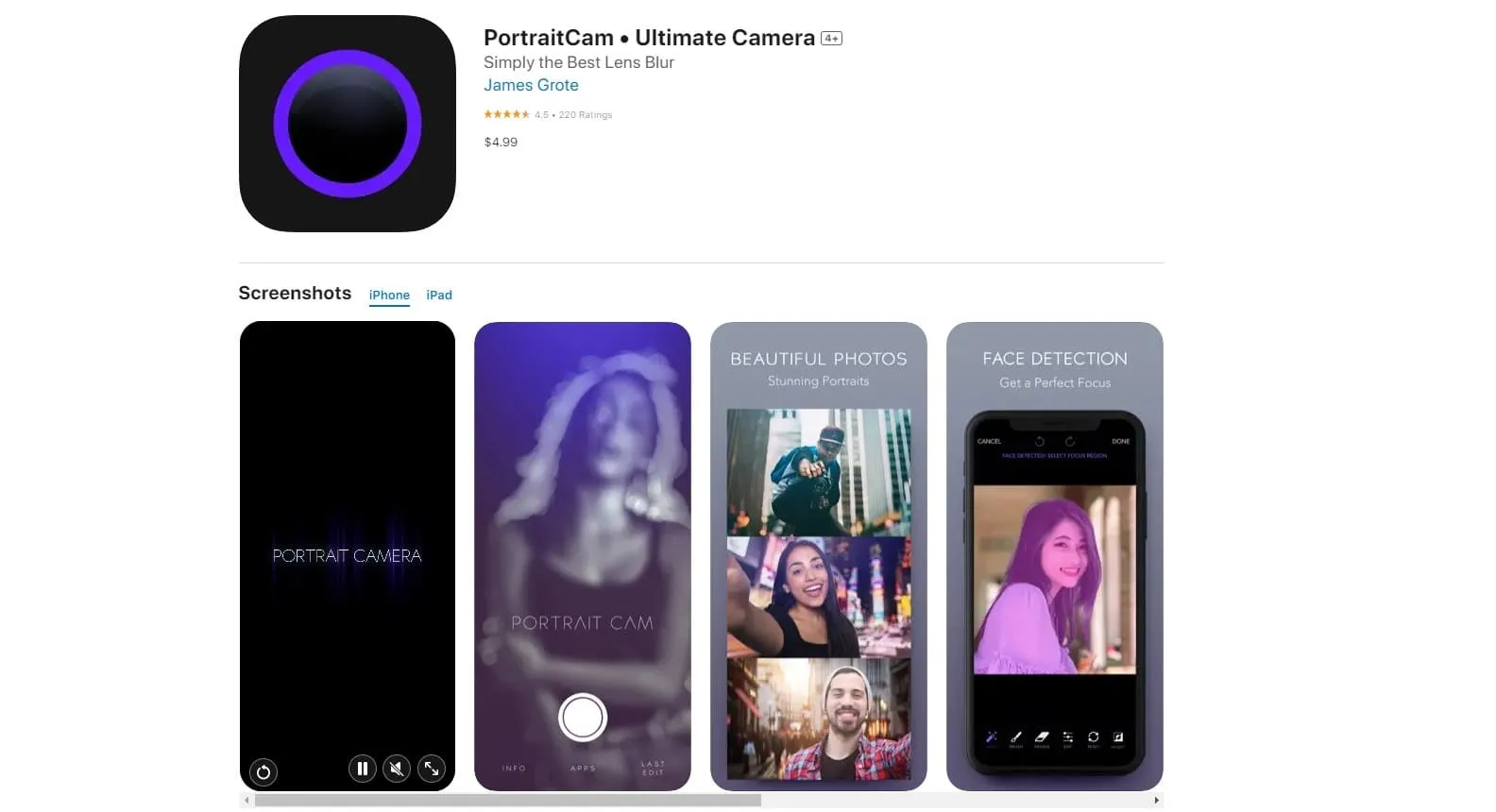 PortraitCam specializes in enhancing portrait photos with depth-of-field effects and background unfocus. It offers intuitive controls to adjust the effect’s intensity in the background and foreground, ensuring your subject stands out. In addition to its blur capabilities, PortraitCam includes tools for adjusting lighting and skin tones, enhancing the overall quality of portraits. Compatible with high-resolution images, PortraitCam is ideal for users seeking professional-looking portraits with improved depth and focus.
Features
-
Dedicated portrait mode for enhancing photos
-
Advanced depth-of-field adjustments
-
Effect intensity control for background and foreground
-
Real-time preview of effects
-
Tools for adjusting lighting and skin tones
-
Support for high-resolution images
Price
It is available for a one-time purchase of $2.99.
9. Focos
Best for precision depth-of-field control and creative bokeh effects in portraits.
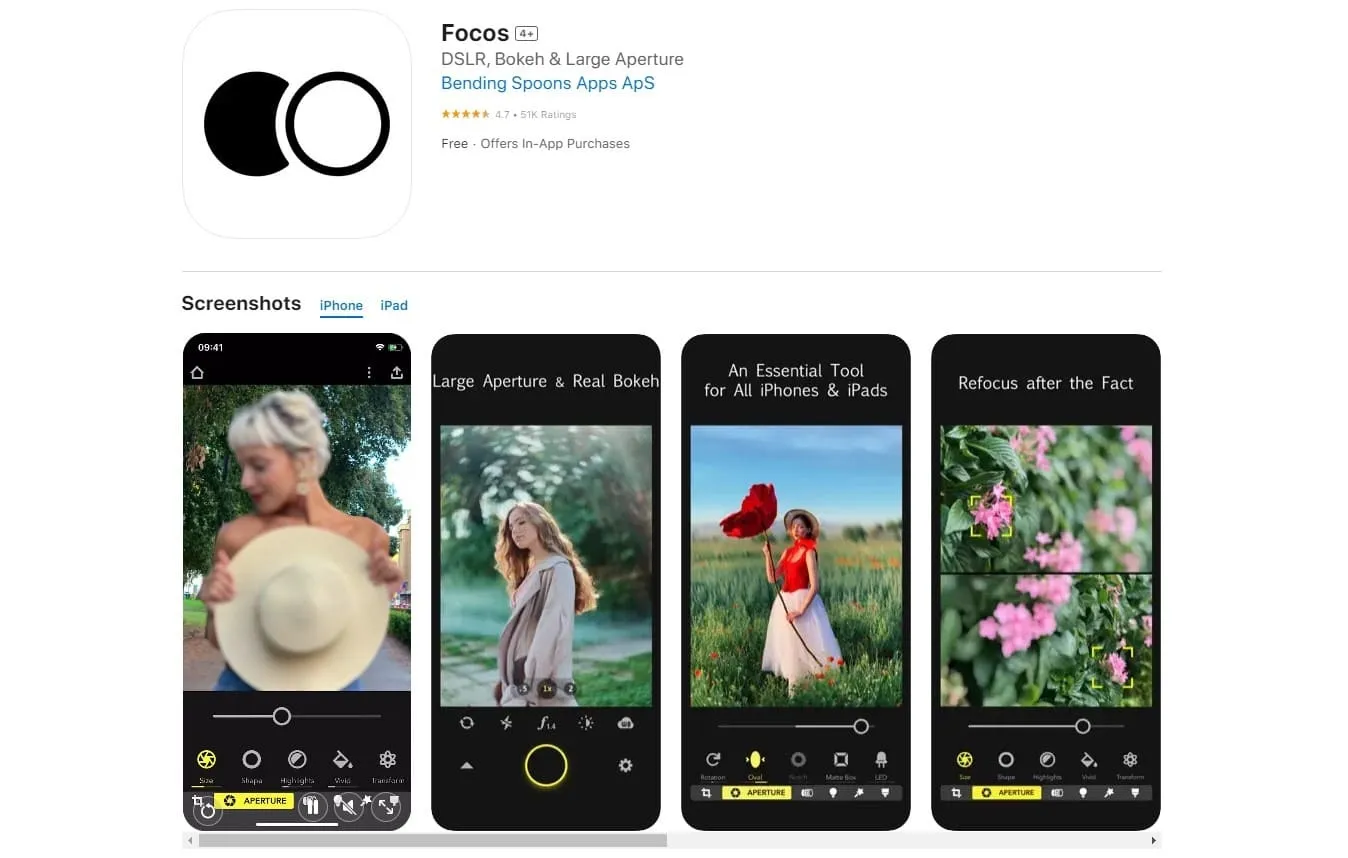 Focos is ideal for photographers seeking precise control over depth-of-field and artistic bokeh effects in portrait photography. It utilizes advanced depth map technology to adjust blur seamlessly, achieving professional-quality results on mobile devices. The app also allows users to adjust aperture settings to simulate varying lens apertures, adding depth and realism to portraits. To enhance portraits, Focos offers portrait lighting effects that accentuate facial features, making subjects pop against blurred backgrounds.
Features
-
Uses advanced depth map technology for accurate depth-of-field adjustments
-
Customizable bokeh effects with various shapes and styles
-
Aperture adjustment for DSLR-like depth simulation
-
Portrait lighting effects for enhancing facial features
-
Real-time preview of depth effects
-
Dual-camera iPhone integration for enhanced depth capture
Price
It is free (with optional in-app purchases).
10. LightX
Best for versatile photo editing with a focus on background blur and creative effects.
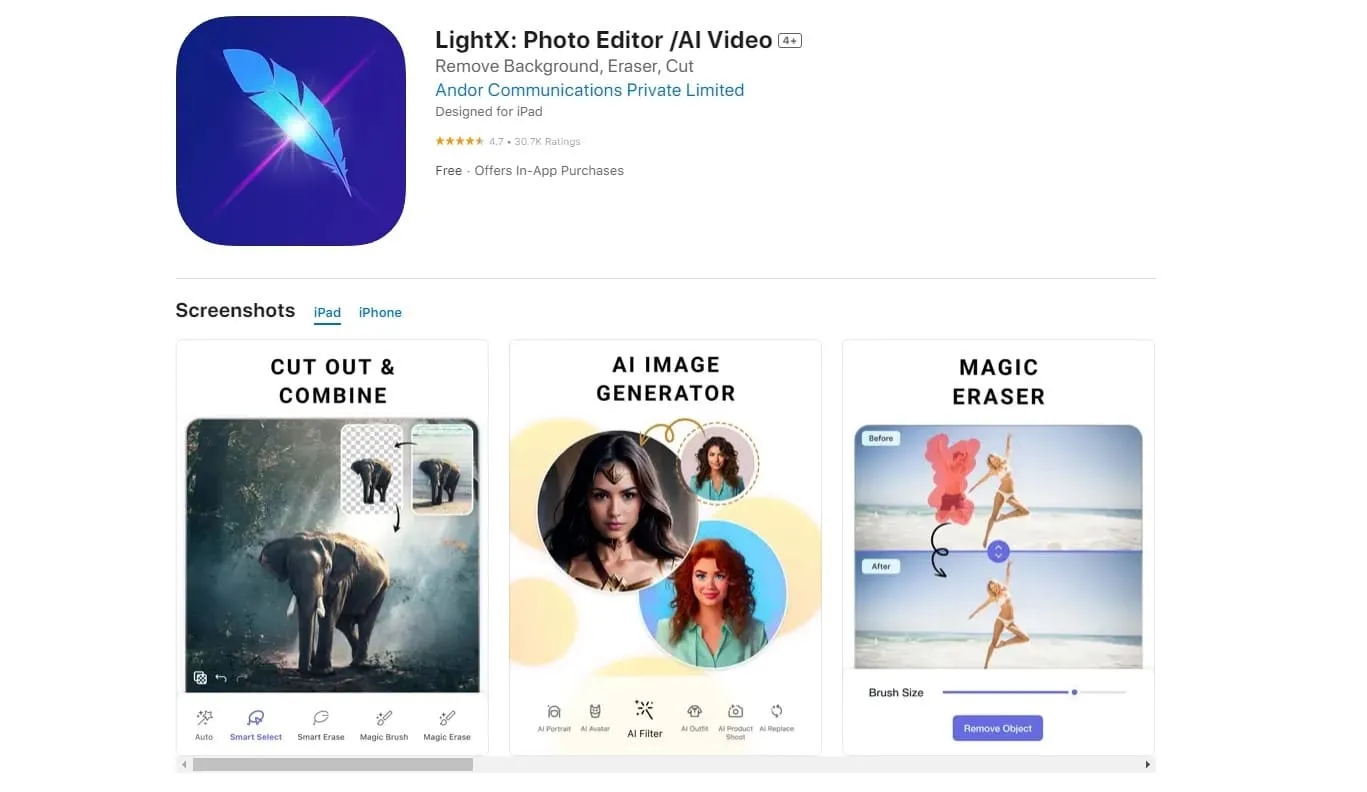 LightX provides precise background unfocus adjustments, allowing users to customize the effect’s strength and shape. It offers a comprehensive suite of editing tools, including filters, overlays, and blending modes, enhancing photos with artistic touches.
Features
-
Precise background blur adjustments
-
Customizable effect’s strength and shape
-
Filters, overlays, and blending modes
-
Cutout tool for object removal
-
Collage maker and photo frames
-
Text and sticker tools
-
Batch processing
-
High-resolution output and sharing options
Price
It is free (with optional in-app purchases).
BONUS App to Consider: Luminar Mobile
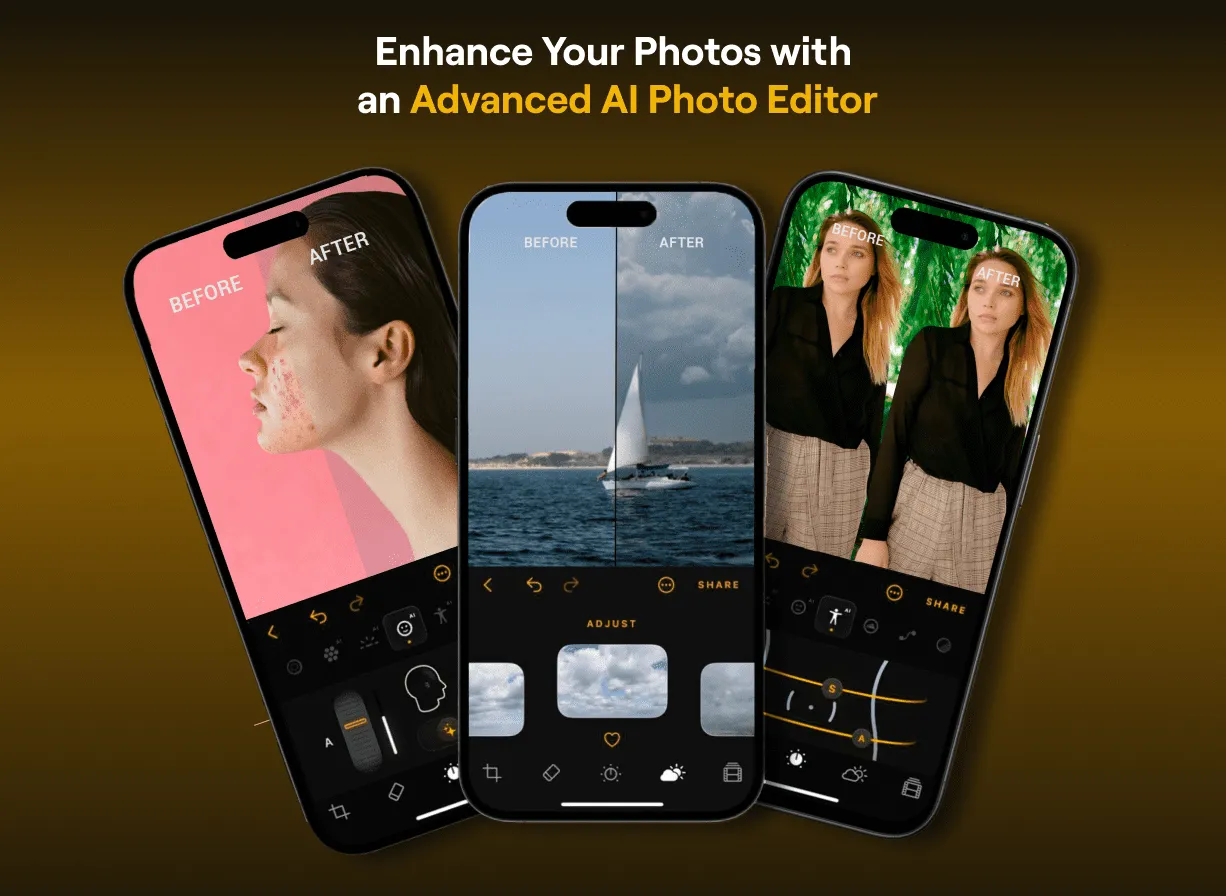 The beloved desktop photo editor Luminar Neo has already released a mobile version of the program for iPad and an application for iPhone. You can already try them on your devices. Also, stay tuned for updates and added features! After all, developers are constantly improving the set of tools, giving users more and more freedom in the manifestation of their creative abilities.
The desktop version of Luminar Neo has excellent background blur and bokeh effects. In addition, its unique motion blur filter makes it possible to create photos with movement from static images. If you’re looking for the most professional results, Luminar is the photo editor you’re looking for.
The Bottom Line
Blurring the background of your photos can add a professional touch and bring your subject into focus. We hope that our list of the ten best iPhone apps to blur background photos has been useful, and now you can effortlessly enhance your iPhone photos by not focusing on the background with professional skills.
Turn ordinary photos into visually stunning ones with these App Store apps. Whether you’re a beginner or an experienced photographer, get professional-looking results from your iPhone and discover new dimensions in your photography journey. If you’re interested in other ways to blur the background on your iPhone, check out the solutions in our other article!