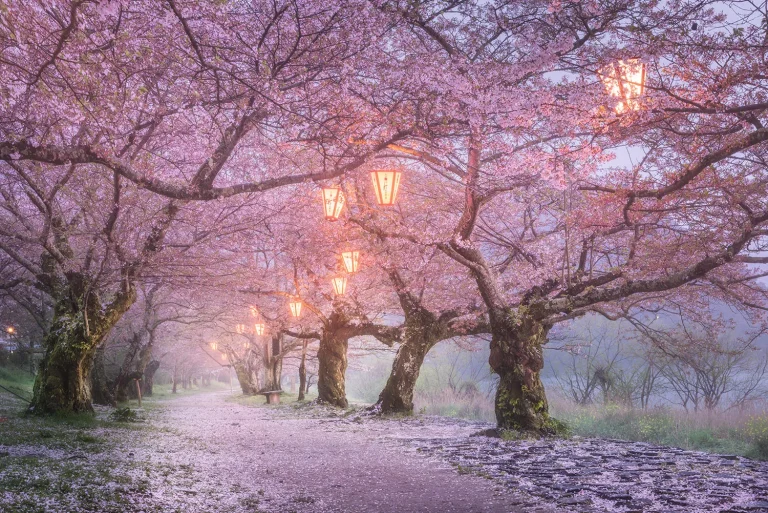
Creating Dreamy Landscape Photos with Luminar’s Orton Effect
Daniel Kordan shows us how to use Luminar's Orton Effect filter to add dreaminess to your landscape images.


Global Content Manager, Skylum Software
Michelle Rae Uy is an editor, writer, traveler and photographer based in Los Angeles. She's responsible to bring you fresh engaging content on behalf of Skylum, and keep the multi-million Skylum user community happy.

Looking for a Picsart alternative without ads, limits, or creative friction? Discover smarter photo editors that give you more control, better AI tools, and freedom to create on your own terms.

Digital photography has never been more demanding. Weddings, events, client shoots, and personal projects all stack up together with the editing queue. This is the reason why many photographers turn to AI-driven tools like Imagen AI to speed things up without giving up personal style. Imagen AI connects to Lightroom Classic and analyzes how you edit—your tone curve, color choices, contrast, and handling of tricky light—then applies that look across a whole catalog of images in one go.

If color is your language, you need tools that speak fluently. Here’s why Luminar is the best for color grading and creative toning.
Alternatives
Use cases
Features