
HDR Toning: Photoshop
Learn how to create your best HDR photos in a few mouse clicks: open, adjust and save the final result.

Our team of passionate photography enthusiasts at Skylum has been committed to assisting you in discovering the world through your lens for over a decade. We're dedicated to providing photographers like you with easy-to-use tools and valuable resources to help you capture your vision and produce beautiful photos. Our articles are filled with friendly tips, industry insights, and inspiring stories from other creative individuals in photography. Together, we can help you grow your photography skills to new heights. Join us on this exciting journey of exploration, creativity, and growth.
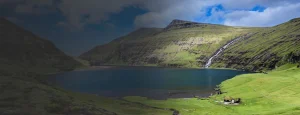
Learn how to create your best HDR photos in a few mouse clicks: open, adjust and save the final result.
Get the most from creating stunning HDR photos with the help of plugins together with one of your favorite apps.
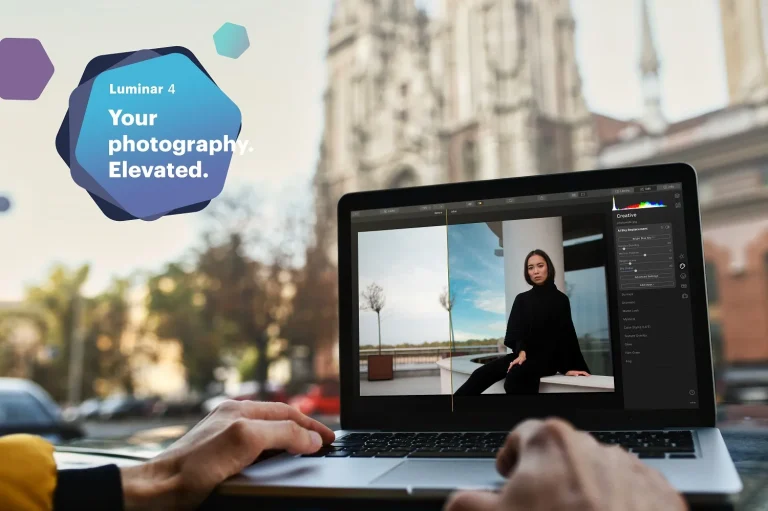
We recently announced more of what’s to come in next month’s release of Luminar 4, and we couldn’t be more excited. The new Luminar 4 begins a new chapter in photo editing, providing a more accessible and approachable workflow for any photographer to express their creative vision.
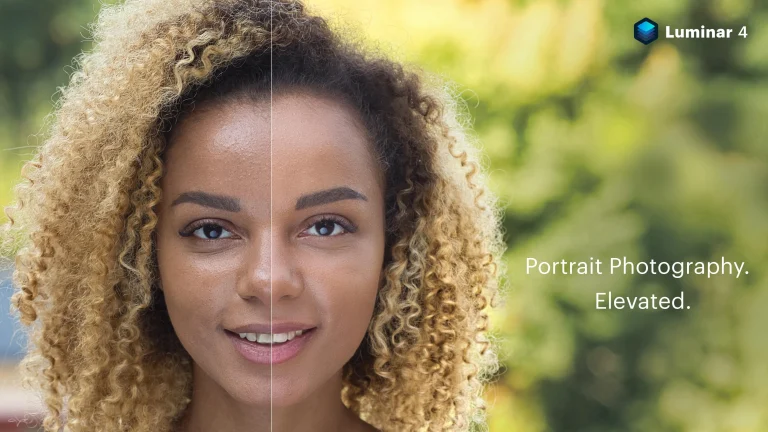
This morning we announced yet another new feature to Luminar 4, and we’re pretty excited about it! AI Skin Enhancer and Portrait Enhancer will be a set of tools that let you have further control over portraits, allowing you to apply content-aware adjustments that make for professional results in no time!
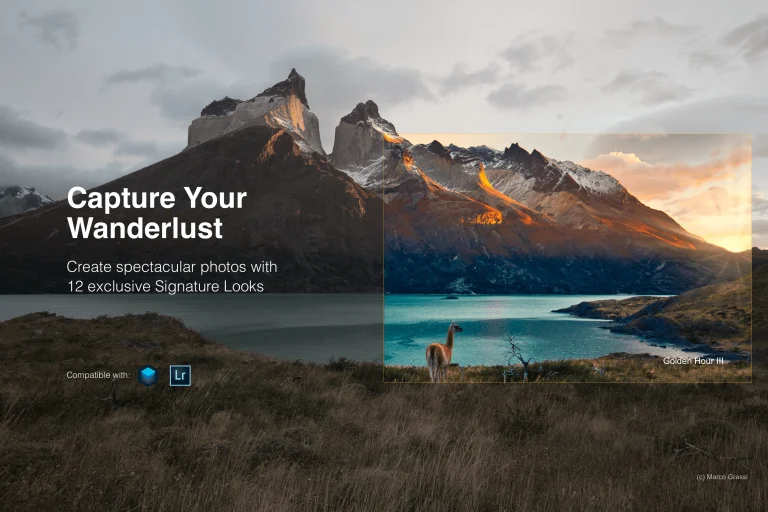
Take your photos to the next level with Skylum’s signature Luminar and Lightroom presets. Here’s what you get with the Capture Your Wanderlust pack.
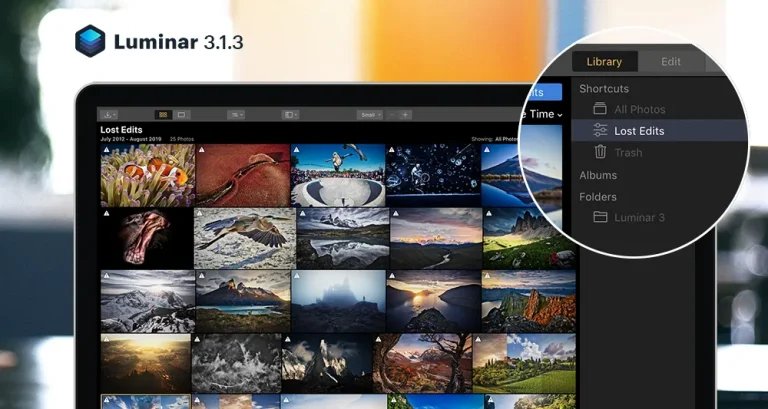
There’s always room for perfection. At Luminar, we fill this room with updates. In this blog post, we’ll tell you what we’ve improved, fixed, and implemented in Luminar 3.1.3. All to make Luminar smarter, better, and faster. For you.

Explore the 0.5 selfie trend and viral photo effects like monochrome contrast, hyperrealism, and analog echo. Create eye-catching, unique content that stands out on social media.
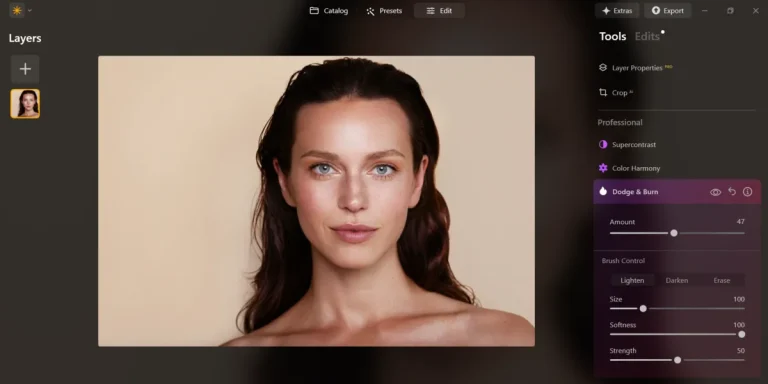
Learn how to brighten a dark photo with AI-powered tools in Luminar Neo. Step-by-step tips to enhance portraits, fix shadows, and make skin tones look natural.

Learn how to take stunning seascape photos and enhance them like a pro. This guide covers camera tips, editing tricks, and everything you need to bring the ocean’s magic to life.
Alternatives
Use cases
Features