Use shadow play in photography to reveal texture, shape, and depth. Explore seven shooting techniques, simple settings, and ways to avoid common mistakes.
Shadow photography uses darker areas as deliberate parts of the composition. A cast shadow can become the main subject, while shading across a face, building, or object can reveal shape and texture.
Start by observing where the light comes from, how sharply the shadow ends, and what the dark area contributes. You do not need elaborate equipment: sunlight, a window, or one movable light can provide enough control to begin.
Don’t feel like reading the whole breakdown? We’ve pulled together a quick summary below.
Key Takeaways
- Shadow direction and length depend on the arrangement of the light, subject, and receiving surface, not simply on lamp power.
- A light source that appears small from the subject produces harder shadow edges; a larger apparent source produces softer transitions.
- Shadow softness and contrast are different. Fill light can brighten a shadow without substantially changing the edge created by the main light.
- Low sunlight is useful for long shadows, while midday light can create strong graphic patterns. There is no single best time for every shadow photograph.
- A white reflector can lift shadow detail; a black surface used as negative fill can reduce bounced light and deepen contrast.
- Check important highlights and shadow detail during capture. RAW files offer editing flexibility, but lost detail cannot always be recovered.
- Use local adjustments in Luminar to refine emphasis without flattening every shadow or treating editing as a replacement for lighting decisions.
What Is Shadow Photography?

Shadow photography emphasizes the shapes, tonal differences, and patterns created when light is blocked or reaches surfaces unevenly. It includes both cast shadows on another surface and shading on the subject itself.
A person’s shadow stretching across a pavement is a cast shadow. The gradual change from light to dark across a rounded object is form shading. Both can help explain the subject’s shape or relationship to its surroundings.
Why Shadows Matter in a Photograph
Shadows can provide depth cues, reveal texture, separate elements, or leave part of a scene unexplained. Their effect depends on the composition; dark areas do not automatically create drama, and soft shadows do not guarantee a calm mood.
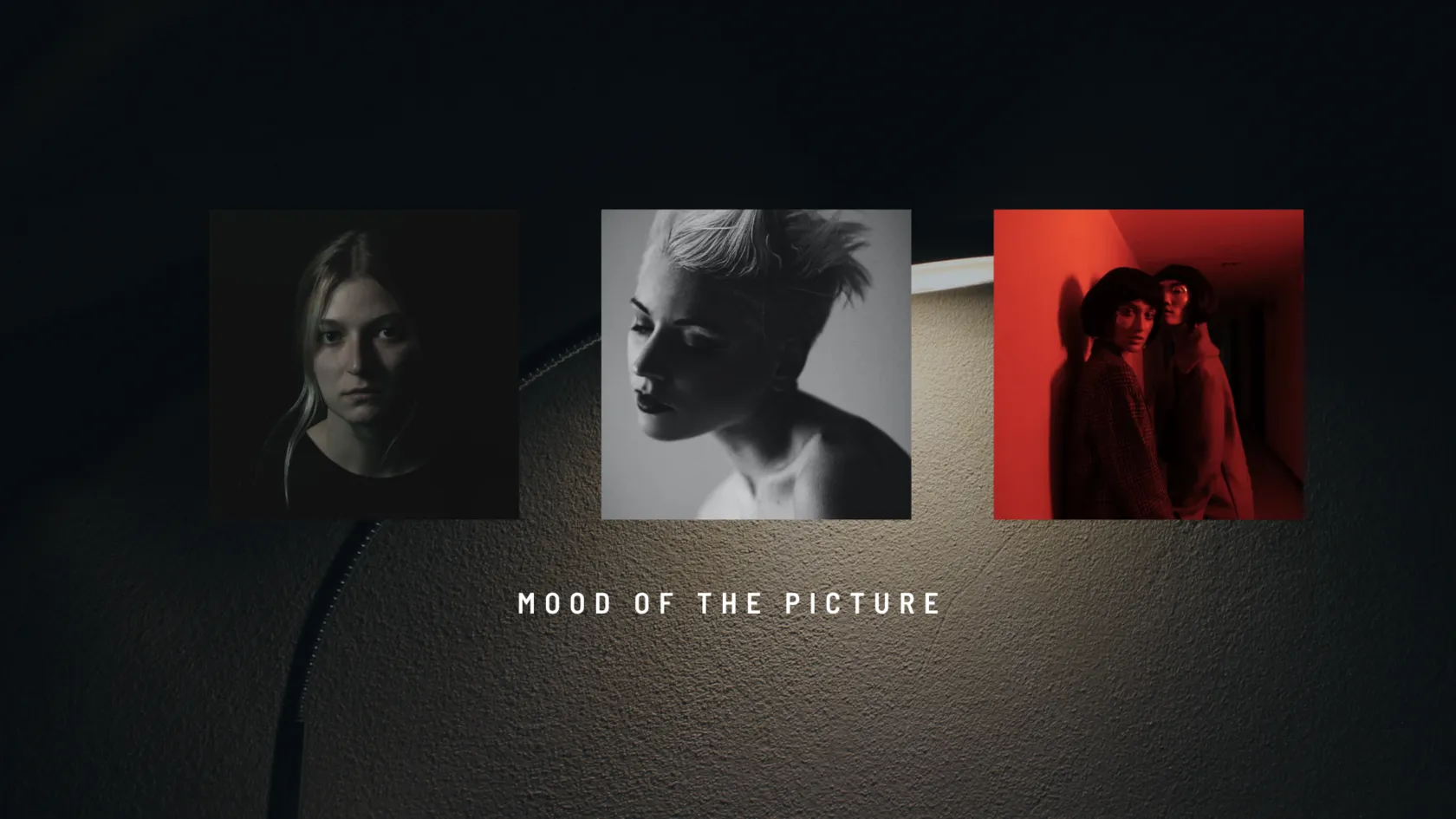
Side lighting can reveal small surface changes in stone, fabric, or skin through highlights and shading. A larger shadow can simplify the frame into recognizable shapes or connect a subject with space beyond the image’s edges.
Color is optional. A black-and-white photo edit can emphasize tonal relationships, but compare it with the color version to see whether useful information disappears.
Exclusive Tools of Endless Possibilities in One Editor
Hard Light, Soft Light, and Shadow Contrast
The apparent size of the source influences shadow-edge softness. Contrast describes how much brighter the lit area is than the shadow. These are related lighting decisions, but they are not interchangeable.
| Lighting arrangement | Typical shadow effect | Useful application |
| Small apparent source, such as direct sun or a relatively small lamp | More sharply defined edges | Graphic shapes, patterns, and cast-shadow subjects |
| Large apparent source, such as a nearby large softbox or an overcast sky | Broader transitions | Gradual shading and less distinct cast-shadow outlines |
| Added reflector or fill light | Brighter shadow areas and lower contrast | Retaining important subject detail |
| Reduced ambient reflection or negative fill | Darker shadow areas and higher contrast | Separating light and dark more strongly |
Moving the same light closer generally makes it appear larger from the subject, which can soften shadows; it also changes brightness and coverage. A diffuser helps when the illuminated surface becomes an effectively larger source. Diffusion does not guarantee softness regardless of size and placement.
Seven Ways to Improve Shadow Play in Photography
Change one part of the setup at a time, then compare the shadow’s shape, edge, and brightness. This makes it easier to identify what produced the result.
1. Observe the Light Before Choosing Settings
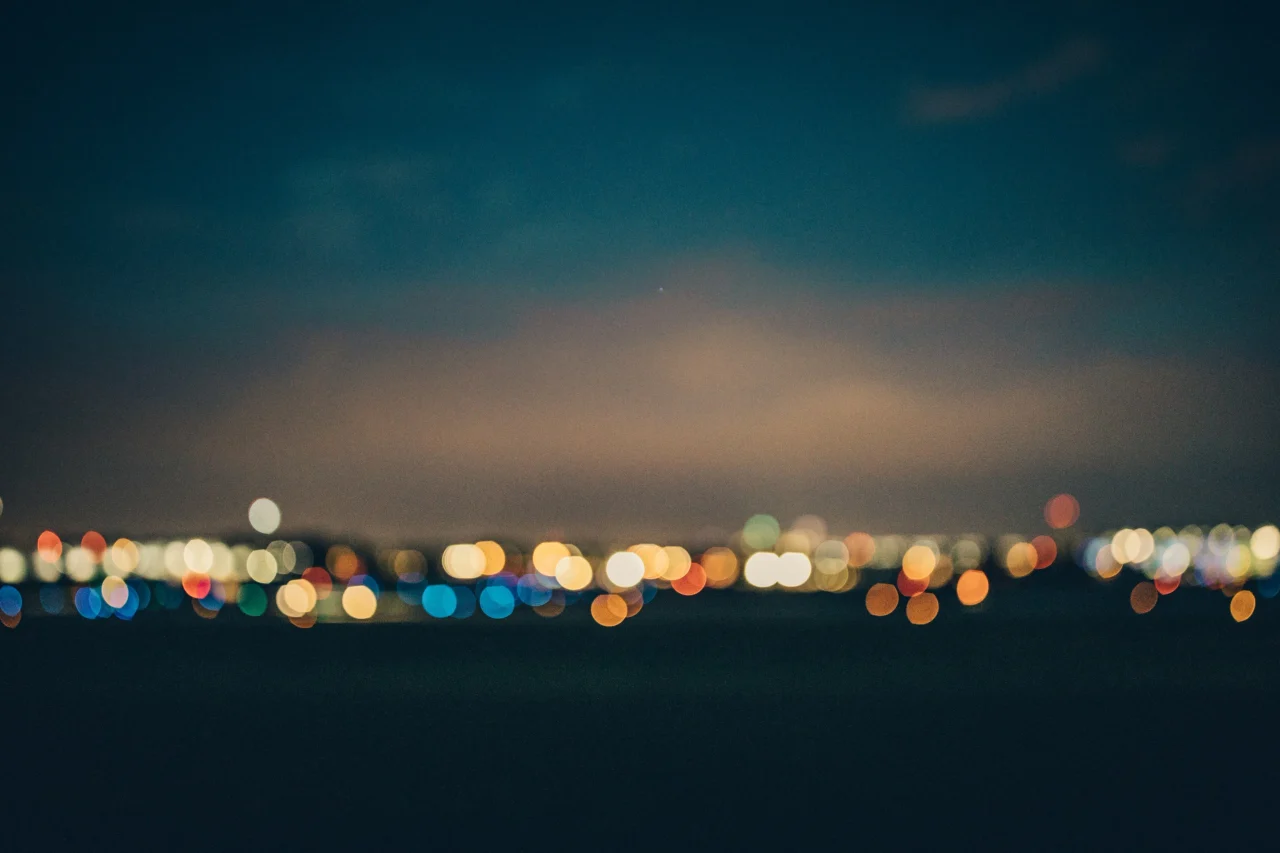
Identify the main source and any light reflected from walls, ground, or nearby objects. Check whether the shadow has a clear edge, a gradual transition, or more than one outline.
Decide whether the photograph needs visible detail inside the shadow or a nearly solid dark shape. That choice should guide exposure rather than the assumption that every dark area needs brightening.
2. Change Light Direction and Time of Day
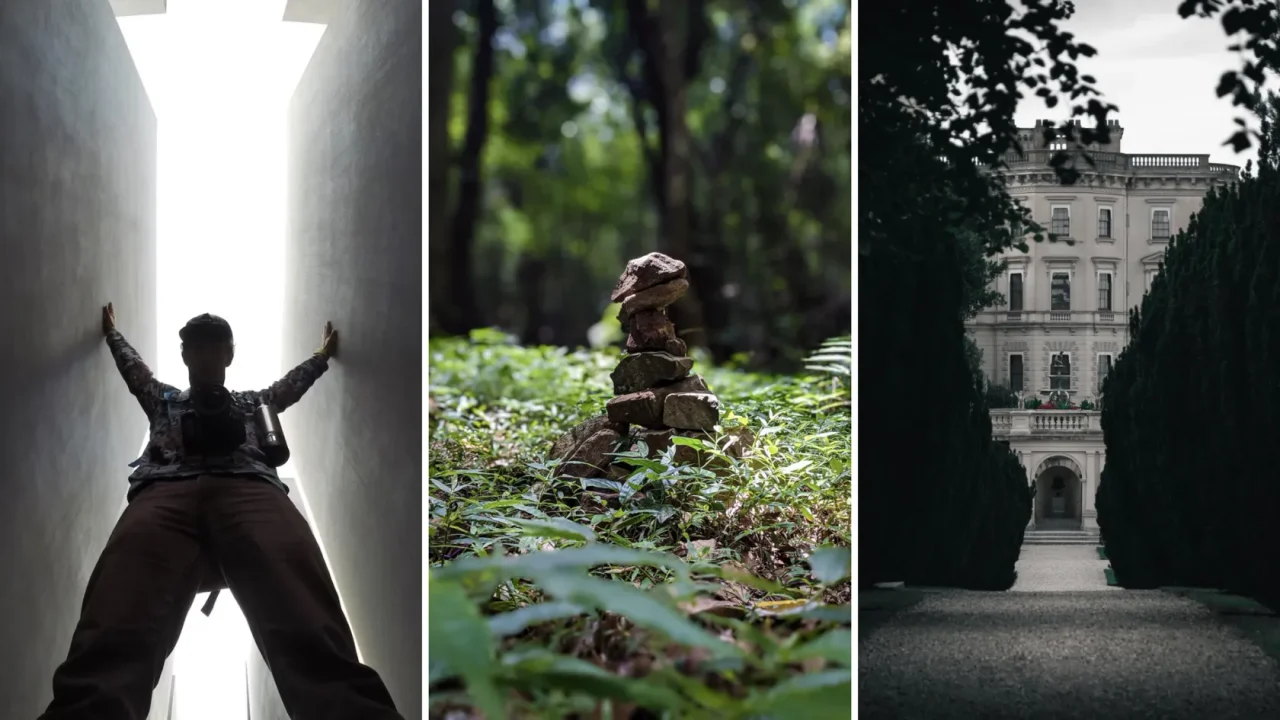
Low sunlight often creates longer shadows on relatively level ground. A higher sun generally produces shorter ones there, while walls, slopes, and the subject’s shape can change the result.
These golden hour photography tips can help when you want low-angle light. Midday can be equally useful for crisp patterns from railings, windows, or architecture.
Blue hour usually offers weaker directional sunlight, so it is not automatically the best time for sharp cast shadows. Artificial lights can still create distinct shadows during that period.
3. Use One Movable Light for a Controlled Experiment

A continuous LED light makes it easy to see the shadow before shooting. Start with one source and a simple object against a plain surface, then move the light higher, lower, or sideways.
Change power to control brightness, but change placement to control direction and the relationship between subject and shadow. More power alone does not lengthen a shadow or make its edge sharper.
The subject-to-background gap also matters. With a suitable small source, placing the subject nearer the receiving surface can make the cast outline more defined. Test the geometry rather than relying on one fixed arrangement.
The Photo Perspective Correction Tool You've Been Waiting For
4. Add Fill or Negative Fill Deliberately

Place a white card or reflector where it can bounce light into the shadow side. Move it to control how much detail becomes visible.
This primarily changes shadow brightness and contrast. It should not be described as automatically softening the main light’s shadow edge.
For the opposite effect, place a black card beside the subject to absorb or block unwanted bounced light. This is negative fill. Compare frames with and without it to judge whether deeper shadows help the image.
5. Build Patterns and Layers with Objects

Use branches, blinds, a cut-paper shape, or another object between the source and receiving surface to cast a pattern. Such an object used to shape light is often called a gobo.
Adjust its distance from the surface to change the outline, and inspect whether the pattern obscures important details. Several shadows may create a useful layered composition, but more overlap can also make the scene difficult to read.
Start with one pattern and one clear subject before adding complexity.
6. Mix Light Sources One at a Time

Daylight and an LED, or two differently positioned lamps, can create overlapping shadows and different color casts. Add the second source only after understanding what the first contributes.
A weak source may have little visible effect beside strong daylight. Check brightness as well as direction, and watch for extra outlines that compete with the subject.
White balance can change the overall color rendering, but one global adjustment will not necessarily neutralize two different types of light at once. Keep the mixed color when it serves the photograph or simplify the lighting when it does not.
7. Let the Subject Interact with the Shadow
Arrange a pose so a cast shadow appears to touch a shape, point toward an object, or continue a gesture. Keep the relationship readable rather than adding unrelated elements.
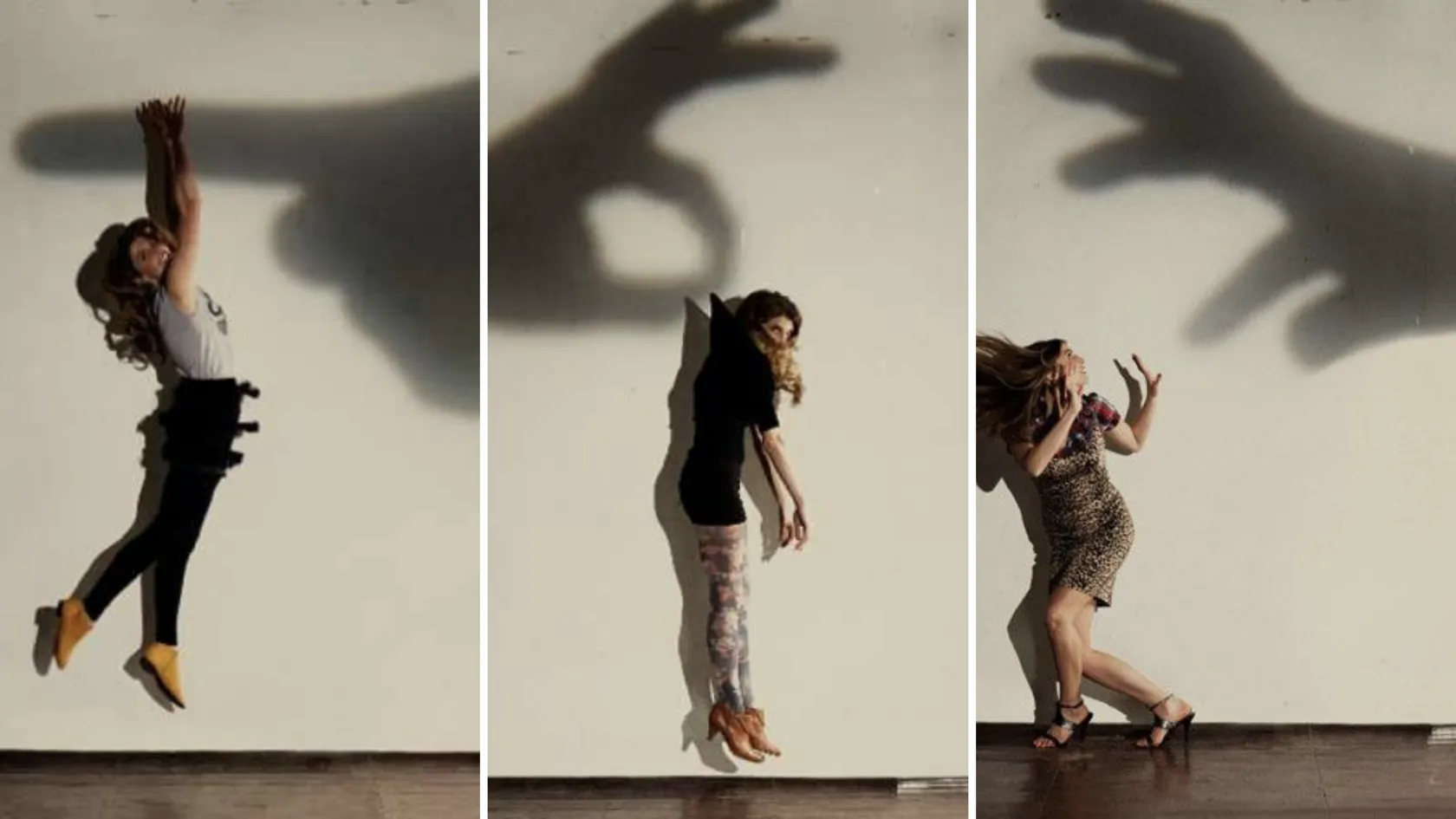
Explore different camera angles to align the subject, shadow, and background. Moving the camera changes how the relationship appears; moving the subject or light changes the shadow itself.
Exposure and Camera Settings for Shadow Photography
Choose settings for the subject’s movement, the depth of the scene, and the detail you want to retain. No single exposure recipe suits both a moving street scene and a stationary indoor setup.
| Situation | Starting approach | What to check |
| Graphic shadows in daylight | Aperture Priority; try f/5.6–f/8 and a low ISO when light allows | Important highlights and the shutter speed selected by the camera |
| A person interacting with a shadow | Use a shutter speed fast enough for the gesture | Motion blur, focus, and alignment |
| A stationary indoor pattern | Manual exposure; adjust aperture for the required depth | Camera movement if the shutter speed becomes slow |
| A scene with bright light and deep shadow | Review the histogram and highlight warning, then adjust exposure | Whether detail is needed in both extremes |
Shoot RAW when available, especially when the scene’s tonal range is demanding. Exposure compensation can help if automatic metering makes the image brighter or darker than intended.
Dark areas can be purposeful. Protect the highlights and shadow detail that matter to the image, rather than trying to make every part equally bright.
Enhance Light and Shadows for More Professional Photos
Editing Shadows in Luminar
Use editing to refine the relationships already present in the photograph. Raising every shadow may reduce the depth or graphic shape that made the scene interesting.
Adjust the Overall Tonal Range
For supported RAW files, use Develop RAW in Luminar’s RAW photo editor. Refine Exposure, Highlights, Shadows, and the black point while comparing the result with the original.

Increase Shadows only when the additional detail serves the photograph. Fully clipped highlights and shadow areas with little usable signal cannot always be recovered, and strong brightening may reveal noise.
Refine Selected Areas
Use Dodge & Burn to gently lighten or darken specific regions. For tools that support it, selective photo masking can restrict an adjustment to the relevant part of the scene.

Keep transitions controlled and inspect the image for halos or obvious brush marks. Brightening a shadow in editing changes its tone; it does not recreate the physical lighting setup or automatically soften the original cast-shadow edge.
Preserve the Scene’s Meaning
For documentary images, keep edits faithful to what was photographed. Removing a shadow-casting object or generating a different shadow can alter the scene’s meaning. Use substantial changes deliberately for creative work rather than presenting them as routine tonal corrections.
Conclusion
Start with one source, one subject, and a clear idea of what the shadow should contribute. Change light position, apparent size, and fill separately so you can understand each effect.
Review the exposure before leaving the scene, then use Luminar to refine tone and emphasis. Keep the shadows that support the photograph instead of assuming they all need to disappear.
Frequently Asked Questions
It depends on the effect you want. Low sunlight is useful for long shadows; midday light can create strong, sharply defined patterns. Indoors, a movable light lets you experiment at any time.
Increase the light source’s apparent size from the subject’s position, for example by using a larger source or bringing it closer. A diffuser helps when it provides an effectively larger illuminated area. A reflector may lift the shadow’s brightness without substantially changing its edge.
Yes. Choose a clear pattern, adjust your position, and use the camera’s exposure control when available. Check the result because automatic processing may brighten dark areas more than you intended.
Two effective light sources may be illuminating the scene from different directions. Turn one off or block it temporarily to identify its contribution, then decide whether the additional outline belongs in the composition.
It can reveal usable detail that the file contains, especially when working with RAW. It cannot guarantee recovery from every dark area, and strong lifting may reveal noise or color problems. Expose for the important details during capture.