How To Edit Photos On iPhone – Essential Editing Techniques
Learn how to edit photos on iPhone—from basic cropping and light fixes to filters and advanced edits that make everyday shots look polished.
Rod Lawton has been a freelance photography journalist since the days before digital, and has spent the last decade writing full-time for photography and computing magazines such as Digital Camera, Practical Photoshop, PhotoPlus, Amateur Photographer, Professional Photography and many more. After three years as Technique Editor and then Editor on N-Photo magazine, then an 18-month stint as Cameras Editor on leading technology site Techradar, he is now Head of Testing for Future plc’s Photography division, organising reviews and group tests for Digital Camera, N-Photo, PhotoPlus and Professional Photography.
No posts found from this author.
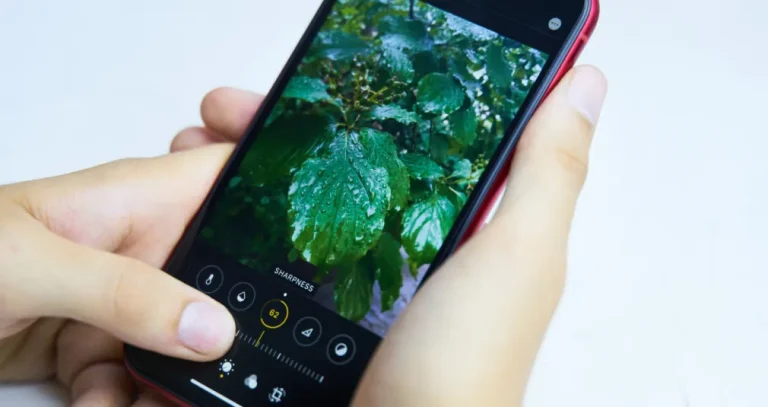
Learn how to edit photos on iPhone—from basic cropping and light fixes to filters and advanced edits that make everyday shots look polished.
Designed for creative photo effects, batch processing, and basic adjustments, these free plugins will help you achieve your artistic vision. Many professional photographers use these to improve their workflow, so why you shouldn't?
Discover how to switch your iPhone to black and white mode. Quick settings, shortcuts, and photo tips to boost focus and contrast anytime.
Alternatives
Use cases
Features