The high dynamic range technique can create fantastic images, but what is it best for? In this article, we delve into HDR photography: learn how to take photos, merge them into one, and edit them effortlessly.
HDR photography helps preserve detail when a scene contains both bright highlights and deep shadows. Learn when to use it, how to capture bracketed exposures, and how to merge them into a balanced photograph.
A room with bright windows is a familiar example: expose for the interior, and the view outside may disappear into white. Expose for the windows, and the room may look too dark. Combining different exposures can retain information from both areas, giving you more flexibility when editing.
HDR does not have to produce exaggerated colors or flat lighting. With suitable source images and restrained adjustments, it can create a natural result that keeps the scene’s depth and atmosphere.
Don’t feel like reading the whole breakdown? We’ve pulled together a quick summary below.
Key Takeaways
- HDR stands for high dynamic range. Combining different exposures can preserve highlight and shadow detail that one frame cannot capture adequately.
- Interiors, architecture, and landscapes with bright skies are common subjects for HDR photography.
- Start with three exposures at −2, 0, and +2 EV, then adjust the sequence to suit the scene.
- Keep aperture, focus, and white balance consistent across the bracketed images.
- Check merged photographs for ghosting, halos, unnatural colors, and overly bright shadows.
- Luminar provides HDR merging for individual image sets, while Luminar Engine supports integration into automated business workflows.
What Is Dynamic Range in Photography?
Dynamic range describes the span between the darkest and brightest tones a camera can capture with usable detail. A scene may contain a wider brightness range than a single exposure can record: sunlight outside a window can be much brighter than the furniture inside a room.
Exposure-bracketed HDR photography addresses this by combining several photographs of the same composition. Darker exposures preserve bright areas, while lighter exposures record more information in the shadows.
The merged result can then be tone-mapped to fit a standard display or print. Tone mapping controls how that wider range is represented, helping retain detail without making every part of the image equally bright.
HDR merging and HDR display are related but different concepts. Merging combines information from exposures; HDR display uses compatible files, software, and screens to show an extended brightness range. A merged photograph can still be exported and viewed as a conventional image.
How to Shoot Photos for HDR
Successful HDR starts with a sequence of photographs that share the same composition but record different exposure levels. The aim is to capture useful detail across the scene, from the brightest important highlight to the darkest area you want to retain.
1. Set Up a Stable Composition
Use a tripod when possible, especially for interiors, low-light scenes, and longer exposures. It helps keep the frames aligned and makes careful composition easier.
Handheld bracketing can work with fast capture and software alignment, but camera movement may require cropping and can complicate the merge. Avoid changing your position or zoom setting during the sequence.
2. Keep Key Settings Consistent
Choose an aperture that provides the depth of field your subject needs, then keep it unchanged throughout the bracket. Changing aperture can alter which parts of the scene are sharp.
Keep ISO fixed and use shutter speed to vary exposure. Focus once and lock it or switch to manual focus so that the camera does not refocus between frames. A fixed white balance also helps keep colors consistent.
Understanding the exposure triangle makes it easier to control brightness without unintentionally changing depth of field or image noise.
3. Capture Bracketed Exposures
Automatic exposure bracketing, often labeled AEB or BKT, captures a sequence at different exposure settings. Check your camera’s manual for the available options.
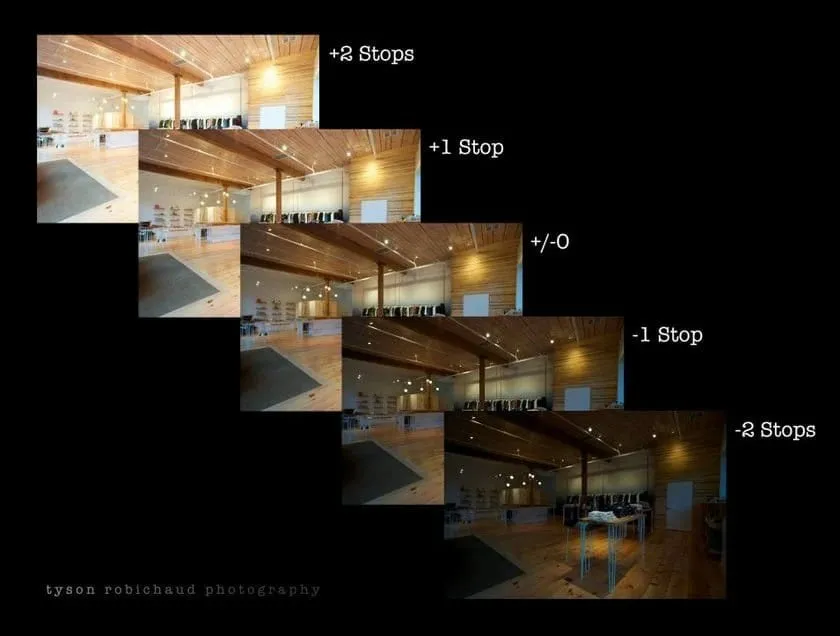
Three frames at −2, 0, and +2 EV are a useful starting point. The darker frame should retain important highlight detail, while the brighter frame should reveal the shadow areas you need.
This sequence is not a fixed rule. A scene with a moderate brightness range may require less separation, while a dark interior with sunlit windows may need additional exposures. Review the histogram and highlight warnings rather than relying only on the preview’s appearance.
4. Watch for Movement
Capture the sequence promptly. People walking, curtains moving, leaves blowing, or waves changing position can create ghosting when the frames are combined.
Ghost reduction can help, but it may not resolve every difference between exposures. When movement dominates the scene, a well-exposed single photograph may be the better starting point.
5. Shoot RAW When Available
RAW files generally provide more flexibility for adjusting white balance and tonal detail during processing. They are useful for HDR, although supported JPEG files can also be merged.
Keep the original exposures. If the merged result contains an artifact, those files let you try different settings or return to a single frame.
When to Use HDR Photography
HDR is most useful when important highlight and shadow detail cannot be captured adequately in one exposure. The amount of contrast in the scene matters more than the subject category alone.
Landscape Photography
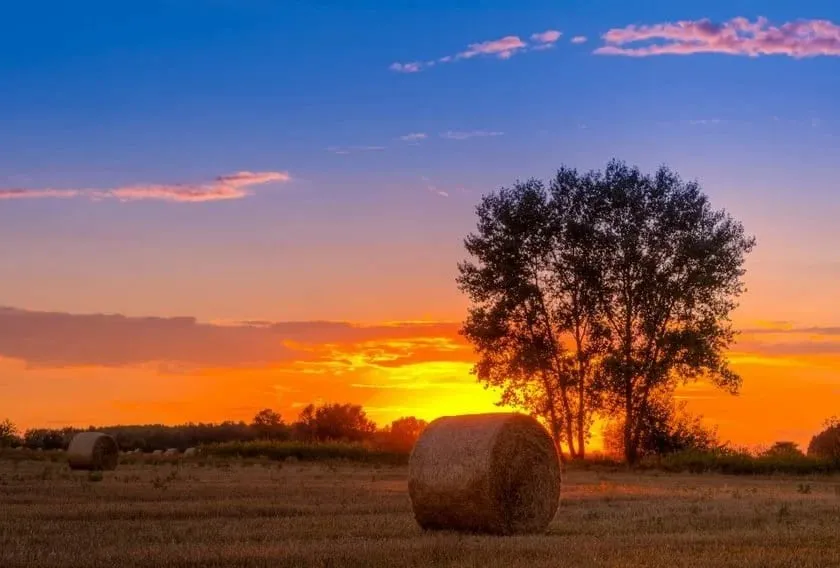
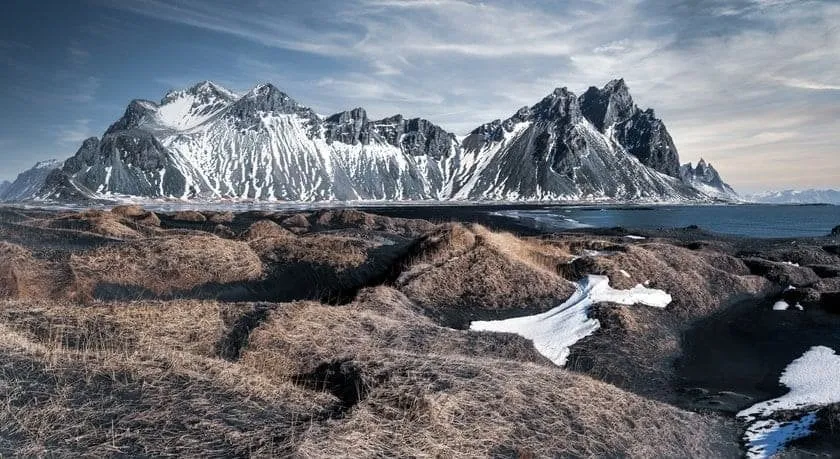
A bright sky above shaded land is a common reason to bracket exposures. HDR can help retain cloud detail while keeping rocks, trees, or foreground textures visible.
However, not every landscape needs merging. In soft or overcast light, a single RAW file may already contain the tonal information required. Check the exposure before adding extra processing.
Interior and Real Estate Photography
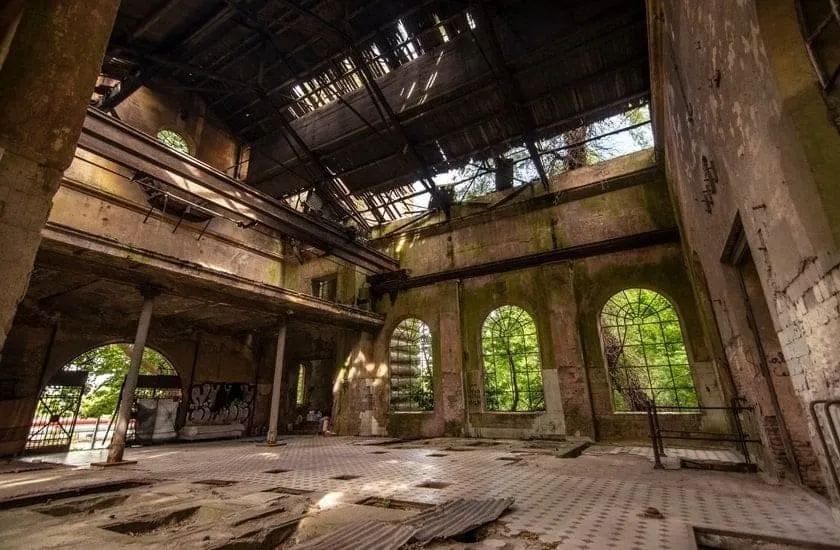
Interiors often combine dark corners, artificial lighting, and bright windows. Bracketed exposures can provide enough information to balance these areas without losing the view outside.
Keep the result believable. A window should not necessarily look darker than the room, and lifting every shadow can remove the depth that helps viewers understand the space.
HDR also does not automatically correct mixed lighting. Daylight and indoor bulbs may create different color casts that need separate adjustments after merging.
Architecture and Cityscapes
Buildings photographed against a bright sky or illuminated after sunset can benefit from exposure blending. A darker frame can preserve detail in lit signs and windows, while a brighter frame records the surrounding structure.
Watch for traffic and pedestrians. Moving objects may need ghost reduction or a different capture strategy.
Portrait Photography
HDR can be useful for a posed portrait in a contrasty setting, but it requires care. Small movements in the eyes, hair, or expression can produce merging artifacts.
For many portraits, moving into softer light or using a reflector or fill flash is a more practical way to balance the subject and background. Use bracketing when the person can remain still and the scene genuinely needs multiple exposures.
Enhance Your Photography with HDR Merge
When Not to Use HDR
HDR is optional. Before merging exposures, consider whether the extra detail supports the photograph.
When one exposure already captures the scene. If important highlights and shadows retain enough information, a single RAW file may provide a simpler editing workflow.
When subjects move quickly. Sports, active portraits, busy crowds, and wind-blown foliage can change substantially between frames. Merging may introduce ghosting or inconsistent detail.
When deep shadows are part of the composition. Silhouettes and dramatic lighting depend on differences between bright and dark areas. Revealing every shadow can weaken the intended effect. The guide to contrast in photography explains how these tonal differences shape a picture.
When processing makes the image less believable. Halos around buildings, gray-looking highlights, excessive saturation, and shadows that appear brighter than their light sources are signs to review the edit. Reduce the strength of the adjustments rather than assuming that more visible detail always improves the result.
Bright colors alone are not a reason to avoid HDR. Their appearance depends on exposure, merging, and the color adjustments applied afterward.
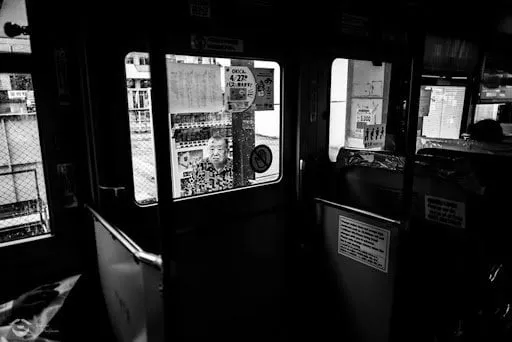
Choosing HDR Photography Software
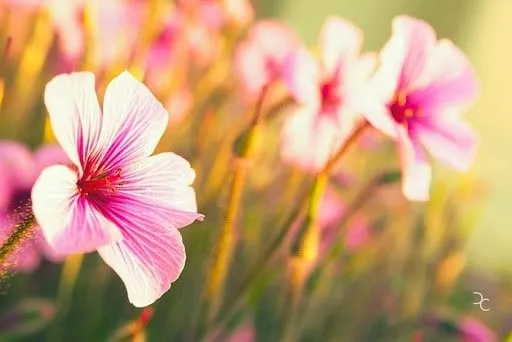
An HDR editor should make it straightforward to combine exposures and inspect the result. Useful features include image alignment, ghost reduction, support for your camera files, and controls for adjusting the merged photograph.
The HDR Merge tool in Luminar combines up to 10 bracketed images and provides alignment and ghost reduction options. After merging, the photograph can be refined with light, color, masking, and detail tools in the same editor.
Consider the scale of your work as well. Merging one exposure set, applying matching edits to several finished photographs, and automatically processing many separate bracket sets are different tasks. Choose a workflow that supports the operation you actually need.
How to Create an HDR Photo in Luminar
Start with bracketed photographs of the same scene. Choose a sequence that preserves the highlights and shadows you want to include in the finished image.
- Select the source photographs. In the Catalog, locate the exposure set and open it with HDR Merge. Keep unrelated compositions out of the selection.
- Review the merge options. Use alignment when the camera moved slightly between frames. Apply ghost reduction when elements changed position during capture.
- Merge the exposures. Let the tool combine the selected images, then open the result for editing.
- Inspect details at full size. Check branches, window frames, people, and other edges for doubled outlines, halos, or unnatural transitions.
- Refine light and color. Adjust exposure, highlights, shadows, and white balance. Preserve enough contrast to keep the scene’s depth.
- Make local corrections. Use masking where a window, foreground, or color cast needs separate treatment. Light Depth can help refine brightness across different parts of the scene.
- Review and export. Compare the finished photograph with the source exposures. Check that the result keeps useful detail without looking excessively processed.
Enhance AI can provide a starting point for further adjustments, but review its effect on the merged image before adding more contrast or saturation.
For a series of completed HDR photographs, compatible adjustments can be copied or synchronized, followed by batch export. This is separate from batch merging: HDR Merge does not automatically merge multiple bracket sets in one operation.
Scaling HDR Processing with Luminar Engine
For a real estate photography team, the challenge extends beyond balancing one room’s bright windows and darker interior. Processing photographs from multiple properties also means repeating the same corrections while keeping the results consistent.
Luminar Engine lets businesses integrate Skylum’s image-processing technology into their existing workflows. It runs on the company’s own servers and supports operations such as RAW conversion, lens and perspective correction, and exposure adjustment, with HDR bracket merging available as an additional processing pack.
A property photography service could use this setup to automate recurring processing steps before sending images for final review. Editors can then check window detail, color casts, and merging artifacts before delivery. This makes Engine relevant to teams building an automated HDR workflow, while the desktop HDR Merge tool serves photographers working directly on individual image sets.
Make HDR Serve the Photograph
HDR is useful when a single exposure cannot retain the highlight and shadow detail that matters to the scene. Begin with consistent bracketed photographs, check the merge carefully, and adjust the result with the original lighting in mind.
For individual images, Luminar combines HDR merging with tools for finishing the photograph. For businesses processing large volumes, Luminar Engine offers a way to integrate those processing steps into an automated workflow.
The goal is a photograph with useful detail, believable light, and a clear subject. Some scenes benefit from several exposures; others need only one.
Frequently Asked Questions
By definition, HDR stands for High Dynamic Range. What that essentially means is taking a series of images, each with a different exposure from Dark to Light in rapid succession. You then combine these HDR brackets to get the best parts from each.
Picking pieces from the overexposed, underexposed, and balanced shots to create a dramatic image with beautiful balanced shadows and highlights! Basically, HDR images enable you to capture and display more exposure information than any standard image sensor can capture on its own with a single image.
Naturally, this technique is beneficial for capturing and displaying a wider range of tones and details in a photograph. It allows for increased dynamic range, ensuring that both bright highlights and deep shadows are well preserved, resulting in more visually appealing and balanced pictures.
Yes, professional photographers often use these techniques in their work. HDR allows them to capture and display a wider range of tones and details, especially in challenging lighting situations. It enables them to create visually stunning images that accurately represent the scene’s dynamic range and convey their artistic vision.
It depends on the specific photographic requirements and your artistic vision. Various methods, such as exposure bracketing, tone mapping, or manual blending, offer different levels of control and artistic interpretation. It’s important to experiment and find the approach that best suits your desired result and creative style.
When it comes to monitors, DisplayHDR 1400 is indeed the top option. In photography, there’s no universally accepted “highest level” of HDR because it can vary depending on many factors, including camera sensor capabilities, software processing, and artistic intent.