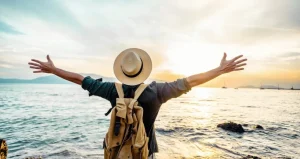
Composition is one of the most important elements for creating impressive photos. Today, we’ll look at two photo orientations and explore which one works best for you.
Undoubtedly, the more you study, the better you will become, but if you keep asking how to get started without doing anything, you may not go very far in capturing images. As a photographer, you’ve probably taken the time to think about what composition works best for each photo. But have you considered the orientation of your shots? This article will explore the differences between portrait mode vs landscape to help you decide which is best for your photography.
Landscape vs Portrait Orientation: Definition
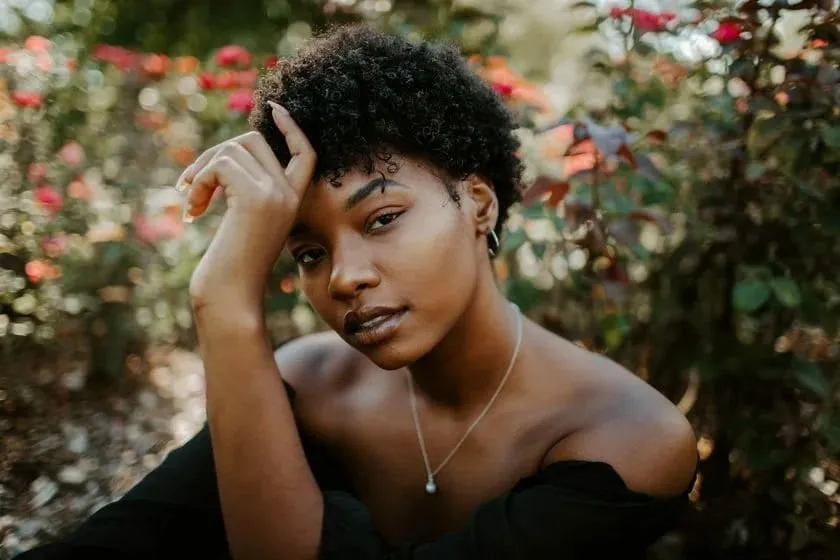
In photography, portrait orientation refers to the vertical positioning of the camera or image, where the height of the frame is greater than its width. This orientation is often used for capturing subjects like people or objects, typically portraying them in a vertical alignment and emphasizing their height.
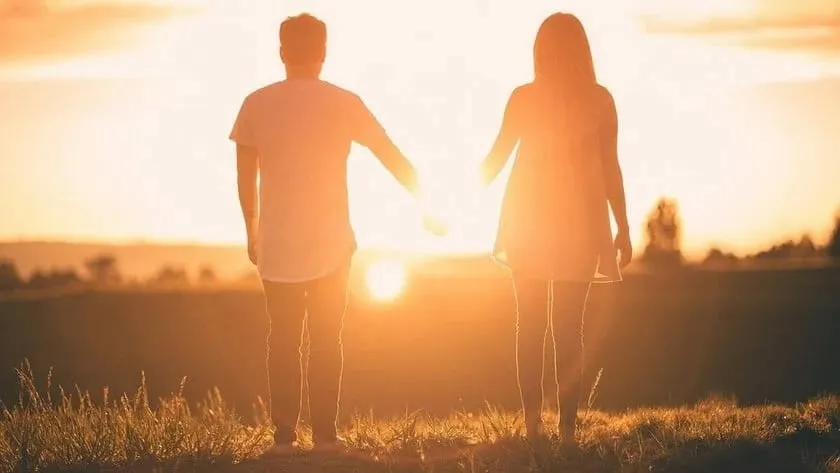
On the other hand, landscape orientation involves positioning the camera or image horizontally, with the width being greater than the height. This orientation is commonly employed to capture wide scenes, such as landscapes or expansive vistas, emphasizing the breadth and expanse of the view.
10 Compositional Techniques to Improve Your Photographs
<composition-to-improve-your-photographs” class=”sk-text btn”>LEARN MORE
What is Portrait Orientation
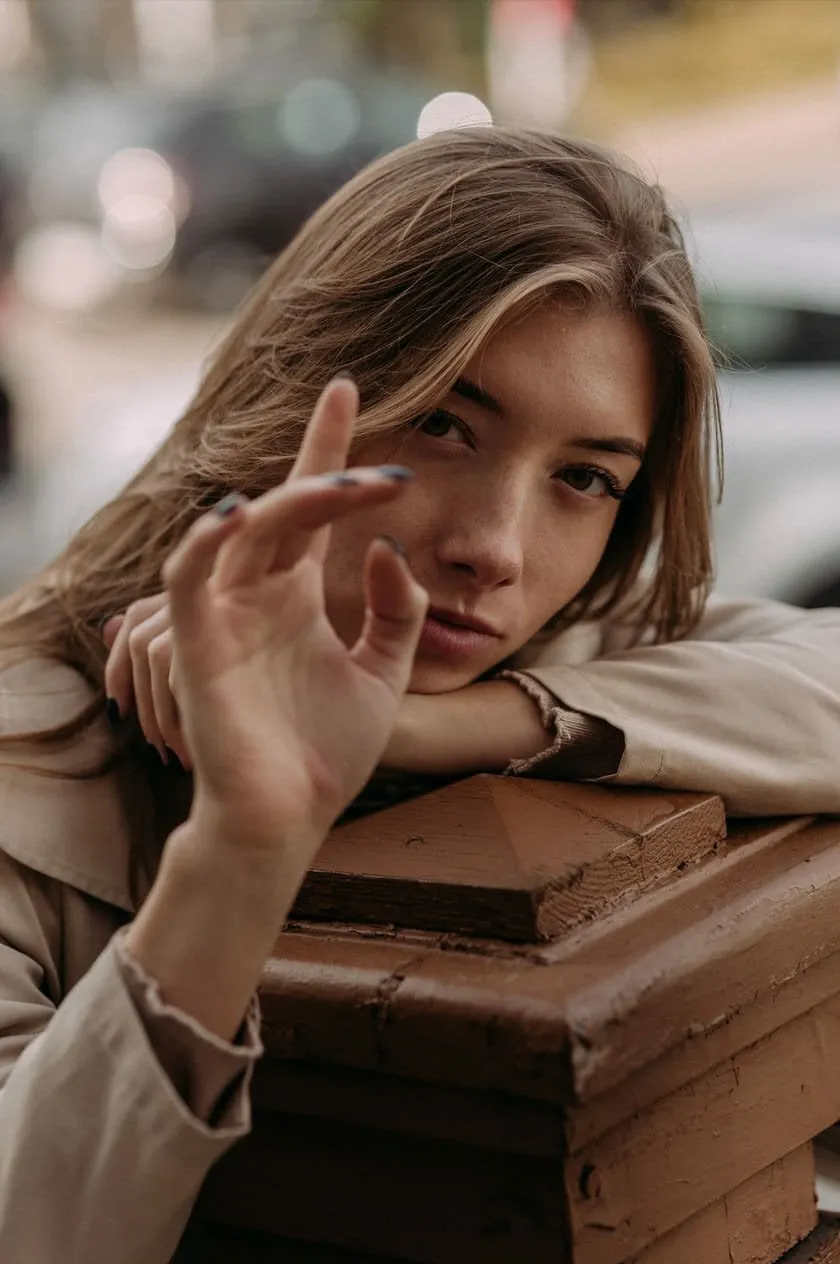
Portrait mode is a camera setting designed to capture a person or object with a sharp focus on the subject, and portrait orientation refers to framing that supports this definition. It allows you to create a photo with a blurred background, using shallow depth for a bokeh effect. This effect emphasizes the subject, especially the subject’s face, making them stand out more prominently in the photo.
The portrait is concerned with conveying a person’s soul, individuality, character, and expression through the use of backgrounds, lighting, and posture. A portrait typically features a person or object looking toward the camera. There are a few reasons why portrait orientation is often preferred. For starters, it’s often considered more flattering for people. Additionally, it can create a more exciting photo because the viewer can see more of the scene. Best to use a portrait orientation to shoot human emotions.
What is Landscape?
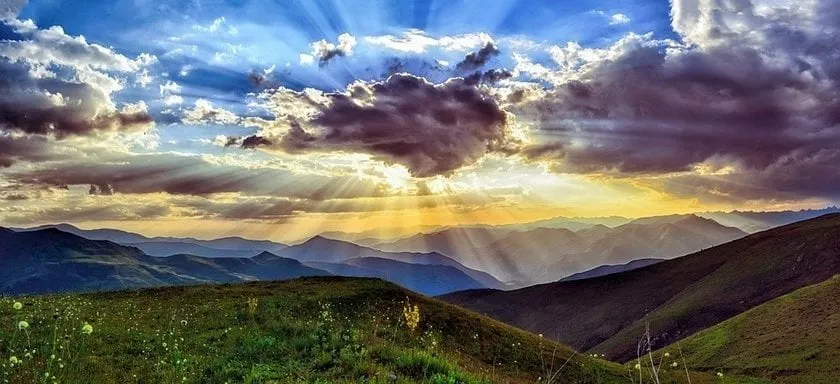
Landscape illustrates the world’s areas, which can be immense and seemingly endless. Its goal is to bring the spectator into the scene shown in the picture, conveying the impression of vastness and wonder that they could experience if they were present in the exact location of the photographer.
Portrait versus Landscape Orientation: The Main Difference
The main difference between landscape and portrait orientation is how the camera is held when taking the photo. Landscape orientation is when the camera is held horizontally, while portrait orientation is when the camera is held vertically. This difference in orientation results in different types of photos being taken.
Is Portrait Orientation Better than Landscape
When choosing between landscape and portrait orientation for your photos, there is no right or wrong answer. It depends on the picture’s subject and what you want to convey with your image. Landscape orientation is typically used for comprehensive, open scenes such as landscapes or cityscapes. The horizontal format allows for a greater sense of depth and scale. On the other hand, a Portrait orientation that uses close-up shots of people or objects can be the ideal solution. The vertical format helps to emphasize the height of the subject. Ultimately, it comes down to personal preference and the type of photo you’re trying to take.
Also read: How To Post A Panorama On Instagram?
How to Choose a Photo Orientation
Regarding orientation, it’s important to remember that both portrait and landscape orientations have their benefits and drawbacks. Ultimately, it’s up to you to decide which is best for your photos. Here are a few tips to help you choose the correct orientation between landscape vs horizontal mode:
1. Decide what type of photo you’re trying to create
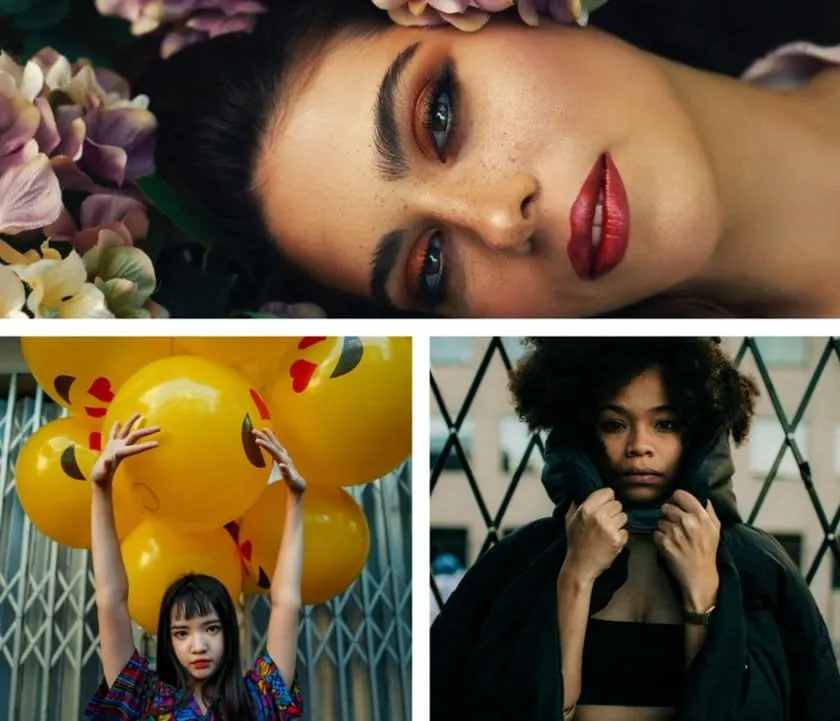
For example, landscape orientation is often used for wide, sweeping shots of landscapes and other broad scenes. It also works well when you want to arrange key elements across the frame and use the rule of thirds to draw attention to the main subject. Portrait orientation, however, is perfect for catching more intimate shots of people. This orientation makes people look taller and can be used to create more powerful images, like photos of politicians or celebrities.
2. Think about what will work best for your scene.
The best way to do this is to do it the way you like best. Just look at the object and decide for yourself. What is the best place to put a camera or phone to take a photo? Hold the camera horizontally if it’s a huge scene or you’re taking group photos, so everything fits in the frame. If you have only a person, a bird, or a pet in front of you, you need to take a portrait because that image orientation usually suits a taller subject better.
Try portrait vs landscape orientation and see which one works best for your scene If you’re unsure which orientation to use, try both and see which produces the best results. Take one more photo so you don’t regret later that the photo didn’t come out in one of these options.
When to Use Portrait Orientation?
Portrait Composition
When you choose between landscape mode vs portrait mode remember that the way you position your subject can have a significant impact on the composition of your portrait. Portrait mode has more oversized top and bottom edges. It works especially well for subjects with strong vertical orientations because a vertical frame follows their height more naturally.
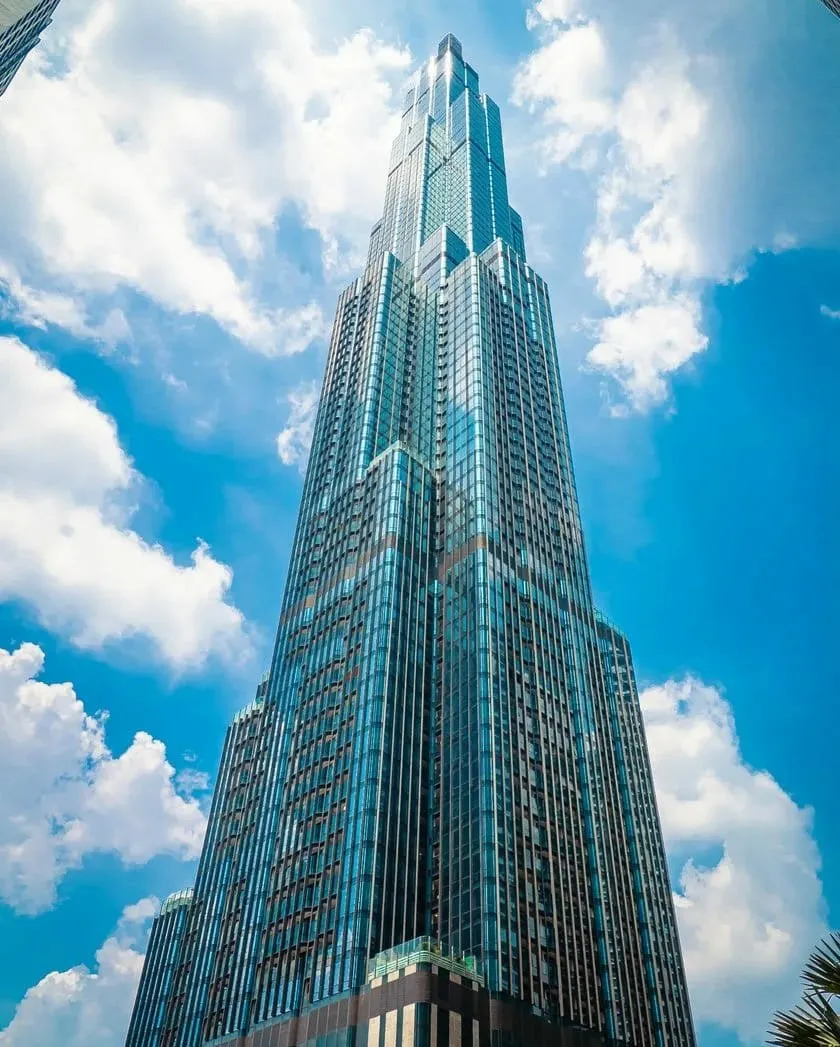
To capture a tall structure in all its glory, stand close by and focus on photographing specific parts of the structure. Avoid including too much surrounding space in the frame, making the building appear small and vulnerable. The composition harmony can be incorrect when you can shoot portraits in landscape mode.
Also read: Tips For Taking Awesome Night Sky Photos On iPhone
Extensive and High Vertical Objects
In photography landscape vs portrait is one of the frequent arguments so there are a lot of different factors to consider. Another genre of photography is a vast and high building, and portrait orientation often works better for tall buildings and other vertical subjects because it emphasizes the subject’s height. It might be in a landscape with a massive rocky outcrop or in construction with a towering skyscraper.
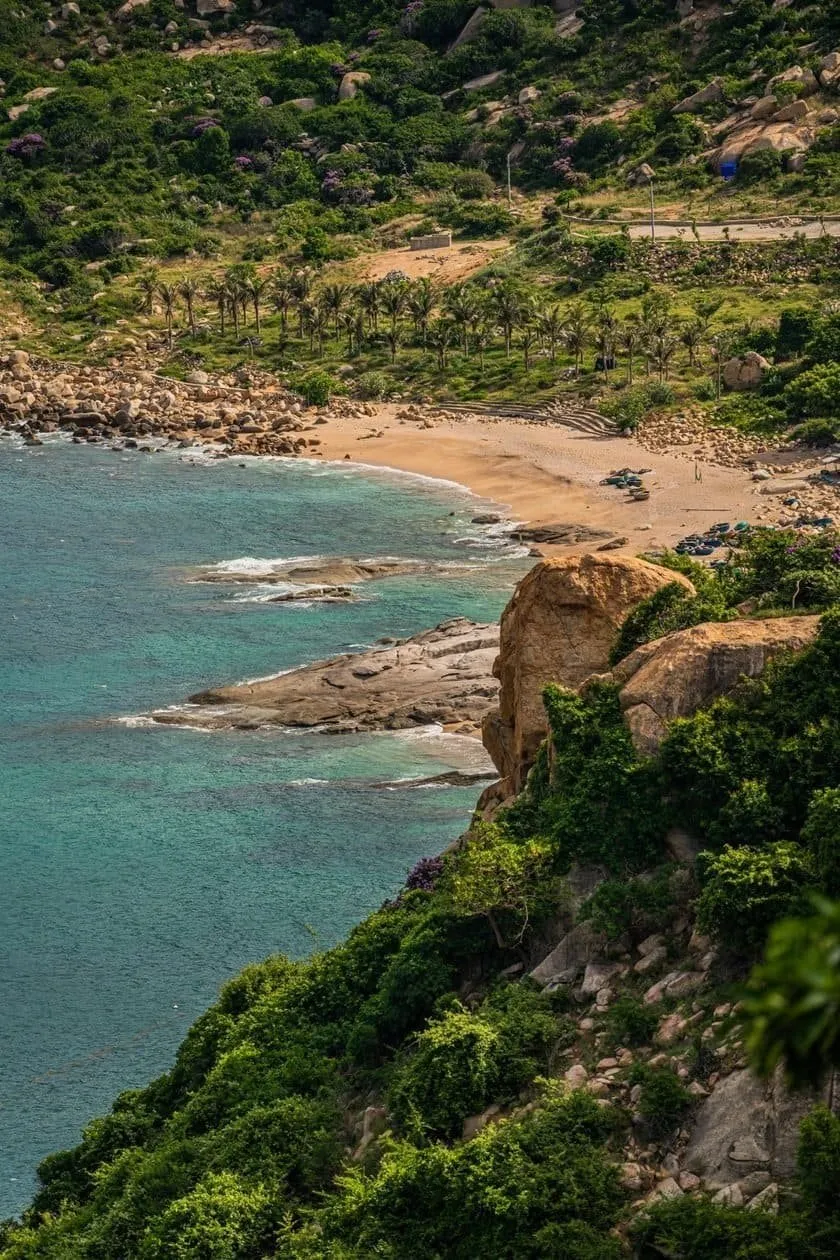
Background elements in a portrait can break the photo
Portrait mode is an excellent choice if you want to take close ups of the main subject, especially for portrait photos. It can perfectly blur the background and leave a high-quality and whole picture.
In portrait orientation, you can expect less space on the background elements. So, if the main subject of your photo focuses more on the object alone, and the background does not need much emphasis, the portrait mode will bring more context.
When to Use Landscape Orientation?
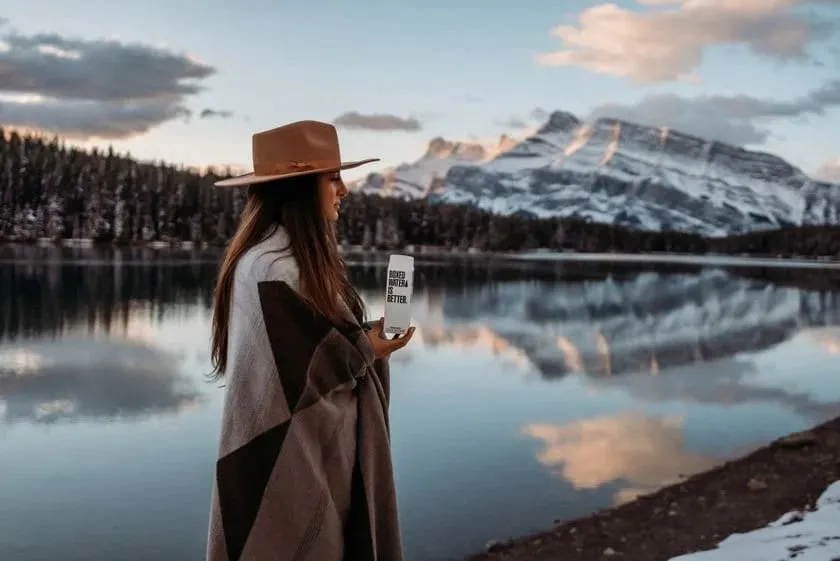
Case 1. Photos of the Landscape
The main reason to choose landscape orientation is when you want to include many elements in the scene. Landscape orientation is all about distance. It also creates a more immersive view and works well on televisions and desktop monitors. When you capture a scenery photograph, it should feel large or have enough area to breathe. A level horizon line helps the composition feel balanced and natural.
If you take a picture of the same object from the same location, there is more volume in the photograph in landscape mode, which can create greater depth. You will see less of the object. If there are too many empty and irrelevant areas in the picture, use negative space deliberately or move closer to the object to capture fewer non-essential parts. In some layouts, this format also leaves more room for text or advertisements beside the subject.
Discover AI’s Power in Landscape Photography
Case 2. Your Object is Wide
Landscape orientation is the opposite of portrait orientation. In portrait orientation, the frame is taller than it is wide, while in landscape orientation, it is wider than it is tall. If we also compare landscape vs. portrait printing, we can understand that landscape pictures are more comprehensive when printed than portrait. Landscape orientation provides a dynamic feel that works especially well for wider compositions, including landscape shots. It also aligns better with horizontal page orientation and a wider aspect ratio when printing or designing for broad layouts.
Case 3. Group Photo
Also, an ideal example would be graduation, birthday, or other celebration. It would be best if you used landscape mode when all your relatives or friends want to take a group photo. Don’t even try to take pictures in portrait mode, as only 2 or 3 people will fit in the image.
Camera Settings: Portrait vs Landscape Photography
When it comes to photography, the orientation of your camera can make a big difference in the overall look of your shot. Typically, most cameras include preprogrammed portrait and landscape modes that adjust settings like aperture and shutter speed automatically to suit portrait and landscape orientation. You may utilize different photo options in both portrait and landscape configurations, and the results will change. Although experienced photographers use many tricks and techniques in their work, these two modes – portrait and landscape – are still the most popular.
Both options offer advantages and disadvantages, so it is critical to know the difference before choosing one. It is up to you to pick which landscape vs portrait orientation is ideal for your images.
Portrait Photography
In portrait photo orientation, your camera automatically assumes shooting mode to a person. If it’s not in manual mode. You’ll usually have a person’s profile icon, and the depth of field is generally slight. For best results, choose well-lit and bright camera settings.
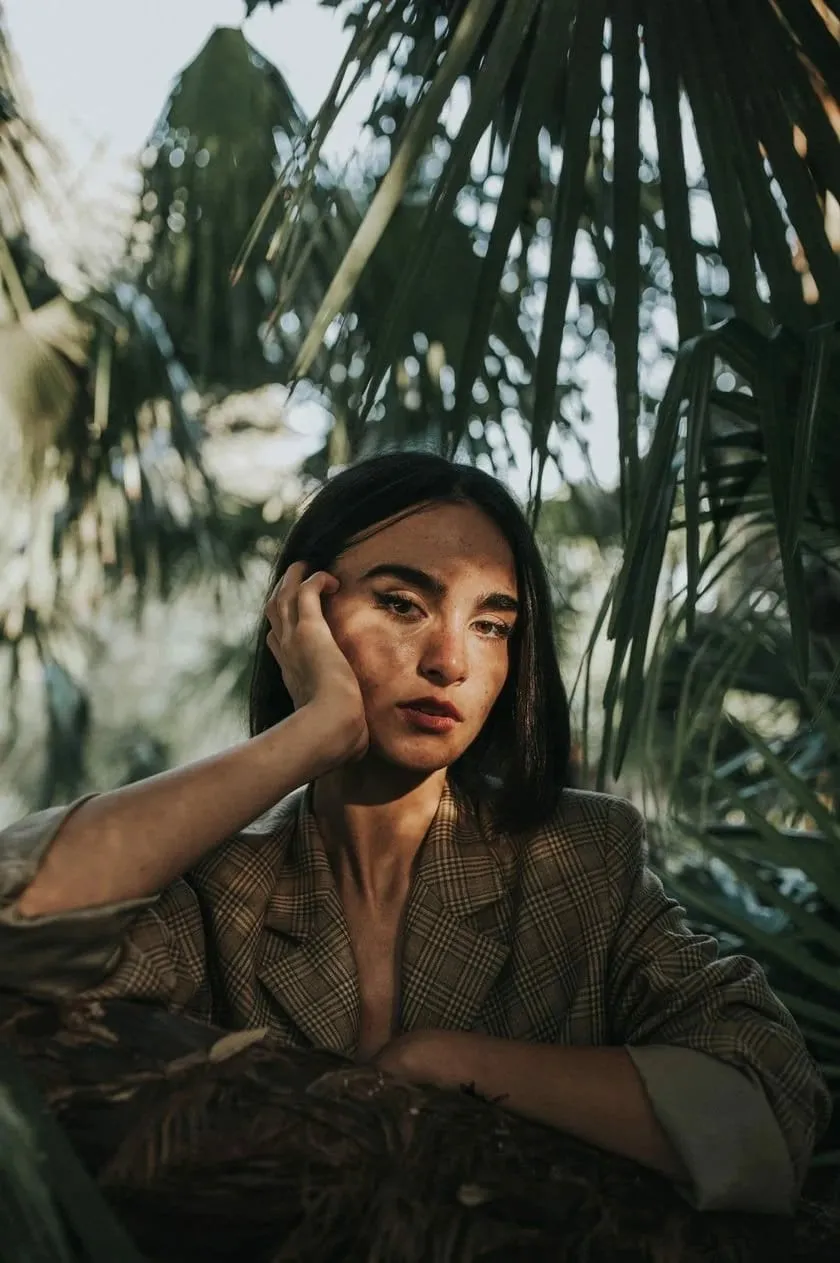
The Definitive Solution for Picture-Perfect Portraits
Landscape Photography
In landscape orientation, the camera automatically sets itself to shoot a scene. If the camera is not in manual mode, the depth of field automatically goes wider, usually with a smaller aperture.
You’ll usually spot a mountain icon, which is fantastic for the occasional shooter. This is the camera setting that landscape photography lovers desire, but it all still depends on the image’s subject, scene, and purpose.
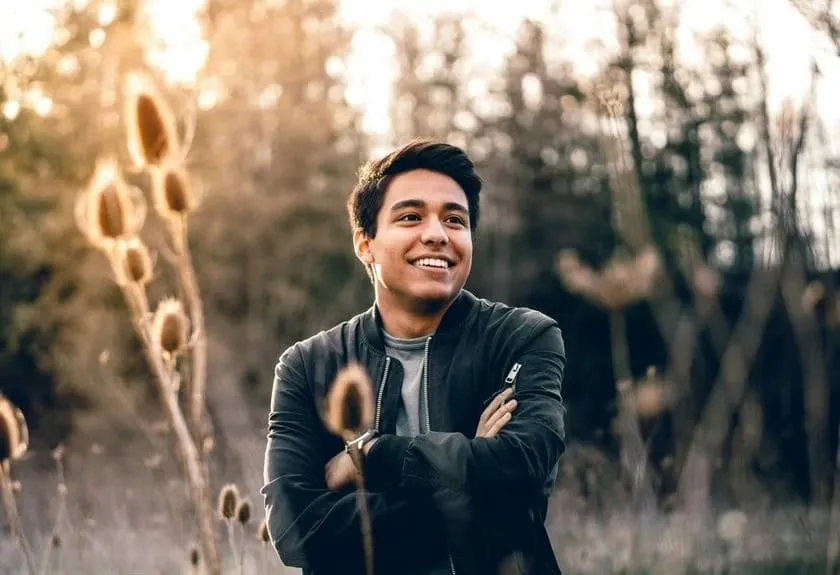
Don’t trust your camera’s automatic settings – get used to manipulating your camera to create unique combinations of settings and produce stunning images.
Changing the Orientation of a Photo with Luminar Neo
We’ve thoroughly explored the question of vertical views vs horizontal views. Now, let’s tackle what to do when you have a great photo that needs a different orientation. This is common, especially for beginners, when the framing isn’t perfect during the photo-taking process. Photo editing software such as Adobe Lightroom and Photoshop can also change orientation, aspect ratio, and image size after shooting. Here are some tools in Luminar Neo, mentioned earlier in the article, to help:
-
Changing a photo from landscape to portrait: Use the crop tool to adjust the photo as needed, or let the AI do it for you. To improve the photo’s quality, you can also use Upscale AI.
-
Turning a photo to the opposite of landscape format: Sometimes, simply cropping the photo works, but this can sometimes affect the quality and overall look. In such cases, use the GenExpand tool. Just enter a prompt, and the AI will add the missing parts in seconds.
Experience the Power of a Simple Yet Impactful Image Resizing Tool
Here, you can also find tools to instantly improve your photos, like Enhance AI, which adjusts several parameters with a single slider. There are numerous features to enhance portraits and remove imperfections, and everything you need to edit your landscape photos. To learn more, we recommend taking a product tour, or you can purchase it right away and test all these advanced features on your photos.
Which is the Better Choice for Photographer: Landscape or Portrait Orientation
Remembering to use portrait or landscape orientation will get you off to a good start for those starting in photography. But don’t forget to explore other tips and tricks too! Photography is all about experimentation and making mistakes- thankfully, we’re not in the era where we have to go to a photo studio and have our film developed before we can see the results of our experimentation! We have hundreds or thousands of attempts to take a good photo and become a professional at it.
Landscape and portrait orientation are two choices a photographer has to make when creating art. Both options have pros and cons, and orientation also plays a role in visual storytelling, so it is essential to understand the difference between them before deciding. Here is a breakdown of the two types of orientations to make the best choice for your photography.
But in short, you should photograph objects according to their size. If the subject is tall or you want to highlight specific details and blur the background photo, portrait mode is the ideal solution. If you want to fit a wide object into the camera or take a picture of a beautiful landscape, you should use landscape mode. When composing the final image, some photographers also consider natural eye movement or apply the golden ratio for a more balanced frame. So, what is the difference between landscape and portrait orientation? These are the usual camera modes, and it’s impossible to say which is better or worse. Ultimately, it’s up to you to decide which is best when comparing portrait and landscape orientations, although portrait layout is not ideal for single-subject portraits on horizontal screens because the subject can appear small or lost.