Choosing your first sports camera? Compare Canon, Nikon, Panasonic, and Olympus models, with practical advice on autofocus, shutter speed, and lenses.
The best camera for beginner sports photography combines reliable continuous autofocus, useful burst shooting, and a lens suited to the distance and light. A fast camera body helps, but it cannot compensate for a lens that is too short for the field or too slow for a dim gym.
For a first interchangeable-lens setup, consider the Canon EOS R10. The Canon EOS R7 adds features for photographers who expect to shoot action regularly. Older cameras and bridge models can also make sense, provided you understand their limitations before buying.
Don’t feel like reading the whole breakdown? We’ve pulled together a quick summary below.
Best Cameras for Sports Photography: A Quick Comparison
The cameras below serve different needs, rather than forming a universal ranking. The R10 and R7 are options for building a mirrorless system; the older models are most useful when a suitable used or remaining-stock kit offers good value.
| Camera | Type and sensor | Relevant burst rate | Best fit | Main limitation |
| Canon EOS R10 | Mirrorless; 24.2 MP APS-C | Up to 15 fps, mechanical shutter | First interchangeable-lens sports kit | No in-body stabilization |
| Canon EOS R7 | Mirrorless; 32.5 MP APS-C | Up to 15 fps mechanical; 30 fps electronic | Regular action shooting and tighter crops | Electronic shutter can distort fast movement |
| Panasonic LUMIX DMC-FZ300 | Bridge; 12.1 MP, 1/2.3-inch sensor | Up to 6 fps with continuous AF; 12 fps with single AF | Daylight sports without buying separate lenses | Small sensor and limited cropping headroom |
| Olympus OM-D E-M1 Mark II | Mirrorless; 20.4 MP Micro Four Thirds | Up to 18 fps electronic with continuous AF/AE | Used mirrorless kit with compact telephoto options | Older tracking system; electronic-shutter tradeoffs |
| Nikon D500 | DSLR; 20.9 MP APS-C | Up to 10 fps | Used DSLR kit, especially for existing Nikon F lenses | Discontinued body; no in-body stabilization |
| Nikon COOLPIX P950 | Bridge; 16 MP, 1/2.3-inch sensor | Approximately 7 fps for up to 10 shots | Distant subjects in good light | Short bursts and f/6.5 maximum aperture at full zoom |
Burst rates are maximum figures, not guaranteed performance in every situation. Shutter mode, exposure, autofocus settings, file format, lens, and battery condition can affect speed. Electronic shutters can also produce banding under artificial lighting.
The Photo Perspective Correction Tool You've Been Waiting For
1. Canon EOS R10: A Practical First Mirrorless Camera for Sports

The EOS R10 is a sensible starting point if you want interchangeable lenses and people-detection autofocus without choosing a more advanced body. Its 24.2 MP APS-C sensor and up-to-15-fps mechanical shooting give beginners useful tools for following action.
Pair it with a telephoto lens appropriate to your sport. A short standard zoom may work courtside but leave players too small in the frame from the stands. The R10 accepts RF and RF-S lenses, plus compatible EF and EF-S lenses through an EF–EOS R adapter.
| Pros | Cons |
| People-detection autofocus and fast mechanical bursts | No in-body image stabilization; lens stabilization may help with camera shake |
| Choice of native and adapted lenses | The complete kit costs more than the body alone |
2. Canon EOS R7: For Beginners Who Expect to Shoot Sports Regularly
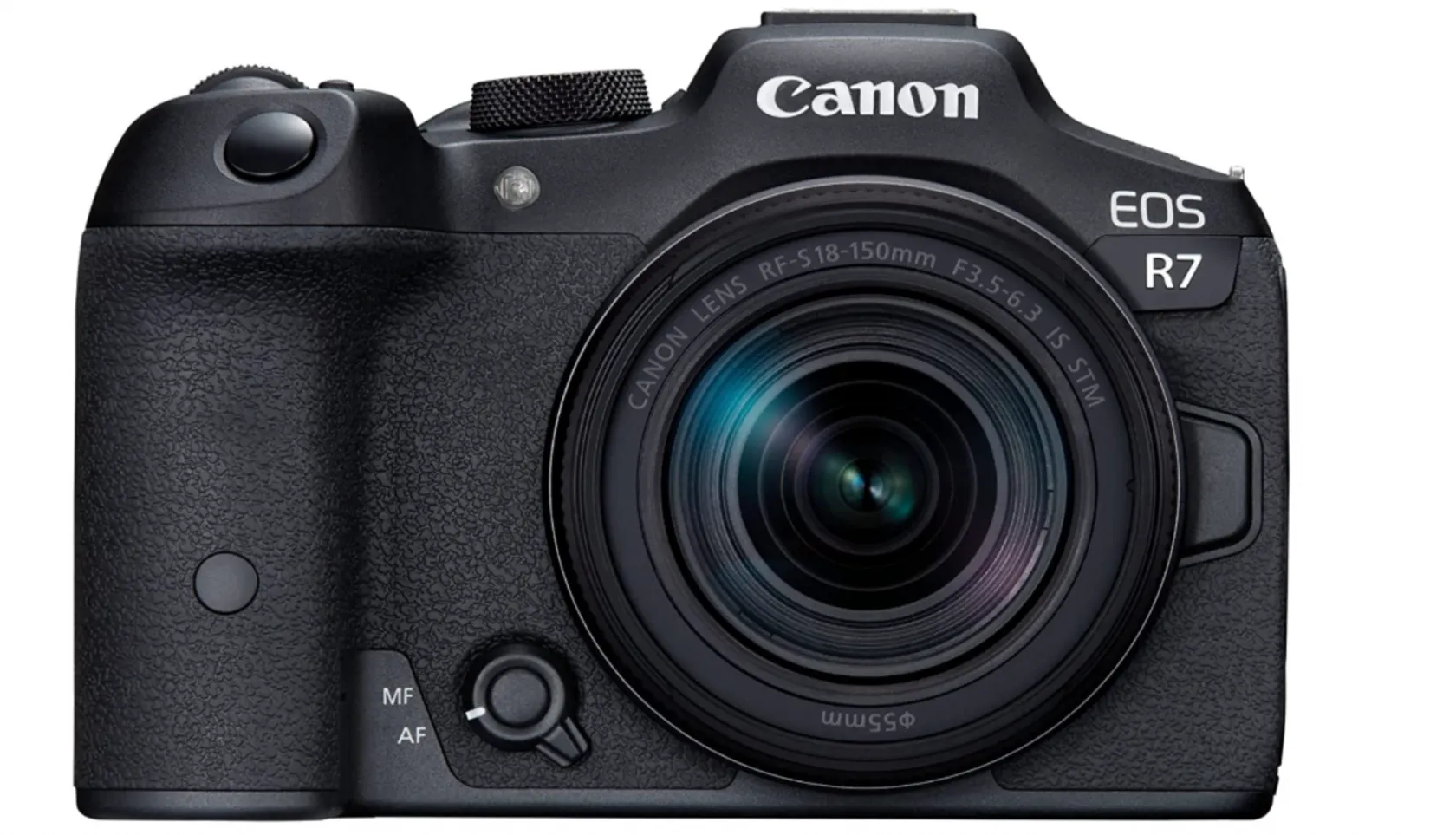
The EOS R7 is an APS-C mirrorless camera, not a DSLR. It combines a 32.5 MP sensor, Dual Pixel CMOS AF II, in-body stabilization, and two UHS-II SD card slots.
It shoots at up to 15 fps mechanically or 30 fps electronically. For fast movement or indoor lighting, start with the mechanical shutter and check your results before switching to electronic shooting. Rolling shutter can make moving equipment or straight lines appear bent.
Choose the R7 when its extra features justify the total kit cost. A suitable lens should take priority over upgrading the body alone.
| Pros | Cons |
| High resolution offers flexibility for cropping | Tight crops still depend on sharp focus and lens detail |
| In-body stabilization and dual card slots | Electronic-shutter distortion and banding require attention |
3. Panasonic LUMIX DMC-FZ300: An All-in-One Daylight Option
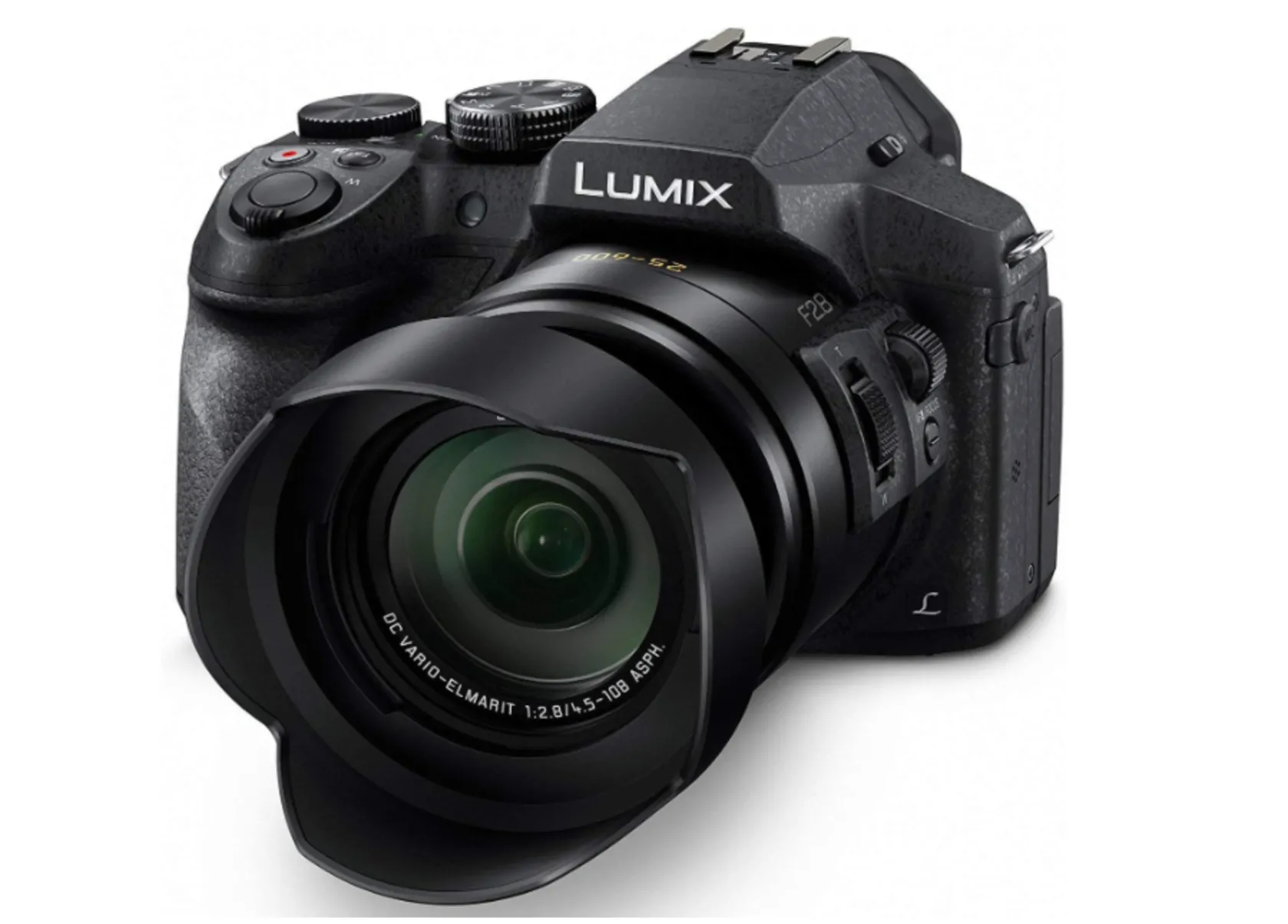
The FZ300 has a non-interchangeable zoom lens, not a fixed-focal-length lens. Its 24x optical zoom covers a 25–600mm-equivalent range, with a maximum aperture of f/2.8 throughout.
For subjects moving toward or away from you, the relevant maximum is approximately 6 fps with continuous autofocus. The advertised 12 fps uses single autofocus and is less suitable when subject distance changes rapidly.
This older bridge camera is worth considering for daylight school sports if the price and condition are attractive. Its 12.1 MP, 1/2.3-inch sensor gives less scope for heavy cropping and high-ISO shooting than larger-sensor options. Its splash- and dust-resistant construction does not make it waterproof.
| Pros | Cons |
| Broad built-in zoom range with constant f/2.8 maximum aperture | Small sensor limits low-light flexibility |
| Optical stabilization and no separate lens purchase | Lower resolution leaves less room for cropping |
4. Olympus OM-D E-M1 Mark II: A Used Micro Four Thirds Option
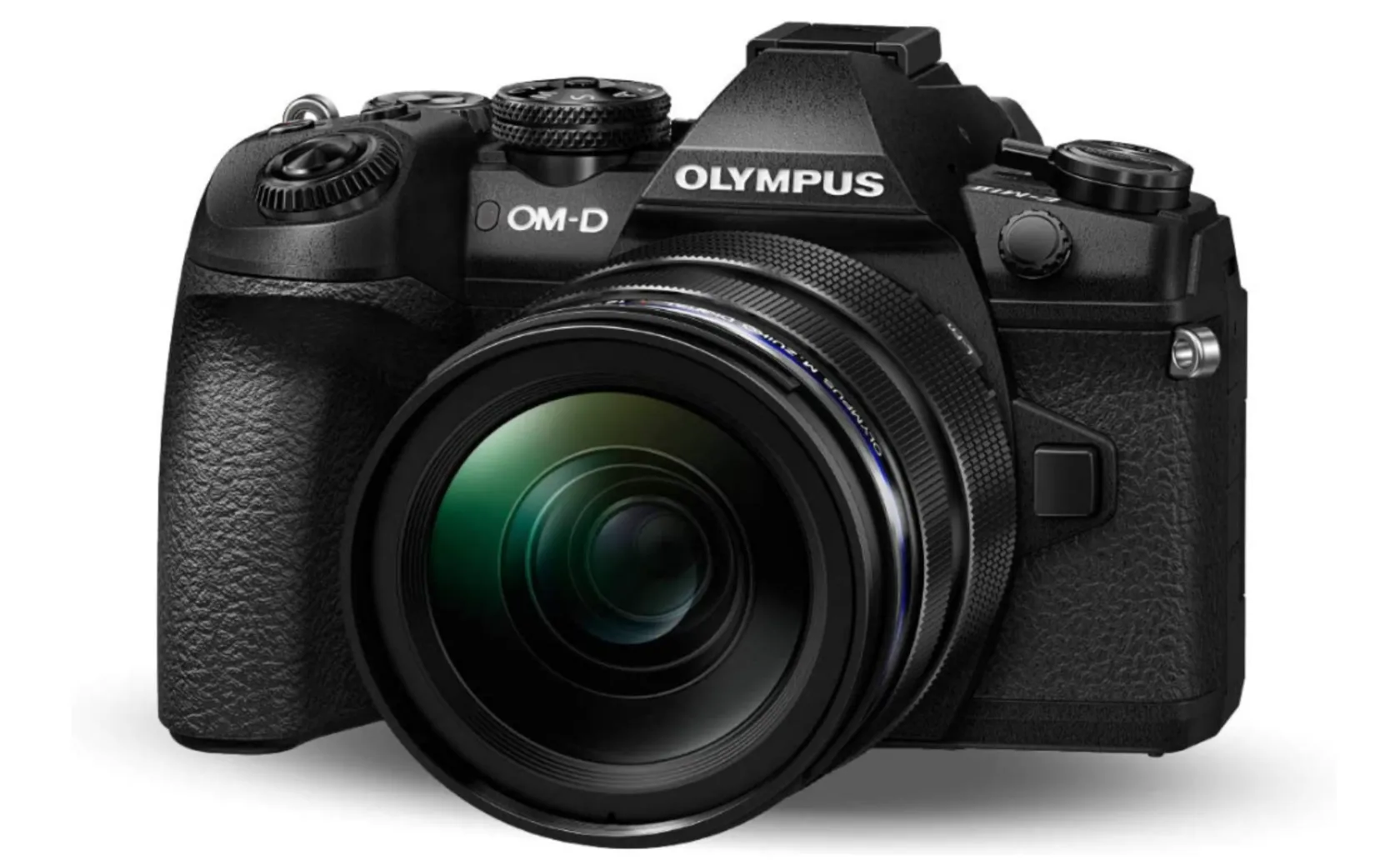
The E-M1 Mark II remains worth assessing as a used kit, particularly if you want a Micro Four Thirds system. It has a 20.4 MP sensor, in-body stabilization, and electronic bursts of up to 18 fps with continuous autofocus and autoexposure.
Its headline 60 fps mode locks focus and exposure, so it is not equivalent to tracking an approaching athlete at that speed. Test continuous autofocus with your intended lens and use the mechanical shutter if electronic shooting causes distortion or banding.
The tripod-based High Res Shot mode combines multiple exposures. It is designed for suitable static scenes, not moving players.
| Pros | Cons |
| In-body stabilization and compact telephoto kit options | Older autofocus system requires careful setup |
| Fast electronic bursts with continuous AF/AE | High Res Shot is unsuitable for sports action; electronic bursts have distortion risks |
5. Nikon D500: A Used DSLR for Sports Photography
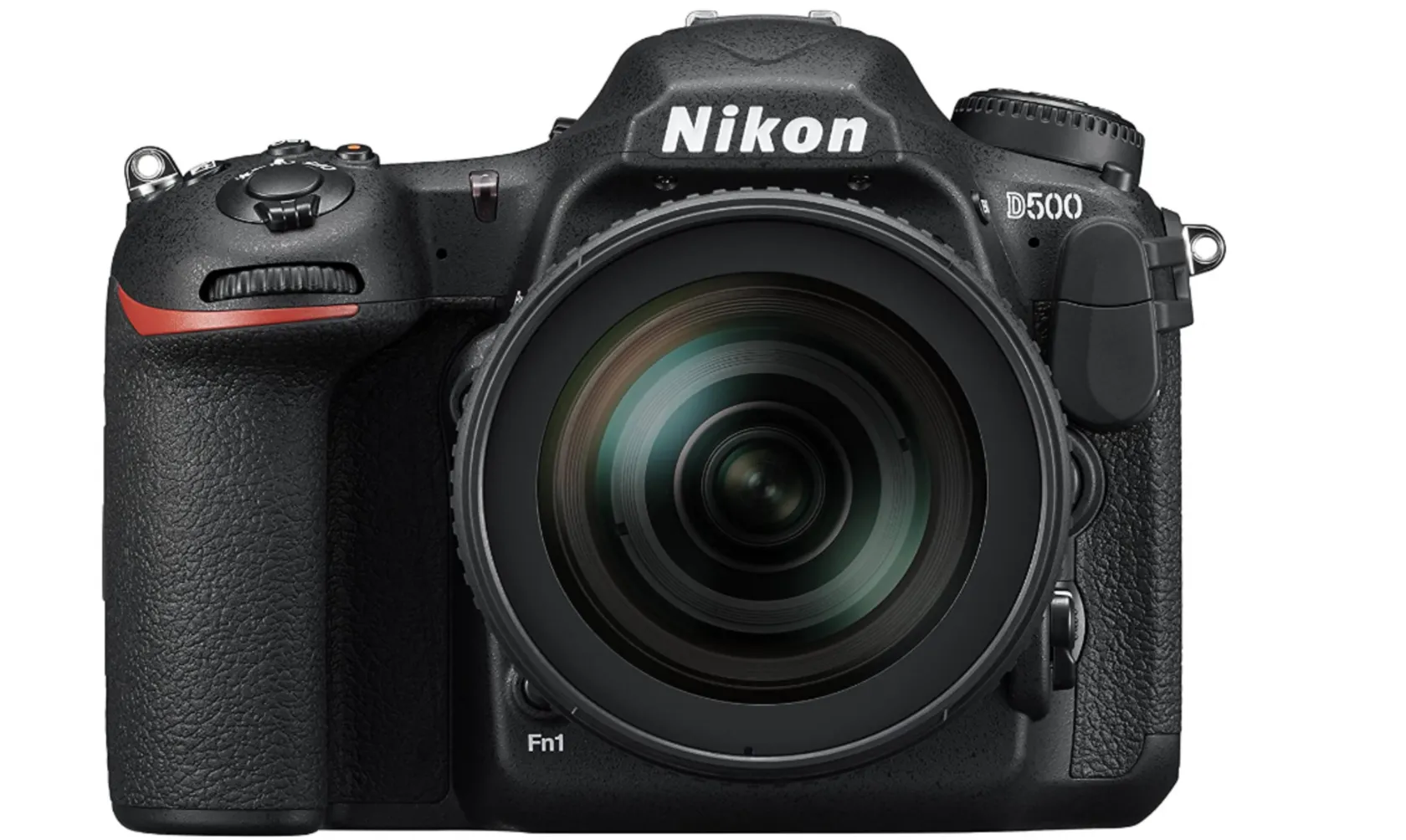
The D500 is a discontinued APS-C DSLR, not a point-and-shoot camera. Its 20.9 MP sensor, 153-point autofocus system, optical viewfinder, and approximately 10 fps shooting remain relevant to action photography.
It is especially worth considering if you already own compatible Nikon F-mount telephoto lenses. When buying used, check shutter count, autofocus operation, card slots, battery condition, and the seller’s return policy.
The lack of in-body stabilization does not mean you need a tripod. A fast shutter speed freezes action, while compatible VR lenses can reduce camera shake. Extremely high expanded ISO settings are not a substitute for adequate light and a suitable lens.
| Pros | Cons |
| Optical viewfinder and dedicated viewfinder AF system | Used-body condition and service availability need checking |
| Approximately 10 fps with access to compatible F-mount lenses | No in-body stabilization; lens compatibility must be checked |
6. Nikon COOLPIX P950: Long Reach with Important Tradeoffs
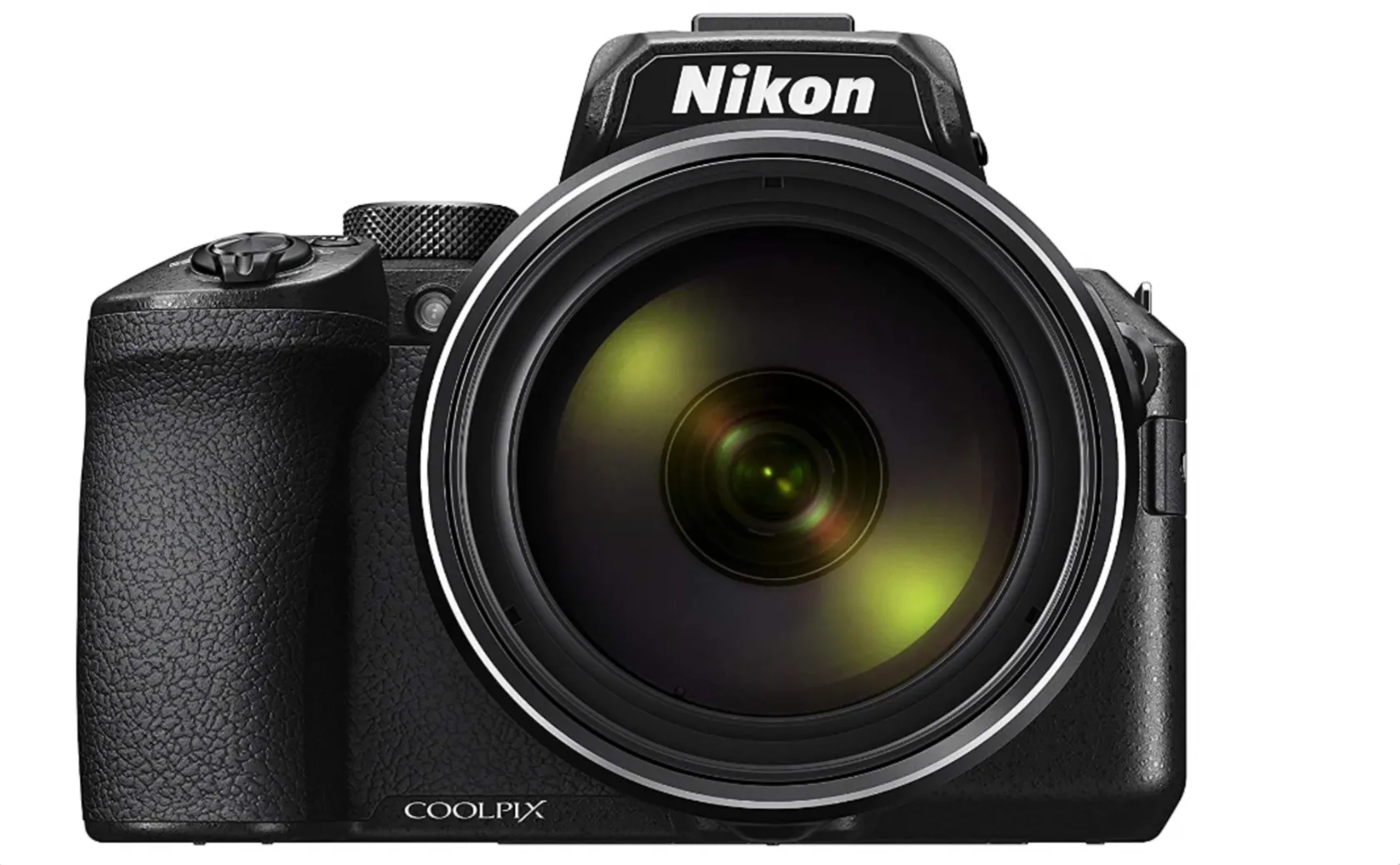
The P950 provides an 83x optical zoom covering 24–2000mm equivalent. That reach can help from distant spectator positions, but it does not automatically make this the best camera for fast sports.
Its maximum full-resolution burst is approximately 7 fps for up to 10 shots. The 16 MP, 1/2.3-inch sensor and f/6.5 maximum aperture at full telephoto also make dim venues challenging. At approximately 1,005 g with battery and card, it is not a lightweight pocket camera.
Consider it for distant subjects in good daylight, especially when you also photograph wildlife. For repeated action sequences, prioritize autofocus behavior and burst duration over zoom magnification.
| Pros | Cons |
| Very long built-in zoom and optical vibration reduction | Short high-speed bursts limit sustained action coverage |
| Wide-to-supertelephoto coverage without changing lenses | Small sensor, slow telephoto aperture, and substantial weight |
Elevate Your Photography with Our Advanced Software
How to Choose a Beginner Sports Photography Camera
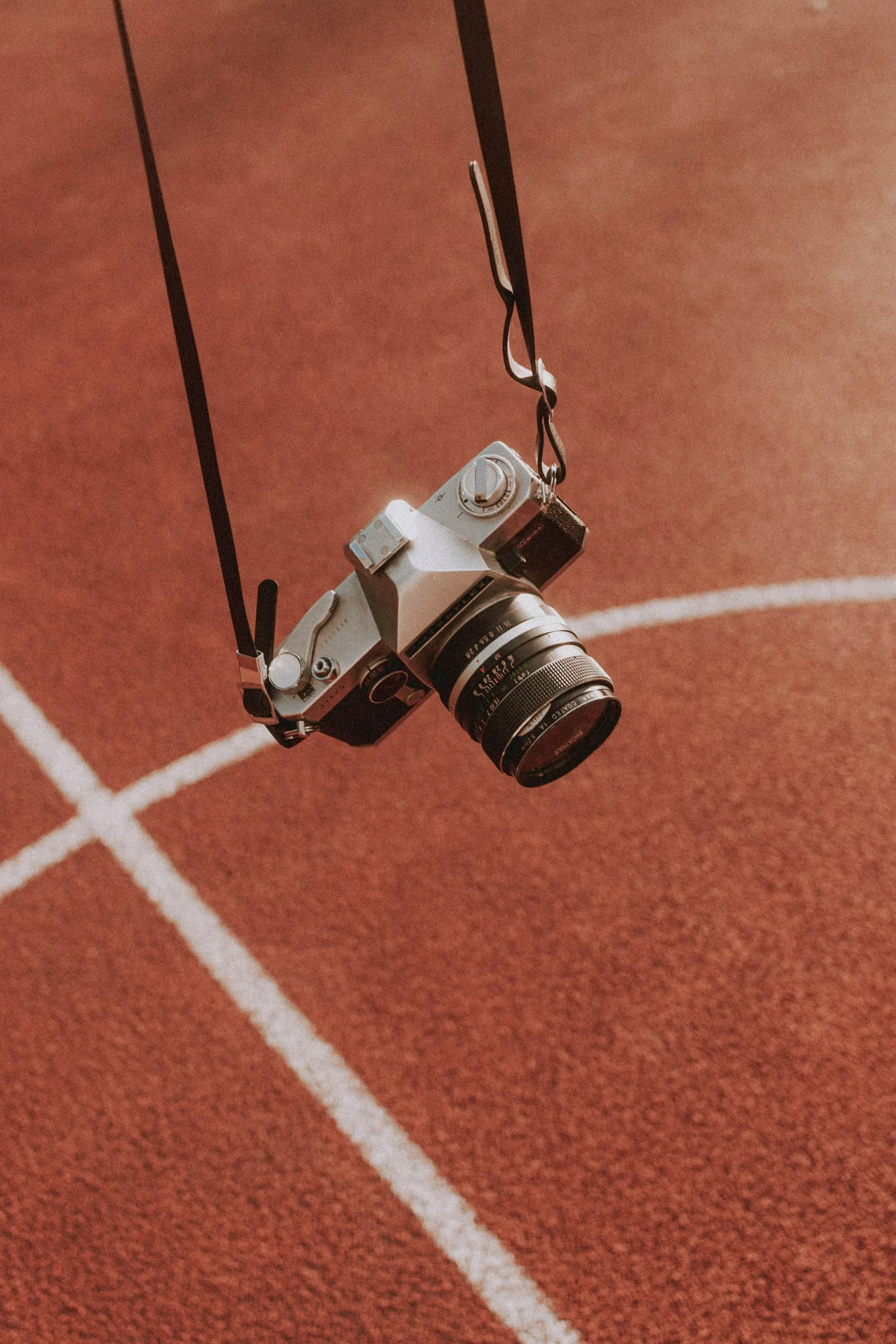
Choose the camera and lens together, based on where you will stand and how much light is available. The best budget camera for sports photography is the kit that covers your event without exhausting your budget before you buy a suitable lens.
Prioritize Autofocus Tracking and a Useful Buffer
Continuous autofocus updates focus as the subject moves. Look for effective tracking and an AF area you can control; the number of focus points alone does not tell you how reliably a camera follows a player.
A buffer temporarily holds images before they are written to the card. Once it fills, shooting slows. Compare burst duration in your intended RAW or JPEG mode, and use short bursts around likely peak moments.
Match the Lens to the Venue
For outdoor field sports, a telephoto zoom helps frame distant players. A 70–300mm-class lens can be a useful starting point, although your position and sensor size determine whether it provides enough coverage.
For indoor sports photography, a wide maximum aperture such as f/2.8 helps maintain a fast shutter speed. A shorter bright prime may work near the court; a telephoto zoom offers more framing flexibility. Check venue restrictions before buying a large lens.
Equivalent focal lengths describe comparable angles of view. They do not mean a crop sensor physically increases a lens’s focal length.
Treat Stabilization and Weather Resistance Realistically
Stabilization counters camera movement, particularly with long lenses. It does not stop subject motion. A camera without in-body stabilization can still produce sharp sports photos with appropriate technique and settings.
Weather resistance varies by body and lens. Use a rain cover when needed, protect exposed connections, and avoid treating sealed equipment as waterproof. Carry a spare charged battery and enough card capacity for the event.
Sports Photography Settings for Beginners
Start with continuous autofocus, a fast shutter speed, and short bursts, then adjust after checking actual photographs. The values below are starting points, not fixed rules.
| Situation | Shutter speed to try | Aperture approach | Focus and exposure |
| Running and outdoor team sports | Around 1/1000 second | Open enough for subject separation and sufficient light | Continuous AF; shutter priority with Auto ISO, or manual exposure with Auto ISO |
| Fast balls, rackets, or close action | Around 1/2000 second or faster | Keep enough depth of field for the important subjects | Continuous AF; raise ISO as needed |
| Indoor basketball or volleyball | Around 1/1000 second; adjust for movement and light | Often f/2.8 when available | Continuous AF; check exposure and artificial-light flicker |
| Deliberate panning | Around 1/60–1/125 second | Adjust for exposure | Track smoothly; expect practice and discarded frames |
Use AF-C or Servo AF, depending on the brand. If automatic tracking jumps to spectators or another player, try a smaller AF zone positioned over your subject.
Check a short test sequence at high magnification. If the athlete is blurred despite accurate focus, increase shutter speed. If focus falls behind the subject, adjust tracking or your AF area. Higher ISO can introduce noise, but lowering shutter speed too far may lose the moment entirely.
Use a wider aperture to separate one athlete from a distracting background. Stop down when several players need to be sharp. A wide aperture creates shallow depth of field; it does not guarantee correct focus.
Practical Tips for Capturing Action
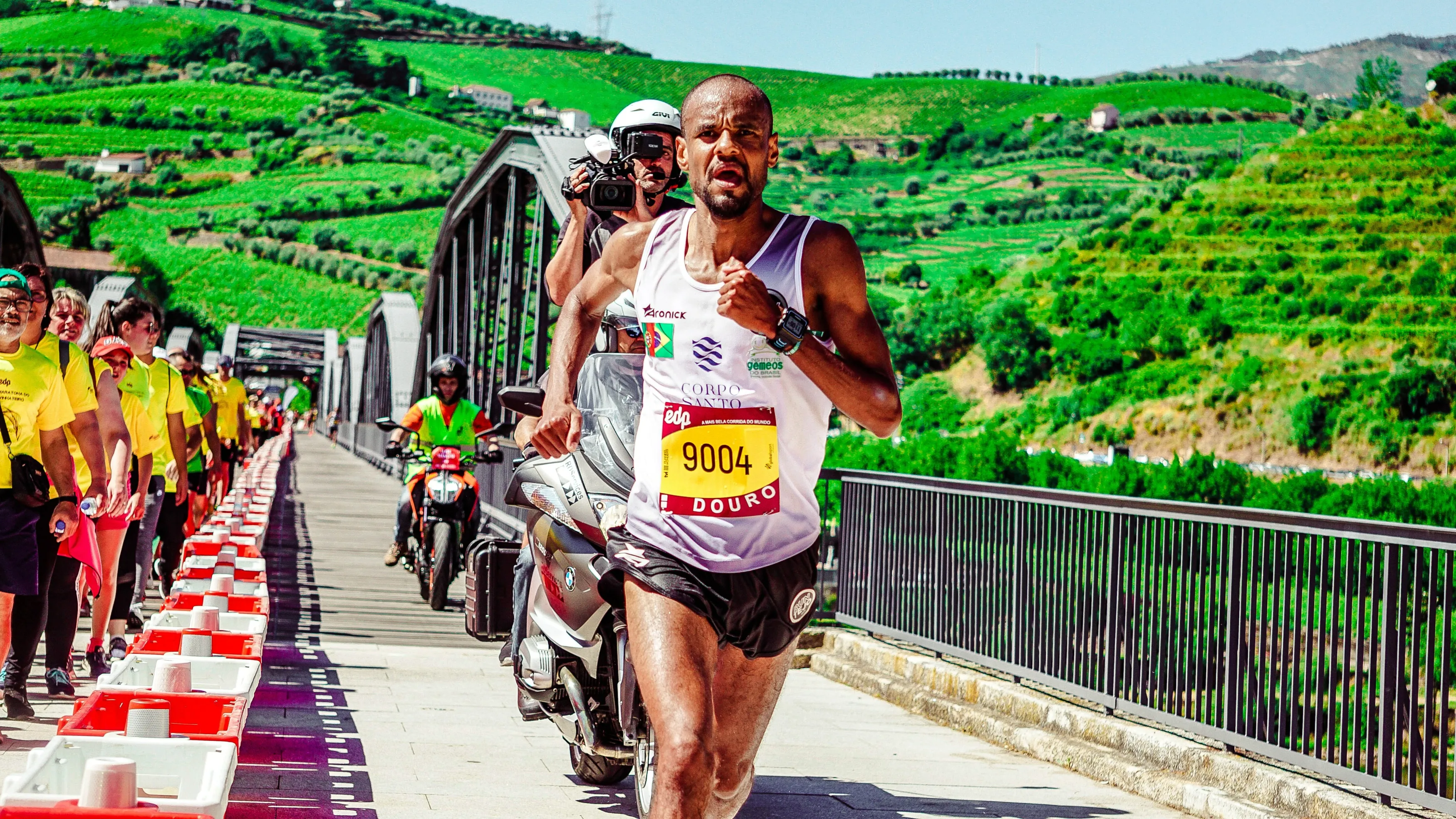
Anticipate the action rather than holding the shutter down continuously. Follow play before pressing the button, then shoot a short sequence around a jump, tackle, or finish.
- Choose a useful position. Look for clear sightlines and an uncluttered background while staying within permitted spectator areas.
- Leave room for movement. Avoid cutting off hands, feet, or equipment; leave space in the direction the athlete is moving.
- Check settings early. Review exposure, focus, and shutter speed before an important moment rather than waiting until the event ends.
- Photograph the wider story. Include reactions, celebrations, coaches, and the crowd alongside action frames.
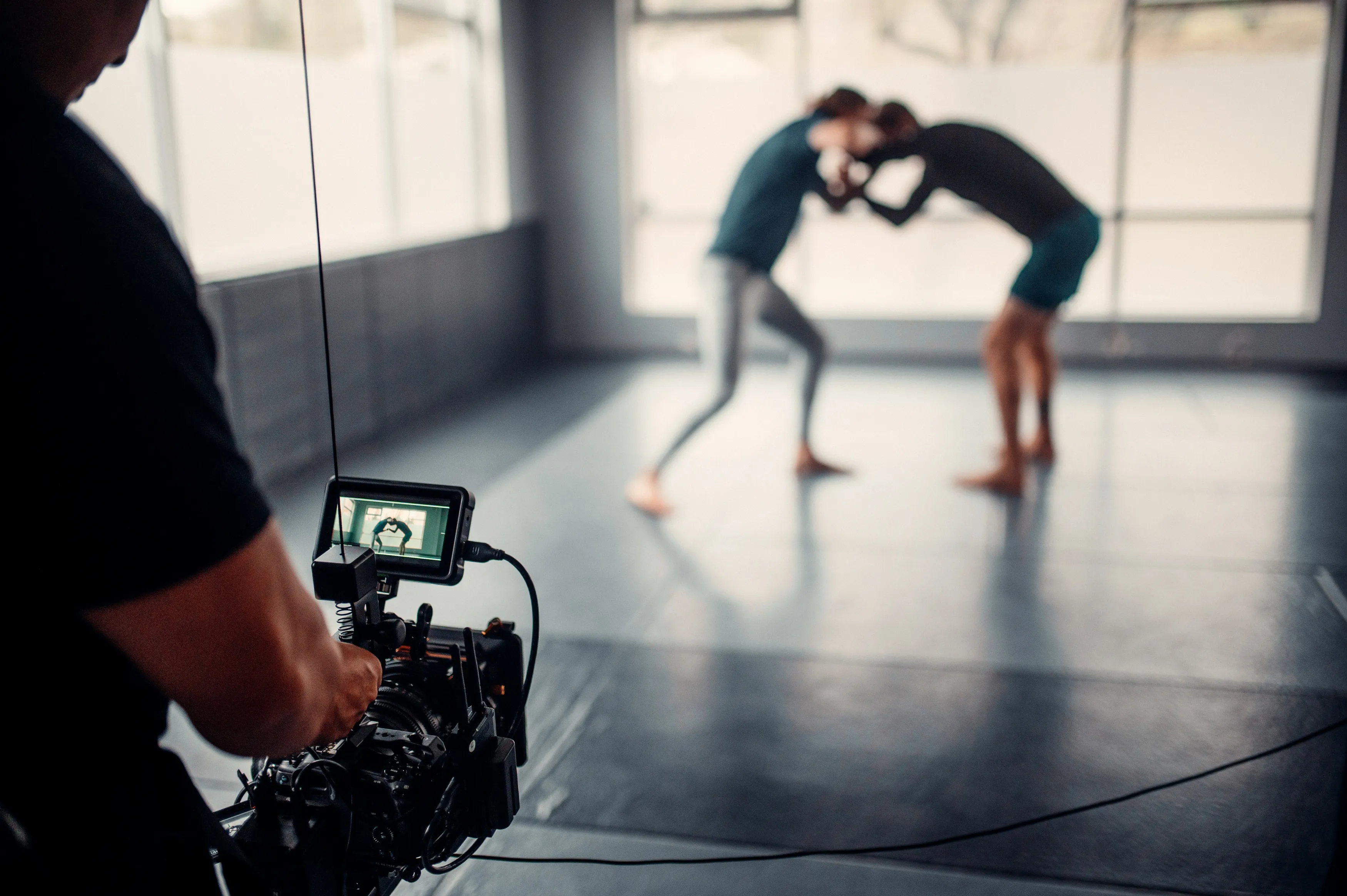
Practice at local matches where you can learn the sport’s rhythm. Review missed frames afterward and identify whether the problem was timing, focus, framing, or shutter speed.
Your AI-Powered Photo Editor for MacOS and Windows
How to Edit Sports Photos in Luminar
Begin by selecting images with useful timing and accurate focus. Luminar can help refine exposure, color, composition, and noise, but editing cannot reliably recover a badly missed focus point or severe motion blur.
- Correct exposure and white balance. In Luminar, use Develop RAW for supported RAW files to adjust brightness, highlights, shadows, and color temperature. Watch bright jerseys and skin tones under mixed lighting.
- Crop and straighten. Tighten the composition while leaving enough space around the athlete and equipment. Avoid cropping so heavily that the final image loses necessary detail.
- Reduce high-ISO noise carefully. Luminar’s Noiseless AI noise reduction works with RAW and JPEG files. Inspect faces, fabric, and grass to keep useful texture.
- Apply restrained sharpening. Evaluate Supersharp AI sharpening on a selected image and check for halos or altered detail. Do not assume it can rescue every blurred frame.

For documentary sports coverage, keep edits faithful to the event. Replacing skies, removing participants, or generating missing scene content can change what the photograph records.
Conclusion
Choose your first sports camera around the venue, the lens you need, and the total kit budget. Start with the EOS R10 for a straightforward mirrorless setup, consider the R7 for regular action work, or assess a used D500 or E-M1 Mark II when the kit offers good value. Choose a bridge camera only when its built-in zoom and limitations match your events.
Before upgrading, practice tracking at a local match and check whether your missed shots come from focus, shutter speed, or positioning. Once you have a sharp frame, Luminar can help refine it for sharing.
Frequently Asked Questions
Both can work; choose based on autofocus, lens options, and the complete kit cost. A mirrorless camera can offer useful subject detection, while a used DSLR such as the D500 may suit someone who already owns compatible lenses. Neither camera type guarantees sharp action shots.
No, an APS-C or Micro Four Thirds camera can capture sports effectively. Full-frame cameras can offer advantages in low light, but lens aperture, autofocus, and shutter speed remain important. Compare complete kits rather than sensor size alone.
Around 10 fps is a useful starting point for many sports, but it is not a minimum requirement. Timing and a sustained, in-focus burst matter more than the highest advertised number. Check whether the quoted rate includes continuous autofocus and full-resolution files.
Shoot RAW when you want more flexibility to adjust exposure and white balance; choose JPEG when delivery speed, storage, or burst duration matters more. RAW+JPEG uses more space and can shorten bursts on some cameras. Test your preferred setting before the event.
Your shutter speed may be too slow for the athlete, or autofocus may have missed the subject. Stabilization reduces camera shake, not subject motion. Try a faster shutter speed, confirm continuous AF is active, and check where focus landed.