
What a buy-once license actually covers, how the three-year cost compares with a monthly plan, and which editors are worth the money in 2026.
Until the first new camera body turns up and the raw files refuse to open, the perpetual license appears like a no-brainer. There are implications in purchasing that a photographer should understand before the card hits the floor and what they gain and lose. This is a breakdown of mechanics, options and cost math.
Don’t feel like reading the whole breakdown? We’ve pulled together a quick summary below.
Key Takeaways
- Perpetual Means the Version, Not Forever: A buy-once license keeps that release running indefinitely and covers point updates inside its cycle. The next major version costs again.
- New Cameras Are the Real Limit: Raw support arrives with updates, so a frozen version never learns a body released after it. Adobe’s free DNG Converter is the way around that.
- Break-Even Lands Around Six Months: Adobe’s Photography Plan runs $19.99 a month. A $119 perpetual license pays for itself against that inside half a year.
- Affinity Went Free in October 2025: Canva merged the three Affinity apps into one free application, with generative features held behind a Canva Pro plan.
- Check the Carve-Outs: Several vendors time-limit cloud sync or generative tools even on a perpetual license, so read what expires before buying.
- Test With Your Own Raws: Sample images prove nothing. Load 50 of your own files, time a batch export and check your camera is on the supported list.
Overview of Top One-Time Purchase Photo Editing Software
Once Adobe switched Lightroom and Photoshop to monthly bills the selection of photo editing software without subscription was reduced, but then expanded when new competitors bought into the alternative subscription-based model. Today, there are four names worth focusing on: Luminar, ON1 Photo RAW, DxO PhotoLab and Affinity, which was made free in October 2025 by Canva.

They work on half and half. DxO is a raw correction and denoise expert, ON1 features a complete catalog-to-export workflow, and Affinity is more of a pixel editor than it is a library application, as it’s closer to Photoshop. Very few photographers are able to stick with just one.
The direction of travel is of interest. Capture One has hiked up the price in March 2025 and again in June 2026, by some six per cent in each instance, and moved the buy-once option to the outer fringes of its product range. The other way went Affinity and became free. In order to understand how it is going to price, everyone who is thinking about a purchase three years in the future should read a vendor’s history page in conjunction with the current page.
Comparing Subscription and One-Time Purchase Photo Editors

Arithmetic is the case for the best non subscription photo editing software. Adobe’s Photography Plan costs $19.99 per month or $720 over three years, and when payments are turned off, so are the files. The perpetual licence, which costs around $119, plus two optional upgrades at about half the price, totals about $260 over the three years.
The subscription purchases the raw support of new bodies, cloud storage and a version that never lags behind an operating system update—the math doesn’t cover it. A guy who works with a camera and shoots it last month has a reason to pay monthly. A 5-year old photographer doesn’t.
The second one is not often mentioned in comparison tables. If a photographer ceases to be market conscious for two years, a perpetual license will ensure that they still have working software and readable files. If they miss a subscription they lose their folder of raws and have no way of opening the edits already made to their raws.
https://skylum.com/luminar/pricing
Features to Weigh in Non-Subscription Photo Editing Tools

Before committing to photo editing software one time purchase terms, four details decide how long the license stays useful:
- Raw support cadence. New camera profiles arrive in updates, so a frozen version will not open files from a body released after it.
- Upgrade pricing. Annual upgrades typically run 40 to 60 percent of the full price, which is the real yearly cost for anyone who keeps current.
- Operating system drift. A version nobody updates eventually breaks on a new macOS or Windows release, which is how most perpetual licenses actually die.
- Time-limited features. Generative and cloud tools are often licensed separately, and Luminar, for example, includes its generative set for a year from purchase rather than permanently.
The camera limit is an exception that’s free that you should know about. Adobe provides a DNG Converter that converts raw files from the current bodies to DNG, and older software will not have trouble with it. This conversion extends the usability of an older license by many years beyond what the list of supported cameras stipulates.
Detailed Review of Leading Non-Subscription Editors

Prices below are vendor list figures and move with seasonal sales, often by half during autumn promotions, so they read as a ranking of tiers rather than a quote.
| Editor | Buy-once price | Strongest at | Trade-off |
| Luminar | around $119 desktop | AI masking, relighting, sky work; runs as a Lightroom Classic and Photoshop plugin | Generative tools come with a one-year window, not forever |
| ON1 Photo RAW | around $100 | Layers and raw conversion in one app, folder browsing without a catalog import | Plugin use sits in the pricier MAX edition |
| DxO PhotoLab 9 | $149.99 Essential, $239.99 Elite | DeepPRIME denoise and optical modules calibrated per camera and lens pair | Asset management is thin next to the others |
| Affinity by Canva | free since October 2025 | Pixel, vector and layout work in a single app | No raw cataloging; generative tools need Canva Pro |
DxO is the only one that stands out from the rest. It measures corrections for a particular body/lens combination, and thus it is there that the distortion is corrected more completely and the corners are less soft than elsewhere.
Benefits of AI Integration in Modern Photo Editing Software

This is the most substantial time change in local work due to automated masking of any slider. Selecting subjects, sky and background, which would previously take a brush and a few minutes now takes seconds; cleanup of hair and foliage is a bit—not a rebuild.
There are two caveats. Masking and relighting are done locally on the graphics card and so in this case a thirty second wait would occur on an older laptop equipped with built-in graphics. Generative features are different again: they typically go to a server, so vendors recover them by a time window or by selling them separately, instead of as a ‘perpetual price’.
Target Users for Popular One-Time Purchase Photo Editors
There’s no point upgrading, as hobbyists shooting a few hundred frames a month would get the best value for money by purchasing them up front, as a two-year old version would be just fine for them. The benefit they gained from skipping two releases is nothing.
On the flip side, wedding and event photographers perform in the opposite niche. If ten thousand files can be handled without slowing in either of the catalogs, then there is a volume in favor of the one chosen in the mid-season, and a body acquired during the mid-season will have to work Monday.
Trial Options and How to Test Photo Editing Software Before Buying
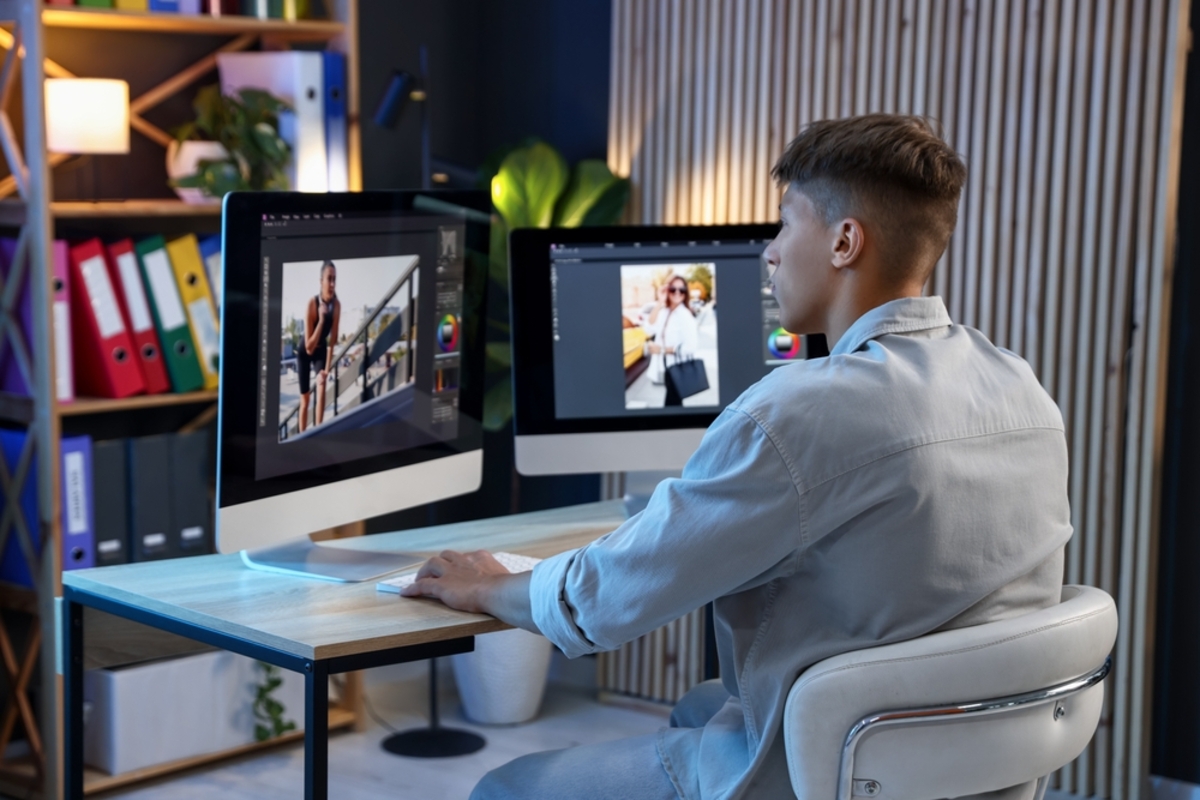
Every vendor selling photo editing software no subscription offers a trial, usually 7 to 30 days, and the way most people use it wastes the window. Opening the supplied sample images proves only that the software runs on someone else’s files.
A trial that answers the question takes about an hour. Import 50 raws from the camera actually in use, confirm the body appears on the supported list, apply a correction to one file and sync it across the batch, then time a full-resolution JPEG export and note it. Run the catalog at the size of the real library rather than a test folder, because performance falls off at a few thousand images in several of these applications.
Round-trip behavior deserves a check too, since most photographers keep more than one editor. Send a file out to a second application and back, and watch whether metadata and edit history survive. For a quick look at a tool without installing anything at all, an online photo editor answers basic questions about interface and output in a browser before a download starts.
Common Questions About Non-Subscription Photo Editing Software
Will my editor keep working if the developer ends support?
Generally, a perpetual license lets you continue using the version you purchased on a compatible computer. However, support ending may mean no further bug fixes or compatibility updates. Features that depend on online services may have separate limitations.
Does a lifetime license include all future updates?
Not necessarily. A perpetual license may cover the purchased version, while major upgrades or online AI features cost extra. When comparing options such as Luminar, check which tools are included and whether any features have a separate access period.
Can I transfer my license to another computer?
This depends on the license’s device limit and activation rules. Some developers allow you to deactivate an old computer and activate a replacement. Check whether the license also permits switching between Windows and macOS.
Is free photo editing software enough?
For cropping, color correction, retouching, and layered compositions, a free editor may cover your needs. A paid option may be worth considering if it makes your regular tasks easier—for example, if Luminar’s AI-assisted adjustments suit your editing style. Compare tools using your own photos and judge the results, available controls, and time saved.


