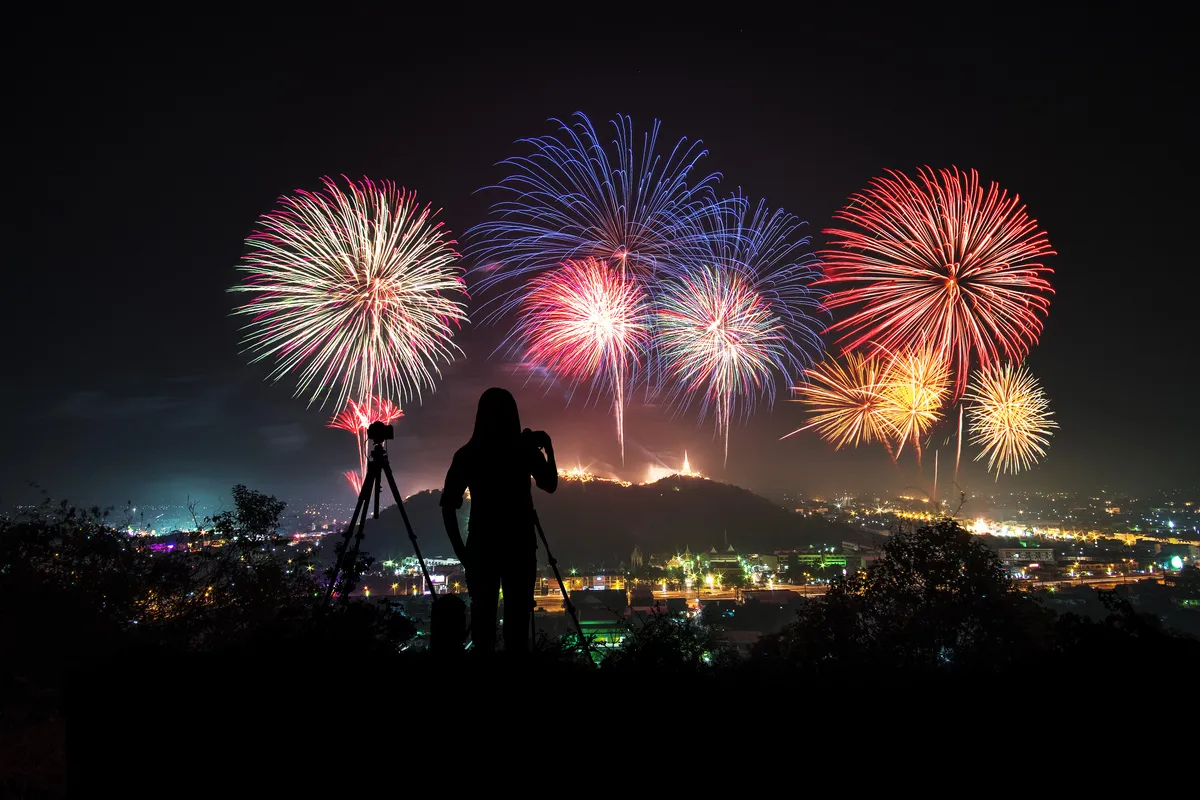
Fireworks don’t have to be hard to photograph! Learn how to shoot them like a pro, avoid common mistakes, and make your photos pop.
Fireworks photography combines long exposure, precise timing, manual focus, and careful composition. The bright trails appear against a dark sky for only a few seconds, so automatic camera settings often produce inconsistent results.
To photograph fireworks, place the camera on a stable tripod, select Manual or Bulb mode, use a low ISO, focus manually, and adjust the exposure according to the brightness and density of each burst.
Quick fireworks camera settings:
|
Setting |
Recommended starting point |
|
Exposure mode |
Manual or Bulb |
|
ISO |
100–200 |
|
Aperture |
f/8–f/11 |
|
Shutter speed |
1–4 seconds |
|
Focus |
Manual, focused near the fireworks’ distance |
|
White balance |
Daylight or a fixed Kelvin value |
|
File format |
RAW |
|
Stabilization |
Follow the camera or lens guidance for tripod use |
|
Flash |
Off, unless illuminating a nearby foreground subject |
These settings are starting points rather than universal rules. Fireworks vary in brightness, size, duration, and color, so review the first few images and adjust the exposure.
What Equipment Do You Need for Fireworks Photography?
The essential fireworks photography gear consists of a camera with manual exposure controls, a suitable lens, a stable support, and a way to release the shutter without moving the camera.
Useful equipment includes:
- DSLR or mirrorless camera
- Wide-angle or standard zoom lens
- Sturdy tripod
- Cable release or wireless remote
- Spare battery
- Empty memory card
- Small flashlight
- Weather protection
- Lens cloth
A remote release and tripod make long exposures easier, but they are not compulsory for every type of fireworks photograph. A camera can also be braced on a stable surface, or used handheld with a faster shutter speed and higher ISO for a different visual effect.
What Is the Best Camera for Photographing Fireworks?
Any camera that offers manual exposure and focus controls can photograph fireworks successfully. Bulb mode is particularly helpful because it allows the photographer to open and close the shutter according to the duration of each burst.
Useful camera features include:
- Manual exposure mode
- Bulb or Time mode
- Manual focus
- RAW capture
- A remote-release connection
- Magnified live view
- Highlight warnings or histogram display
- Good battery life
A full-frame camera is not necessary. APS-C, Micro Four Thirds, bridge cameras, and compatible smartphones can all produce strong results.
Because fireworks are bright, high-ISO performance is less important than it is in many other types of night photography. Familiar controls and reliable operation matter more than owning the newest camera.
What Is the Best Lens for Fireworks Photography?
The best lens depends on the photographer’s distance from the display and how much of the surroundings should appear in the frame.
Useful focal lengths include:
- 16–35 mm: Wide views containing the sky, skyline, landscape, crowd, or reflections
- 24–70 mm: Flexible framing from a moderate distance
- 70–200 mm: Tighter compositions showing individual bursts or distant displays
A fast maximum aperture is not essential because many fireworks photos are captured around f/8–f/11. However, lens quality still affects flare, contrast, sharpness, and chromatic aberration around bright trails.
Choose the focal length before the display begins whenever possible. Changing lenses in a dark, crowded, or dusty environment increases the risk of dropping equipment or contaminating the sensor.
Your AI-Powered Photo Editor for MacOS and Windows
Why Is a Tripod Useful for Fireworks Photography?
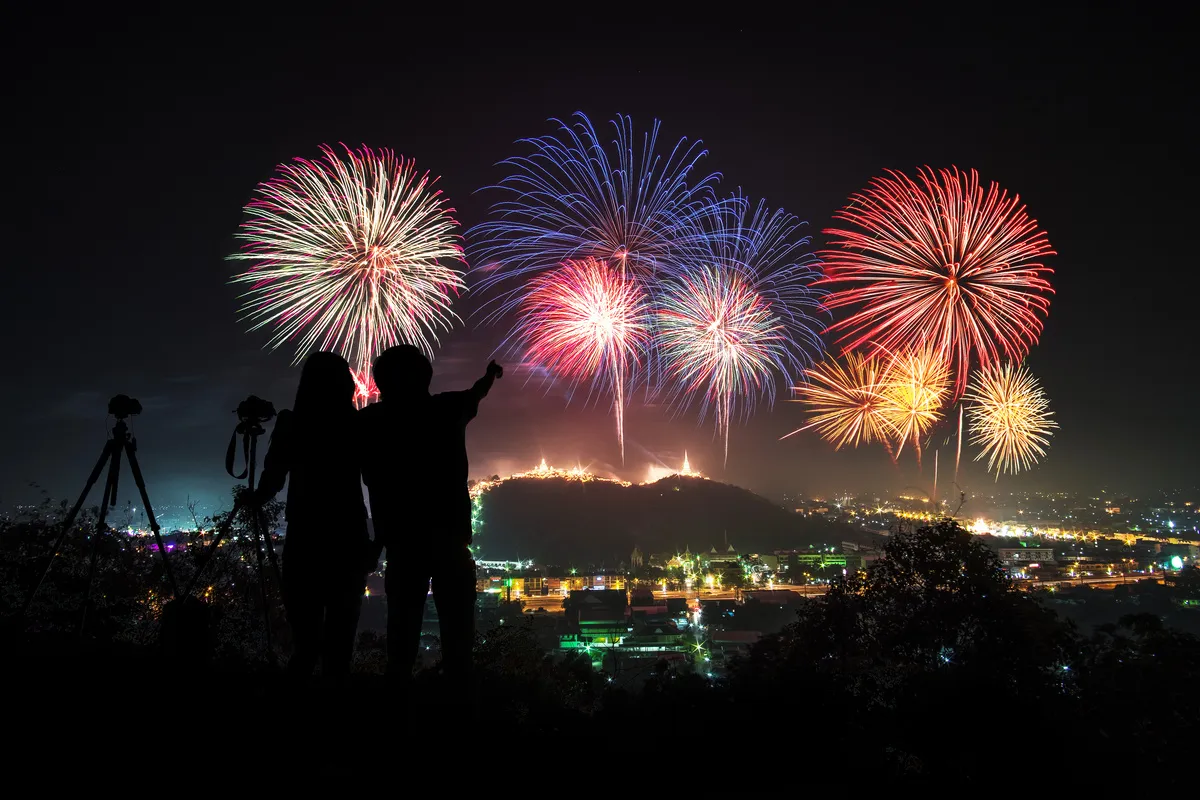
A tripod keeps the camera stationary during a multi-second exposure, allowing fireworks to form clear trails instead of recording unintended camera movement.
Make sure:
- All tripod locks are secure.
- The center column is not extended unnecessarily.
- The camera and lens are balanced.
- Straps are not moving in the wind.
- Other spectators cannot easily hit the tripod.
- The horizon is level.
A tripod is especially useful when including buildings, landscapes, or other stationary foreground elements that need to remain sharp.
If tripods are prohibited or unsafe at the venue, brace the camera against a railing or another stable surface and use a shorter shutter speed.
Useful Fireworks Photography Accessories
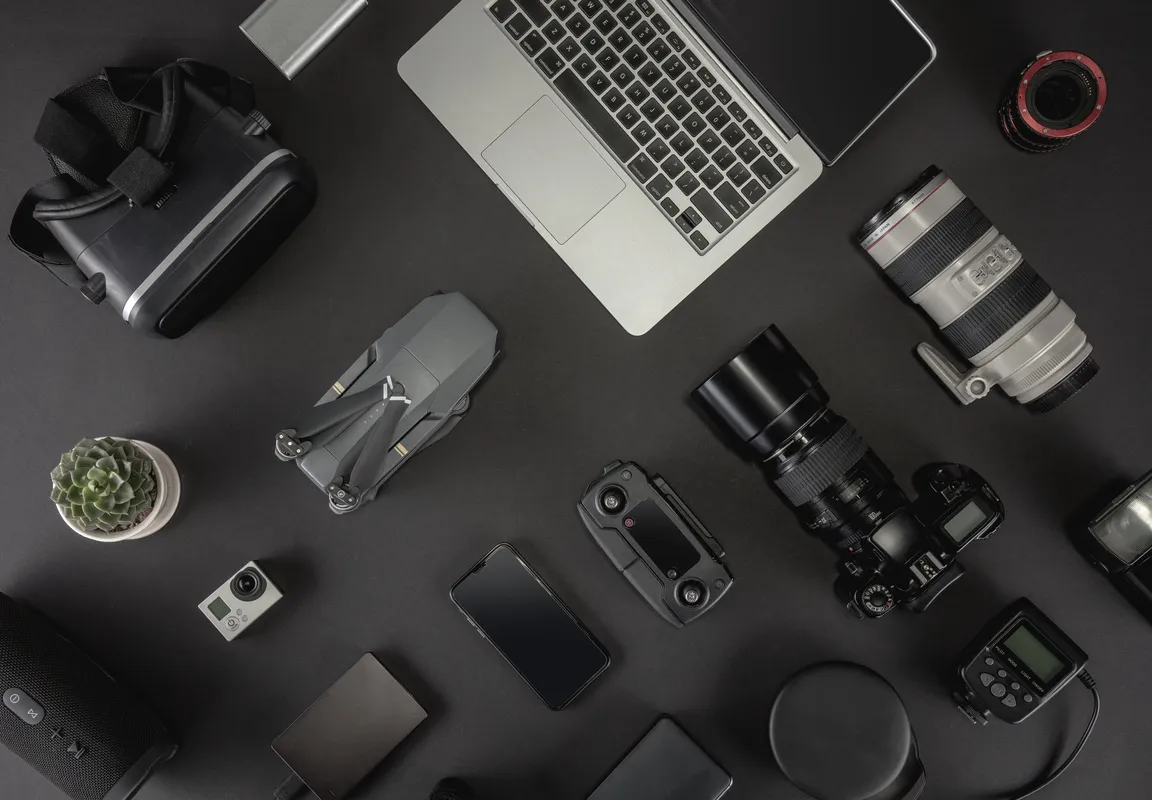
Remote Shutter Release
A cable or wireless remote prevents the camera from moving when the shutter is pressed. It also makes Bulb mode easier to control.
If a remote is unavailable, use:
- A two-second self-timer for a preset exposure
- The camera manufacturer’s remote-control app
- A touch-free shutter function, when supported
A timer is less convenient for timing an unpredictable burst, but it can still prevent physical camera movement.
Spare Battery
Long exposures, cold weather, live view, and repeated image review can reduce battery life. Bring a fully charged spare and keep batteries protected from extreme temperatures.
There is no reliable universal rule that a lithium-ion battery loses a specific percentage of capacity at +5°C. The effect depends on the battery, temperature, age, camera, and workload.
Flashlight
Use a dim flashlight to check equipment and controls. A red mode can be less disruptive to night vision and other photographers, but it is not required.
Avoid shining the light toward the display, spectators, or other cameras.
Weather Protection
Carry a suitable rain cover when precipitation is possible. Fireworks photography often requires remaining in one location for an extended period, so appropriate clothing matters as much as camera protection.
An additional clear lens filter is not necessary merely because fireworks are being photographed. At a properly designated viewing distance, hot debris should not be reaching the camera. Extra glass may also introduce reflections or flare around bright light sources.
How to Use Bulb Mode for Fireworks
Bulb mode keeps the shutter open for as long as the shutter-release control remains active. This lets the photographer match the exposure to the fireworks rather than choosing one fixed duration.
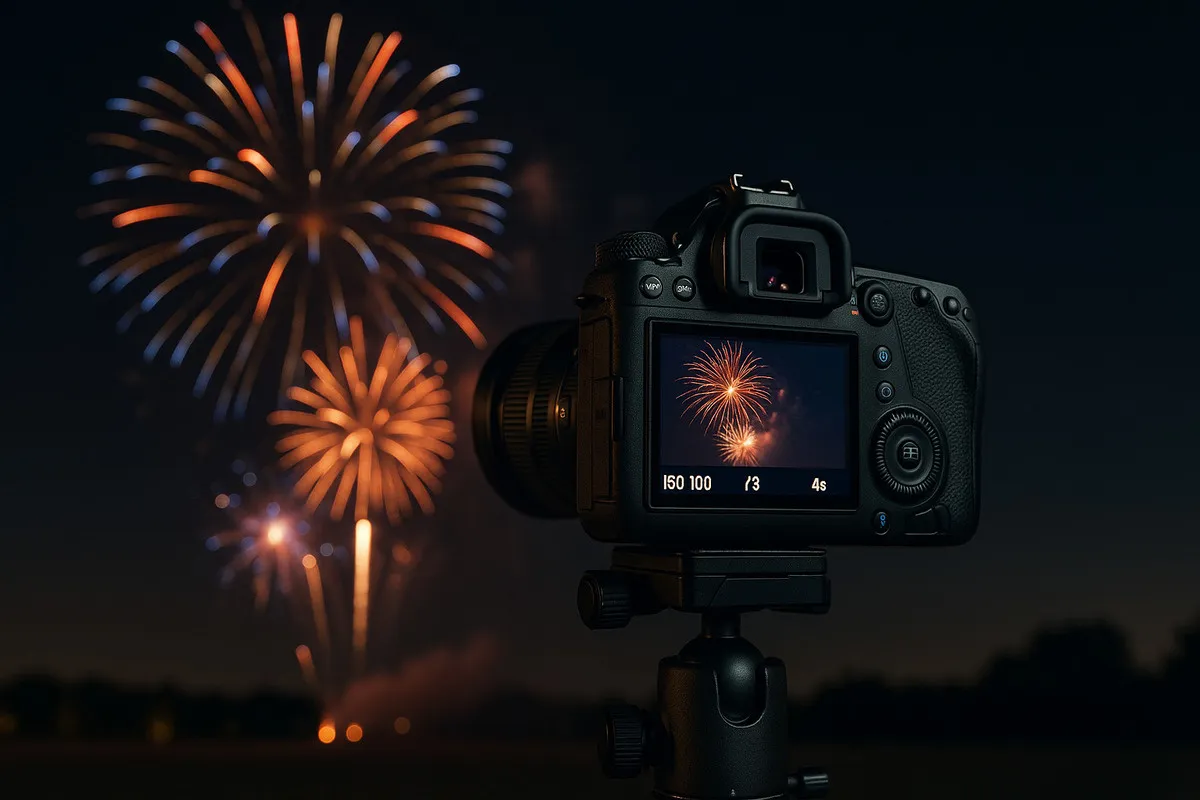
A simple technique is:
- Wait for a shell to launch.
- Open the shutter.
- Keep it open while the firework rises and expands.
- Close the shutter as the trails begin to fade.
- Check the result and adjust the aperture or timing.
Avoid keeping the shutter open through too many dense bursts. Their trails can overlap and form a bright, featureless area.
How to Photograph Fireworks Step by Step
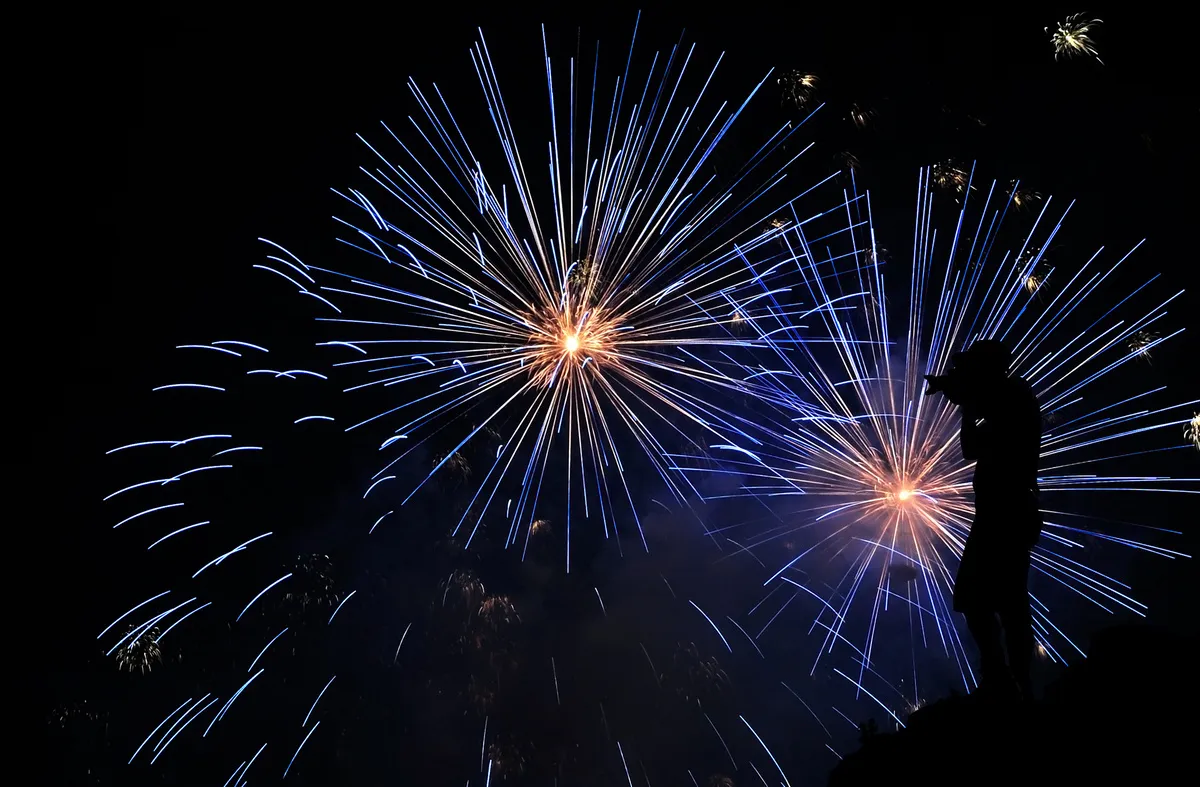
Step 1: Research the Display
Find out:
- Where the fireworks will launch
- When the display begins
- Which areas are open to spectators
- Whether tripods are permitted
- Which direction the wind is expected to blow
- Whether water, buildings, or landmarks can be included
- How early the location becomes crowded
Photograph only a permitted display from the designated viewing area. Never enter a launch or safety zone to obtain a closer photograph.
Step 2: Arrive Early and Choose an Upwind Position
An upwind position helps prevent smoke from drifting directly between the camera and fireworks.
Arrive early enough to:
- Select a safe tripod location
- Test the composition
- Focus while some ambient light remains
- Capture the location before the sky becomes completely dark
- Confirm that the foreground will not be blocked by spectators
The first part of a display often provides the cleanest sky because less smoke has accumulated.
Step 3: Set Up the Camera and Tripod
Place the tripod on a stable surface and secure every adjustment point. Compose more widely than initially seems necessary because the height and spread of the first bursts may be difficult to predict.
Leave room above and beside the expected explosions. Cropping a slightly wider frame is easier than reconstructing trails cut off by the image boundary.
Step 4: Include Context in the Composition
Buildings, water, trees, or spectators can provide scale and identify the location.
Useful foreground and background elements include:
- City skylines
- Bridges
- Monuments
- Mountains
- Water and reflections
- Silhouetted spectators
- Festival lighting
Context is optional. A close abstract composition containing only fireworks can also work when the shapes and colors are strong enough.
Removing the entire background during editing is rarely the best solution. It usually makes the photograph look less connected to the actual event.
Step 5: Connect the Remote and Test the Exposure
Take a test exposure before the main display. Confirm:
- Focus
- Horizon
- Framing
- File format
- Battery and card status
- Shutter response
- Highlight detail
Mirror lockup may reduce vibration on some DSLR cameras, but it is irrelevant to mirrorless cameras. Electronic front-curtain or electronic shutter behavior varies by model, so follow the camera manufacturer’s guidance.
Step 6: Capture the First Bursts
Begin photographing early. Open the shutter as the shell launches and close it after the main trails appear.
Review only enough frames to confirm exposure and composition. Constantly looking at the screen can cause you to miss the next launch.
Step 7: Adjust as the Display Changes
Displays often become brighter and denser toward the finale.
As the number of simultaneous fireworks increases:
- Shorten the exposure.
- Close the aperture.
- Reduce the number of bursts recorded in one frame.
- Check whether smoke is obscuring the composition.
- Avoid clipping large areas to pure white.
Do not delete files during the display simply to create space. This wastes time and increases the risk of deleting a useful image accidentally. Begin with a memory card that has enough capacity.
Step 8: Capture Horizontal and Vertical Compositions
Horizontal framing works well for wide displays, skylines, and reflections. Vertical framing emphasizes height and can suit a single launch or social media format.
Recompose carefully rather than rotating an unlocked camera abruptly on a crowded tripod.
Creative Fireworks Photography Ideas
Technical accuracy is only the foundation. These fireworks photography tips can make the images more distinctive.
Use Reflections
Water, glass, and wet surfaces can repeat the color and movement of fireworks.
Position the reflection deliberately. It does not always need to occupy exactly the lower half of the frame; the best balance depends on the surroundings and the main burst.
Add Silhouettes
A person, tree, bridge, or building can create a strong dark shape against the fireworks.
Expose for the fireworks when the silhouette should remain dark. If a person’s face is important, create a separate exposure strategy for the foreground rather than expecting one setting to capture both perfectly.
Try a Controlled Zoom Effect
During a long exposure, turn the zoom ring smoothly to stretch the light trails toward or away from the center.
This technique works best with:
- A tripod
- A manual zoom ring
- One clearly positioned burst
- An exposure of several seconds
- Several attempts
The result is intentionally abstract and should not replace conventional coverage of the display.
Photograph the Audience
Turn the camera away from the sky occasionally. Faces illuminated by fireworks, people holding phones, children watching, and silhouettes against the display can communicate more emotion than an isolated burst.
Combine a Foreground and Fireworks Exposure
A foreground may require a longer or brighter exposure than the fireworks. One approach is to photograph the location before the show and combine it carefully with a later fireworks frame.
If multiple exposures are combined, disclose the composite when documentary accuracy matters. Luminar’s HDR Merge is designed to combine bracketed exposures, but moving fireworks and smoke can create ghosting, so it is better suited to a stable foreground sequence than to randomly overlapping bursts.
How to Photograph Fireworks With a Phone
A smartphone can capture fireworks when stabilized and used with the right camera mode.
Try these steps:
- Turn off the flash.
- Clean the camera lens.
- Stabilize the phone with a tripod or solid surface.
- Use a built-in fireworks, Pro, or long-exposure mode if available.
- Reduce exposure to protect bright colors.
- Lock focus and exposure when the camera app permits it.
- Use the main camera instead of heavy digital zoom.
- Capture several short sequences rather than one continuous recording.
- Include a recognizable foreground.
- Review the brightest areas for clipping.
Night modes are designed differently across phones and may combine several frames automatically. If the trails appear soft or fragmented, try a shorter exposure mode or standard video and select a frame later.
Common Fireworks Photography Mistakes
1. Arriving Too Late
Late arrival can leave the photographer behind spectators, downwind of smoke, or without a safe place for a tripod.
Scout the location and arrive before the display begins.
2. Using Autofocus for Every Frame
Autofocus may search through the dark sky and miss the burst. Focus once on the correct distance, switch to manual focus, and verify it after changing the focal length.
3. Setting ISO Too High
High ISO can increase visible noise and cause bright trails to lose color more quickly. Begin low and raise ISO only when the composition or shutter speed requires it.
4. Using One Exposure for the Entire Show
The beginning, middle, and finale can differ significantly in brightness. Adapt shutter speed and aperture as the display changes.
5. Recording Too Many Bursts in One Exposure
A very long exposure can turn several colorful trails into an overexposed white mass. Close the shutter after one or two useful bursts and begin a new frame.
6. Assuming the Tripod Is Automatically Stable
A loose head, moving strap, extended center column, soft ground, or contact from spectators can still cause blur.
Check the entire support system, not only the tripod legs.
7. Applying the Wrong Stabilization Advice
Some stabilization systems should be disabled on a tripod, while others detect tripod use or provide a dedicated mode.
Check the instructions for the specific camera and lens instead of following a universal “always off” rule.
8. Using Automatic White Balance Without Checking It
Auto white balance can shift colors between photographs. A fixed setting creates consistency, although RAW files make later corrections easier.
9. Changing Lenses During the Display
Changing lenses in darkness wastes time and can expose the sensor to dust. Choose a versatile lens before the show or use a second camera body.
10. Deleting Images During the Event
A photograph that appears imperfect on a small screen may still contain useful detail. Save culling for a larger display after the files have been backed up.
11. Ignoring Smoke
Smoke reduces contrast and can cover later bursts. Choose an upwind position and capture important frames early.
The smoke normally affects visibility and contrast rather than causing the camera to “lose focus” by itself.
12. Believing Every Fireworks Photo Needs a Foreground
A foreground adds context but is not compulsory. Abstract close-ups and isolated patterns can work when composition, timing, and color provide enough visual interest.
13. Planning Around the Moon Instead of the Display
Moon phase is rarely a decisive factor in fireworks photography. Fireworks are much brighter than ordinary moonlit sky, and exposure is normally set for the trails themselves.
Consider the moon only when it appears in the planned composition. The original claim that a full moon functions as a “giant softbox” and washes out fireworks was not technically sound.
How to Edit Fireworks Photos in Luminar
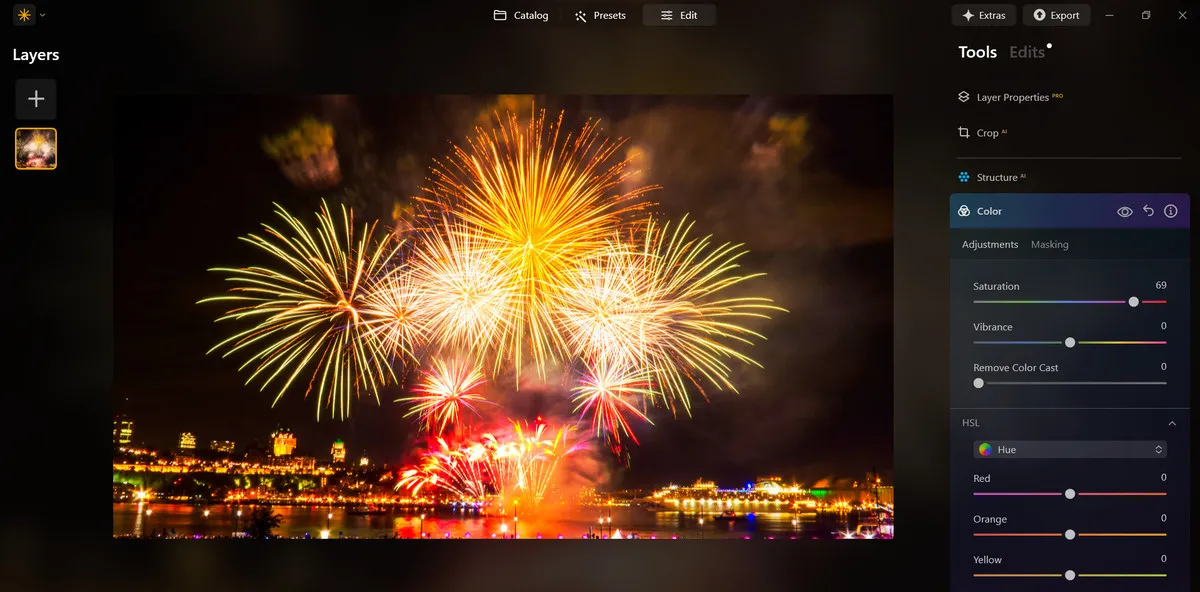
Fireworks photo editing should preserve trail color, deepen the sky, reduce distractions, and improve the composition without making the display look artificial.
Luminar provides RAW development, color correction, noise reduction, masking, sharpening, cropping, and creative tools in one workflow.
Exclusive Tools of Endless Possibilities in One AI Editor
1. Correct Exposure and Tonal Balance
Begin with exposure, highlights, shadows, whites, and blacks.
Protect the brightest trails from clipping. Raising the entire exposure can turn colored fireworks white and make the sky gray.
Enhance AI can provide a starting point for tonal adjustments, but review the highlights manually.
2. Refine Fireworks Colors
Use the Color tool to adjust:
- Saturation
- Vibrance
- Color temperature
- Tint
- Individual hue ranges
Avoid increasing global saturation until every trail becomes unnaturally intense. Masking individual areas can provide more control.
3. Reduce Noise
Noise may become visible in the sky after raising shadows or photographing at a higher ISO.
Noiseless AI reduces luminance and color noise while preserving detail. Apply it carefully so that smoke, clouds, and fine trails do not become unnaturally smooth.
4. Improve Composition
Straighten the horizon and crop distracting empty areas or partial bursts near the edge.
Composition AI can suggest a crop and perspective adjustment. Review the result manually because automatic composition may not understand where the next trail was intended to end.
5. Remove Small Distractions
Erase sensor dust, isolated lights, or minor objects near the frame edge where their removal does not change the meaning of the event.
Use photo retouching tools carefully around smoke and fine light trails, as reconstructed areas can become noticeable.
6. Apply Selective Adjustments
Use AI photo masking or manual masks to separate the sky, foreground, and fireworks where possible.
Selective editing is useful for:
- Darkening a washed-out sky
- Brightening a skyline
- Controlling reflections
- Reducing saturation in one color
- Adding local contrast to the foreground
7. Sharpen Conservatively
Sharpening can improve defined edges, but it cannot restore trails blurred by camera movement or incorrect focus.
Excessive sharpening creates halos and noise around the fireworks. Evaluate the result at the intended export size.
Should You Replace the Sky in a Fireworks Photo?
Sky AI was recommended in the original article, but it is not a logical default tool for fireworks photography. Replacing the sky can create inconsistent light, smoke, reflections, and atmosphere.
Use sky replacement only for an explicitly creative composite. Do not present the result as a documentary photograph of the original display.
Capture the Atmosphere
Successful fireworks photography is not only about recording bright trails. The strongest images also communicate the scale, location, and emotional atmosphere of the display.
Prepare the equipment before the show, begin with reliable fireworks camera settings, and adapt as the brightness and density change. Once the technical setup is under control, experiment with reflections, silhouettes, audience reactions, abstract framing, and different focal lengths.
Frequently Asked Questions
Manual focus is generally more reliable. Focus on a distant object or the first burst, switch to manual focus, and verify sharpness with magnified live view.
A tripod is strongly recommended for multi-second exposures. If it is unavailable or prohibited, stabilize the camera on a solid surface or use a faster shutter speed for handheld photographs.
It depends on the camera and lens. Some stabilization systems should be disabled, while newer systems may detect tripod use automatically. Follow the manufacturer’s guidance for the specific equipment.