A great photo doesn’t always come straight out of the camera. Sometimes, it just needs the right edit.
Choosing a mobile editor in 2026 is no longer just about finding an app with filters and brightness sliders. The strongest options now combine RAW support, selective adjustments, AI-powered retouching, object removal, presets, and increasingly sophisticated automation. But with so many options available, the best free picture editor app is not necessarily the one with the longest feature list.
We compared the most capable apps available on iPhone and Android, looking at what you can actually do for free, what sits behind a subscription, and which apps are worth installing for serious photo work.
Our Top Picks
|
App |
Best for |
Free access |
Standout feature |
|
Luminar |
AI-powered all-round editing |
Free trial |
AI Enhance, Sky AI, Skin AI, RAW, masking |
|
Adobe Lightroom |
RAW and manual control |
Strong free tier |
Professional color and tonal adjustments |
|
Snapseed |
Completely free editing |
Free |
Selective editing and RAW development |
|
Polarr |
Advanced creative editing |
Free tier |
HSL, curves, segmentation, retouching |
|
Facetune |
Portrait and selfie retouching |
Free tier |
Face, skin, and detail retouching |
How We Chose the Best Apps
The phrase “free” can be misleading in mobile photo editing because many apps are free to download, but reserve their most useful features for paying users. So, are there any free photo editing apps that actually give you enough tools to edit seriously without paying? We also considered how established and actively used each app is, looking at audience signals such as monthly active users where reliable data was available. We therefore looked at free functionality, premium restrictions, RAW compatibility, AI tools, manual controls, export options, ease of use, and whether the app is useful for more than applying a filter.
1. Luminar: Best for AI Editing Without a Complicated Workflow
If you want the strongest combination of automation, creative controls, and professional-looking output, Luminar for Mobile takes the top spot.
What You Can Do With It
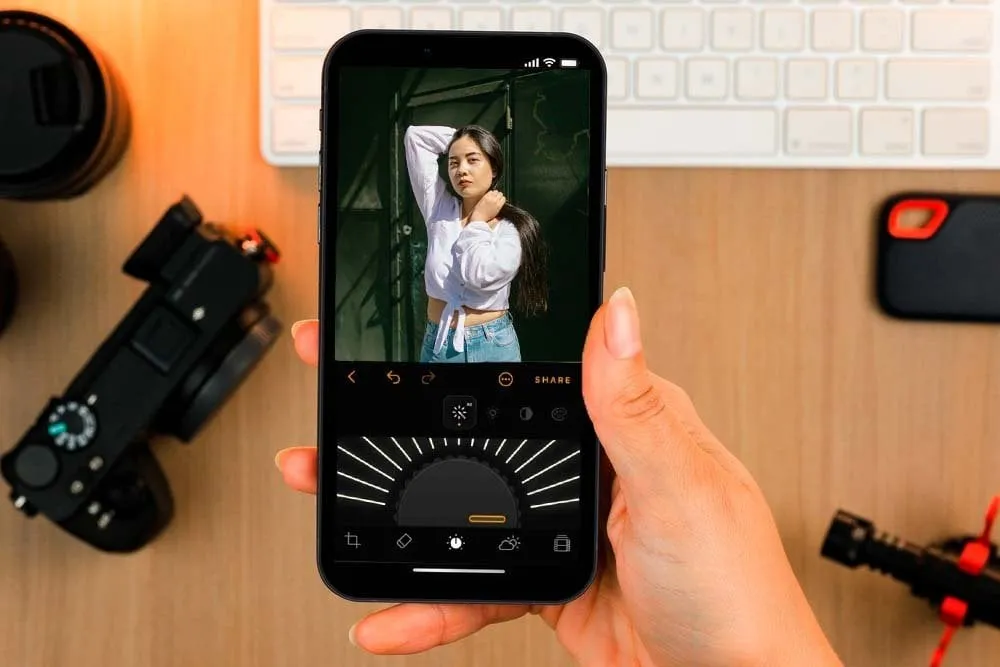
Luminar combines everyday editing tools such as Crop, Curves, Develop, Details, and Erase with AI-powered features that speed up more complex edits. Its current toolkit includes Enhance AI, Sky AI, Relight AI, Skin AI, Body AI, Portrait Bokeh, Auto Masking, and RAW support. The app is available on both iPhone and Android, with iOS 17 or newer and Android 11 or newer required.
This makes it particularly practical for travel photos, portraits, and difficult lighting. For example, instead of manually creating a mask around a person, you can use automated selection and then refine the result.
If you’re trying to find the best free photo editor app, Luminar is worth considering if you value AI-powered tools and a faster editing workflow, although its full experience is available through a free trial rather than permanent free access. For a closer look at what makes Luminar’s approach different, Why Luminar is the Best Photo Editing App explores its AI tools, RAW editing, presets, and overall workflow.
Is Luminar for Mobile Actually Free?
Luminar isn’t permanently free, but you can try it for 7 days before choosing a paid plan. Skylum’s current page lists annual, weekly, and lifetime options, with prices varying by region and current promotions.
So if you mean “free” as in no payment ever, Snapseed is the safer choice. If you want to test a more advanced mobile editor before committing, Luminar gives you that option. And if you want to move between your phone and desktop, Luminar also offers a connected Desktop + Mobile workflow with Cloud Sync. If you want to see how the desktop version performs in more depth, our Luminar review covers its features and editing workflow.
Professional Editing. Now in Your Pocket.
Download Luminar on your Mobile Device
2. Adobe Lightroom: Best for Serious RAW Editing
Adobe Lightroom remains one of the strongest options for photographers who want their phone to behave more like a professional digital darkroom.
What the Free Version Includes
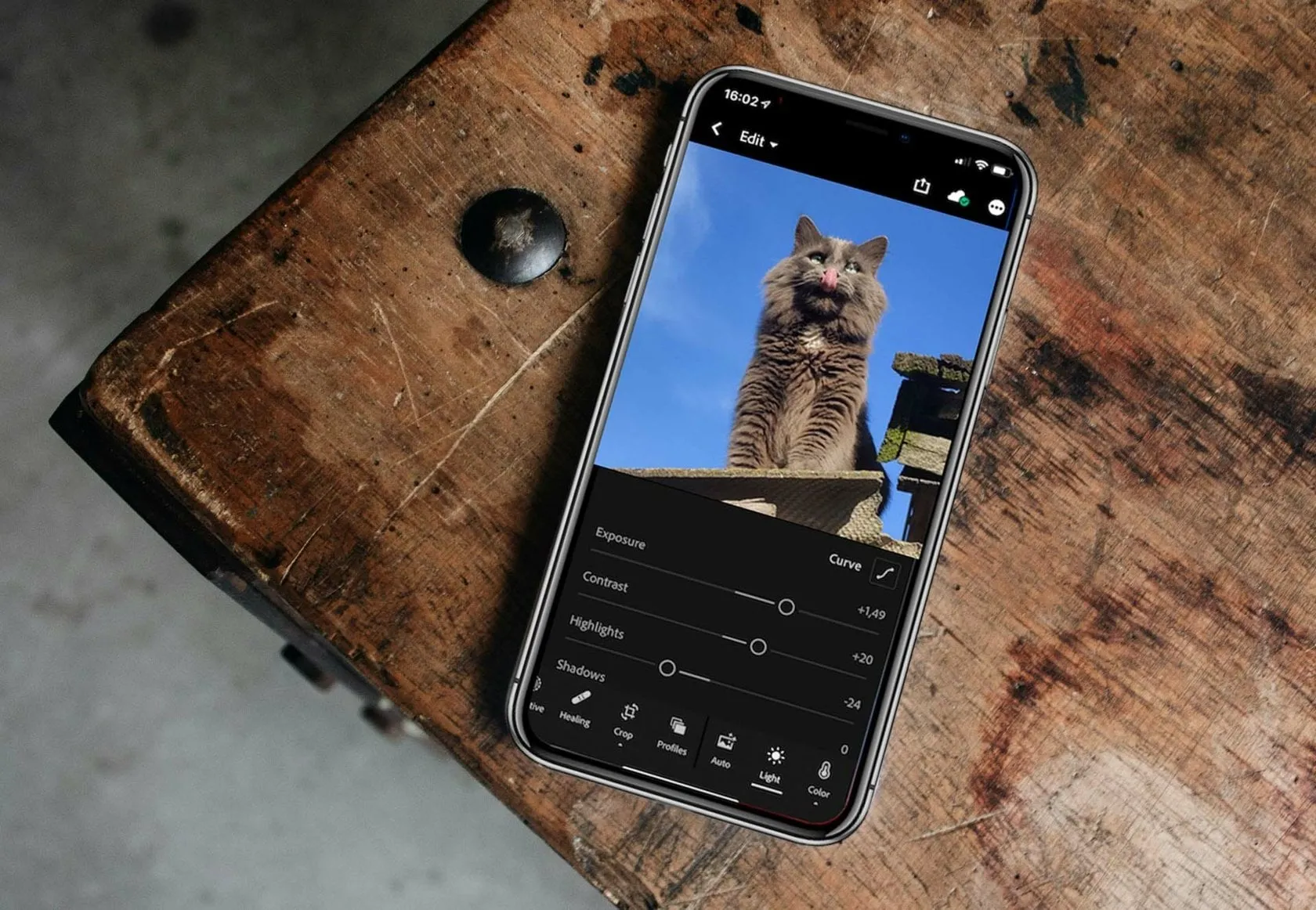
Lightroom is free to download on both iPhone and Android, and the free version gives you plenty to work with, from basic adjustments and presets to organizing and sharing your photos. The catch is that some of Lightroom’s more advanced tools, such as masking, Generative Remove, healing, geometry, batch editing, and full RAW editing, require a Premium plan.
That makes Lightroom a very capable free editor for everyday adjustments like exposure, contrast, and color. But if you want the full professional-style RAW workflow, you’ll need to upgrade to Premium.
Who Should Choose Lightroom?
Lightroom is a good fit if you already use Adobe apps or like the idea of editing your photos on your phone and picking up where you left off on the desktop. Before installing it, though, it’s worth checking your device, especially on Android.
Adobe lists 4 GB of RAM as the minimum and recommends 8 GB or more for a smoother experience. If you’re new to mobile editing and want some practical tips for getting better results, How to Use Luminar for Mobile is a useful guide to working with AI tools, portraits, landscapes, and everyday phone photos.
3. Snapseed: Best Completely Free Option
If someone asks, what is the best free photo editing app with no recurring subscription, Snapseed remains one of the easiest answers.
Why It Is Still Relevant in 2026
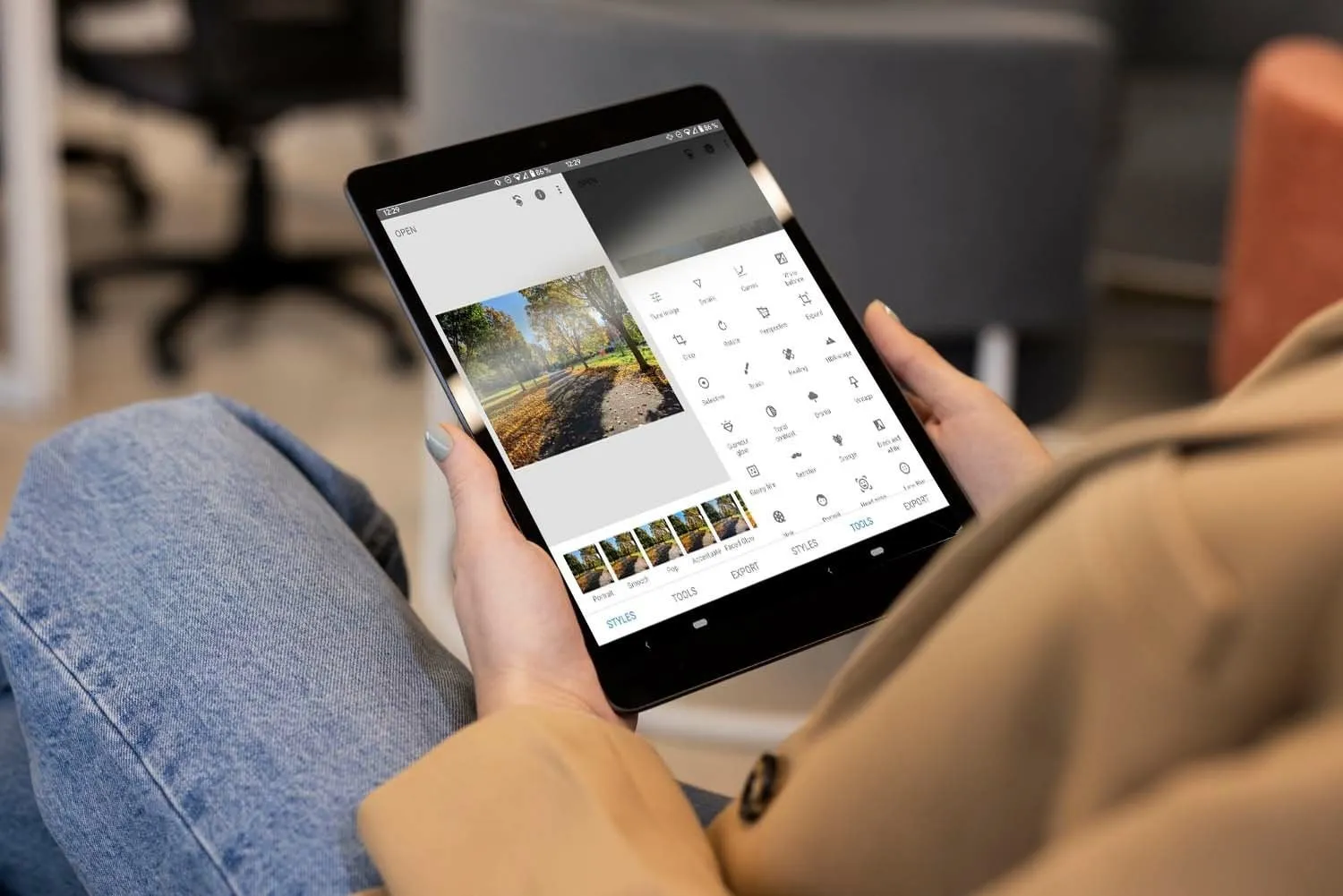
Snapseed offers a surprisingly deep toolkit for an app that does not require a paid membership. Its tools include selective adjustments, curves, healing, perspective correction, structure, details, white balance, and RAW development.
Google’s documentation confirms that Snapseed can develop RAW files, with Android supporting DNG RAW on compatible devices and iOS supporting RAW editing on current devices.
Is Snapseed Really Free?
Yes. Snapseed is a genuinely free editor, with no subscription required to use its main editing tools. You get everything from curves, selective adjustments, healing, and perspective correction to RAW development, making it unusually capable for an app that doesn’t ask you to pay for continued access.
The trade-off is that Snapseed doesn’t offer the same level of AI automation or connected desktop workflow as some paid editors. But if you want a capable mobile editor without subscriptions or recurring payments, that simplicity is a big part of its appeal.
4. Polarr: Best for Detailed Color and Creative Control
Polarr is one of the more interesting choices for users who have outgrown basic filters but do not want the complexity of a desktop editor.

Which Tools Make It Different?
The current mobile editor includes global Light and Color controls, HSL, toning, curves, LUTs, grain, vignette, overlays, and retouching. It also includes AI object segmentation, face detection, and batch photo exports.
That makes Polarr particularly useful for creators developing a consistent visual style. You can fine-tune individual colors rather than simply increasing overall saturation, which is important when editing fashion, interiors, or product photography.
What Does Free Mean Here?
Polarr has a free tier with plenty of tools to explore, while a subscription unlocks additional features and editing options. That makes it a good middle ground if you want more creative control than a basic free editor provides, but don’t necessarily need a full professional workflow.
For photographers interested in reusable presets and consistent color, this type of workflow can be much more useful than collecting dozens of one-tap filters.
5. Facetune: Best for Portrait Retouching
Facetune belongs on the list because portrait editing is a category where specialized tools can outperform general-purpose editors.

Where Facetune Is Strongest
Facetune really comes into its own with selfies and portraits. You can quickly smooth skin, fix small imperfections, tweak facial features, and make other changes that are useful for social media photos. For landscape photography or more advanced RAW and color editing, though, an app like Lightroom or Luminar will give you more control.
What Do You Get for Free?
Facetune offers a selection of free editing tools, but some of its more advanced features require a VIP subscription. You can try the premium tools with a free trial, then choose a paid plan if you want to keep using them. Pricing can vary by region and offer, so it’s worth checking the current price shown in the app before subscribing.
Which Free Editor Should You Install?
When choosing between free apps for editing photos, it helps to start with what you actually want to do with your images
|
Your priority |
Best choice |
|
AI enhancement and fast professional results |
Luminar |
|
RAW photography and manual control |
Lightroom |
|
No subscription at all |
Snapseed |
|
Advanced color and creative effects |
Polarr |
|
Selfies and portraits |
Facetune |
For simple social graphics and photo layouts, Canva can also be useful, but it is better viewed as a design platform than as a dedicated photography editor.
Five Editors, Five Different Strengths
In 2026, Luminar for Mobile is our top pick if you want your photos to look polished without spending a long time editing each one. Its AI tools can handle some of the more complex adjustments for you, but you can still jump in and fine-tune the details whenever you want. You can try it for free, although continued use requires a paid plan.
If you prefer to have a little more control over your edits, Lightroom is still a great option, especially for RAW photos. Snapseed is hard to beat if you want a genuinely free editor, while Polarr is a good choice when you want to experiment with color, filters, and creative effects.
For portraits, Facetune is the more natural fit, thanks to its people-focused retouching tools. If you’re looking for completely free photo editing apps, Snapseed is the easiest place to start. But if you’d rather get the result without spending so much time adjusting every little detail, Luminar for Mobile is worth a try.