Blog

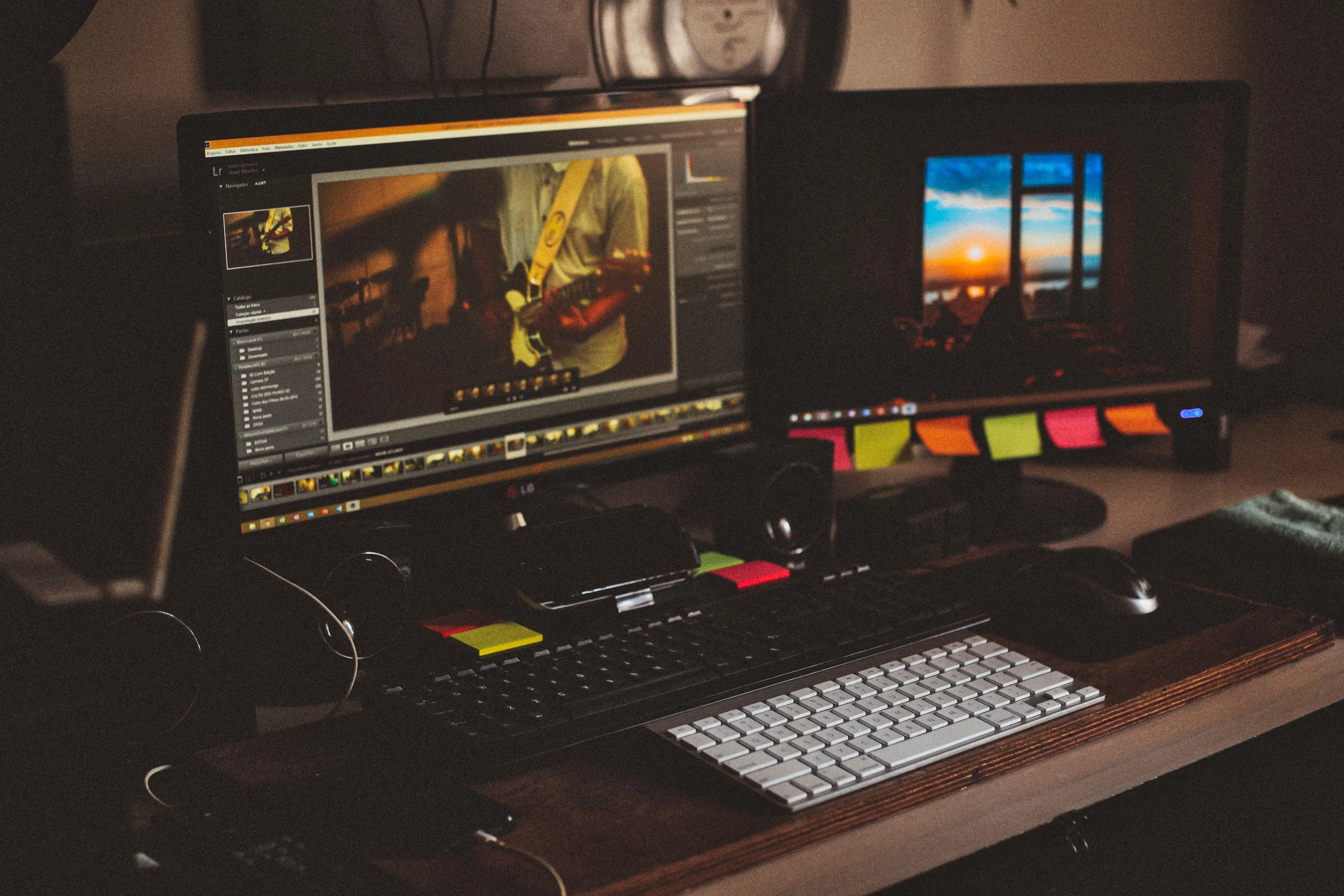
16 Lightroom Free Alternatives in 2026
While Lightroom is a great program for professional photographers, many people can’t justify the price tag. These 16 free alternatives to Lightroom will give you powerful tools without the subscription.

Achieving Consistent Results With Luminar Neo Generative AI Tools
In this new era of image creation, we are able to imagine, fix, or even expand elements of our shots. This is extremely beneficial to photographers in many areas and is becoming an integral part of their workflow. It is also saving a great deal of time, which is always an added bonus, allowing photographers to spend less time editing and more time shooting.

12 GIMP Alternatives for Mac/Windows
Our selection of the most popular and powerful GIMP alternatives will help you find the one that best meets your creative needs. This list also includes some apps for drawing. Find the best GIMP alternatives to use!
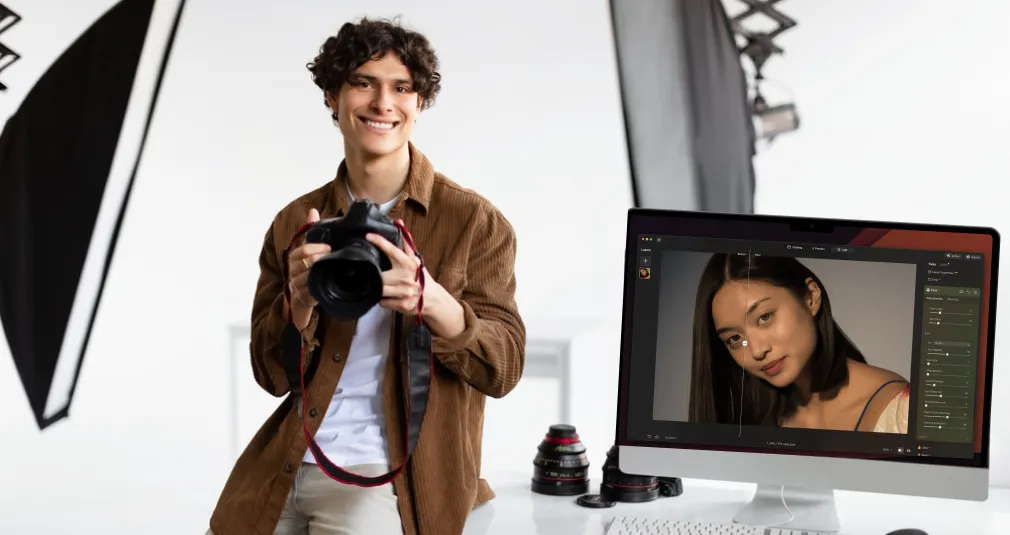
Why Luminar Is The Best Choice For Beginners In Photo Editing
Why Luminar is the best choice for beginners in photo editing is not about trends or buzzwords. It is about helping first-time editors get strong results without feeling lost.
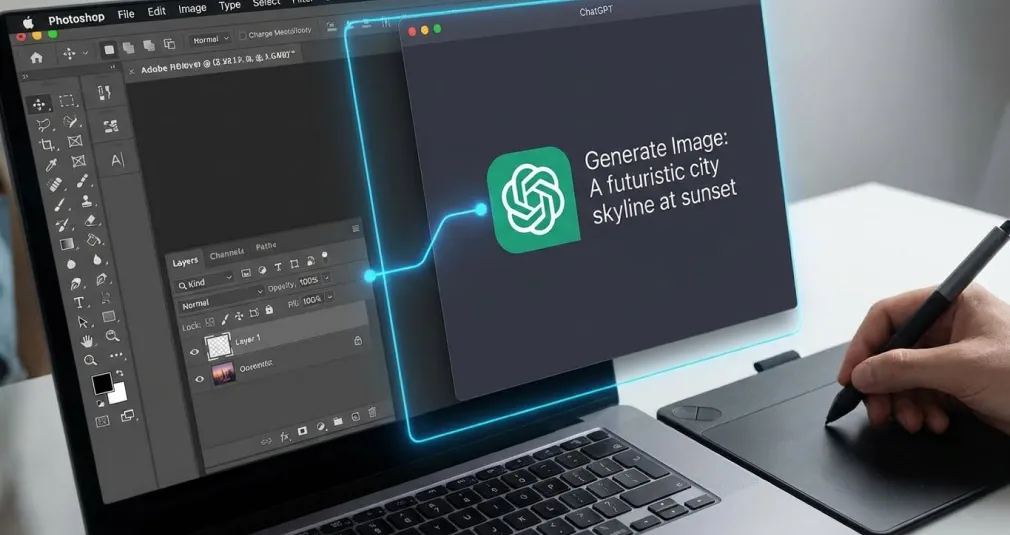
ChatGPT Photoshop Integration: How It Is Really Working
Learn how ChatGPT works with Photoshop in 2025: what AI can plan, prompt, and speed up—and what still requires hands-on editing with layers and masks.

30+ Best Free Photoshop Plugins to Improve Your Creative Work
Designed for creative photo effects, batch processing, and basic adjustments, these free plugins will help you achieve your artistic vision. Many professional photographers use these to improve their workflow, so why you shouldn’t?
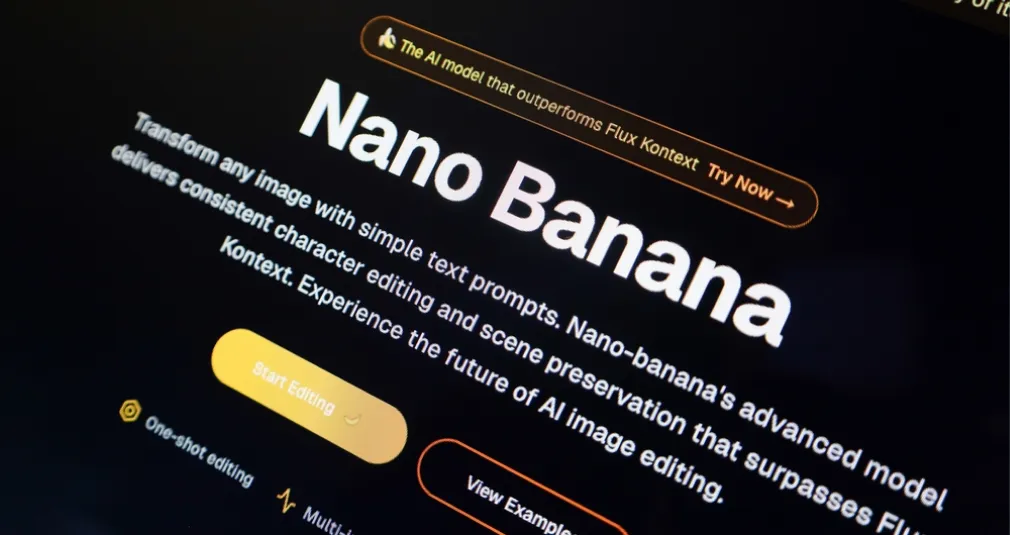
Nano Banana Prompt Examples For Your Workflow
Nano Banana hints can resemble a small, neatly formatted request or a harsh, mega-instruction that could be used to build the Death Star from Star Wars. However, the first option may be more effective, as a single well-written line often explains the model’s idea better than a whole series of contradictory requests.

How To Take A Timed Photo On iPhone: Your Phone Timer Tricks
Hands-free photos are one of the most underrated features of the iPhone. Once you learn how to put timer on iPhone camera, you’ll no longer have to juggle your phone at arm’s length to avoid blurry selfies or group photos. The tool is built into the original camera, so you don’t need to download additional apps or buy separate devices, which is quite surprising considering Apple’s other solutions.

Captions For Selfies That Match Every Mood You’re In
We all love a good selfie, but what really makes it pop? The perfect captions for selfies that match your mood and make people stop scrolling.
Advanced yet easy-to-use photo editor
view plansMost Popular
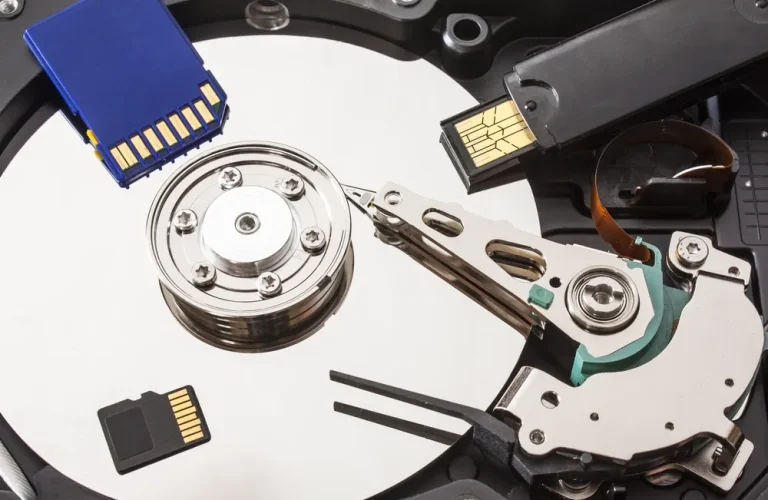
Best Ways to Back Up Photos: Exploring Diverse Options
Explore the best ways to back up photos using cloud storage, external drives, and NAS systems. Learn how to build a reliable strategy that keeps your photo library safe and accessible.

How to Migrate From Lightroom to Luminar
A practical walkthrough of moving a Lightroom Classic library into Luminar —what transfers automatically, what needs rebuilding by hand, and where the process still breaks.

Photography Business Tools Unlocking Creative Success
Compare photography business software for managing bookings, contracts, and invoicing. Offload daily admin tasks and keep client communication on track.
Subscribe to know first
Our delivery owl will bring you our best deals and news about Skylum news.
Thank you for subscribing!