How To Transfer Photos From iPhone To Computer: Simple Ways
Having trouble transferring iPhone photos to your computer? Follow our simple step-by-step guide to move your images quickly and hassle-free!
I find immense joy in connecting with people and capturing their essence through my unique perspective and camera lens. Primarily a portrait photographer, my portfolio is rich with images of individuals, each telling their own story. Beyond the camera, my passion extends to meeting a diverse range of people, learning about their interests and narratives, and bringing those stories to life in my post-production work.
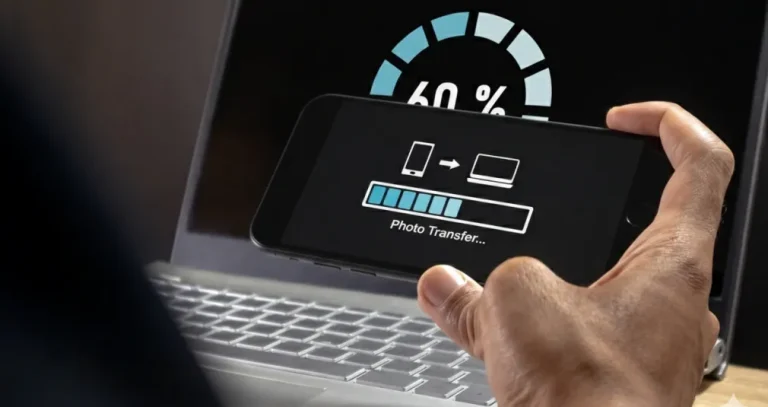
Having trouble transferring iPhone photos to your computer? Follow our simple step-by-step guide to move your images quickly and hassle-free!

Discover how to turn your everyday photos into stunning digital collages. Our guide offers practical tips to enhance your creativity and craft unique art today!
Tired of constantly transferring files between devices? We tested the top services and selected the best multi-platform editors that will make your work as comfortable as possible.
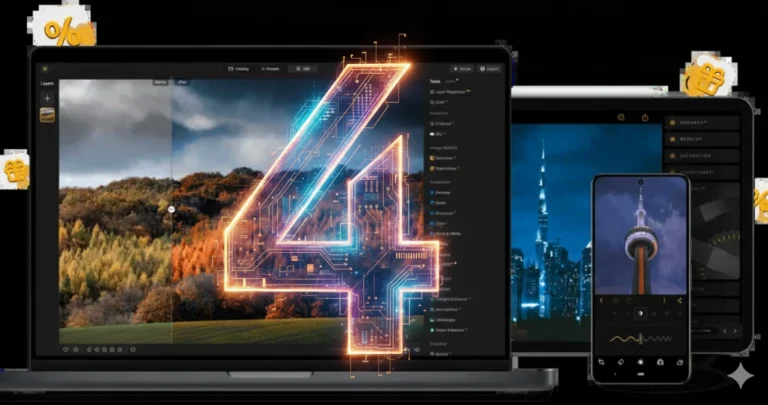
Luminar Neo is turning 4 years old and is ready to continue changing the world of photography by offering next-generation tools for those who are not willing to compromise on editing speed and accuracy.
Two photos of the same person, taken seconds apart, can look like different people. The secret lies in selecting the best focal length for portraits.
At first, folders seem enough. Then 15,000 images later, you’re wondering what are the best photo gallery software to finally bring order to your archive.



Learn how AI photo editing apps speed up everyday edits, which features actually matter, and how to pick an editor that fits your shooting and sharing habits.
Alternatives
Use cases
Features