Fashion photography brings clothing, styling, and visual storytelling together. From a clean catalog image to a dramatic editorial, the goal is to make the outfit readable while giving the photograph a clear purpose.
My starting point is the brief: what should the viewer notice, feel, or understand about the clothes? That answer helps me choose the setting, light, pose, and editing approach. A striking portrait can still miss the brief if a sleeve, silhouette, or important detail disappears.
This guide covers the main types of fashion photography, practical shooting techniques, and a workflow for planning and finishing a small fashion shoot.
Don’t feel like reading the whole breakdown? We’ve pulled together a quick summary below.
Key Takeaways
- Start with the image’s job. Editorial storytelling, advertising, and product listings need different photographs.
- Let the clothing guide the setup. Light, movement, and posing should reveal the garment’s shape, texture, and fit.
- Choose lenses for framing and working distance. An expensive portrait lens is not automatically the right choice for a full outfit in a small room.
- Plan variety deliberately. Capture full-length views, closer portraits, details, and any required back or side views.
- Retouch with a clear brief. Preserve skin texture, garment construction, and believable product color rather than treating every variation as a flaw.
What Is Fashion Photography?
 Fashion photography presents clothing, accessories, and styling through photographs made for publications, brands, designers, retailers, or personal projects. It may document an outfit accurately, communicate a brand identity, or build a fictional world around a collection.
I distinguish it from a general portrait by asking what role the styling plays. In a portrait, the person can be the main subject regardless of what they wear. In a fashion image, the relationship between the person, clothes, and setting is central to the idea.
The boundaries overlap with other types of photography, particularly portrait, product, documentary, and beauty work. The brief determines which approach matters most.
Exclusive Tools of Endless Possibilities in One Editor
Main Types of Fashion Photography
These categories describe the purpose or context of a shoot. They are not rigid boxes: an advertising campaign can use an editorial style, and a luxury collection can also need straightforward product images.
| Type | Main purpose | What I would prioritize |
| Editorial | Tell a visual story for a publication or creative series | A coherent concept, varied frames, and a connection between styling and setting |
| Advertising or campaign | Communicate a brand or promote a collection | The intended audience, recognizable brand direction, and space for planned layouts |
| Catalog and e-commerce | Help customers understand an item | Accurate color, fit, construction, and consistent views |
| Lookbook | Present a collection as a coordinated set of outfits | Repeatable framing, styling relationships, and a clear sequence |
| Street style | Show how people wear fashion in everyday settings | Context, individual styling, and responsive shooting |
| Runway | Document garments during a live show | Reliable focus, timing, consistent exposure, and a clear view of each look |
| Beauty | Emphasize makeup, hair, skin, or accessories | Controlled close-up light, careful focus, and detailed finishing |
Editorial Fashion Photography
An editorial gives the clothes a setting and a narrative. That might mean a quiet series about a solitary traveler or a colorful studio story built around oversized shapes.
I would write the concept in one sentence, then make sure each outfit and location supports it. The series needs variation, but the pictures should still feel connected. Repeating a color, lighting direction, or visual motif can help.
Commercial, Catalog, and Lookbook Photography
Commercial work includes more than a white-background catalog shot. Campaigns can be highly expressive, while product listings usually need consistent, informative images.
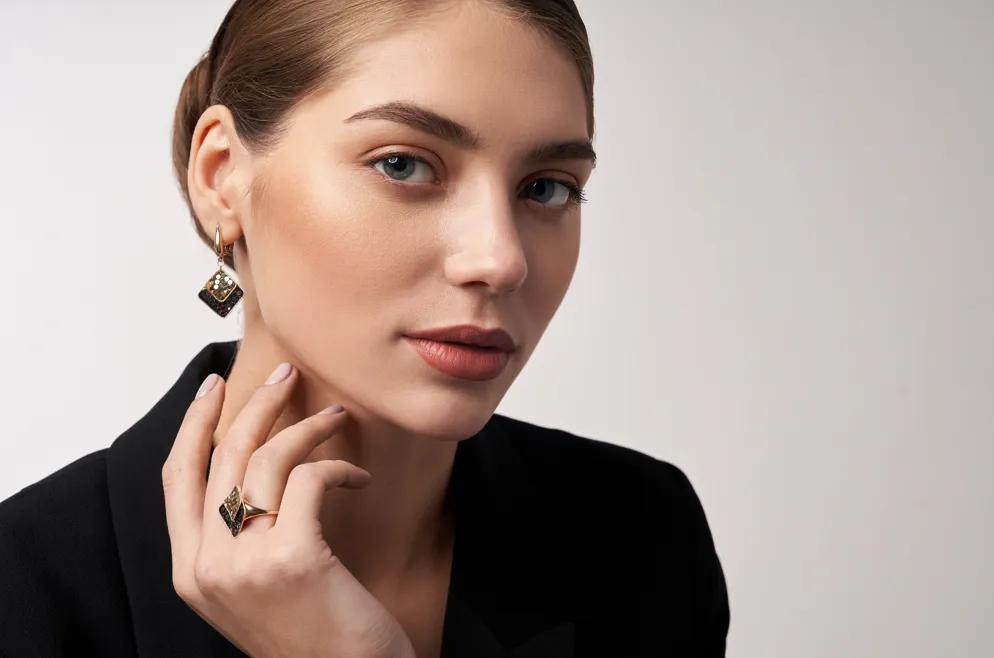
For e-commerce, I would confirm required views before shooting: front, back, side, detail, and any movement or fit image. A lookbook can allow more atmosphere, but the collection still needs to remain understandable. Avoid hiding important construction behind hands or props.
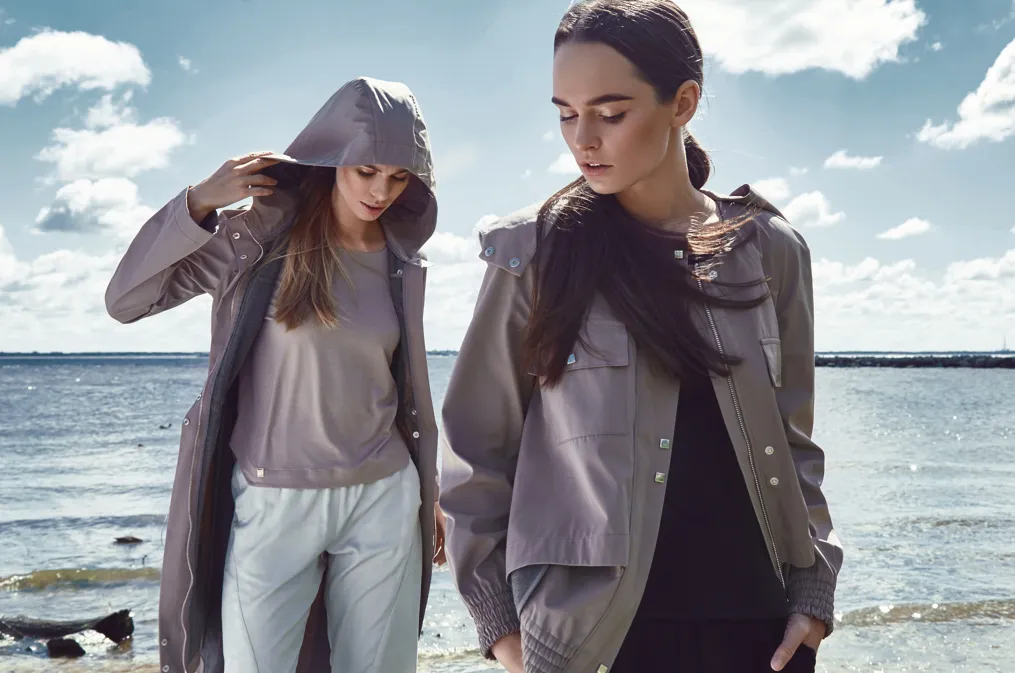
Street Style and Runway Photography
Street style offers limited control over the surroundings, so I would look for a clear background and a moment that makes the outfit readable. For a directed portrait, ask the person to stop or walk through suitable light.
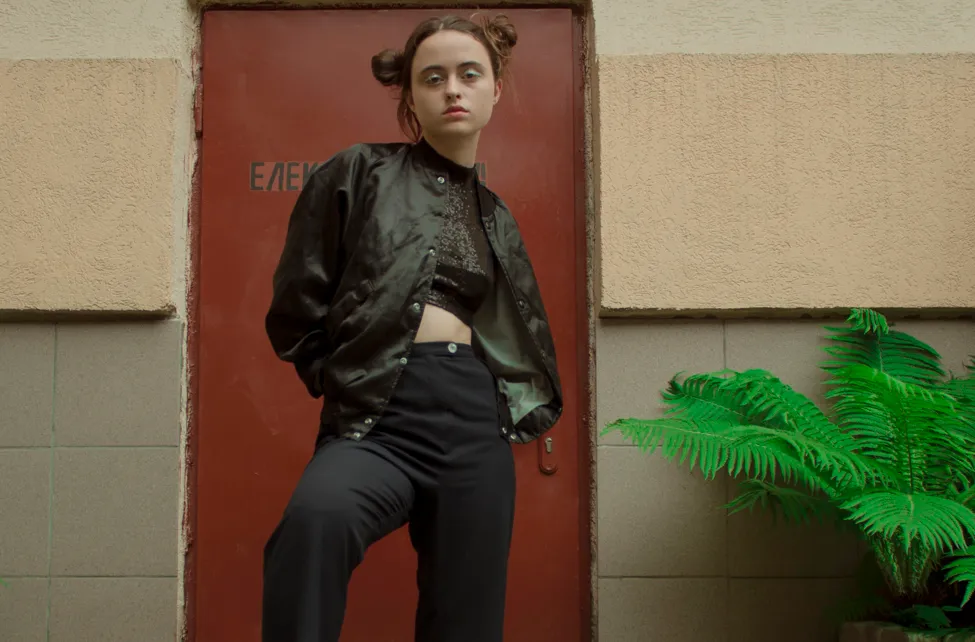
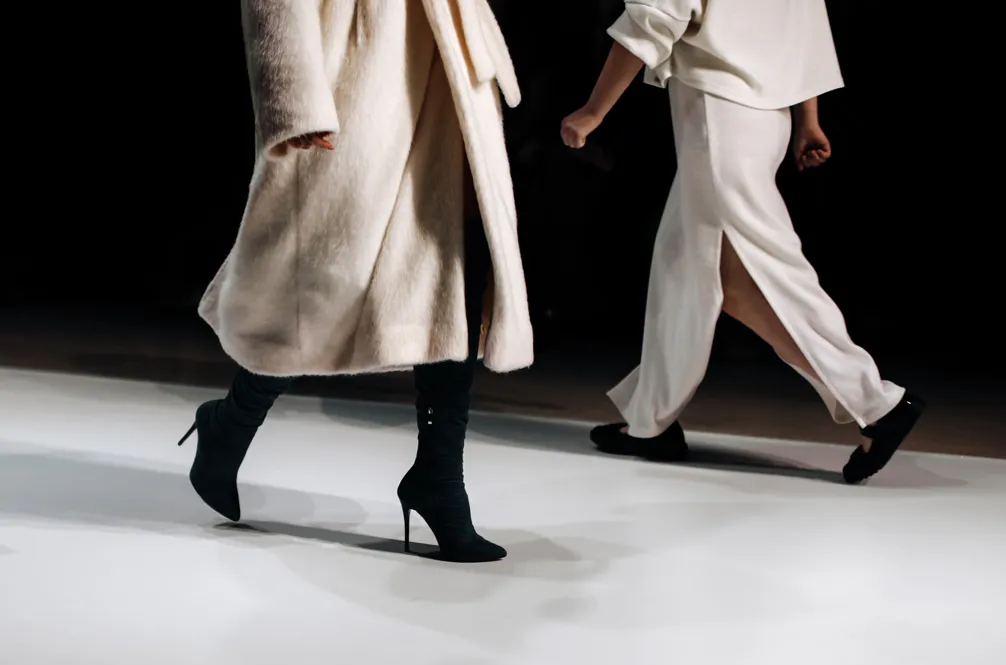
Runway work is different: you usually cannot direct the model or move freely. Prepare for the available position, test exposure under the show lighting, and time the frame around a clean stride. Capture a usable full look before concentrating on creative variations.
Fashion Photography Styles: Choose a Visual Language
A style describes how the image looks, rather than what it is commissioned to do. I would choose it after understanding the clothes and the client’s needs.
- Minimalist: restrained colors, simple backgrounds, and deliberate space. Useful when garment shape should lead the image.
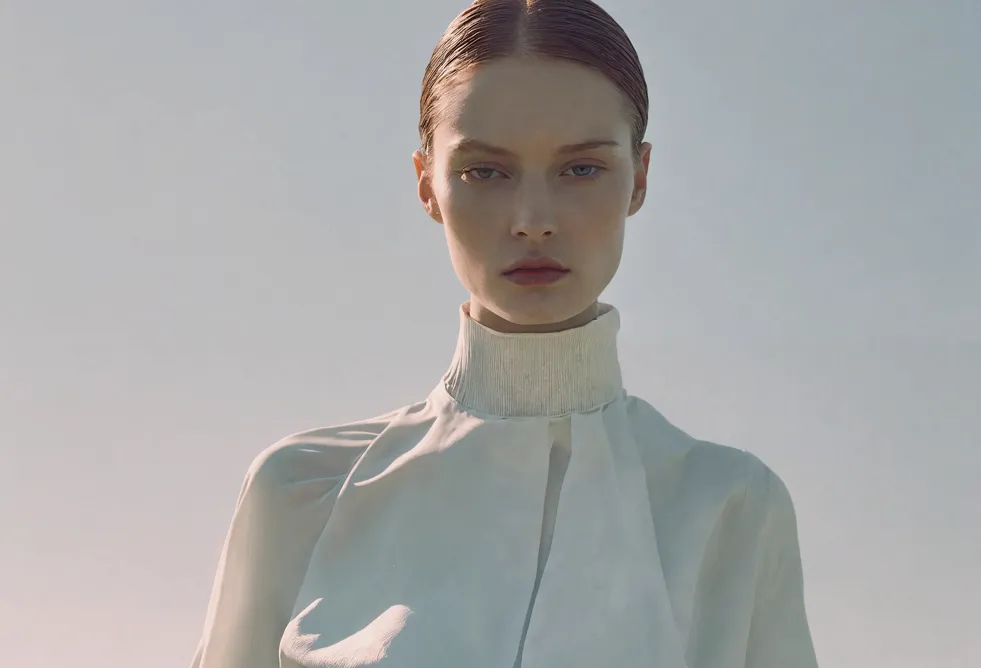
- Classic: controlled light, clear composition, and understated styling. This can suit a collection intended to feel polished and enduring.
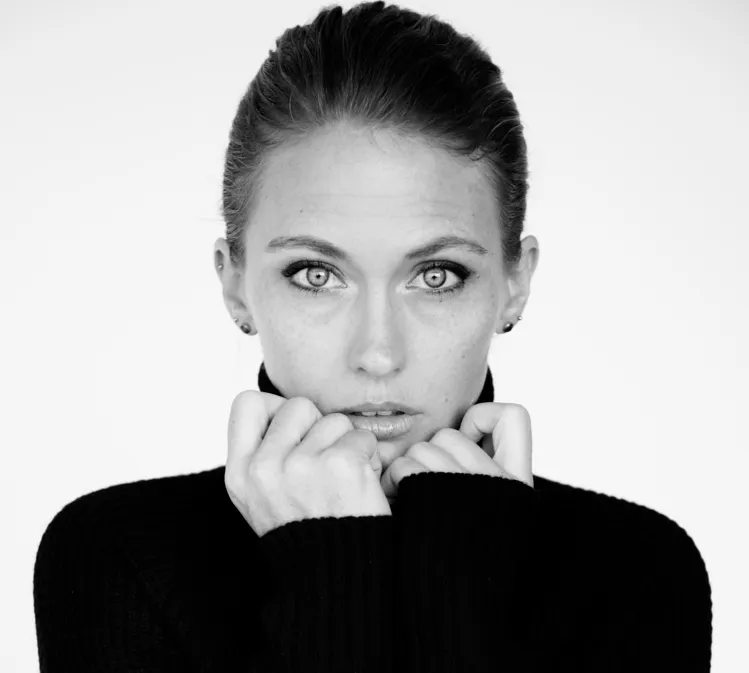
- Dramatic: deeper shadows, directional light, and stronger gestures. Check that the effect still reveals essential fabric details.
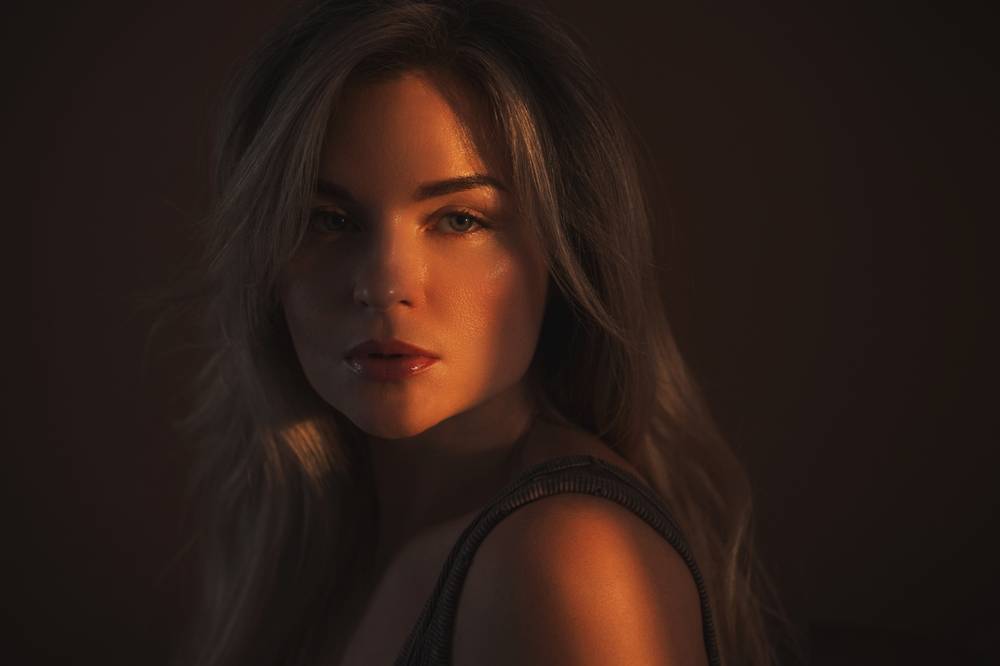
- Documentary: everyday environments and less formal direction. Clothes can feel lived in while the composition remains intentional.
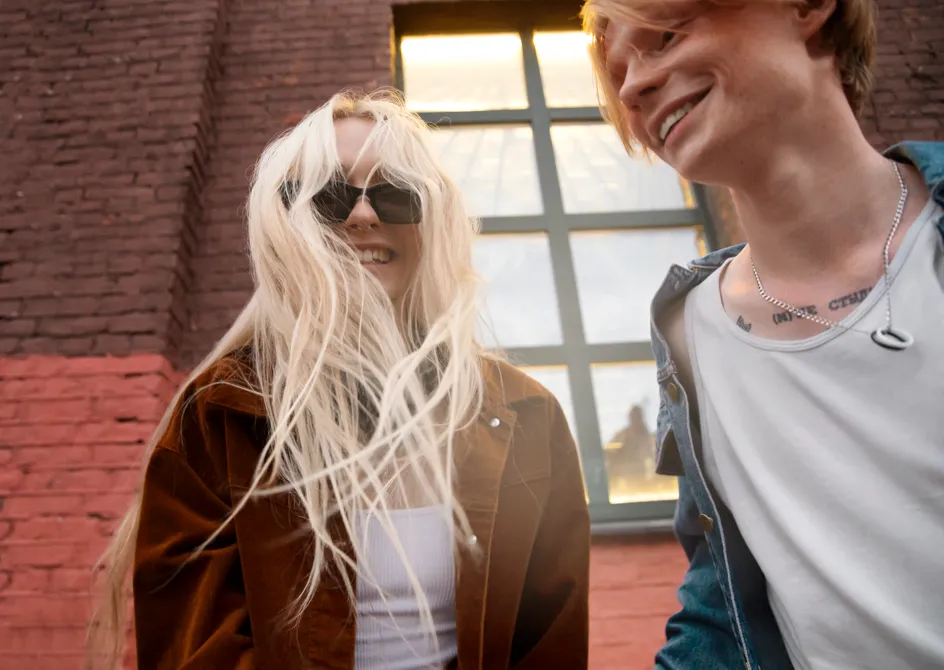
- Retro: period-inspired styling, locations, and color. I would align these elements before adding grain or a vintage preset.
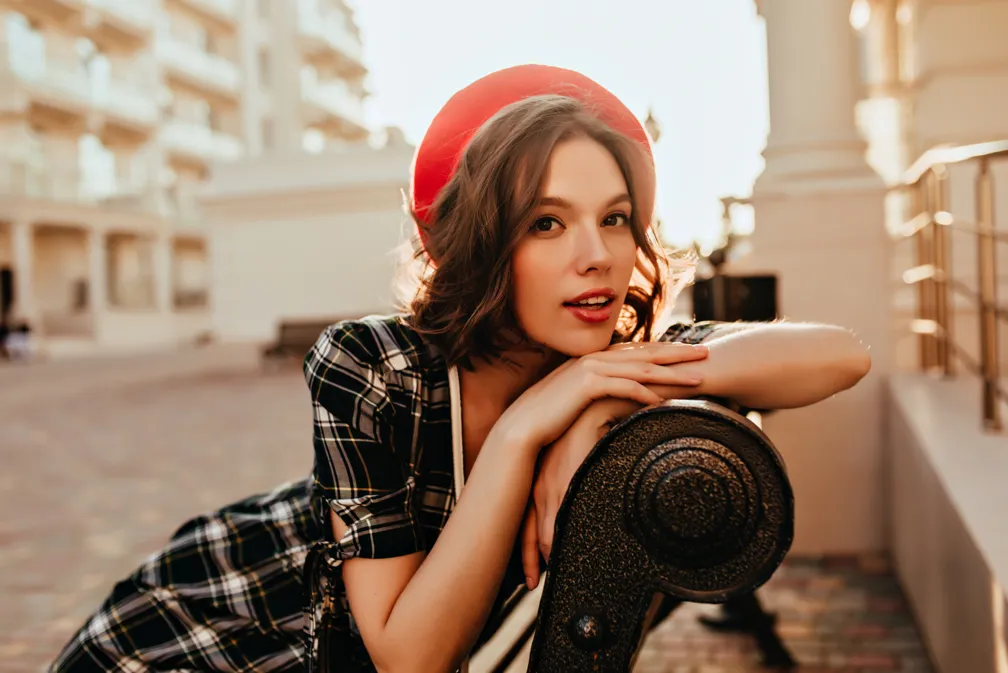
- Experimental: unusual scale, sets, perspectives, or image combinations. Give the experiment a purpose so the outfit does not become incidental.
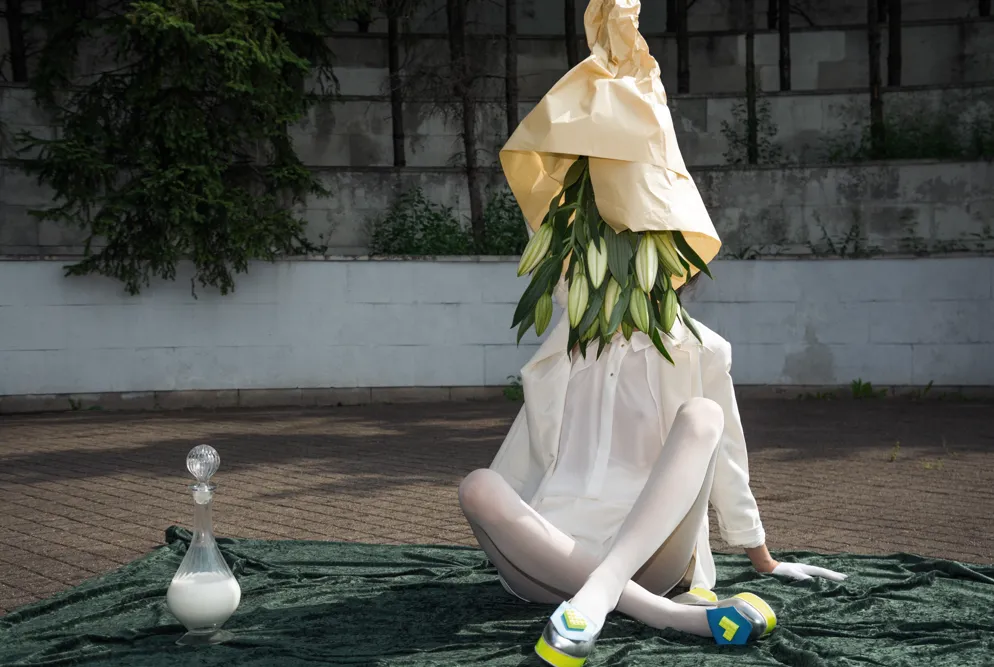

“High fashion” can describe a luxury or conceptual context, but it does not require one specific lighting style. Equally, a simple background does not make an image less creative.
Two Fashion Photography References Worth Studying
I would study references for decisions you can apply, rather than trying to recreate a famous photograph exactly.
Richard Avedon’s Dovima with Elephants (1955) places a Dior evening dress in a striking setting. As a compositional exercise, I would examine how the model’s gesture, the dress, and the surrounding forms work together. The useful question is how a setting can strengthen a garment’s silhouette.

Tim Walker’s Wonderful Things demonstrates how objects and imaginative environments can become starting points for fashion stories. I would take the planning lesson from it: choose a visual idea, then coordinate clothes, props, and scale around that idea.

For any reference, make notes about the light, framing, palette, pose, and garment visibility. A mood board becomes more useful when you can explain what you want to borrow from each image.
How to Plan a Fashion Shoot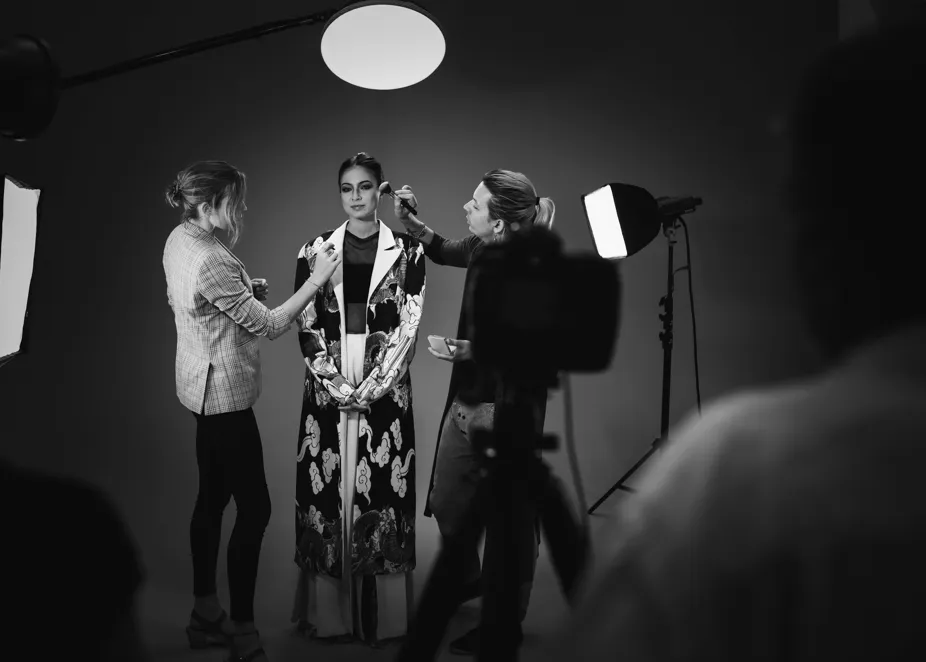
1. Define the Deliverables
Before choosing a location, I would list where the images will appear and what must be delivered. A website banner may need horizontal space for copy; a product page may require a fixed crop; a social post may need a vertical version.
Confirm the number of outfits, final images, orientations, deadline, and any retouching expectations. This makes the creative decisions easier to judge.
2. Build a Small Mood Board
Choose references for specific reasons: one for lighting, another for styling, and another for composition. I would keep the board focused enough that the team can identify the intended direction quickly.
Include notes on what should remain accurate, such as fabric color or the shape of a jacket. Creative grading and precise product representation do not always have the same priorities.
3. Prepare the Clothes and Team
Check fit, seams, hems, fastenings, and footwear before the session. Bring a steamer, lint roller, appropriate styling clips, and anything needed for changes. Correcting an avoidable wrinkle on set is often easier than retouching it across a collection.
Discuss roles with the model, stylist, makeup artist, and assistant where applicable. For a small personal project, one person may handle several tasks, but the checks still need to happen.
4. Write a Shot List
My basic list would include:
- A full-length image showing the outfit clearly.
- A mid-length photograph showing fit and styling.
- A closer portrait or accessory image.
- A fabric or construction detail.
- Any required back and side views.
- A movement or creative variation after the essential frames.
The list should fit the brief, not force every outfit through an identical sequence. A bag collection and a flowing dress collection need different details.
Elevate Your Photography with Our Advanced Software
Choosing Lenses for Fashion Photography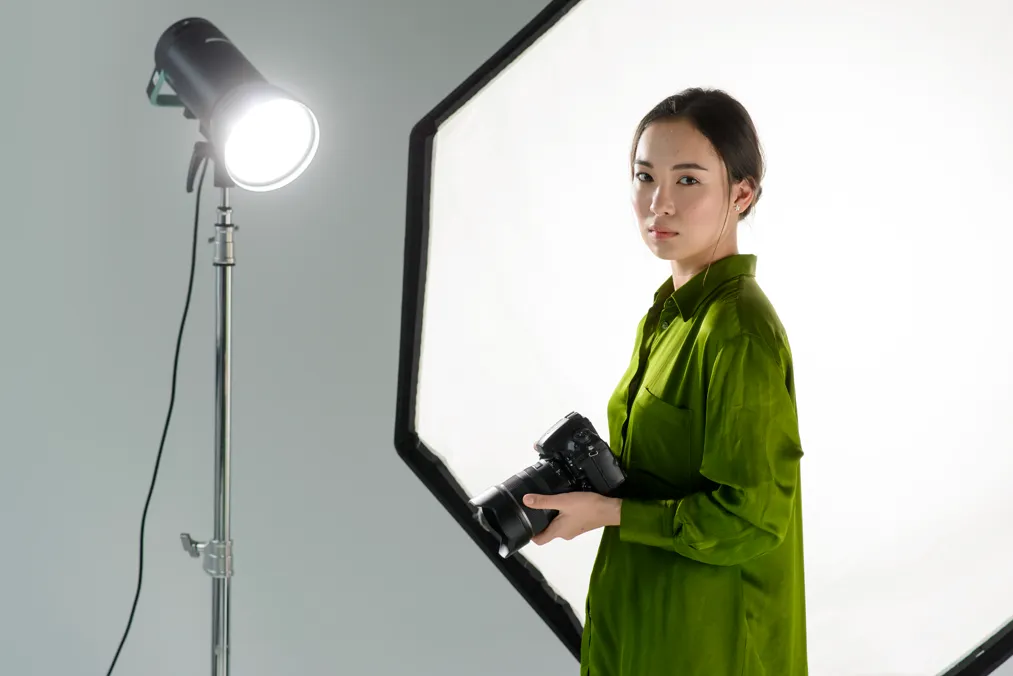
I would choose a lens by the available space, intended framing, and camera format before looking at a particular brand or maximum aperture.
The ranges below are full-frame equivalents. On a smaller sensor, check the crop factor: for example, a 35mm lens on a 1.5× crop camera gives an angle of view similar to a 52.5mm lens on full frame.
| Focal length or range | Useful starting point for | Main limitation to consider |
| 35mm | Environmental fashion and full outfits in tighter spaces | Close camera positions can exaggerate nearby features; watch the frame edges |
| 50mm | Full-length and mid-length images with some surroundings | You still need enough room to frame a full outfit |
| 85mm | Closer portraits, beauty images, and outfit details | Full-length framing needs more working distance |
| 24–70mm zoom | Changing between wide and closer views on a varied shoot | Avoid choosing the widest setting without checking proportions |
| 70–200mm zoom | Runway coverage and distant views where you cannot move closer | Requires space and may be cumbersome for a small indoor setup |
Perspective depends on camera position. Changing focal length from the same position changes framing; moving closer or farther away changes the relative proportions of near and distant elements.
A wide aperture can separate the subject from the background, but it can also leave parts of an outfit out of focus. I would stop down when garment detail matters and check both the face and clothing at the intended viewing size.
Lighting That Shows the Clothes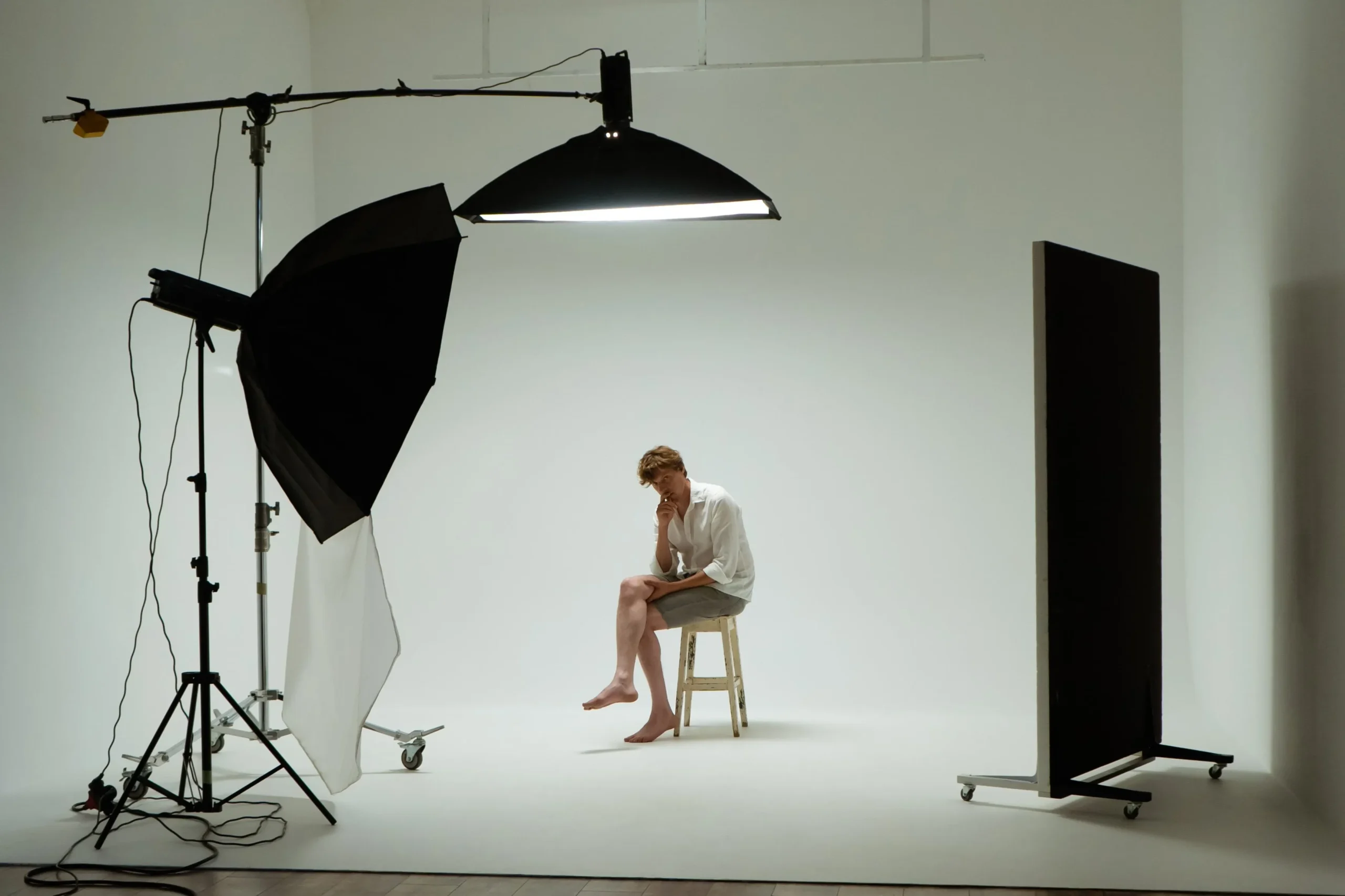
Start with One Clear Light Direction
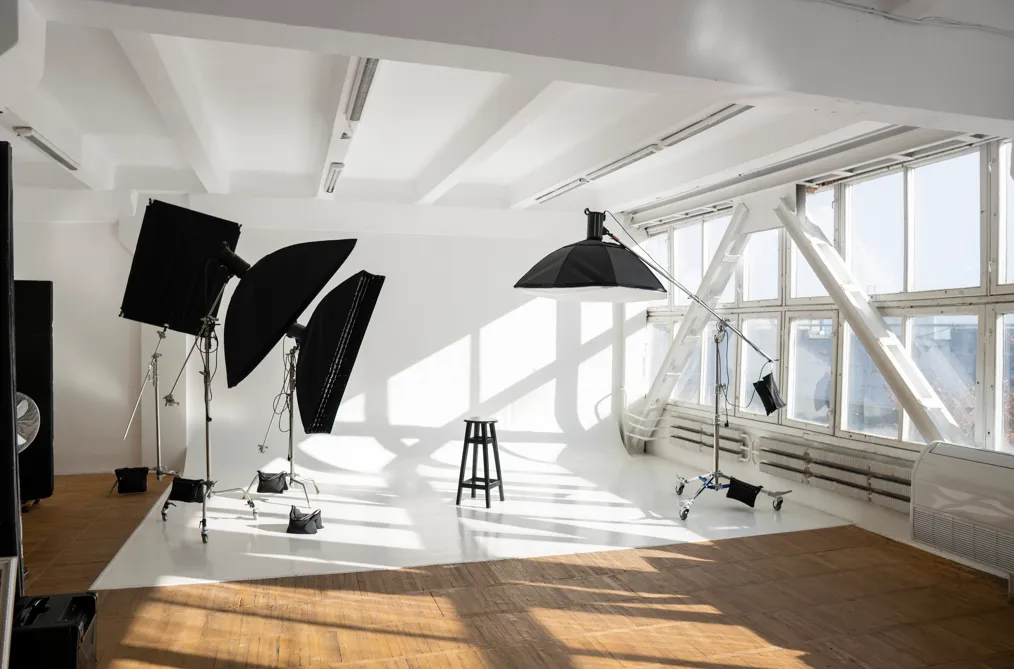
For a first setup, I would use a window or one main light and observe how it describes the fabric. Side light can reveal texture and folds; more frontal light can make the overall outfit easier to read.
Move the subject or light gradually and compare the results. A reflector or fill light can lift shadows, but too much fill may flatten the texture you wanted to show.
Match the Light to the Material
| Material or detail | What I would examine | Possible adjustment |
| Dark fabric | Whether folds and separate layers remain visible | Adjust light direction or add controlled fill |
| White clothing | Whether textured highlights retain detail | Lower exposure or change the light angle |
| Satin or glossy accessories | Reflections and bright patches | Move the light, subject, or camera to reshape the reflection |
| Knitwear | Whether the surface texture reads clearly | Try light from the side and compare shadow depth |
| Sheer fabric | How the background and light affect its appearance | Check the setup with the stylist and model before shooting |
I would check the entire outfit, not only the face. A pleasing facial highlight does not guarantee that sequins, satin, or white fabric are exposed well.
Control Color Consistency
Mixed window light, ceiling lights, and decorative lamps can produce different color casts across a garment. When product color matters, I would simplify the lighting, make a neutral reference image, and avoid relying on automatic white balance for every frame.
An accurate workflow also depends on the display and output conditions. No editing slider guarantees that every viewer’s screen will show identical color.
Posing and Directing a Fashion Model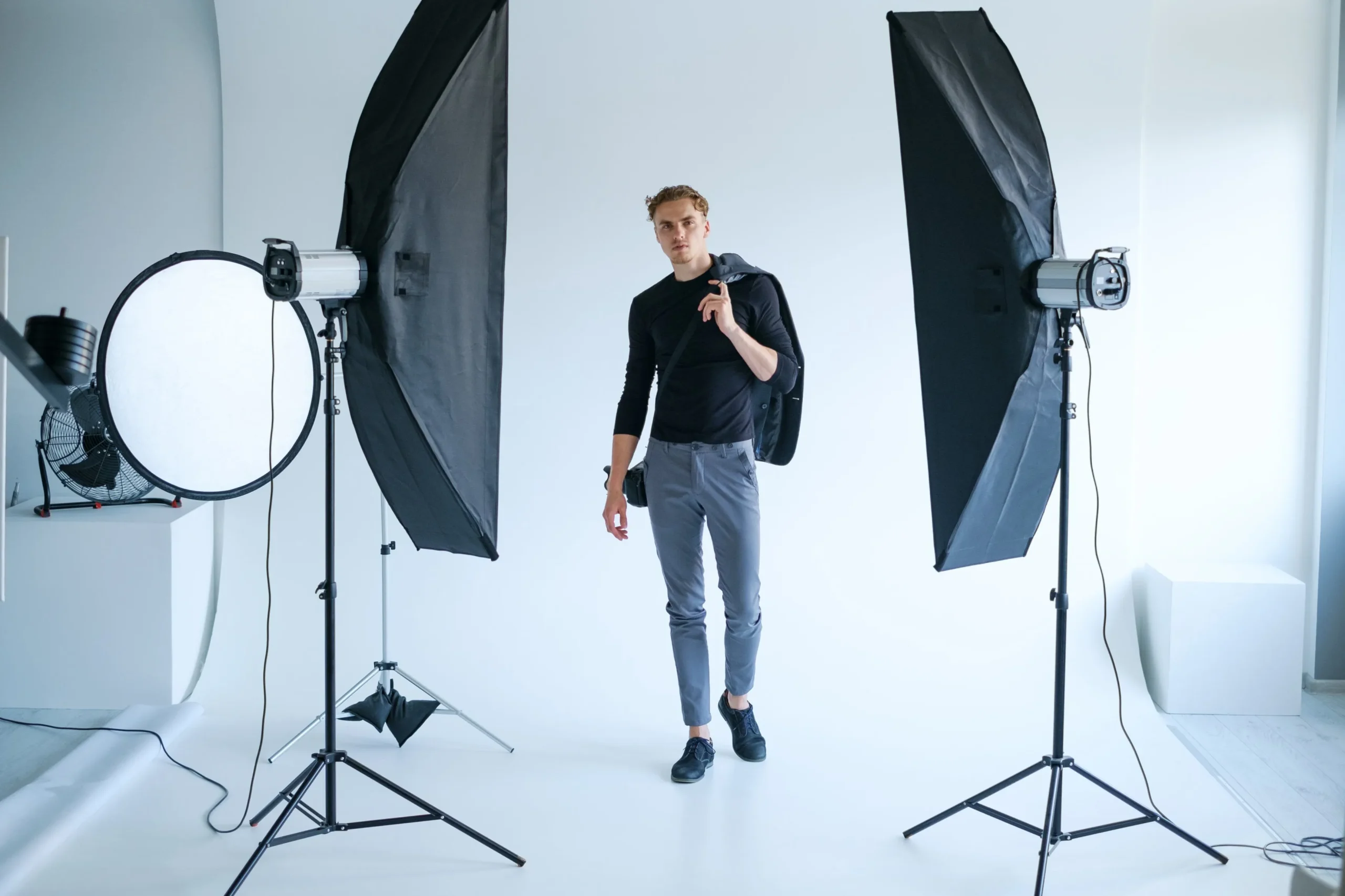
I would direct around the clothes first. A structured jacket may benefit from a pose that reveals the shoulders and waist; a flowing skirt may need a controlled turn or step.
Use short, specific prompts:
- “Turn slightly so we can see the jacket’s side shape.”
- “Relax the hand and leave the front detail visible.”
- “Take one slow step, then pause.”
- “Lift the elbow a little so the sleeve separates from the body.”
Give one instruction at a time and show the model a useful frame when possible. Ask before physically adjusting clothing or position, and let the model flag uncomfortable poses.
I would alternate still poses and movement. Keep a sharp, readable version of the outfit before experimenting with blur or exaggerated gestures.
Composition: Make the Outfit Easy to Read
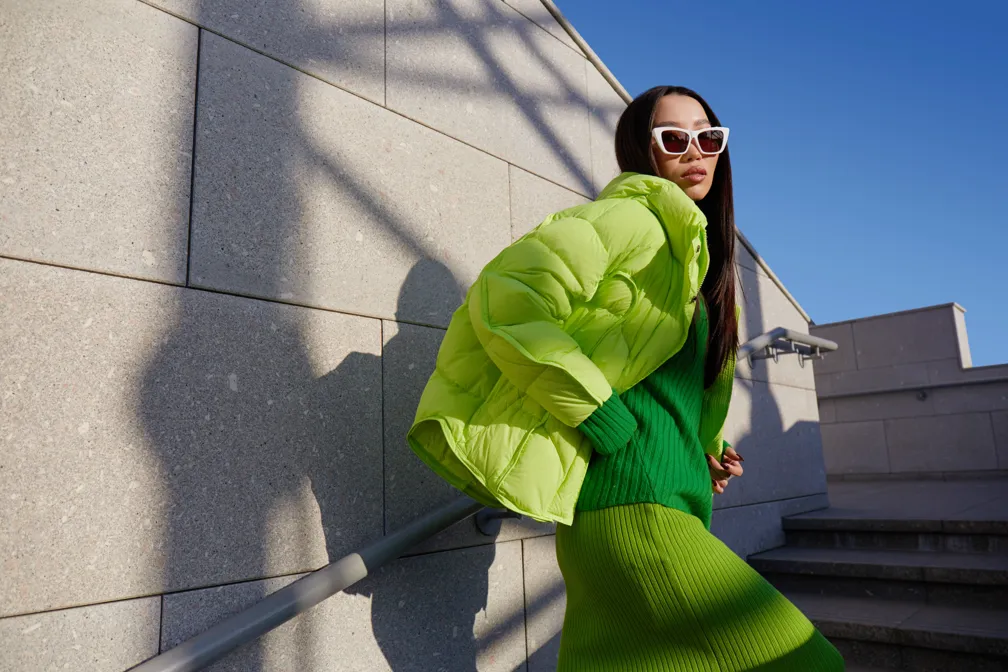
Choose the camera height deliberately. A lower viewpoint can change how the legs and clothing appear; a higher viewpoint can emphasize different proportions. Check that the result suits the concept and does not misrepresent fit when accuracy matters.
Before releasing the shutter, I would look for:
- Hands or props covering important details.
- Background lines cutting awkwardly through the body.
- Crops that remove required shoes, hems, or accessories.
- A horizon or vertical line that needs deliberate alignment.
- Enough space for the final layout or alternate crop.
Rules such as symmetry and the rule of thirds can help organize the frame, but garment shape may suggest a different arrangement. The composition should support the image’s job.
Fashion Photo Editing: A Practical Order
I would finish a small fashion set in this sequence:
- Select the strongest frames. Prioritize focus, expression, pose, and a readable outfit.
- Correct exposure and white balance. Establish a consistent base before adding a look.
- Check garment color. Compare relevant reference frames and the client’s requirements.
- Clean up distractions. Address lint, background marks, or temporary blemishes where appropriate.
- Refine local light and texture. Keep skin and fabric believable.
- Apply the creative grade. Match the strength and palette across the series.
- Inspect and export. Review details closely, then check the whole collection at its intended size.
For a clearer distinction between correcting a photograph and giving it a style, see this guide to color grading.
Luminar for Fashion Photo Editing
I would consider Luminar for desktop for a small fashion series that needs accessible light and color adjustments, portrait finishing, and creative image layers. It offers a shorter route into those tasks than building every adjustment manually.
For a practical fashion photo editing workflow, I would establish the base exposure, refine the palette, and then inspect portrait adjustments. Skin AI can provide a starting point for smoothing and blemish work, but I would keep the effect restrained and check facial details.

Luminar’s color photo editor tools can help coordinate a series. Use that control differently for an expressive editorial and a product listing: changing a garment’s color may undermine the latter’s purpose.
| Pros | Cons or limits |
| Accessible light and color controls for a selected set of images | Automated adjustments still need review, especially on product color |
| Portrait tools reduce the setup needed for basic finishing | Strong settings can make skin look unnatural |
| Image layers allow textures and creative blends | Complex composites require careful masking and additional skills |
| Nondestructive adjustments let you revisit the edit | It is not a full page-layout or typography application |
My choice would be Luminar when efficient photographic finishing is the main task. I would assess more detailed retouching requirements before committing the entire project to one application.
Photoshop for Detailed Fashion Retouching
I would choose Adobe Photoshop when the brief calls for intricate cleanup, carefully separated edits, or complex image combinations. Its healing tools, layer masks, and adjustment layers provide detailed control over where a change appears.

For example, I would put cleanup on a separate layer, use masked tonal adjustments to refine uneven light, and retain an editable layered master. That makes revisions easier than applying every change directly to one image layer.
Photoshop rewards a structured workflow, but the extra control takes time to learn. It is most useful when that control solves a real requirement, rather than simply adding more steps to a straightforward edit.
| Pros | Cons or limits |
| Detailed healing and cloning for localized cleanup | Careful retouching can be time-consuming |
| Layers and masks keep different changes separate | Poor layer organization makes revisions difficult |
| Adjustment layers support reversible color and tone work | More controls require more technical knowledge |
| Supports complex composites and text elements | Subscription cost and learning time should fit the project |
For basic portrait finishing, I would start with the simplest suitable workflow. For a demanding composite or close-up campaign image, Photoshop’s precision may justify the additional work.
Your AI-Powered Photo Editor for MacOS and Windows
Retouching Without Losing the Person or Product
Retouching should follow an agreed purpose. I would distinguish temporary distractions from features that define the model, and distinguish cleanup from changes to garment construction or fit.
These skin retouching tools can help with portrait finishing, but smoothing is not the same as preserving natural texture. Compare the result with the original and reduce the effect if pores, freckles, or facial detail become unconvincing.
Body reshaping is not a standard correction that every fashion image needs. Changes can alter the model’s appearance and misrepresent how clothing fits. I would agree on any requested alteration before editing and keep an accurate reference version.
For commercial work, also inspect seams, prints, logos, fastenings, and reflections. Generative changes or careless cloning can introduce details that do not exist in the actual item.
Creative Directions to Explore
Instead of treating a list of “current trends” as a recipe, I would choose an approach that fits the project:
- Everyday settings: place the styling in a recognizable environment and build the story through small actions.
- Film-inspired color and texture: coordinate the lighting and palette before adding grain.
- Minimal retouching: prioritize careful styling and light on set, then use restrained cleanup.
- Short visual sequences: plan complementary frames or motion alongside the main stills when the brief requires them.
- Constructed worlds: use sets or image combinations for a clearly creative editorial while preserving a separate accurate product view where needed.
Casting should follow the collection and intended audience. Likewise, sustainability claims should come from verifiable information about a brand or production, not simply from photographing clothes outdoors.
A Simple First Fashion Shoot
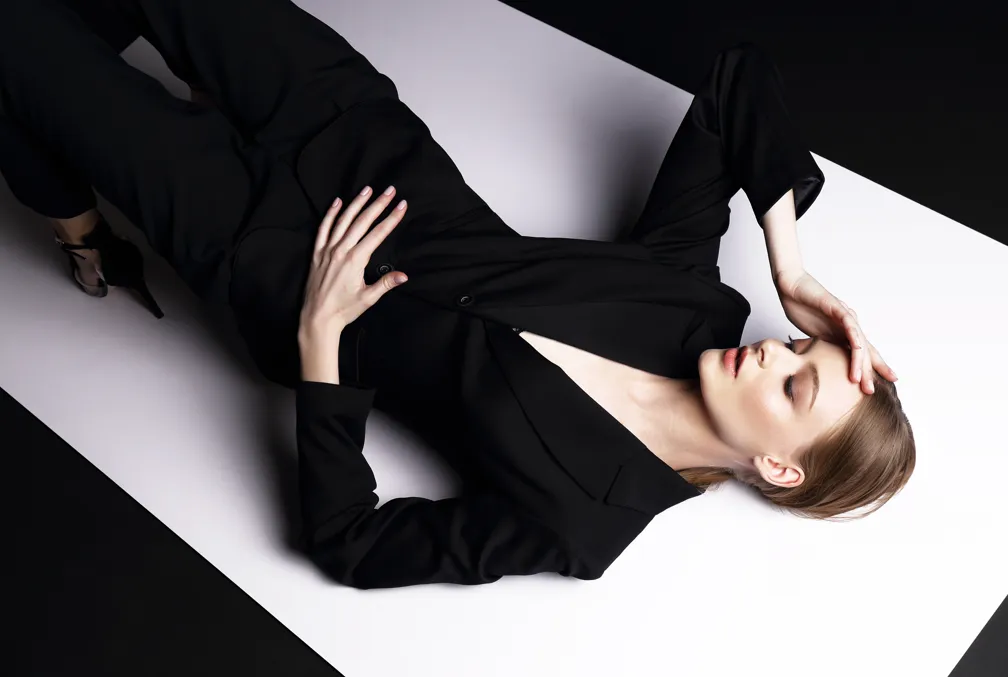
For a manageable starting project, I would choose one outfit, one model, one location, and one lighting setup. Write a short concept, prepare the clothes, and make a shot list that covers a full look, a closer image, and a detail.
Once those frames work, add one creative variation: movement, a different viewpoint, or a change in light. Finish a small, consistent series rather than trying to include every fashion style in one afternoon.
The strongest result is a set of images in which the clothes, person, and visual idea work together. Equipment and editing support that connection; the brief gives it direction.
FAQ
Fashion photography presents clothing, accessories, and styling for purposes such as editorial storytelling, advertising, collection lookbooks, or product listings. The outfit’s role in the image is central to the brief.
Start with one outfit and a simple concept. I recommend a manageable location, clear light, and a short shot list covering the full outfit, a closer portrait, and an important detail.
There is no single best lens. A 50mm full-frame-equivalent view is a useful starting point; wider views suit environmental images, while longer lenses suit closer portraits or distant runway positions. Choose for the space and required framing.
Use an aperture that keeps the necessary clothing details sharp, a shutter speed suited to the movement, and an ISO that supports the exposure. With flash, check your camera’s synchronization limits. Test frames are more useful than copying one universal setting.
Enough to meet the agreed brief while preserving the intended appearance of the model and clothes. I would prioritize consistent light and color, appropriate cleanup, and natural texture before considering any more substantial alteration.