Understand the practical differences between DSLR and mirrorless cameras, compare their trade-offs, and choose a camera around your lenses, budget, and shooting needs.
For most people starting a new camera system, mirrorless is the practical first option to explore. It offers a broad choice of current bodies and lenses, electronic previews, and models designed for both photography and video.
A DSLR can still make sense when you prefer an optical viewfinder, already own compatible lenses, or find a suitable used kit within your budget. The right choice depends on the complete system and the features you will actually use.
Don’t feel like reading the whole breakdown? We’ve pulled together a quick summary below.
Key Takeaways
- The main difference is the reflex mirror: a DSLR uses one for its optical viewfinder, while a mirrorless camera displays an image from the sensor.
- Mirrorless cameras often offer useful subject detection and broad autofocus coverage, but performance varies by model and lens.
- Image quality depends on the sensor, lens, exposure, and processing—not simply whether the camera has a mirror.
- Compare the weight of the body and lenses together; a small mirrorless body does not guarantee a lightweight kit.
- DSLR lenses may work on mirrorless cameras through adapters, but autofocus and other functions require a compatibility check.
- Electronic shutters can enable quiet, fast shooting, with potential restrictions involving motion distortion, artificial lighting, and flash.
- DSLRs often provide longer still-photo battery life through the optical viewfinder; compare specific ratings and shooting conditions.
- A working DSLR does not need replacing unless another camera solves a limitation that matters to your work.
What Is the Difference Between Mirrorless and DSLR Cameras?
A DSLR uses a mirror to direct light from the lens toward an optical viewfinder. A mirrorless camera omits that reflex mechanism and uses the sensor’s image for the rear screen or electronic viewfinder.
| Feature | DSLR | Mirrorless |
| Viewing system | Optical viewfinder; rear-screen Live View | Rear screen and, on many models, an electronic viewfinder |
| Autofocus | Usually a separate AF module through the viewfinder; sensor-based focusing in Live View | Sensor-based focusing |
| Exposure preview | Available through Live View, depending on the camera | Usually available through the screen or EVF |
| Size | Mirror box limits how shallow the body can be | Can support more compact bodies |
| Battery use | Optical viewing requires relatively little power | Sensor and display operate during electronic viewing |
| Video | Capabilities vary considerably | Wider selection of current hybrid and video-focused models |
| Lenses | Established DSLR mounts and used options | Native mirrorless lenses plus compatible adapted options |
| Buying decision | Existing lenses, optical viewing, and used value | Current features, system expansion, and hybrid shooting |
These are general differences. Compare individual cameras before treating any feature as guaranteed.
Exclusive Tools of Endless Possibilities in One Editor
What Is a DSLR?
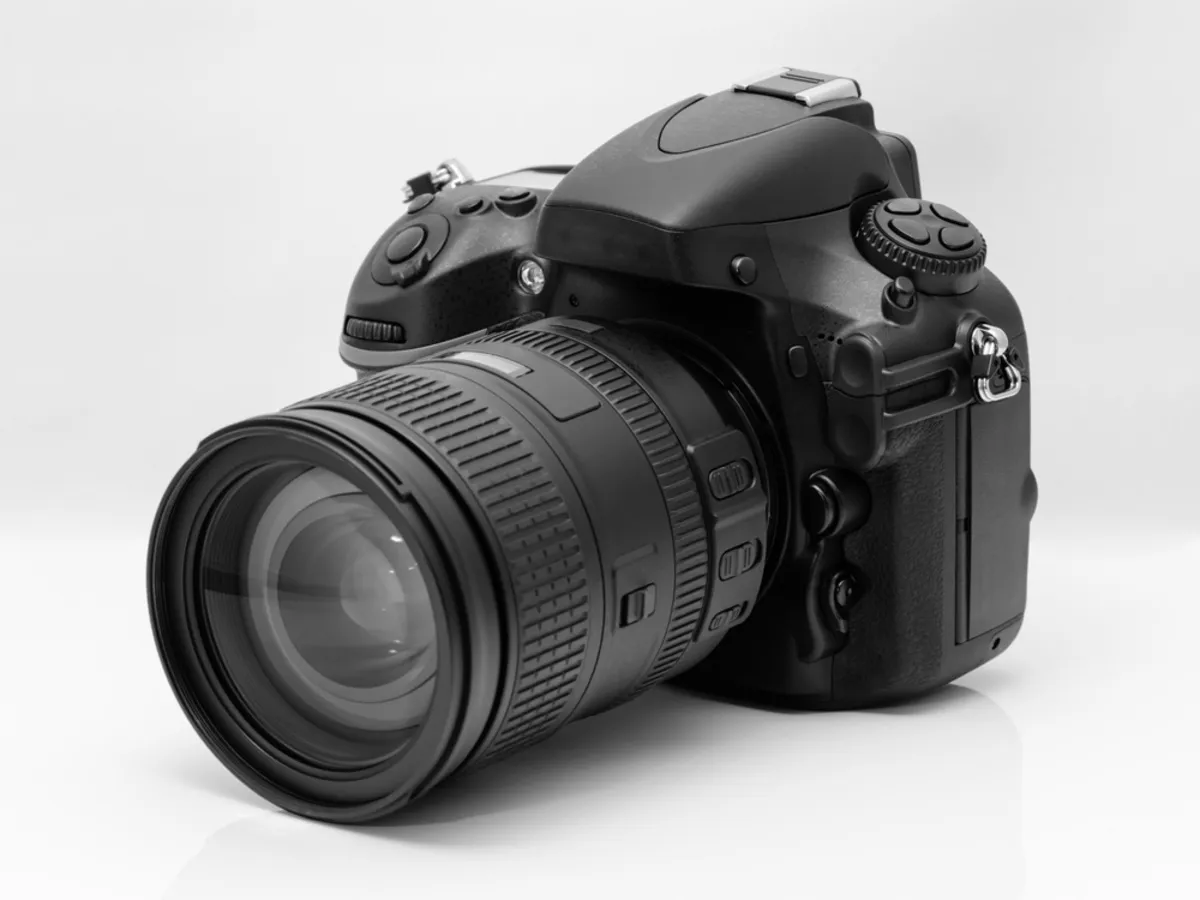
DSLR means digital single-lens reflex. The reflex mirror lets you view the scene through the taking lens.
For a conventional viewfinder exposure, the mirror moves out of the light path and the shutter controls the exposure. The optical viewfinder briefly goes dark while the mirror is raised.
In Live View and video modes, the mirror stays raised and the camera uses the image sensor for the rear-screen view.
What Is a Mirrorless Camera?
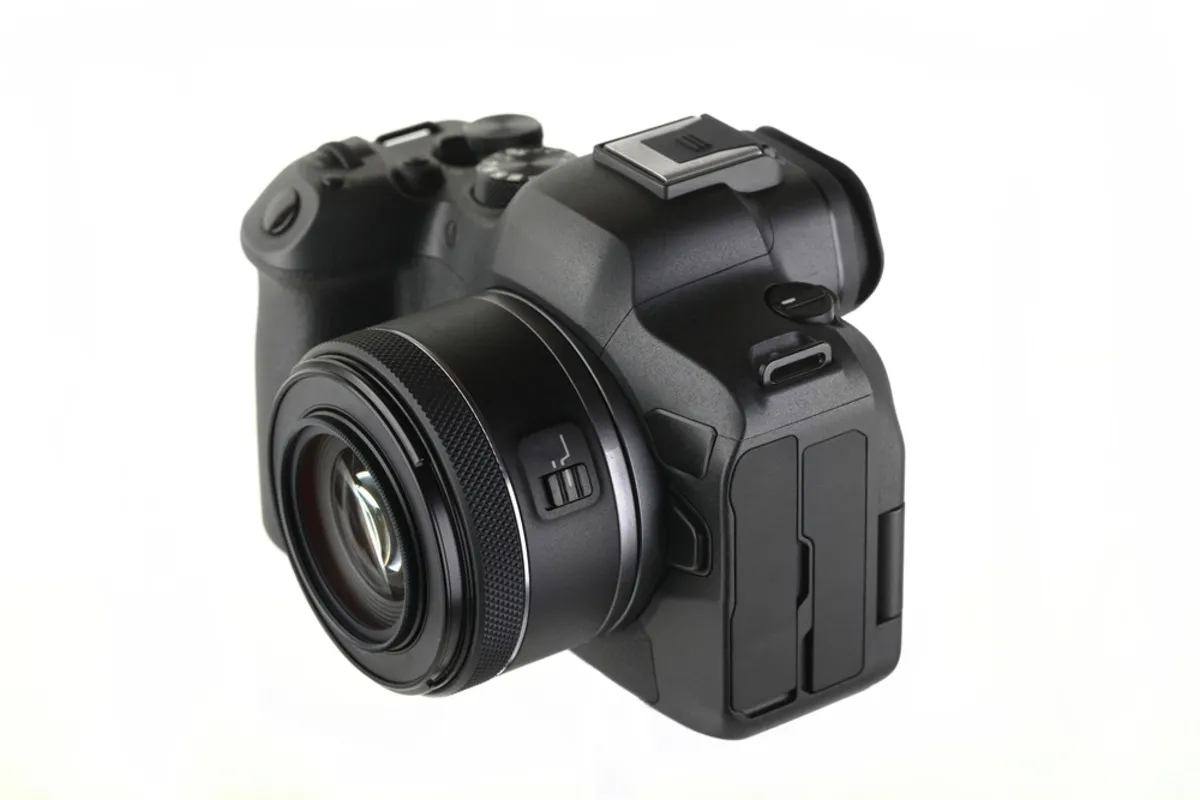
A mirrorless camera has no reflex mirror directing light to an optical viewfinder. It displays the sensor’s image electronically.
Many models include an electronic viewfinder, or EVF, but some rely on the rear screen. Check this detail if you prefer composing with the camera held to your eye.
Mirrorless does not mean “no mechanical shutter.” Many mirrorless cameras offer mechanical, electronic, or electronic-first-curtain shutter modes.
Mirrorless vs DSLR: The Differences That Matter
Choose a camera by identifying the features that affect your photographs, rather than counting advantages on a specification sheet.
1. Size, Weight, and Handling

Mirrorless designs can be smaller because they do not need a reflex mirror box. However, sensor size, cooling, controls, and the intended use also influence body dimensions.
Compare the complete kit:
- Body with battery and memory card.
- Everyday lens.
- Any adapter.
- Additional lenses and spare batteries.
A compact body with a large, wide-aperture zoom can weigh more than a DSLR with a small prime lens.
Try the camera with the lens you expect to use. Check grip comfort, button access, and balance, especially for long sessions or larger telephoto lenses.
2. Lens Compatibility and System Choice
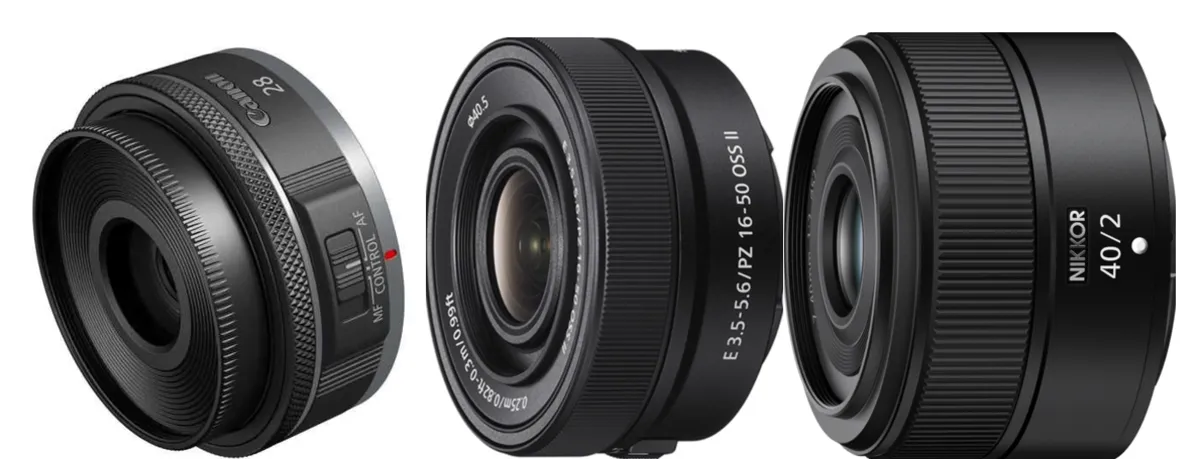
Choose the lens system before committing to the body. Confirm that it offers the focal lengths, apertures, size, and prices your photography needs.
Examples include Canon EF and Nikon F for DSLRs, and Canon RF, Nikon Z, Sony E, and Fujifilm X for mirrorless systems.
Shorter mirrorless flange distances create different lens-design opportunities, but they do not make every lens smaller or sharper.
Can You Use DSLR Lenses on Mirrorless Cameras?
Often, yes—with the correct adapter and a supported combination.
| Combination | Practical consideration |
| Canon EF or EF-S lens on an EOS R camera | Canon’s EF-EOS R adapter supports these lens families; EF-S lenses involve crop-format use on full-frame bodies |
| Nikon F lens on a Nikon Z camera | FTZ or FTZ II compatibility depends on lens type |
| Older Nikon screw-drive AF lens through FTZ | The adapter does not provide screw-drive autofocus |
| Cross-brand lens and adapter | Autofocus, aperture control, stabilization, and firmware support can vary |
Check the exact lens designation, adapter, and body. If autofocus matters, test the combination with your intended subject rather than relying on “compatible” alone.
3. Optical vs Electronic Viewfinders

An optical viewfinder shows the scene through the lens without an electronic display. An EVF shows a processed sensor feed and can provide feedback before capture.
| Viewfinder | Pros | Cons |
| Optical | Direct scene view; low power demand; no display refresh delay | No exposure simulation; mirror blackout during capture; limited electronic overlays |
| Electronic | Exposure and white-balance preview; useful overlays; magnified viewing on supported cameras | Uses power; display behavior varies; possible delay or blackout depending on mode |
EVF previews are useful, but they are not identical to the final RAW image. Preview behavior can also change with exposure-simulation settings and flash use.
Depth-of-field preview may require a specific function. Histograms, zebras, and focus peaking are model-dependent, so check which tools the camera provides.
4. Autofocus and Subject Tracking
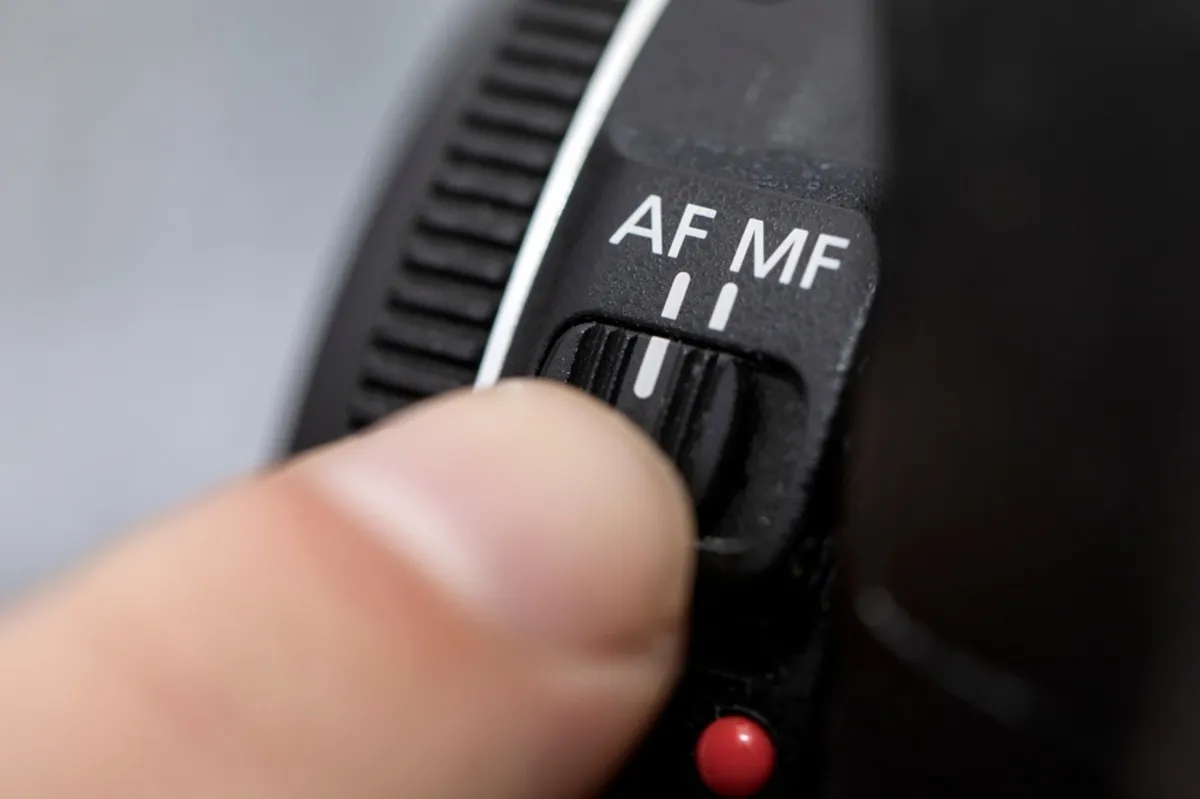 Many current mirrorless cameras can detect eyes, people, animals, or vehicles and track them across a large part of the frame. Supported subjects and reliability differ between models.
DSLR viewfinder autofocus can still perform well, particularly in established action-oriented cameras. Some DSLRs also have capable sensor-based autofocus for Live View and video.
On-sensor focusing avoids the separate viewfinder-AF alignment issue that can cause front- or back-focus in some DSLR combinations. It does not eliminate every focusing error.
Assess autofocus using the lens and conditions you expect to encounter: dim rooms, approaching subjects, small birds, or faces partly hidden by objects.
Elevate Your Photography with Our Advanced Software
5. Burst Shooting and Shutter Modes

High burst rates help capture short-lived gestures or action sequences, but the headline frame rate is only part of the comparison.
Check whether the advertised speed requires:
- An electronic shutter.
- JPEG rather than RAW.
- Reduced resolution.
- Locked focus or exposure.
- Specific lenses or settings.
Also compare buffer capacity and how quickly the camera writes files to the card.
Rolling shutter is distortion that can occur when different parts of the frame are recorded at different times. Fast movement or panning may make straight objects appear bent or tilted.
Electronic shutters can also produce banding under flickering artificial light. Test the available shutter and anti-flicker modes in the intended venue.
Fast burst shooting does not compensate for an unsuitable shutter speed, poor tracking, or missed timing.
6. Video Capabilities
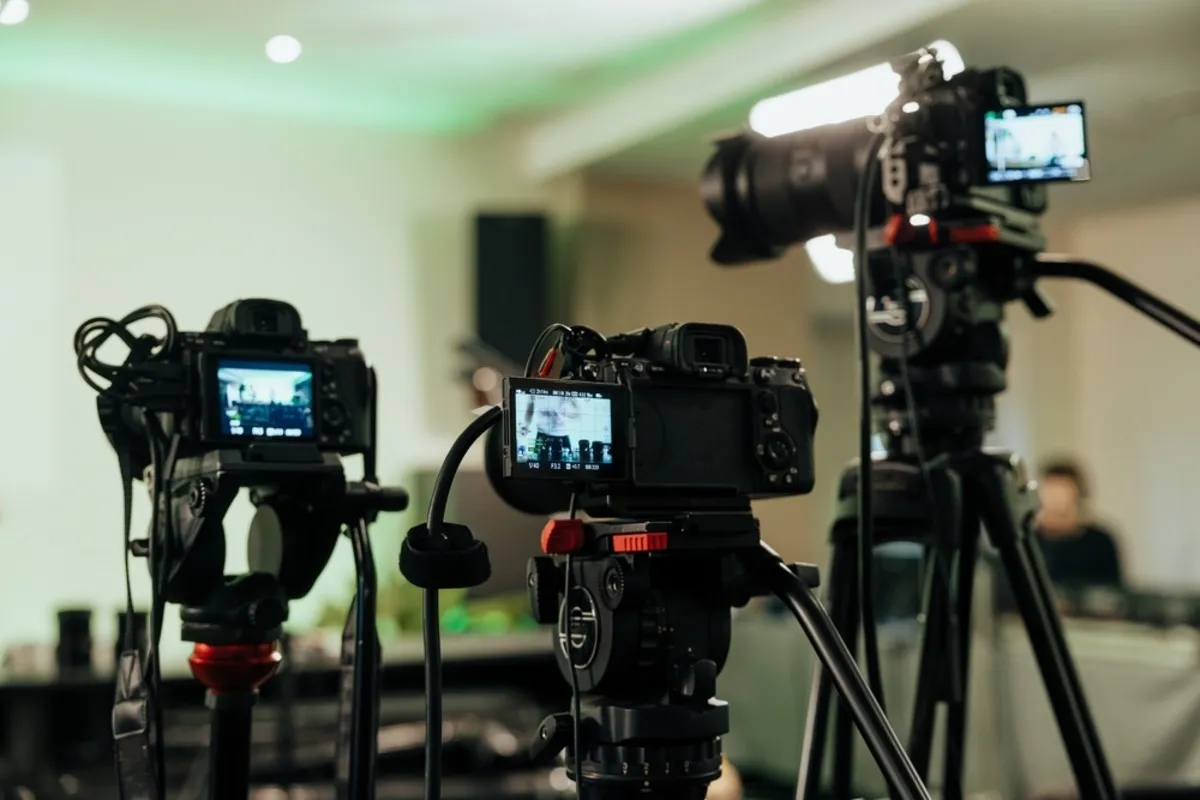 Mirrorless is usually the more useful starting point when video is a major priority, because there is a wider selection of current cameras built for hybrid work.
Compare actual recording modes rather than looking only for “4K”:
| Feature to check | Why it matters |
| Resolution and frame rate | Determines available detail and motion options |
| Sensor crop | Changes the angle of view |
| Autofocus during recording | Affects moving-subject tracking |
| Bit depth and recording format | Influences grading flexibility and workflow requirements |
| Stabilization | Can reduce camera movement, with different limits for each system |
| Heat and recording limits | Affect longer takes |
| Microphone and headphone connections | Support audio recording and monitoring |
| Rolling shutter | Affects motion and camera movements |
In-body stabilization, 10-bit recording, and advanced monitoring tools are not universal mirrorless features.
If you mainly record yourself, compare these requirements with our guide to cameras for vlogging.
7. Image Quality
 Neither camera type automatically produces better still images. Sensor performance, lens quality, exposure, and processing have a greater direct influence.
Two cameras with the same megapixel count can differ in dynamic range, noise, autofocus, and output. More megapixels provide additional cropping or printing flexibility, but they do not guarantee sharper photographs.
Compare sample files from the specific models you are considering. Review skin tones, fine detail, and difficult lighting at the output size you need.
Both systems can support a RAW workflow. Check that your editor supports the exact camera and file variant before buying, particularly for newly released bodies.
8. Battery Life and Power Options
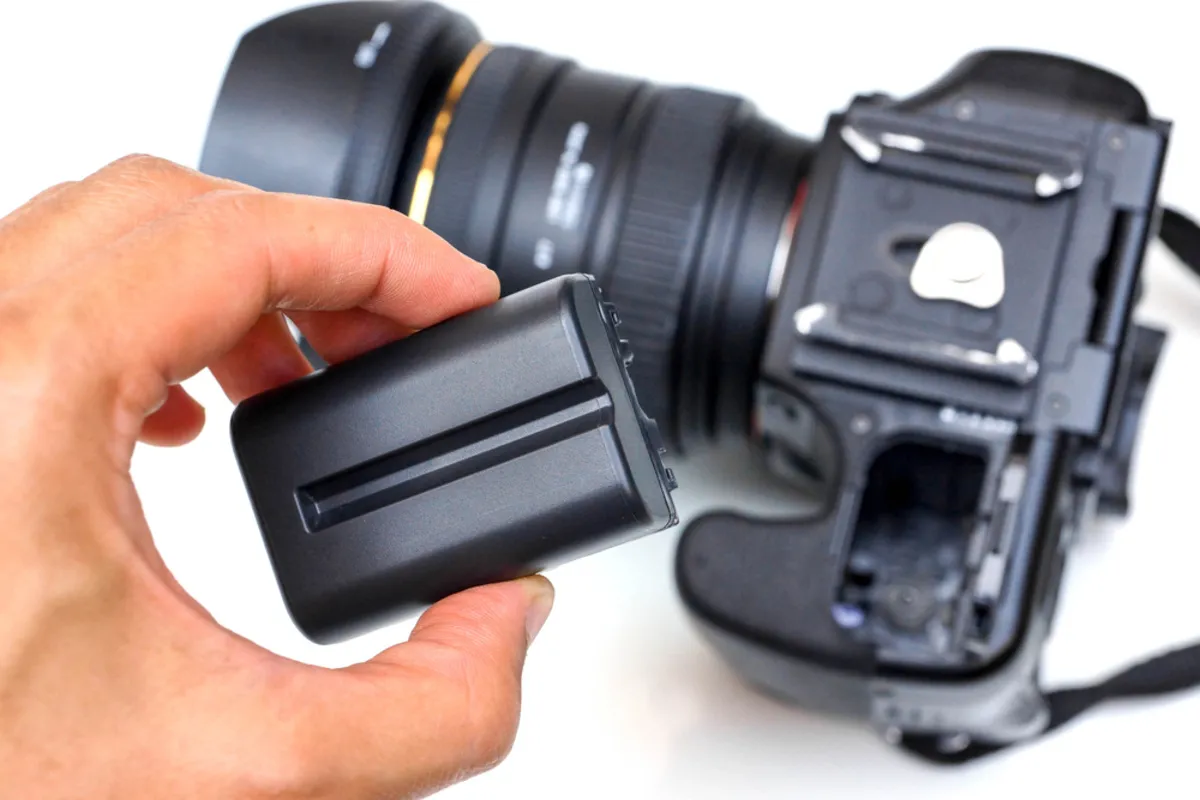 DSLRs often deliver longer still-photo battery life when using the optical viewfinder. Mirrorless cameras power the sensor and electronic display while composing.
Published ratings are useful for comparison, but actual results depend on display use, temperature, video recording, wireless functions, and the time between photographs.
Check:
- Still-photo ratings for EVF and rear-screen use.
- Expected video recording time.
- Spare-battery availability.
- USB charging and in-use power support.
- Charger and cable requirements.
A USB-C port alone does not guarantee every charging or power-delivery function.
9. Weather Resistance and Serviceability
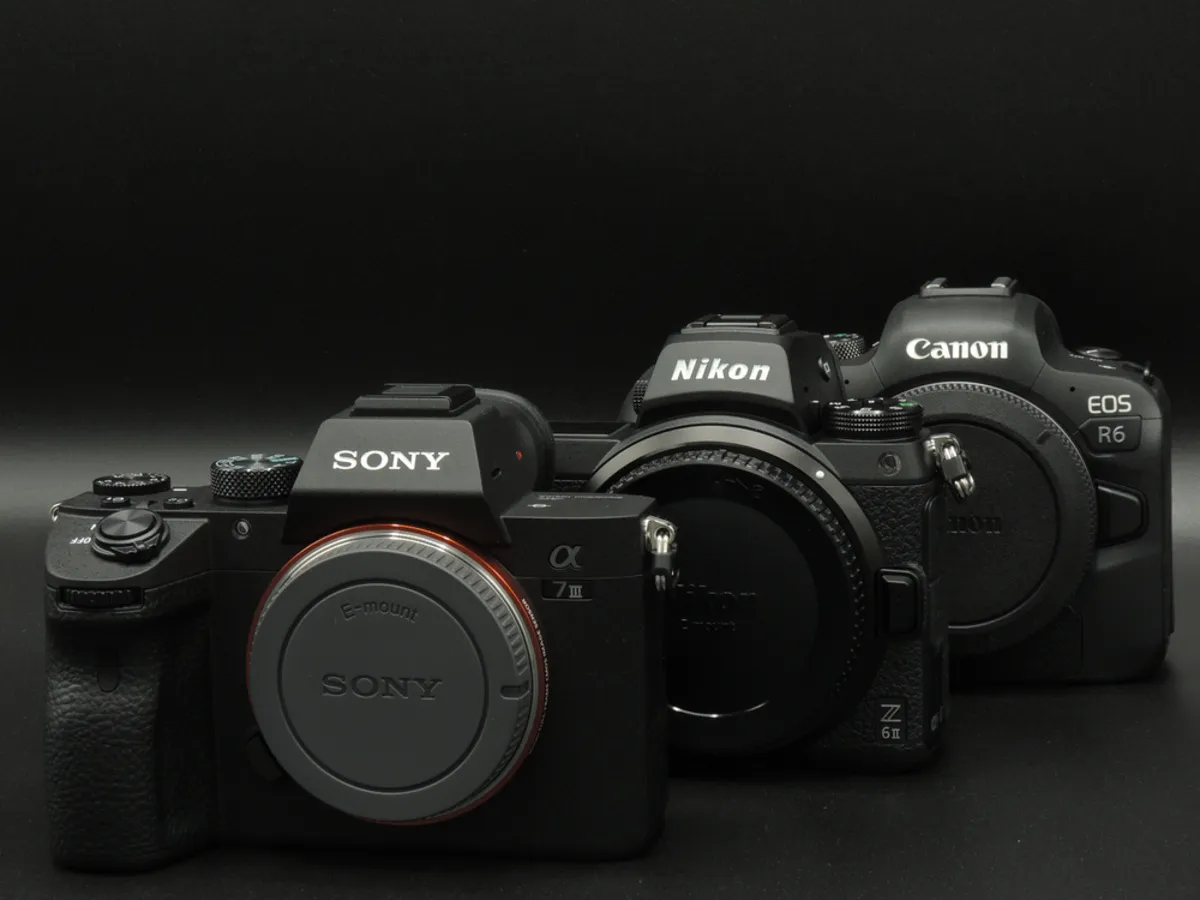 Durability depends on the model, lens, condition, and manufacturer’s protection claims. Neither category is universally tougher.
Weather resistance is not the same as waterproofing. Check the body-and-lens combination, covered ports, operating conditions, and warranty terms.
For a used camera, inspect its overall condition and service history. Shutter count can be useful, but it does not describe every component’s condition or necessarily include electronic-shutter use.
Confirm local repair options, battery availability, and replacement-part support for older equipment.
10. Total Cost

Compare complete systems rather than body prices. Include a suitable lens, batteries, cards, adapter, and any essential accessories.
A used DSLR kit may offer good value for still photography. An affordable mirrorless kit may be the better investment when it includes features you would otherwise need to upgrade for.
Before purchasing used equipment:
- Inspect the lens and sensor condition.
- Test autofocus, controls, and card slots.
- Check battery health and included accessories.
- Review the return policy or warranty.
- Compare the cost with an equivalent complete kit.
Avoid paying for a feature that does not improve your actual workflow.
Which Camera Type Fits Your Photography?
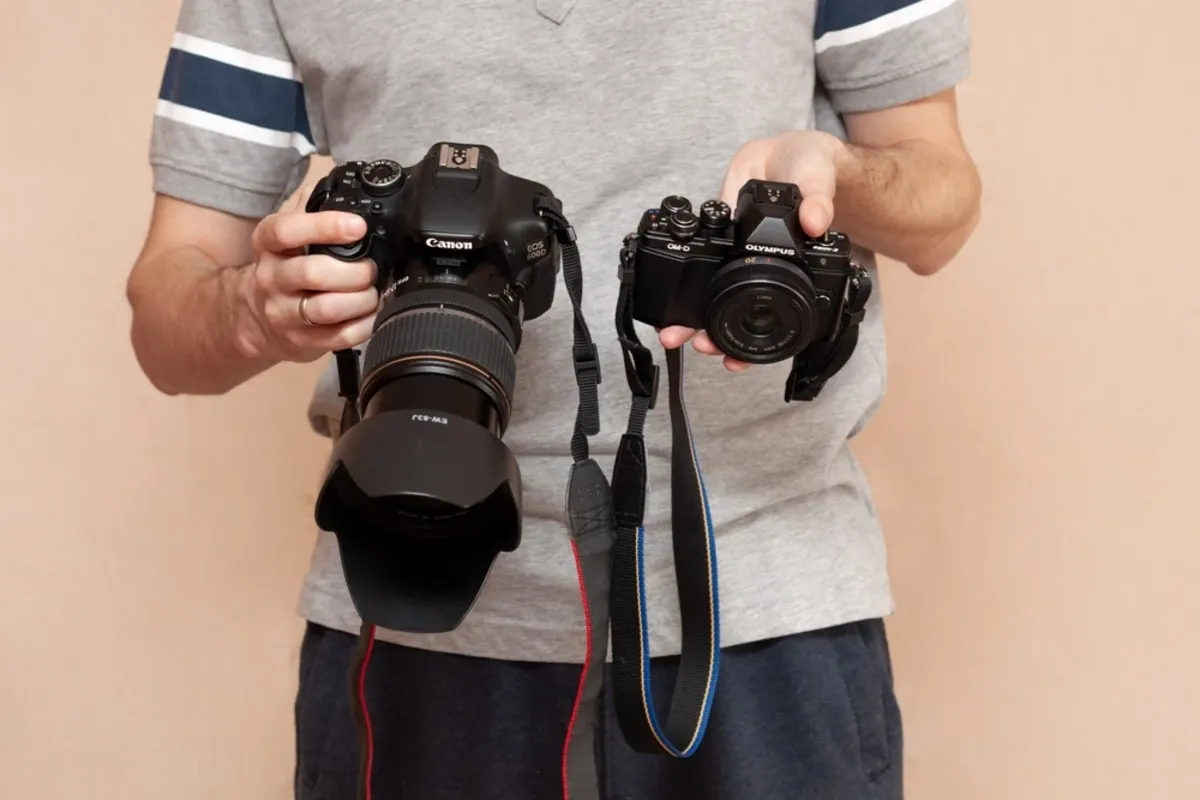
Match the system to your main use and the limitation you want to solve.
| Your priority | Practical direction |
| Starting a new system | Explore mirrorless first, then compare complete kit costs |
| Limited budget for still photography | Compare used DSLR and mirrorless kits |
| Travel and everyday photography | Prioritize total kit weight and handling |
| Sports and wildlife | Compare tracking, lens reach, shutter behavior, and buffer depth |
| Video and self-recording | Prioritize mirrorless models with suitable recording and audio features |
| Studio portraits | Either system can work; lighting, lenses, and flash compatibility matter |
| Long sessions away from power | Compare battery ratings, spares, and charging options |
| Existing DSLR lens collection | Evaluate keeping the DSLR versus adapting lenses to mirrorless |
Your AI-Powered Photo Editor for MacOS and Windows
Should You Replace a DSLR with Mirrorless?
Replace a DSLR when another camera solves a specific problem worth the cost. Keep it when it meets your needs reliably.
Useful reasons to switch include better subject tracking for your work, more suitable video modes, a preferred electronic preview, or access to particular lenses.
Before changing systems, write down three limitations of your current kit. Test whether the proposed camera addresses them, including how your existing lenses behave through an adapter.
Editing remains part of either workflow. Luminar’s lens correction tools can help address supported optical issues, while exposure and color controls refine the captured image. These adjustments cannot reliably rescue missed focus or severe motion blur.
Conclusion
Choose the system around your lenses, subjects, and working conditions. Mirrorless is a practical starting point for a new kit, while a capable DSLR can remain a useful and economical tool. Test handling and the features that matter most before committing to the complete system.
Frequently Asked Questions
Mirrorless is generally the first option to explore for a new system, especially if electronic previews and video matter. A suitable used DSLR can still be a good choice when it leaves more budget for lenses and learning.
Not automatically. Compare sensor performance, lenses, exposure, and sample files from the individual cameras rather than judging image quality by camera type.
Often, yes, with an appropriate adapter. Check the exact combination because autofocus, crop behavior, stabilization, and other functions may differ.
No. Many offer quiet electronic-shutter modes, but mechanical shutters and lenses can still make noise. Electronic shooting also has model-dependent restrictions.
Yes, when its capabilities, lens options, condition, and price suit your needs. Check service support and compare the complete kit with mirrorless alternatives before buying.