Find a vlogging camera that suits how you film. Compare compact, mirrorless, and action models, with practical advice on stabilization, audio, lenses, and accessories.
A good vlogging camera should make recording easier: keep you in focus, show your framing, capture usable sound, and fit the way you work. The right choice for a seated YouTube video may be very different from the right choice for a walking tour or cycling trip.
You do not need a dedicated camera to begin. A smartphone, a suitable microphone, and consistent lighting can be enough. Upgrade when you can identify a limitation that another camera will solve.
This guide compares six cameras by their specifications and intended uses. The recommendations are based on manufacturer information rather than personal testing.
Don’t feel like reading the whole breakdown? We’ve pulled together a quick summary below.
Best Vlogging Cameras at a Glance
 These cameras solve different problems. Start with the shooting style closest to yours, then compare the limitations.
| Camera | Type and sensor | Useful video modes | Stabilization approach | Main reason to consider it |
| DJI Osmo Pocket 4 | Gimbal camera; 1-inch-type sensor | 4K up to 60 fps in standard video; higher frame rates in slow motion | Three-axis mechanical gimbal | Walking and travel vlogs |
| DJI Osmo Action 6 | Action camera; 1/1.1-inch-type sensor | 4K up to 120 fps; square 4K Custom recording up to 60 fps | Electronic RockSteady and horizon modes | Outdoor activities and mounted footage |
| Nikon Z30 | Mirrorless; 20.9 MP APS-C sensor | 4K up to 30 fps; Full HD up to 120 fps | Compatible lens VR and electronic VR; no sensor-shift IBIS | A straightforward interchangeable-lens setup |
| Sony ZV-E10 II | Mirrorless; approximately 26 MP APS-C sensor | 4K up to 60 fps, including 10-bit recording | Compatible lens stabilization and electronic Active mode; no sensor-shift IBIS | Solo filming and lens flexibility |
| Canon PowerShot V1 | Fixed-lens compact; 1.4-inch-type sensor | Uncropped 4K up to 30 fps; cropped 4K up to 60 fps | Optical lens IS and Movie digital IS | An integrated zoom-lens setup |
| Fujifilm X-S20 | Mirrorless; 26.1 MP APS-C sensor | 6.2K up to 30 fps; 4K up to 60 fps | Five-axis sensor-shift IBIS and optional digital stabilization | Combined photography and video work |
Maximum frame rates do not mean every feature works in every mode. Check crop, autofocus, stabilization, audio, and recording restrictions for the exact settings you plan to use. Prices and bundle contents vary by region.
Exclusive Tools of Endless Possibilities in One Editor
Which Type of Vlogging Camera Do You Need?
Choose the camera type before comparing individual models.
| Shooting style | Useful camera type | Main consideration |
| Walking tours and handheld travel | Pocket gimbal camera | Smooth movement and quick setup |
| Cycling, water activities, and mounted recording | Action camera | Mounting, weather protection, and a wide view |
| Seated tutorials and product demonstrations | Mirrorless or fixed-lens compact | Autofocus, audio connections, and suitable framing |
| Photography alongside video | Hybrid mirrorless camera | Lens choice, still-image controls, and a viewfinder |
| Occasional everyday clips | Smartphone | Convenience and a simple recording workflow |
A drone can add aerial establishing shots, but it does not replace a camera for ordinary face-to-camera recording. Treat aerial footage as an optional addition to your setup.
6 Vlogging Cameras to Consider
1. DJI Osmo Pocket 4: For Walking and Travel Vlogs

The Osmo Pocket 4 combines a 1-inch-type sensor with a three-axis gimbal. Its main appeal is an integrated camera-and-stabilizer system that avoids the setup required by a separate camera gimbal.
It supports standard 4K recording up to 60 fps, subject tracking, and compatible external audio options. Check the selected bundle carefully: microphones, handles, and other accessories are not identical across packages.
A gimbal reduces rotational shake, but walking technique still matters. Vertical movement from footsteps can remain visible.
| Pros | Cons |
| Integrated gimbal makes handheld travel filming convenient | The exposed gimbal requires careful handling |
| Tracking and compatible microphone options support solo recording | It is not waterproof |
| Compact system avoids carrying interchangeable lenses | Fixed lens limits optical framing choices |
2. DJI Osmo Action 6: For Outdoor and Mounted Footage

The Osmo Action 6 is a better fit for activities where mounting and water protection matter more than background blur. It uses a 1/1.1-inch-type sensor and offers RockSteady stabilization alongside horizon-control modes.
Its square 4K Custom mode provides room to reframe for different aspect ratios. DJI specifies water protection to 20 meters without a case, provided the covers and lens cover are correctly secured and the stated use conditions are followed.
Stabilization availability varies by recording mode. Do not assume the same options work at every resolution and frame rate.
| Pros | Cons |
| Compact body and mounting options suit active filming | Wide-angle framing can exaggerate nearby facial features |
| Square recording supports horizontal and vertical reframing | Electronic stabilization changes framing and has mode restrictions |
| Water protection suits appropriate outdoor use | It offers less optical flexibility than an interchangeable-lens camera |
3. Nikon Z30: For a Simple Mirrorless Setup
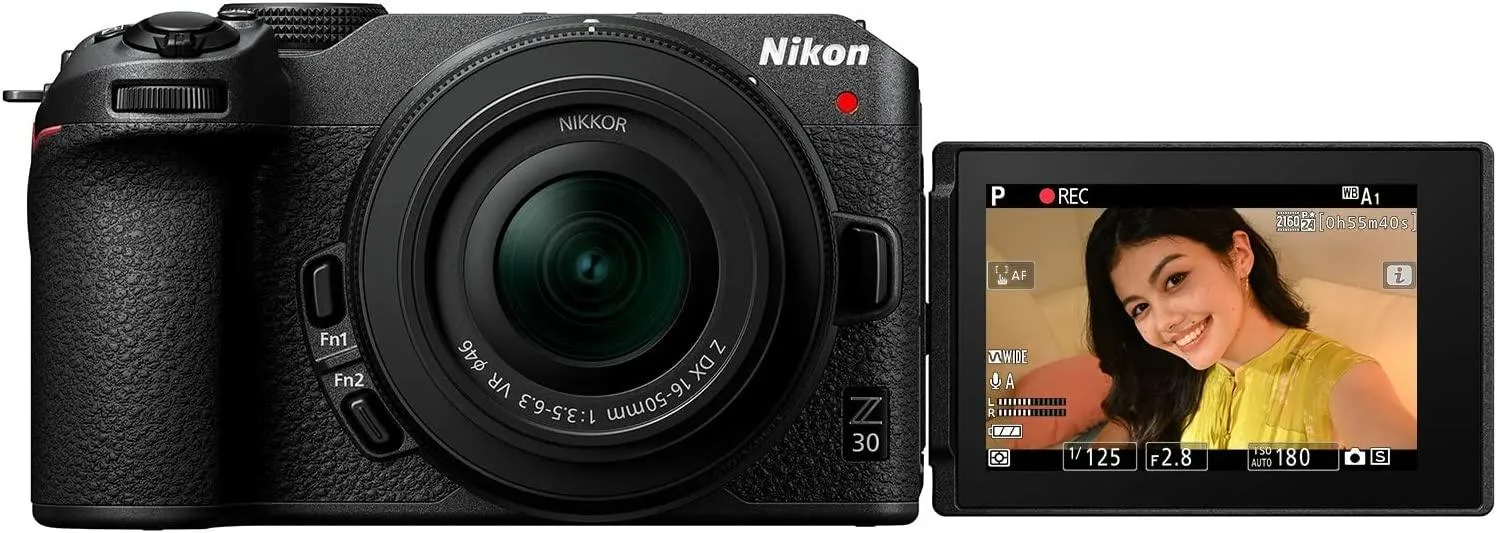
The Nikon Z30 records 4K up to 30 fps and Full HD up to 120 fps. Its side-opening vari-angle touchscreen lets you monitor yourself while recording.
It has no electronic viewfinder or sensor-shift in-body stabilization. A compatible VR lens can provide optical stabilization, while electronic VR offers another option with additional cropping.
Consider it for seated videos, tutorials, and creators who already use Nikon Z lenses. For arm’s-length filming, check whether your chosen lens remains wide enough after stabilization is enabled.
| Pros | Cons |
| Vari-angle screen and microphone input support solo filming | No electronic viewfinder or headphone output |
| Interchangeable lenses allow different framing styles | No sensor-shift IBIS |
| Full HD high-frame-rate recording supports slow motion | 4K recording stops at 30 fps |
4. Sony ZV-E10 II: For Solo Filming and Lens Choice

The Sony ZV-E10 II combines an APS-C sensor with interchangeable E-mount lenses, phase-detection autofocus, and creator-focused controls.
It records 4K up to 60 fps with 10-bit options. Sony specifies a modest crop at 4K/60p, while Active electronic stabilization narrows the view further.
The microphone input and headphone output make it possible to use external audio and monitor the recording. Product Showcase mode is useful when you want focus to shift from your face to an object held in front of the camera.
| Pros | Cons |
| Lens choice and creator-focused autofocus controls support varied content | A suitable lens adds cost, weight, and setup decisions |
| 10-bit recording provides more flexibility for color grading | No sensor-shift IBIS or electronic viewfinder |
| Microphone and headphone connections support audio monitoring | Recording and stabilization crops affect wide-angle framing |
5. Canon PowerShot V1: For an Integrated Compact Setup

The PowerShot V1 combines a 1.4-inch-type sensor, a built-in wide-angle zoom lens, a vari-angle screen, and a cooling fan.
It records oversampled, uncropped 4K up to 30 fps. The 4K/60p mode uses approximately a 1.4× crop, so it shows less of the scene from the same camera position.
Optical stabilization and Movie digital IS provide options for handheld work. The fan supports heat management, but recording still depends on power, storage, temperature, and settings.
| Pros | Cons |
| Built-in zoom removes the need to choose separate lenses | The lens cannot be exchanged |
| Vari-angle screen, autofocus, and cooling support video use | The 4K/60p crop reduces wide-angle coverage |
| Optical IS and a built-in ND filter add practical control | No viewfinder or stated water/dust resistance |
6. Fujifilm X-S20: For Photography and Video Together

The X-S20 offers a 26.1 MP APS-C sensor, an electronic viewfinder, five-axis in-body stabilization, and a vari-angle screen.
Its 6.2K recording uses a 3:2 frame. This “open-gate” option provides extra image area for creating different crops from one take. It also supports 4K up to 60 fps, 10-bit recording, and Fujifilm Film Simulations.
Choose it when still photography is an important part of your work. Budget for a lens that suits both your video framing and photographic subjects.
| Pros | Cons |
| Viewfinder and still-image controls suit hybrid work | The complete system is larger than a pocket camera |
| IBIS helps with handheld recording | IBIS does not eliminate walking movement |
| Open-gate recording provides reframing flexibility | Higher-resolution files require more storage and editing resources |
What to Check Before Buying a Vlogging Camera
The recording mode you actually use matters more than the largest number on the specification sheet.
Framing and Recording Crop
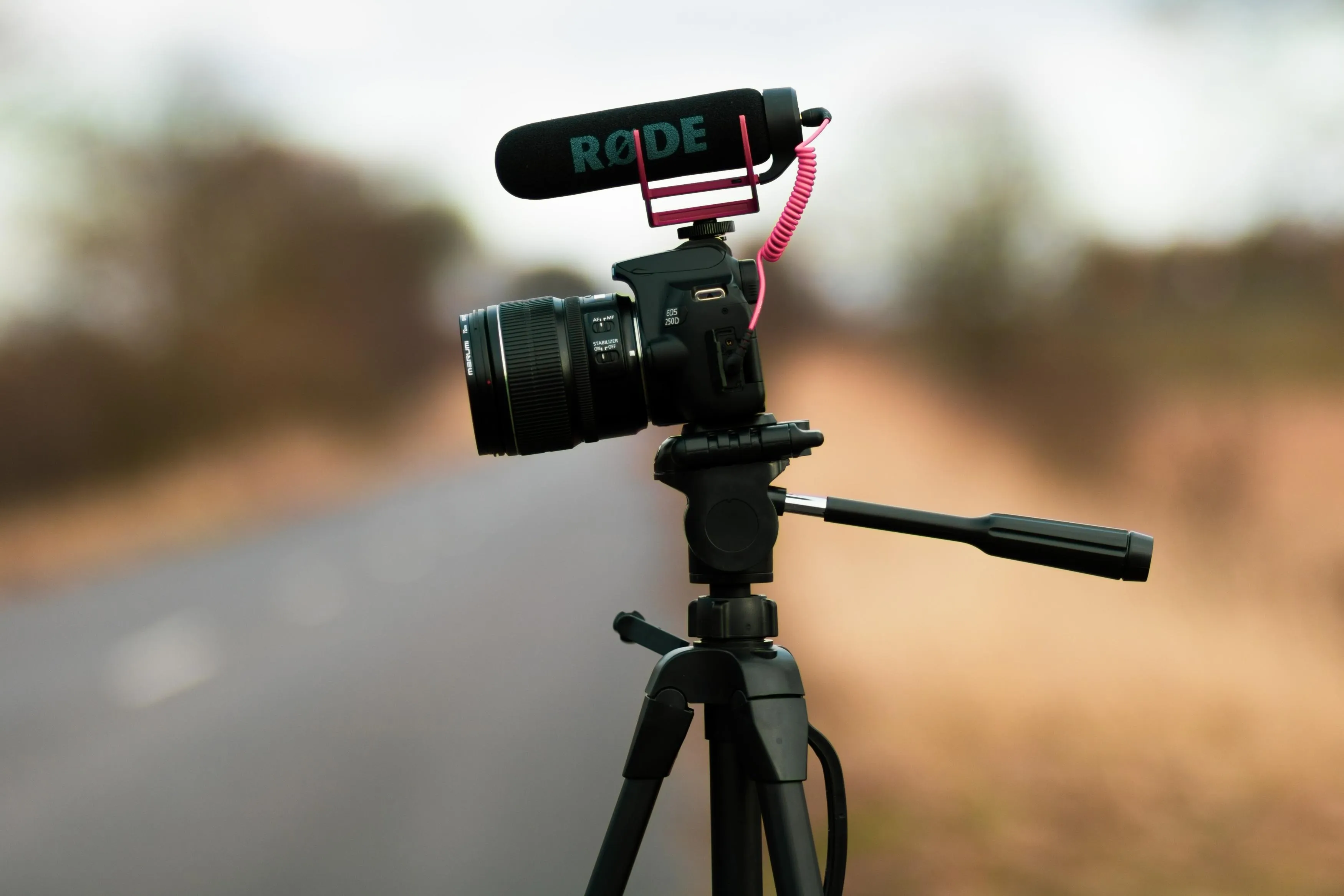
Test the lens at your normal filming distance with your intended resolution, frame rate, and stabilization settings.
A lens that looks wide enough in one mode may become too tight in another. This is particularly important when holding the camera at arm’s length.
Autofocus
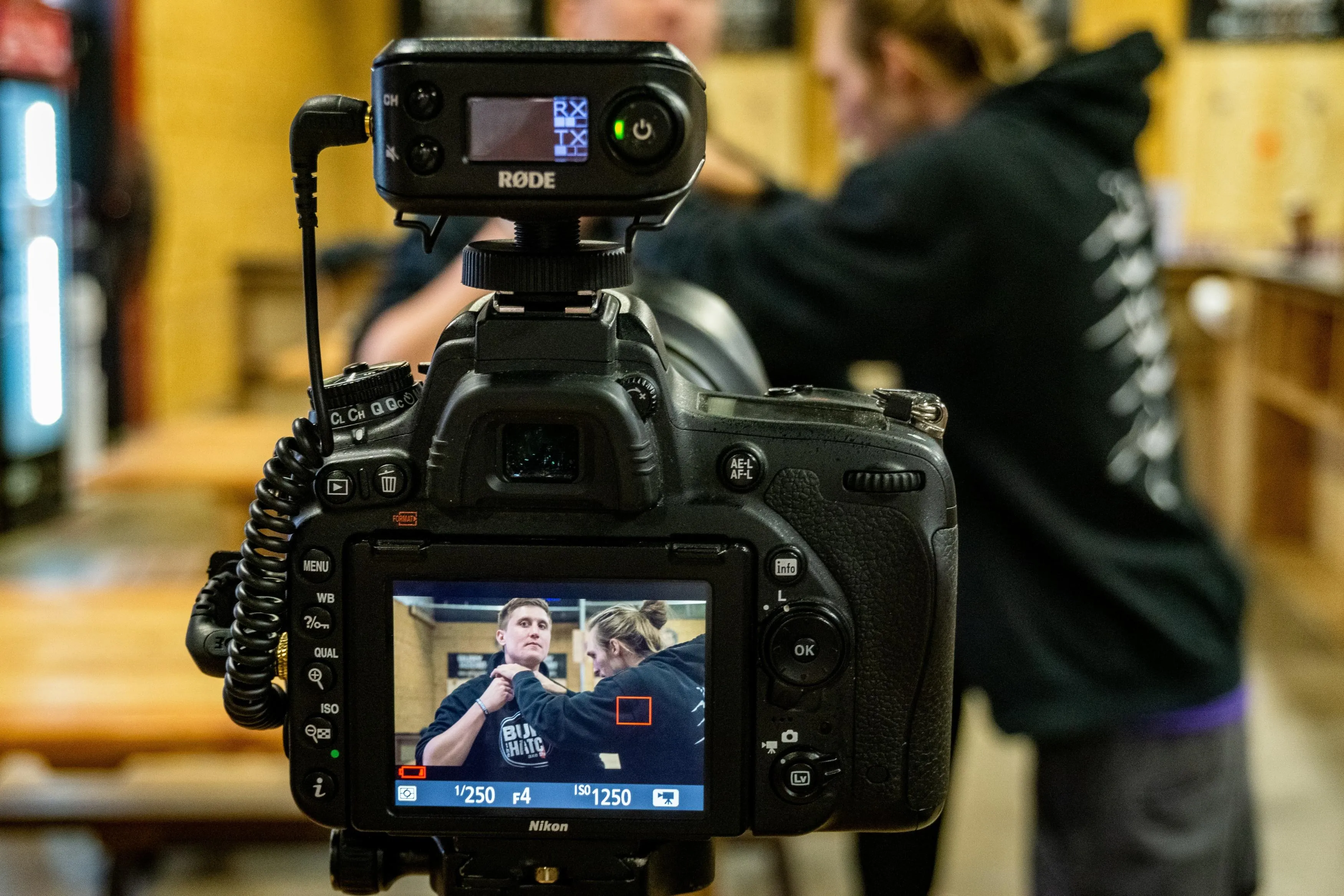
Look for face and eye detection, then assess how the camera handles your actual content:
- Moving toward or away from the lens.
- Turning your face.
- Holding a product near the camera.
- Filming against a detailed background.
- Working in dim light.
Autofocus helps, but it cannot compensate for every lighting or subject problem.
Elevate Your Photography with Our Advanced Software
Stabilization
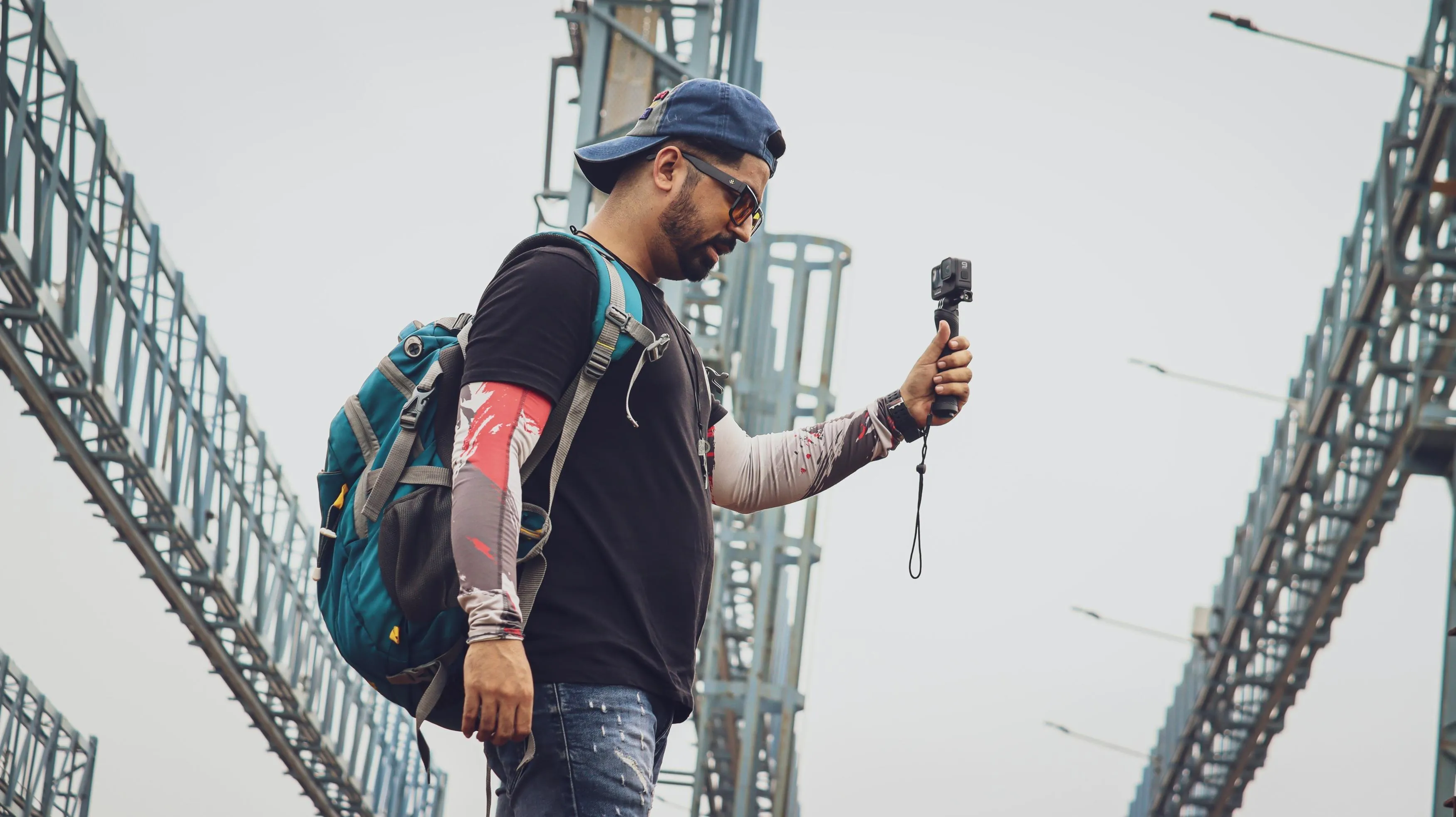
Different systems address movement differently.
| System | How it works | Main limitation |
| Optical lens stabilization | Moves elements inside the lens | Does not remove all walking movement |
| In-body stabilization | Moves the image sensor | Performance depends on lens, movement, and settings |
| Electronic stabilization | Uses image processing, typically with a crop | Reduces the available field of view |
| Mechanical gimbal | Physically controls camera orientation | Adds handling requirements and does not fully remove vertical bounce |
For seated recording, a tripod may be more useful than stronger stabilization. For walking, test real movement rather than relying on a still-photo stabilization rating.
Audio
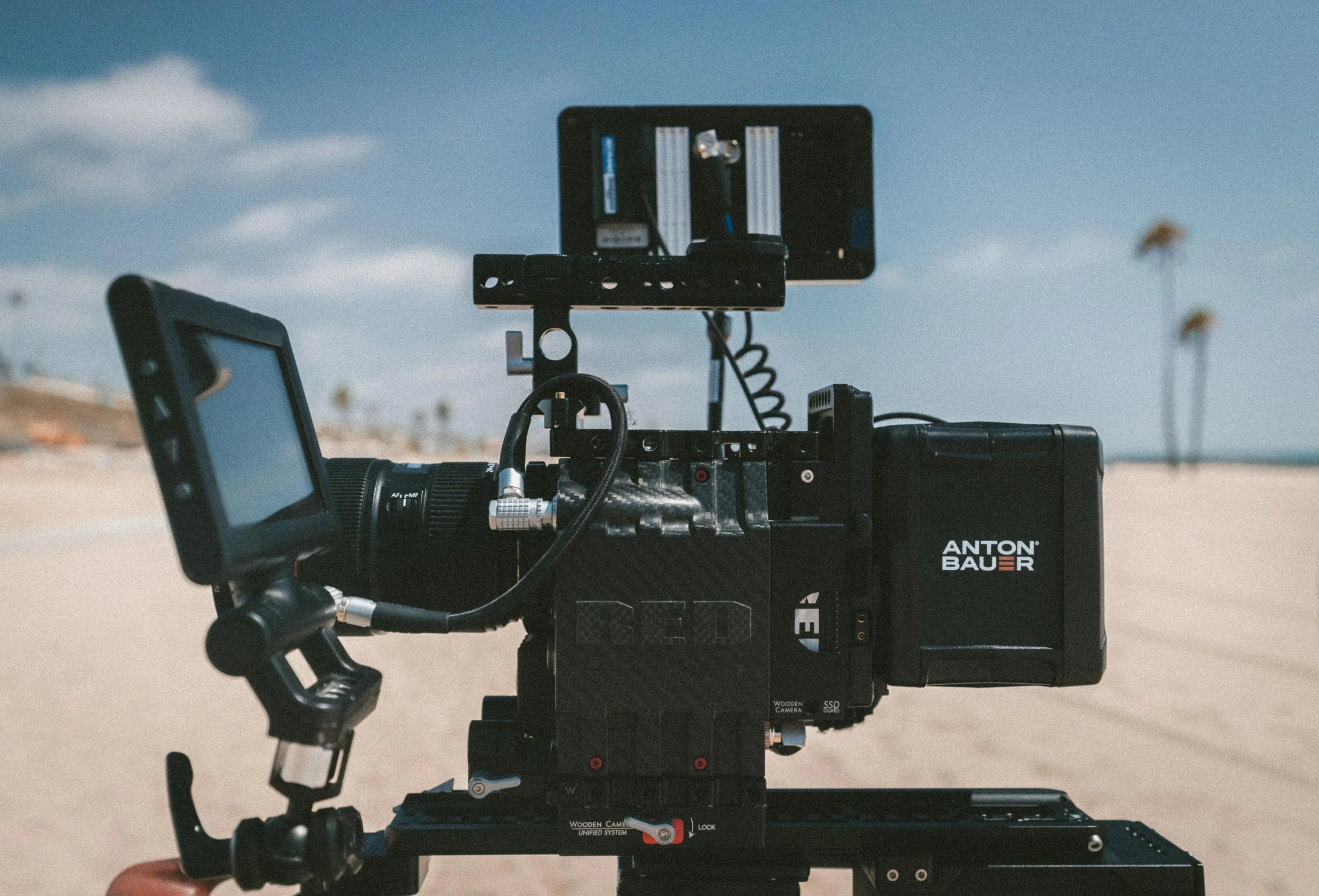
Check microphone compatibility, input connections, manual level controls, and monitoring options.
A microphone close to your mouth usually captures speech more clearly than one several feet away. Wind protection helps outdoors, but software wind reduction cannot reliably rescue heavily distorted recordings.
Record and listen to a short test before filming a full session.
Recording Time and Heat
Do not interpret a manufacturer’s maximum battery runtime as guaranteed continuous 4K recording.
Resolution, frame rate, ambient temperature, screen use, wireless connections, and power supply all affect operation. For interviews or long tutorials, test the planned settings for longer than your expected take.
Total Setup Cost
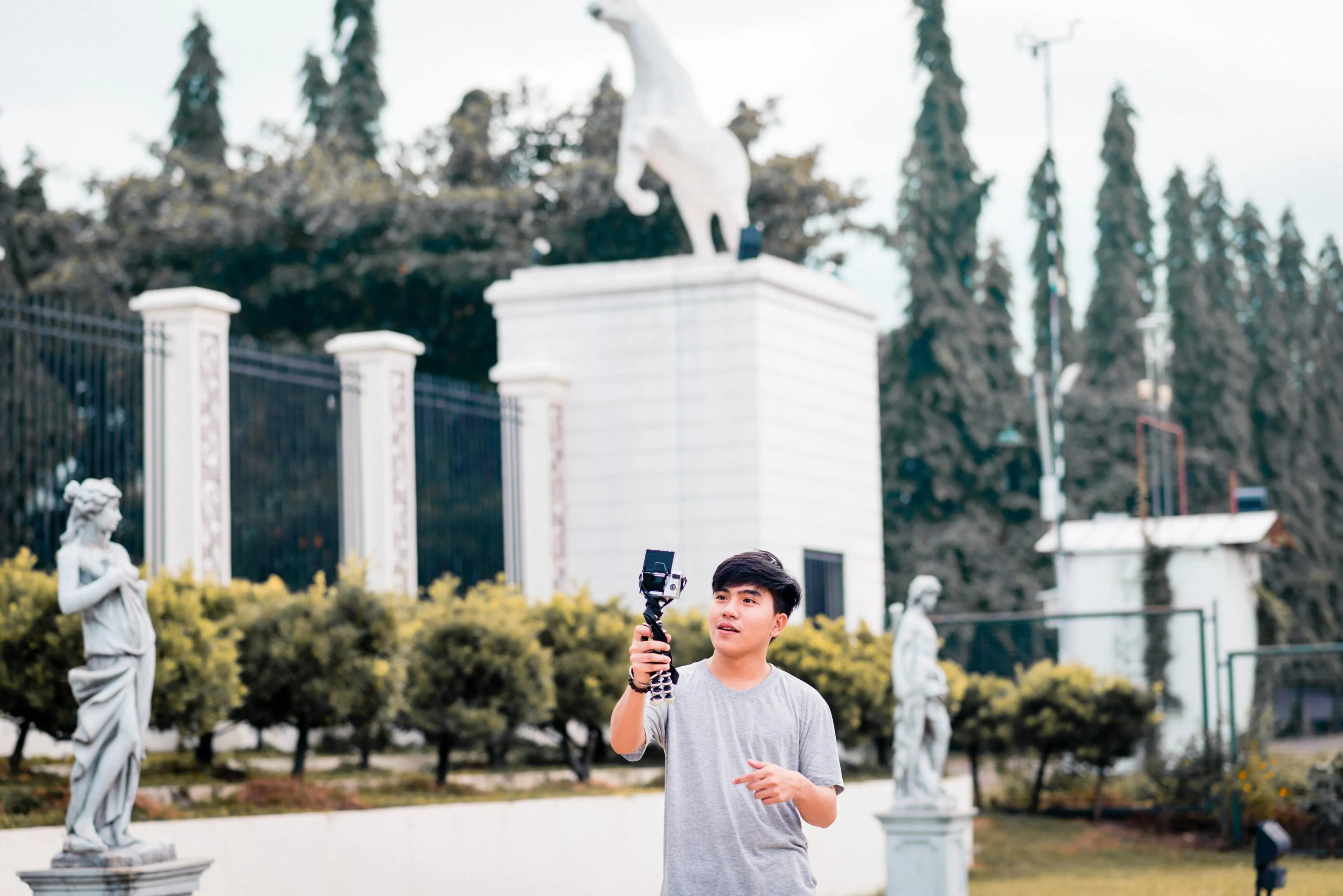
Include the items needed to make the camera useful:
- A suitable lens, if required.
- Microphone and wind protection.
- Memory cards that meet the selected mode’s requirements.
- Spare batteries or compatible external power.
- A tripod, grip, or mounting system.
- Storage and backup for your recordings.
For beginners, better audio and lighting may solve more problems than moving to a more expensive camera body.
Essential Accessories for Vlogging
Buy accessories to solve a specific recording problem.
Microphone and Wind Protection
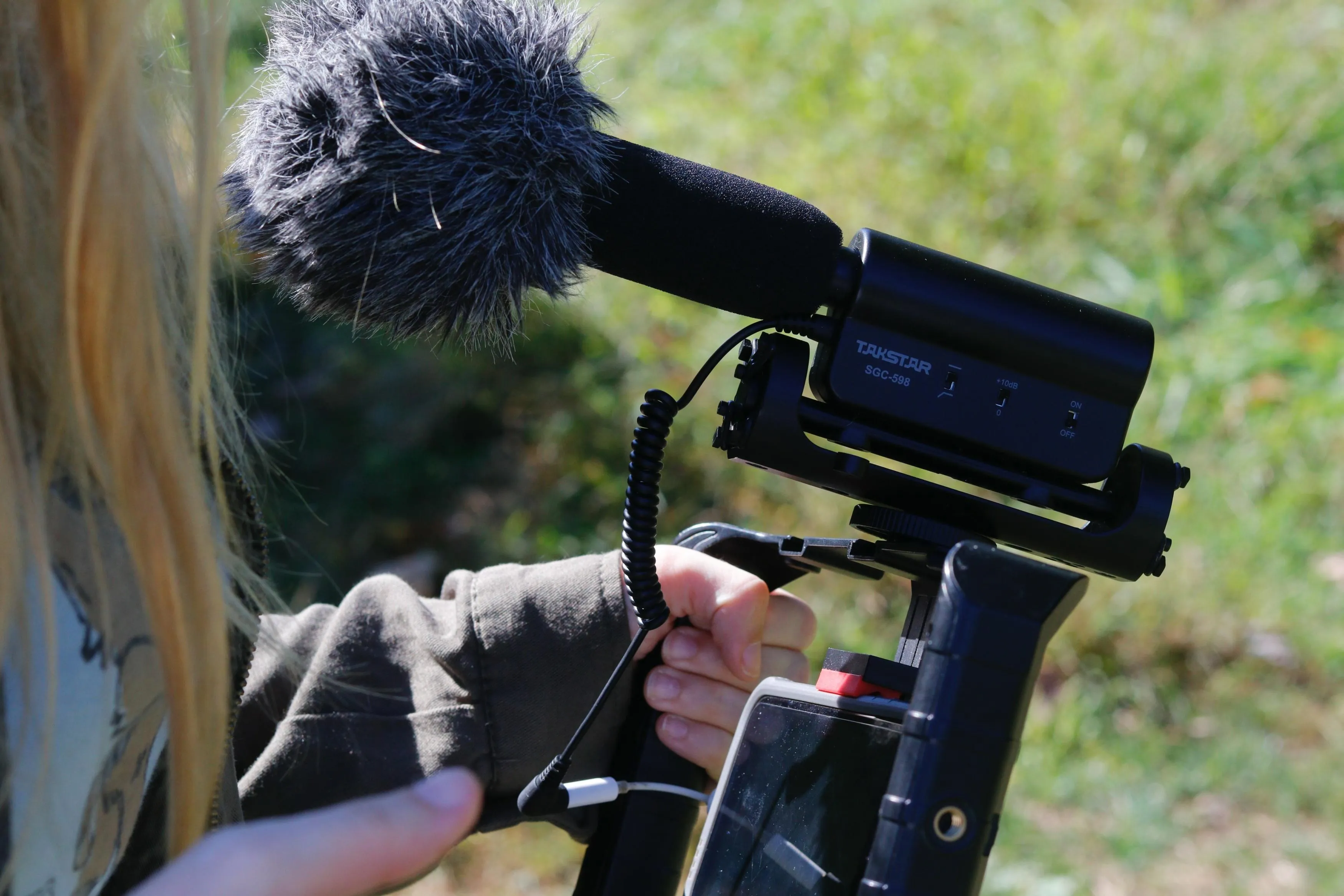
Choose a lavalier, wireless microphone, or directional microphone according to your distance from the camera and the recording environment.
Check connectors and compatibility before buying. A wireless system’s receiver may still require a suitable camera input.
Tripod or Grip
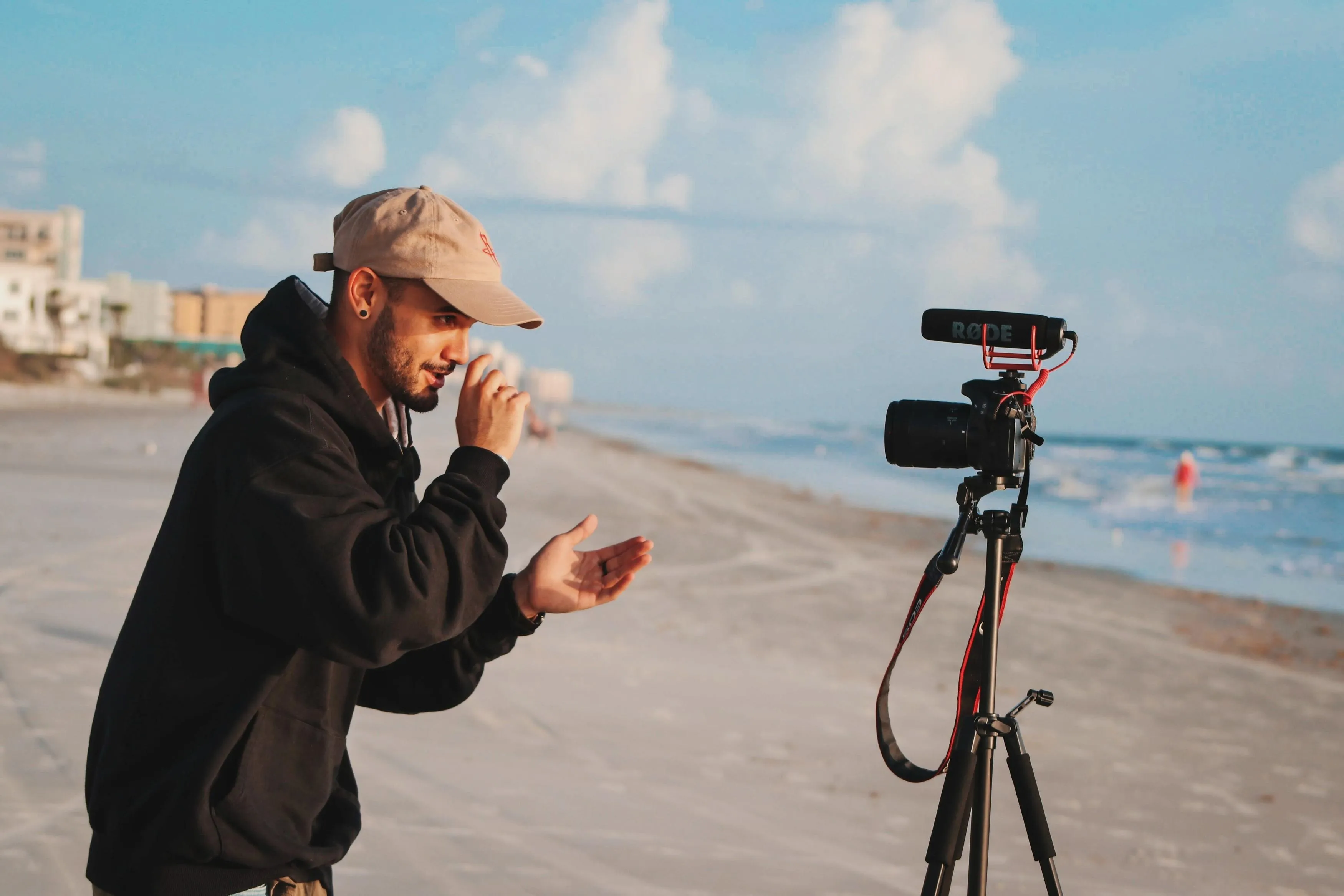
A tripod keeps framing consistent for seated videos and demonstrations. A small grip can make handheld filming easier, but it does not provide gimbal stabilization by itself.
Check that the support can safely hold the camera, lens, and accessories.
Lighting
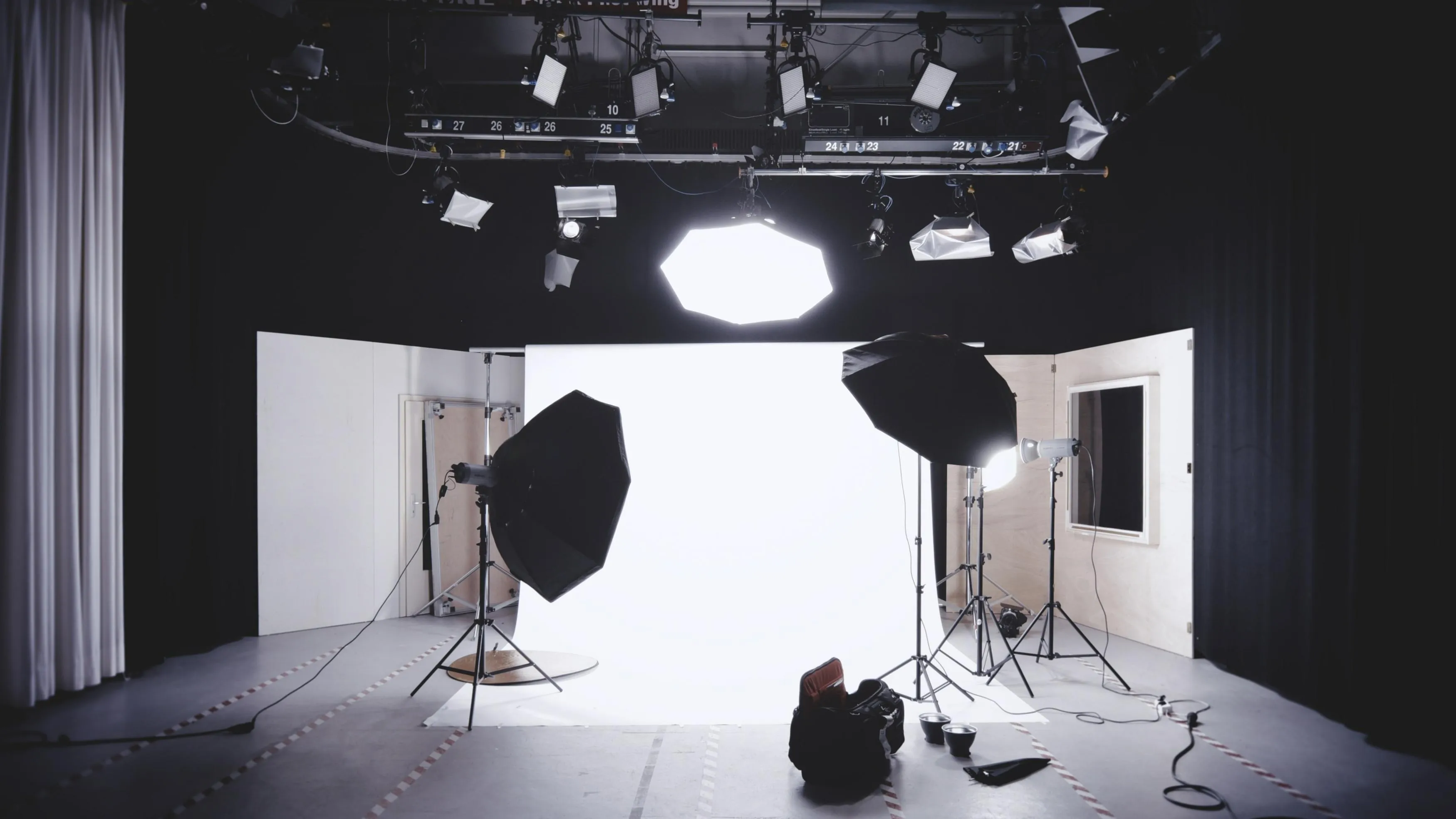
Start with a window or a simple soft light positioned to illuminate your face. Consistent lighting makes exposure, autofocus, and color easier to manage.
Check for flicker with your chosen frame rate and shutter setting. More equipment is not automatically better than one well-positioned light.
Power, Storage, and Protection
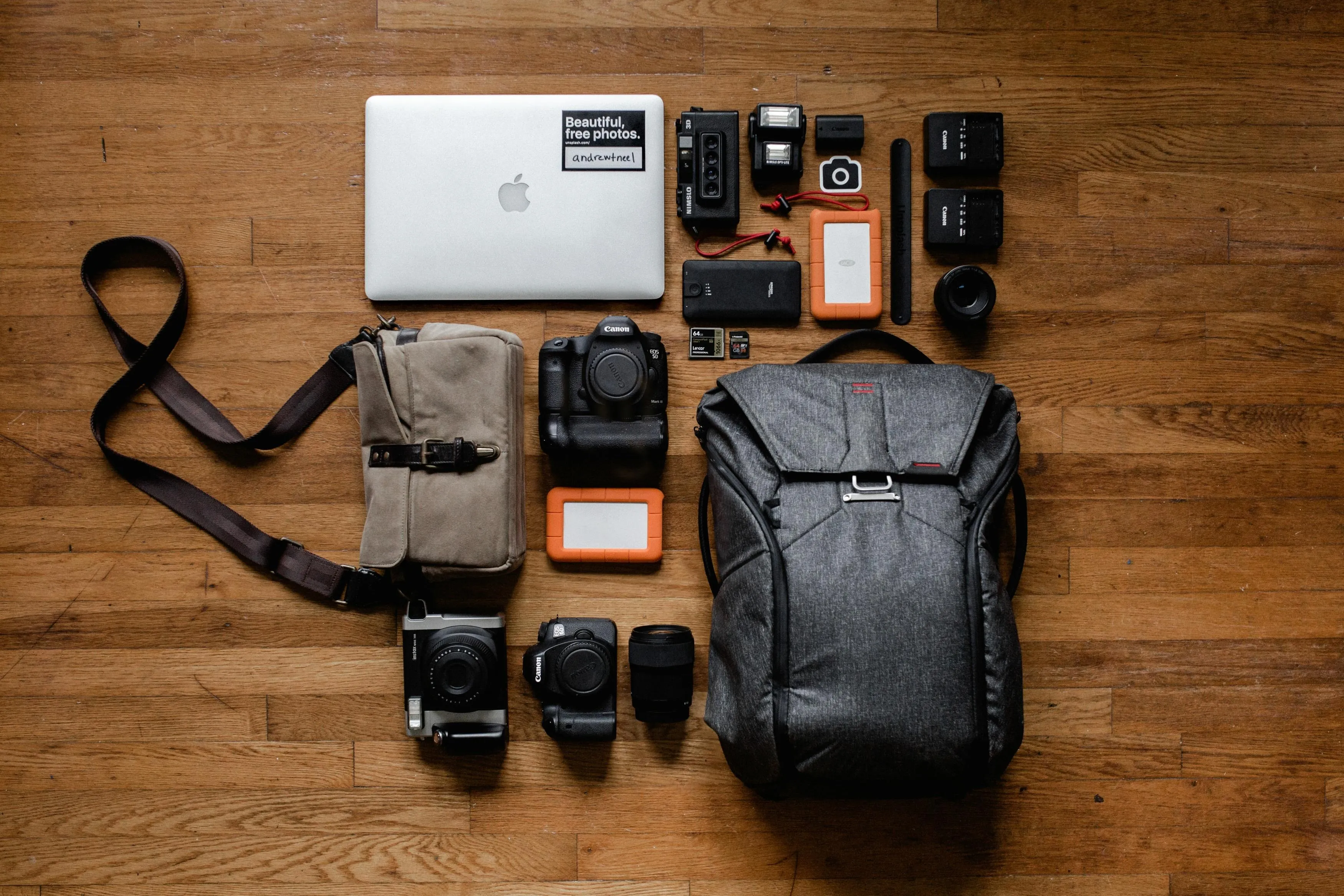
Carry compatible spare power, adequate recording media, and a protective case. Confirm whether the camera supports recording while externally powered.
Back up footage before formatting a card or clearing internal storage.
Your AI-Powered Photo Editor for MacOS and Windows
Editing Photos and Thumbnails for Your Vlog
A vlog also needs supporting images: thumbnail photographs, portraits, travel stills, and images for social posts.
Take a dedicated thumbnail photo when possible. It gives you more control over expression, focus, and composition than choosing an arbitrary frame from a video.
A RAW photo editor can help refine photographs captured alongside your footage. In Luminar, begin with Develop for exposure and white balance, then use Color to adjust saturation and individual color ranges.

Keep the subject easy to recognize at a small display size. Crop within the photograph to simplify the frame, and leave suitable space for text if you plan to add it in a design application.
If editing is new to you, a photo editor for beginners can help you build a repeatable workflow for these supporting images.
Export the photograph at dimensions appropriate for its destination. Use your video-editing software to assemble footage, edit sound, and add titles.
Conclusion
Choose the camera around the footage you make most often. Prioritize stabilization and portability for walking, protection and mounting for action, or lens choice and audio control for seated videos. Before buying, check your actual framing, recording mode, microphone setup, and complete kit cost.
Frequently Asked Questions
The best starting camera is one that fits your shooting style and is easy for you to operate. A smartphone may be enough initially. Consider a pocket gimbal camera for walking, a fixed-lens compact for an integrated setup, or mirrorless if interchangeable lenses solve a clear need.
No. Well-exposed Full HD video with clear audio can be sufficient. Recording in 4K provides more room for reframing and higher-resolution delivery, but also increases storage and processing demands.
Neither is better for every vlog. Mirrorless cameras offer lens flexibility and more control over background rendering. Action cameras prioritize mounting, wide-angle coverage, portability, and protection for appropriate outdoor use.
Not always, but it is worth considering when the camera is far from you or the environment is noisy. Test the built-in microphone first. For speech, moving a suitable microphone closer often matters more than changing the camera.
Yes, if the original framing leaves enough space for both crops. Open-gate or square recording modes provide additional flexibility, but you still need to position the subject carefully. Check the final crop before relying on one take for multiple formats.