Plan better golden hour photos with practical tips on timing, camera settings, backlight, rim light, and editing that preserves natural warmth.
Golden hour is the period around sunrise and sunset when the sun is low and its light often appears warm. It creates long shadows, glowing edges, and directional light that can bring depth to portraits, landscapes, and everyday scenes.
Despite the name, golden hour does not last exactly 60 minutes. Its duration depends on location and season, while clouds, terrain, and buildings affect the light available at a particular spot.
Successful golden hour photography starts with planning, then adapting exposure and composition as the light changes. This guide explains when to shoot, how to use different lighting directions, and which camera settings to adjust first.
Don’t feel like reading the whole breakdown? We’ve pulled together a quick summary below.
Key Takeaways
- Check the location and date. Sunrise and sunset times are starting points; the horizon and weather determine when useful light reaches your subject.
- Choose the lighting direction deliberately. Front light reveals faces, side light describes texture, and backlight creates glowing edges or silhouettes.
- Expose for what matters in the photograph. Check the face, bright sky, and highlight warnings rather than relying on one metering rule.
- Prioritize a suitable shutter speed. Raise ISO when needed to keep moving subjects sharp; choose aperture for the required depth of field.
- Keep warmth believable. Cloudy white balance and warm editing effects can intensify an already warm scene, so compare the result with the original.
What Is the Golden Hour in Photography?
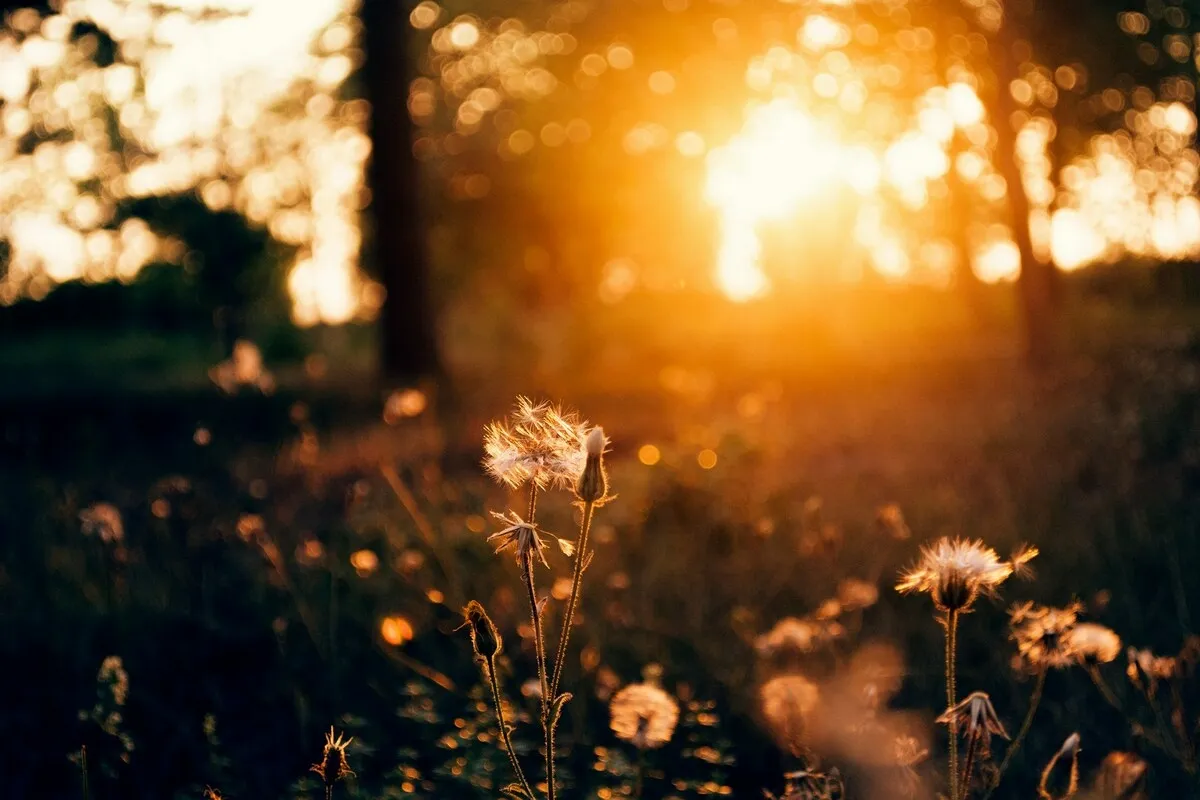 In photography, golden hour describes low-sun lighting around the beginning and end of the day. The familiar golden look comes from a combination of warm direct sunlight, its low angle, and the surrounding sky light.
When the sun is near the horizon, its light travels through more atmosphere. Shorter wavelengths are scattered out of the direct path more strongly, so the sunlight reaching the scene can look yellow, orange, or red.
The low angle also creates long shadows and makes lighting direction especially visible. A small change in position can move a portrait from direct illumination to backlight or turn a plain surface into a textured one.
Is Golden Hour Light Always Soft?
No. Warm light and soft light are different properties. Direct sunlight can still produce well-defined shadows, even when the sun is low. Haze, cloud cover, and light reflected from the surroundings can make the result gentler.
A backlit portrait can also have a bright background and a much darker face. Golden hour offers useful creative options, but it does not automatically eliminate contrast, squinting, or exposure problems.
Infuse Your Photos with the Radiance of Golden Hour Light
When Is Golden Hour?
The most familiar window is shortly after sunrise and before sunset, when direct low-angle sunlight reaches the scene. Some planning tools include part of the twilight period in their golden hour calculation, so their displayed start and end times may differ.
There is no universal clock time or duration. Near the equator, the sun moves through low angles relatively quickly. At higher latitudes, the period can last longer, depending on the season. Buildings, hills, and trees can shorten the usable window at your location.
How to Find the Best Time for Golden Hour Photos
- Check sunrise or sunset for the exact date and location. Make sure the displayed time zone is correct.
- Check the sun’s direction. A nearby building may block evening light even if sunset is still some time away.
- Inspect the horizon. Hills, trees, or structures can hide the sun earlier than an unobstructed horizon would.
- Review cloud cover and visibility. Conditions determine whether the scene receives direct light, diffused light, or mainly sky illumination.
- Arrive before the light you want. Leave time to set up and test the composition rather than starting at the predicted peak.
For a portrait session, arriving about 30 minutes before your planned shooting window gives time for preparation. Treat that as a scheduling buffer, not a claim about how long golden hour lasts.
Morning vs Evening Golden Hour
| Morning | Evening |
| Light usually becomes brighter as the session progresses | Light usually becomes dimmer as sunset approaches |
| Exposure settings may need to shift toward faster shutter speeds or lower ISO | Exposure settings may need slower shutter speeds or higher ISO |
| Early access and preparation can require more planning | Crowds and access depend on the location |
| Cool dawn colors can transition into warmer direct light | Warm direct light can transition into twilight colors |
Neither is inherently better. Choose the session that suits the subject, sun direction, weather, and access to the location.
Golden Hour vs Blue Hour
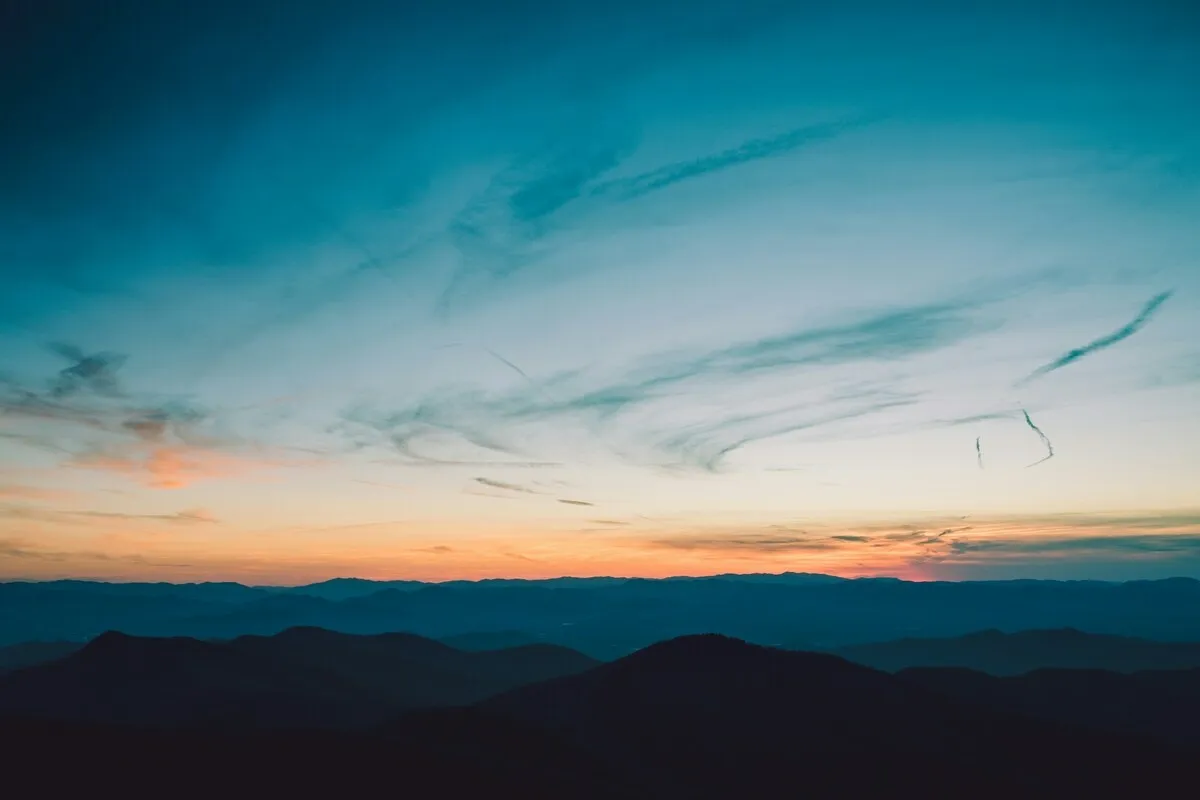
Golden hour emphasizes warm low-angle sunlight. Blue hour is a twilight period before sunrise or after sunset when the scene often takes on cooler tones and direct sunlight is absent.
The atmosphere and available brightness change between the two. A handheld portrait setup that worked before sunset may need higher ISO or additional light afterward. Compare golden hour and blue hour when planning a session that spans both.
Why Golden Hour Works for Photography
The appeal comes from light direction as much as color. Long shadows can separate layers in a landscape, side light can reveal fabric or stone, and backlight can outline a person against a darker background.
Warm illuminated areas can also contrast with cooler shaded areas, giving the scene a varied palette. Keeping some of that difference often produces a more believable result than warming every part of the photograph equally.
These qualities are particularly useful when the composition gives them something to describe: a ridge, textured wall, flowing dress, tree canopy, or recognizable silhouette. For more context, explore how to use light in landscape photography.
Six Lighting Techniques for Golden Hour Photography
1. Front Light: Show the Face or Subject Clearly
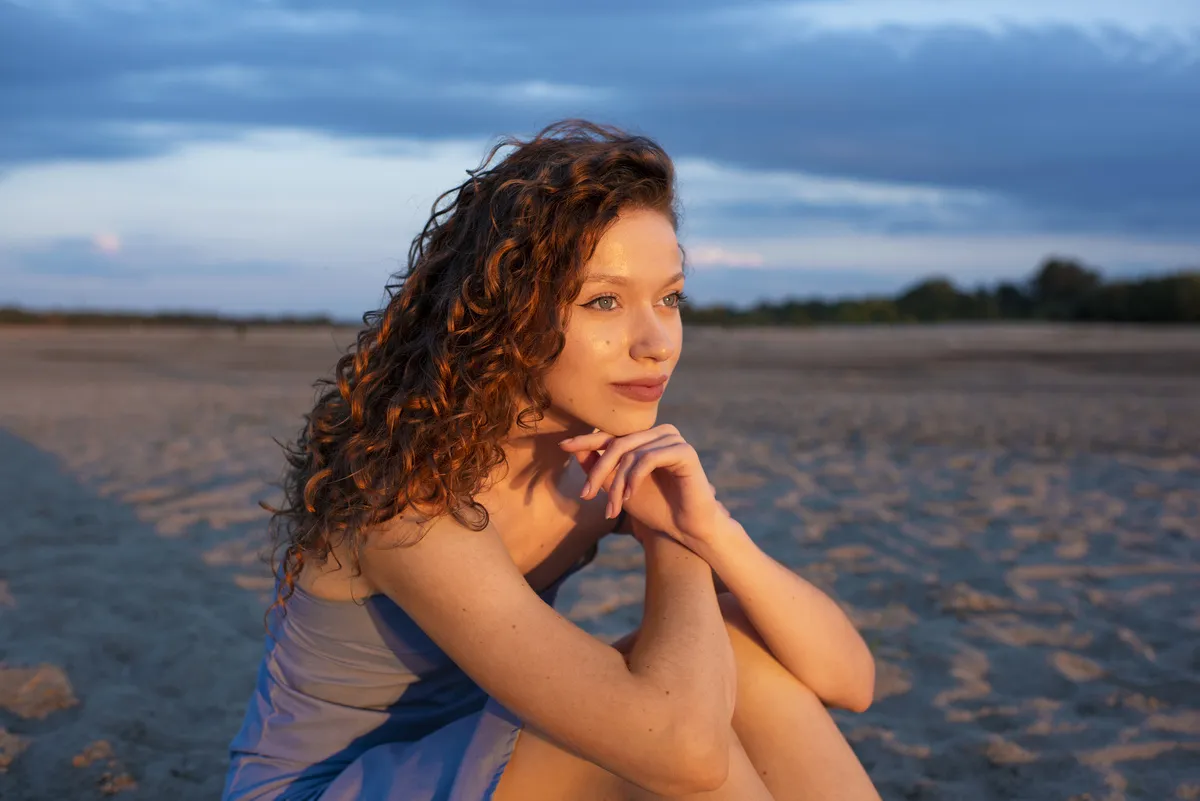 With front lighting, sunlight falls on the side of the subject facing the camera. This can reveal facial features, clothing, and colors without placing the face entirely in shadow.
Position the subject so the sun reaches them from near the camera direction, then adjust the angle if they squint or find the brightness uncomfortable. Slightly off-center light can add more shape than perfectly frontal illumination.
Watch for your own shadow entering the frame and for bright highlights on skin or pale clothing. A comfortable expression matters more than forcing someone to face the sun directly.
2. Side Light: Reveal Shape and Texture

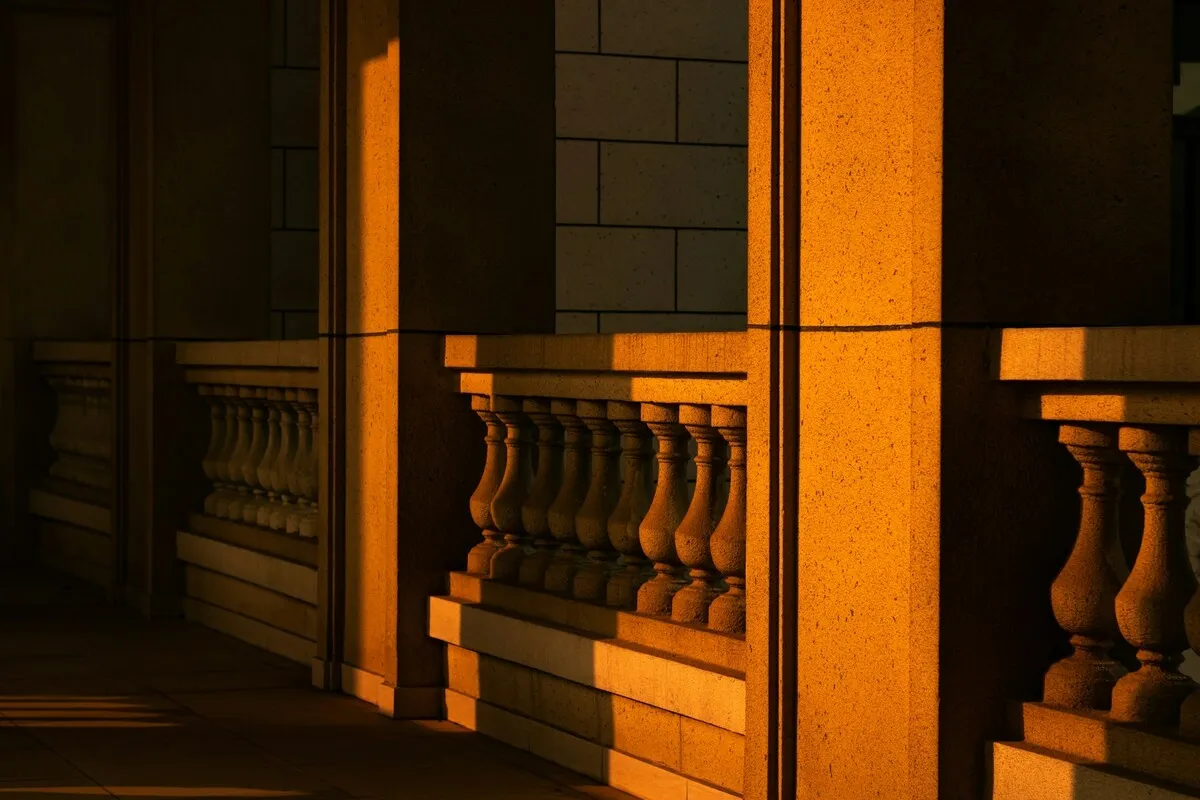
Side light places the sun to one side of the subject. It creates a visible transition between lit and shaded areas, making it useful for buildings, landscapes, and portraits with more depth.
Move around the subject and compare how the shadows change. In a portrait, a reflector can lift the shaded side if the contrast is too strong. For stone, sand, or fabric, retaining some shadow helps the texture remain visible.
3. Backlight: Create a Glow Behind the Subject
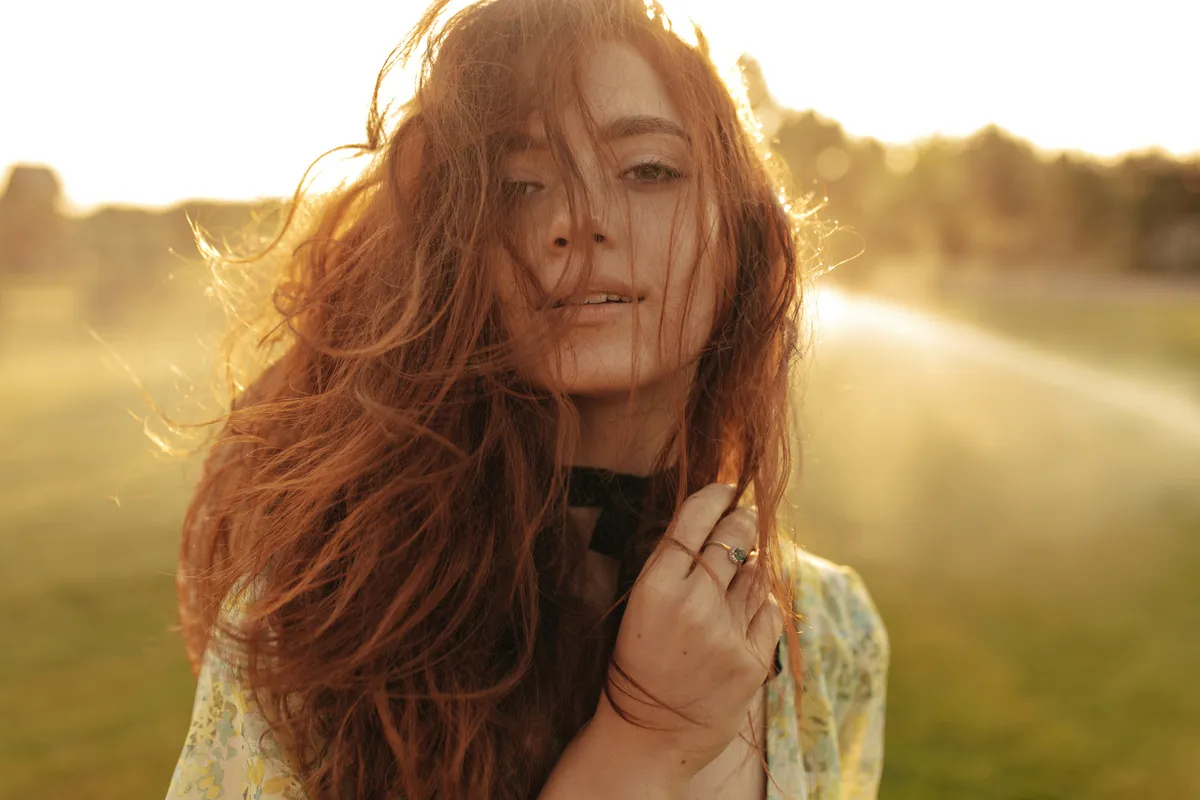 Backlight places the sun behind the subject. Hair, leaves, and translucent fabrics can catch the light, while the front of the subject receives less direct illumination.
Check exposure on the face if the person is the priority. Spot metering can help assess it, but the reading still needs interpretation: skin brightness varies, and the camera does not know how you want it rendered.
If the sky becomes too bright when the face looks correct, change the composition or add fill light with a reflector or flash. Moving the sun behind a tree or outside the frame can also reduce glare. Bright backgrounds may suit the style, but decide deliberately which details you are willing to lose.
4. Rim Light: Separate the Subject from the Background
 Rim light is an outline of illumination along part of the subject’s edge. It is often created by backlight or light coming from behind and to the side.
Place the subject against a darker background so the bright edge is easier to see. A small change in camera position may reveal a glowing line around hair, shoulders, or foliage.
Check the highlights along the rim as well as the rest of the subject. Exposing for deep shadows without considering the edge can blow out the very detail you want to preserve. Choose aperture for the required focus, rather than treating one f-stop as a rim-light setting.
5. Lens Flare: Use Glare as Part of the Composition
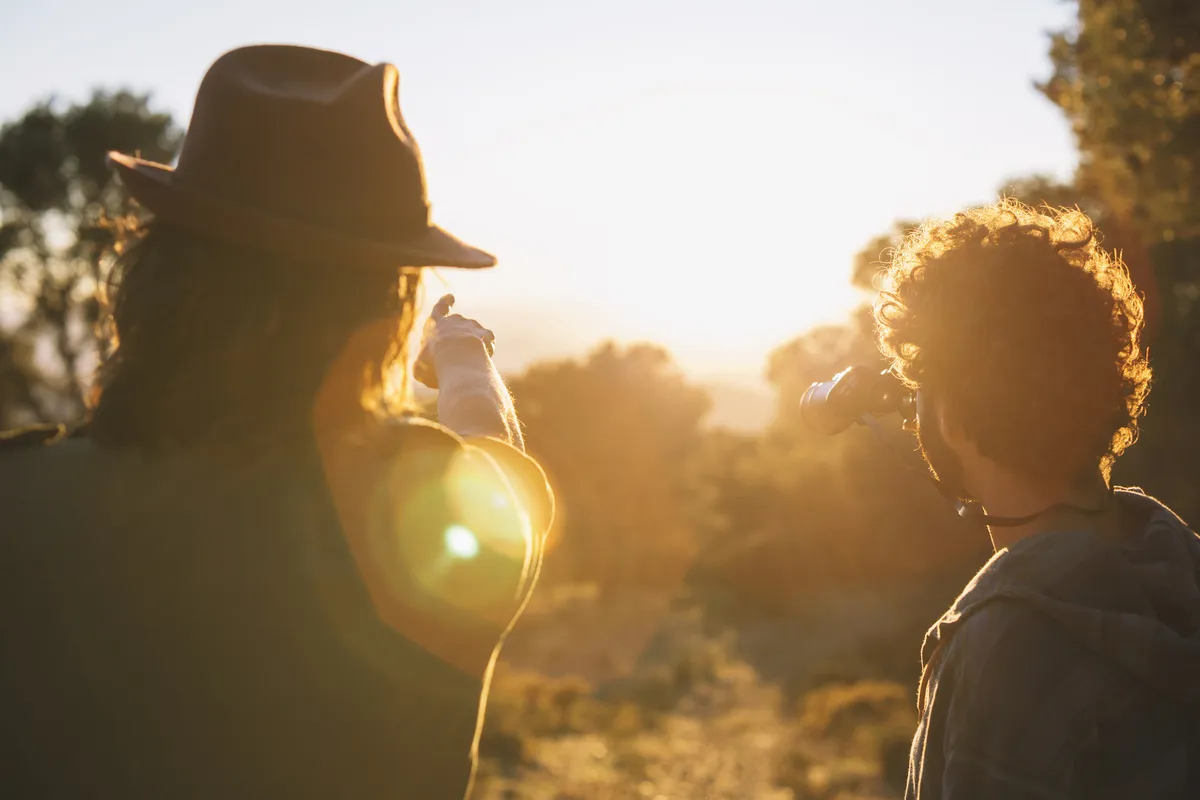 Strong light entering the lens can create flare, including bright shapes, streaks, and reduced contrast. During golden hour, a small change in angle can transform the effect.
Take one frame with the sun unobstructed, then partially hide it behind a tree, building, or the subject. Compare the balance between atmosphere and visibility. A clean lens and a lens hood can reduce unwanted glare, though a hood cannot always block light from a sun included in the frame.
There is no fixed exposure compensation that preserves every flare scene. Inspect the result and adjust for the important highlights and subject. Make a cleaner version as well if the flare obscures facial features or essential details.
The Photo Perspective Correction Tool You've Been Waiting For
6. Silhouettes: Let the Outline Carry the Image
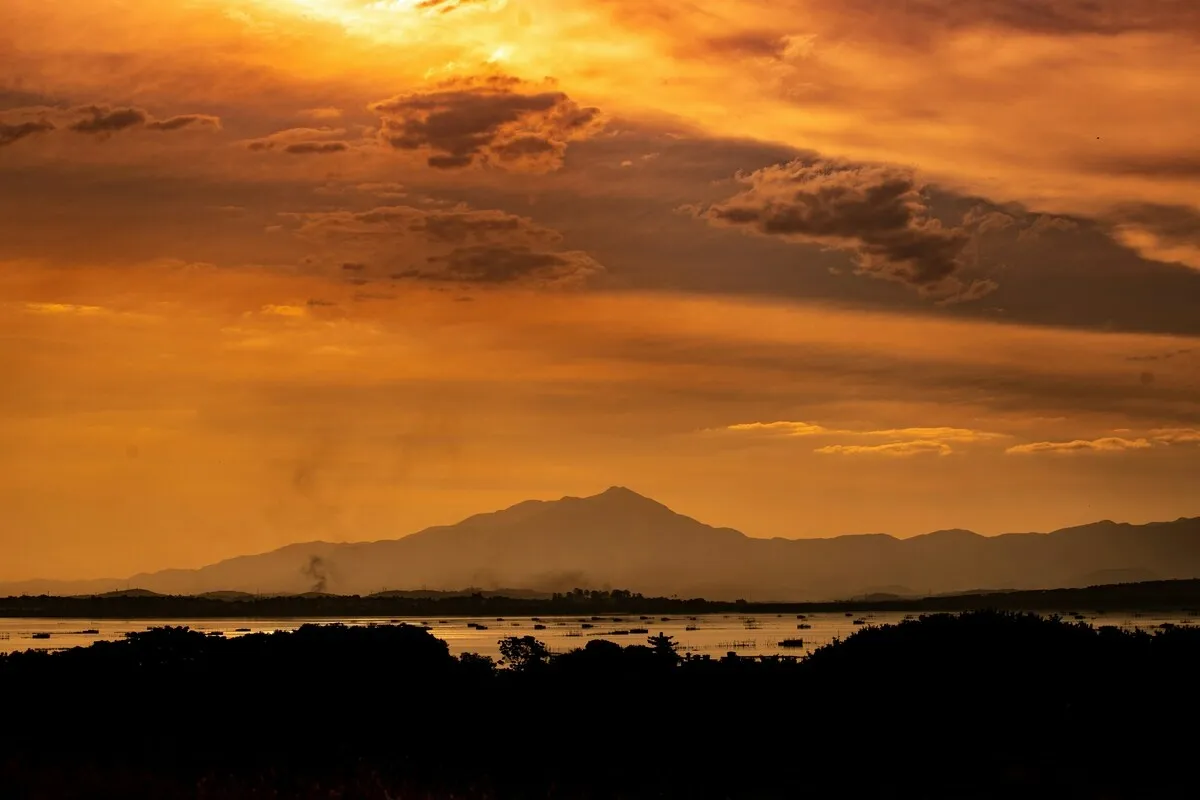
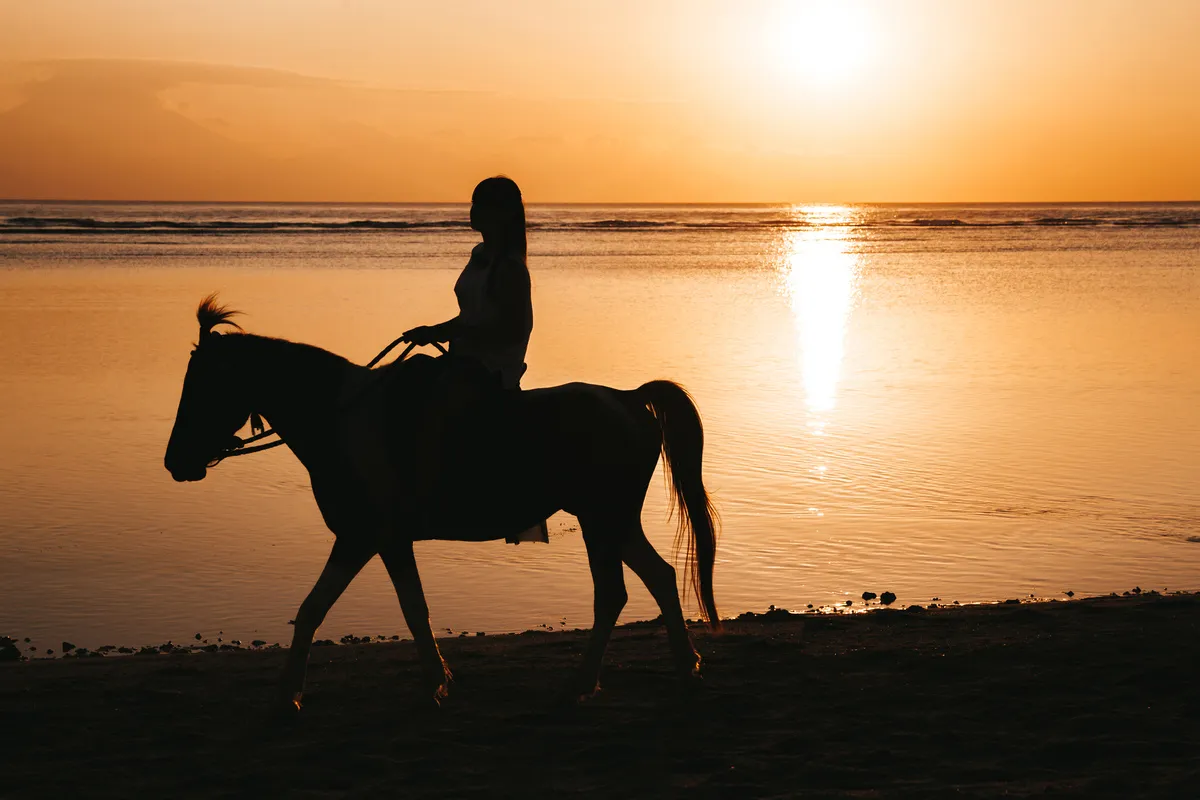
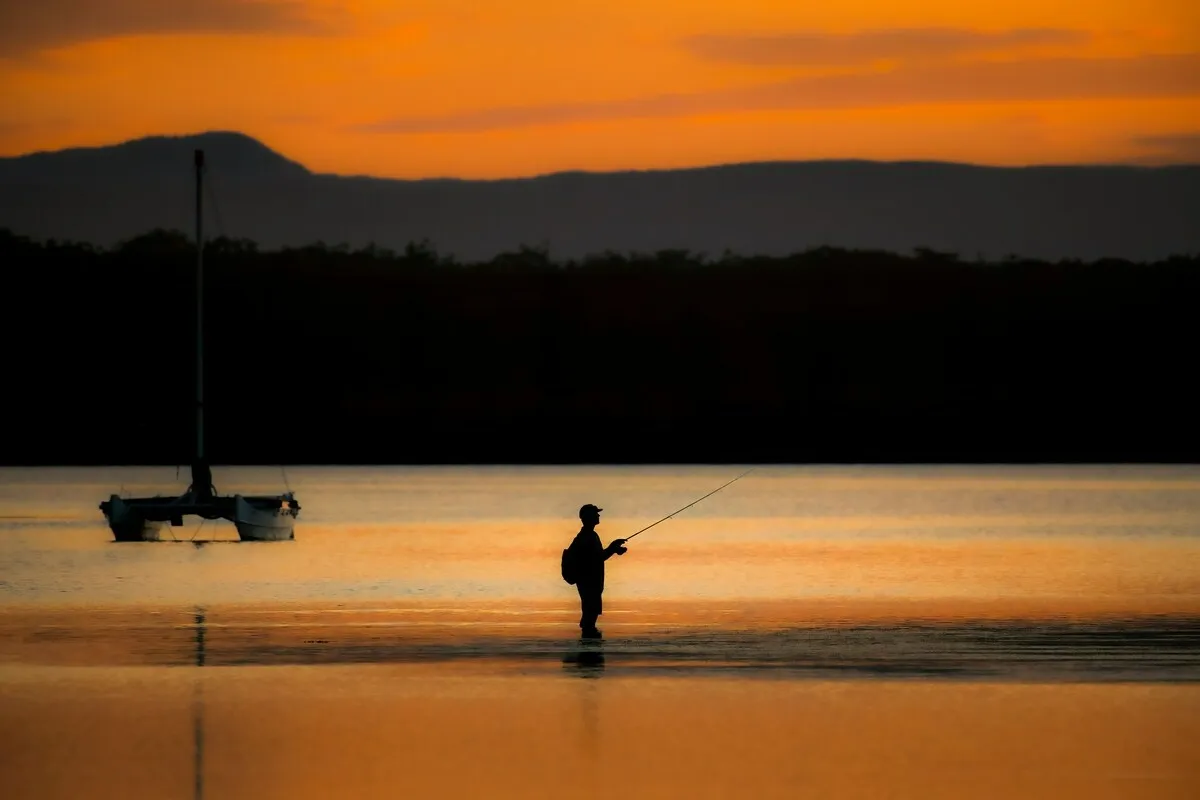 A silhouette places a dark subject against a brighter background. Expose to retain the sky’s color and let the subject remain dark.
Choose a recognizable outline and enough separation between shapes. A profile, a cyclist, or a tree can read clearly; overlapping limbs or several merged subjects may be harder to identify.
Move the camera until the outline sits against a clean part of the sky. Avoid lifting shadows heavily in editing if the purpose is a strong silhouette.
Camera Settings for Golden Hour
Settings depend on movement, depth of field, available light, and whether the camera is handheld or supported. The examples below are starting points to test, not guaranteed exposures.
| Scene | Aperture to try | Shutter-speed priority | ISO approach |
| Single-person portrait | Around f/2.8–f/4, with enough depth for the face | Try about 1/250 second or faster if the person is moving | Raise ISO as needed to maintain the chosen speed |
| Walking or active subject | Around f/2.8–f/5.6, depending on depth | Start around 1/500 second and assess motion | Use the ISO needed for the exposure |
| Static landscape on a tripod | Around f/8–f/11 when suitable for the scene | Longer exposures are possible if nothing important moves | Begin near the camera’s base ISO |
| Handheld landscape | Choose for near-to-far sharpness | Keep speed high enough for focal length and stability | Increase ISO if needed to avoid camera shake |
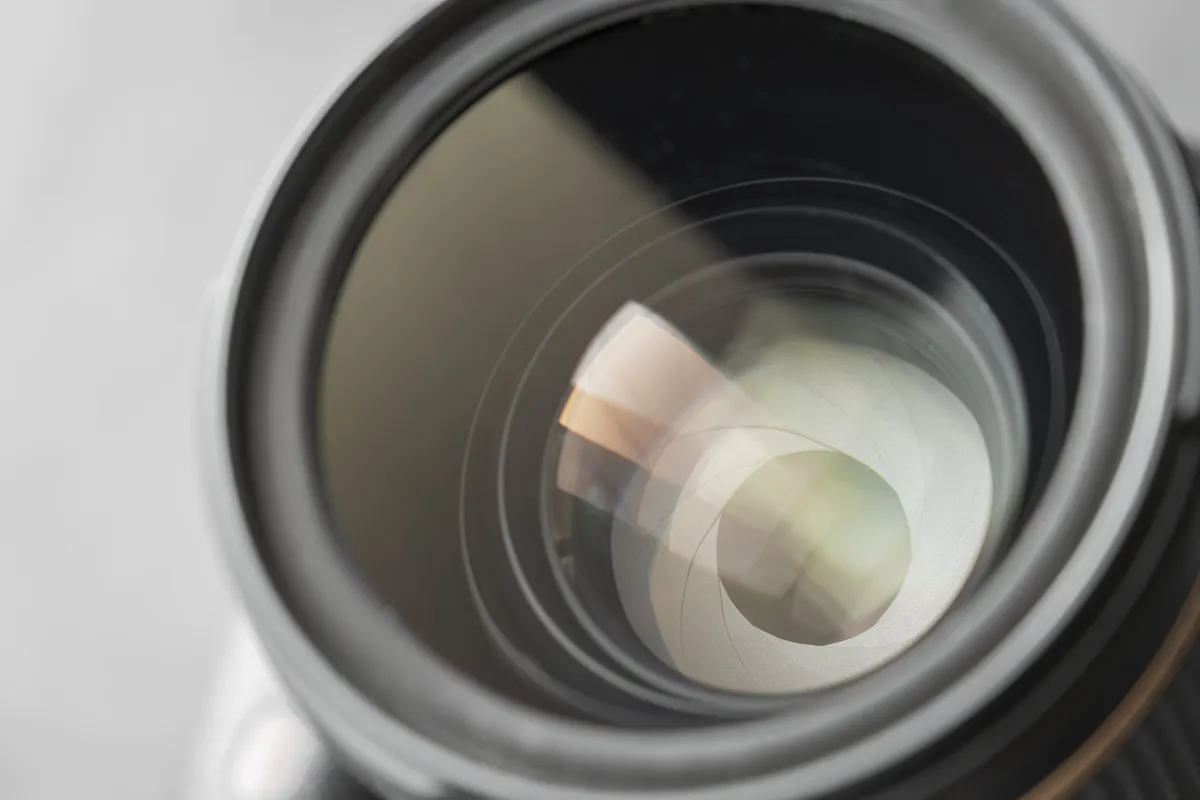
Choose Aperture for Depth of Field
A wide aperture can separate a person from the background, but it may leave a second face, clothing detail, or foreground out of focus. Focus distance, focal length, and subject arrangement also affect the result.
For landscapes, f/8 or f/11 can be useful starting points, but they do not guarantee sharpness from the nearest object to the horizon. Check focus and the required depth. Stopping down excessively may introduce diffraction.
Keep Shutter Speed Suitable for the Subject
Light can fade quickly in the evening. If shutter speed becomes too slow, a sharp-looking preview may hide motion blur that is visible when enlarged.
Image stabilization can reduce camera shake, but it does not freeze a walking person or windblown leaves. A tripod helps with static scenes; moving subjects may still require a faster shutter speed and higher ISO.
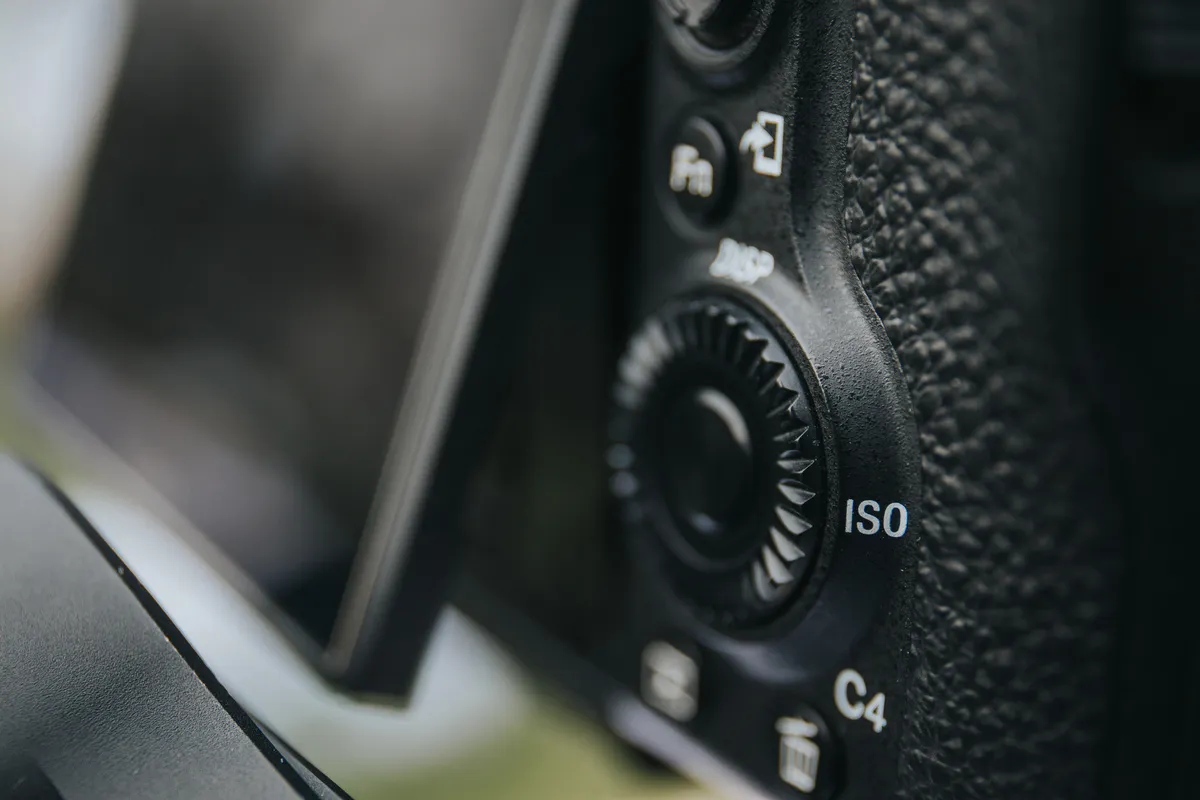
Use Low ISO When Conditions Allow
Low ISO is useful when the chosen exposure and shutter speed permit it. It should not take priority over a sharp photograph.
For a moving portrait, increasing ISO is often the better choice than allowing blur. For a static landscape on a tripod, a longer exposure may let you stay near base ISO. Check the camera’s results rather than treating ISO 100–200 as mandatory.
Five Practical Golden Hour Photography Tips
1. Plan the Position, Not Just the Time
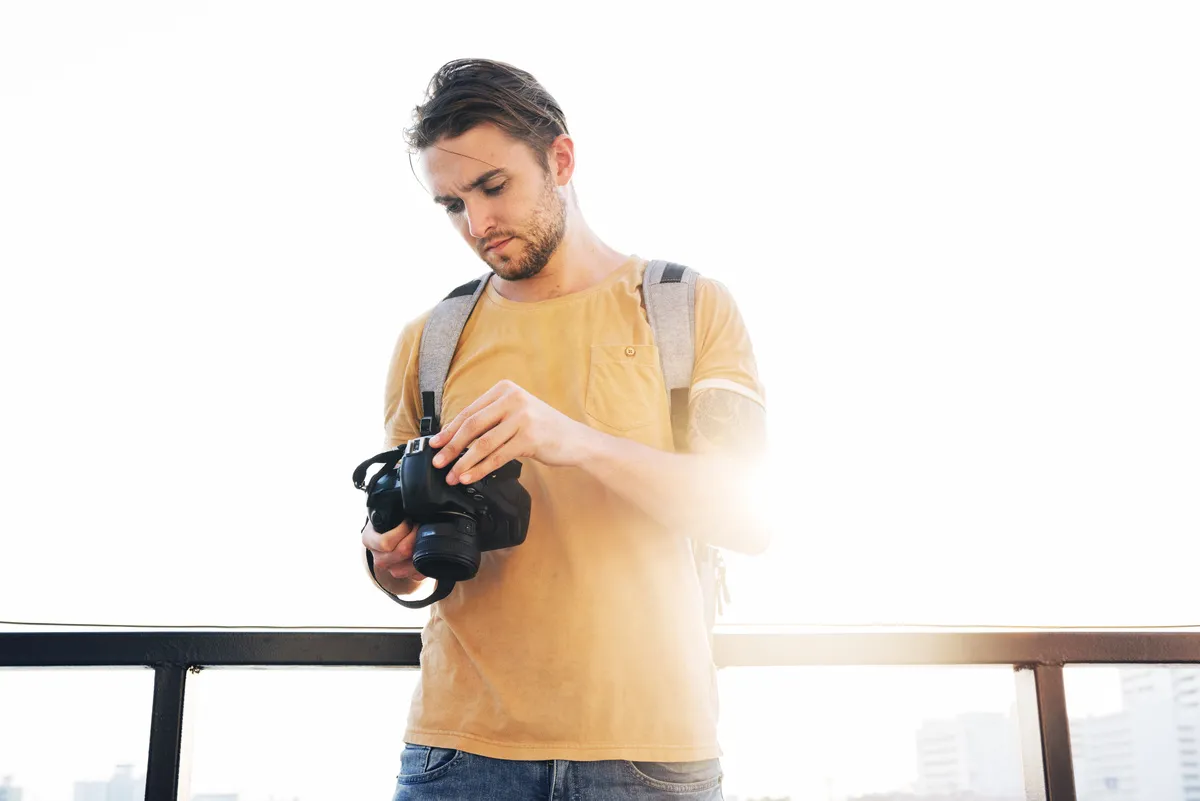
Choose where the subject, camera, and sun will be relative to one another. A location can work for front light at sunrise and backlight at sunset, or receive no direct light during one of those windows.
Prepare a second viewpoint nearby. That gives you an option when the light is blocked, the background becomes busy, or the initial composition does not work.
2. Treat Clouds as Changing Conditions
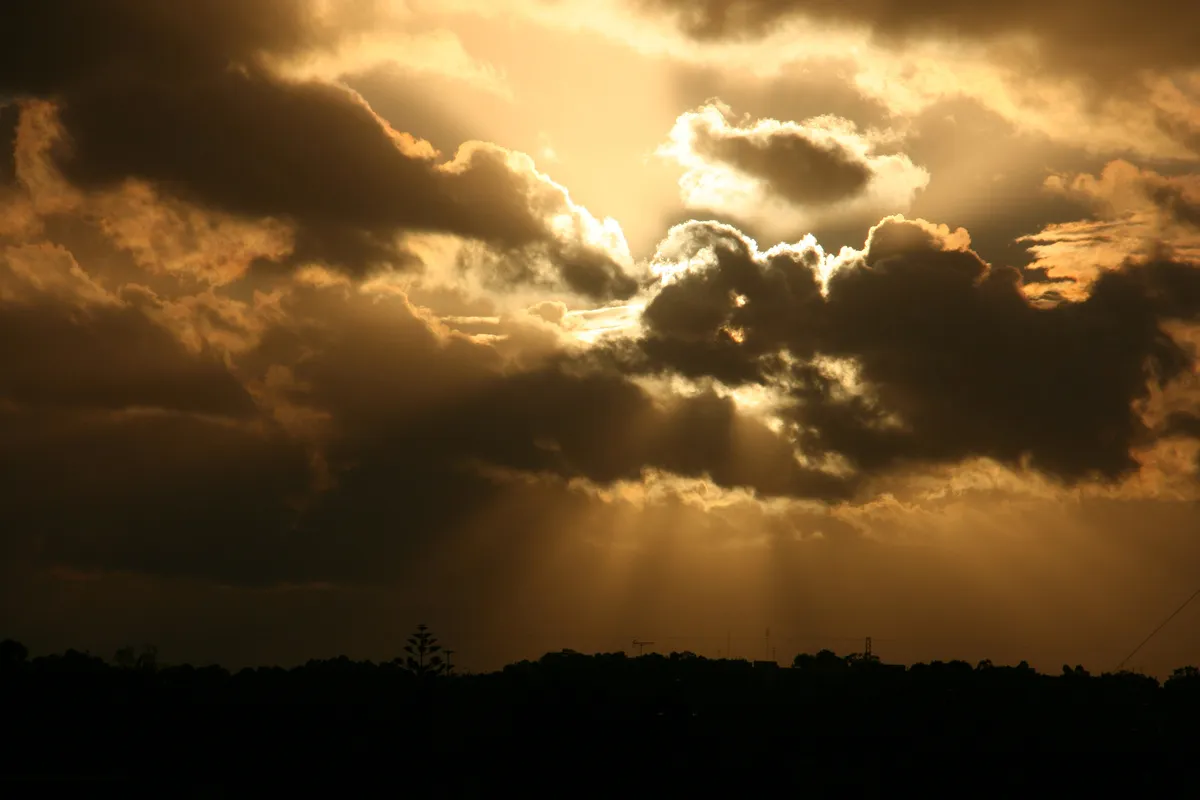
A clear sky can give strong directional light. Thin cloud or haze may diffuse it, while a thick cloud layer can remove direct illumination altogether. Clouds can also reflect warm color after the sun drops below the horizon.
Do not assume all cloud cover ruins golden hour. Watch both the horizon and the clouds above the scene, then adapt the image: texture, reflections, or a wider sky may become more interesting than the planned backlit portrait.
3. Choose White Balance Deliberately
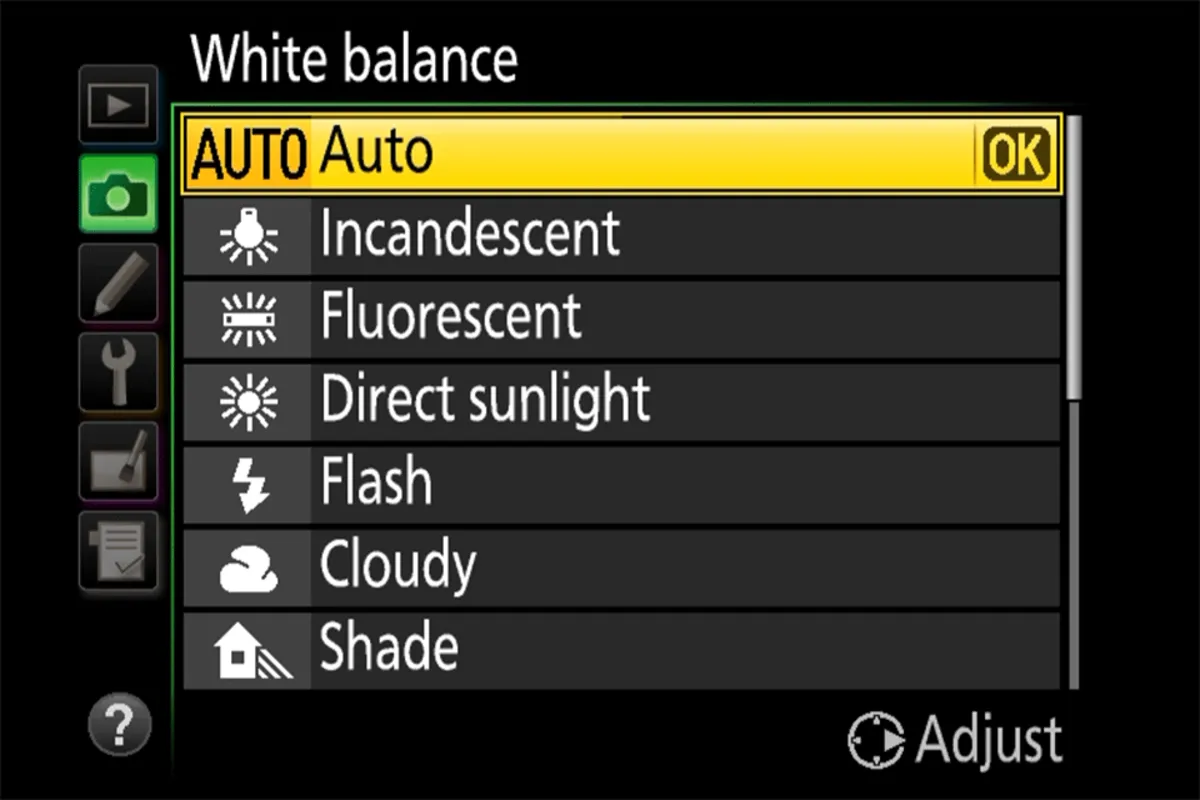
Cloudy and Shade settings generally add warmth compared with Daylight. They may intensify the golden look, but they can also make skin or pale objects too orange.
Compare Daylight, automatic white balance, and a warmer setting if needed. A fixed setting can keep previews more consistent as you move between compositions, while automatic white balance may neutralize some of the warmth.
With RAW capture, white balance can be revised more flexibly afterward. It still affects the camera preview. JPEG color decisions are more baked into the file, so check them carefully on set.
4. Review Exposure as the Light Changes
Check the histogram and highlight warnings alongside the photograph. The aim is to protect important detail, not necessarily every pixel in the sun itself.
For a static high-contrast scene, exposure bracketing can provide options or source images for a later blend. Moving people, leaves, and waves can complicate blending, so do not assume bracketing solves every situation.
For portraits, adding fill or changing the angle may work better than trying to recover a deeply underexposed face afterward.
5. Keep Shooting Through the Transition
Make the required images while the planned light is available, then try a different direction or framing. The same scene can yield a front-lit portrait, a glowing edge, and a silhouette within a short session.
As the sun disappears, reassess the exposure and palette. Twilight may offer a useful second look, but it requires different settings. Bring suitable equipment and allow enough time to leave the location comfortably.
Your AI-Powered Photo Editor for MacOS and Windows
Editing Golden Hour Photos in Luminar
Luminar offers RAW development, tonal and color controls, masking, and creative tools for refining a golden hour photograph. It suits a workflow that begins with correcting the capture and then adjusting the mood.
Start with exposure and white balance. Use a RAW photo editor to work with available highlight and shadow detail, remembering that clipped information cannot always be recovered. Check skin and neutral objects before adding more warmth.
For a stylistic adjustment, Luminar’s Golden Hour effect can intensify warm tones. Apply it gradually and compare the result with the original. It can suggest a warmer mood, but it does not recreate the sun’s physical direction or the shadows of a differently lit scene.

Use selective adjustments when the face, foreground, or sky needs a separate correction. These photo color editing tools can help keep shaded areas from becoming as warm as sunlit ones.
Make the Most of Low-Angle Light
Golden hour gives you a changing combination of sun direction, color, and shadow. The most useful preparation is to know where the light will come from and which photograph you want to make first.
Arrive with a simple plan, adjust settings for the actual conditions, and watch how small changes in position affect the scene. That approach makes the session more reliable than depending on a fixed time window or one set of camera settings.
FAQ
It describes the period around sunrise and sunset when low-angle sunlight often looks warm. Long shadows and directional light can create depth, glowing edges, and silhouettes.
Its duration varies with latitude and season, and it is not always one hour. Terrain, buildings, and weather also affect how long useful light reaches your shooting location.
The familiar direct golden light occurs before sunset. Some planners include part of the twilight afterward in their golden hour window; once the sun is below the local horizon, direct rim lighting is no longer available there.
Daylight is a useful reference point. Cloudy or Shade can add warmth, while automatic white balance may reduce it. Choose according to the subject and intended look, checking skin and neutral colors.
Yes. Clean the lens, choose the lighting direction, and tap the subject to set focus and exposure where supported. Adjust brightness to protect important highlights and check portrait-mode edges around hair and other backlit details.