Getting Creative with Textures and Presets
Get creative with Pro photographer Suzette Allen's informative guide to textures and presets for Luminar.
Suzette has been a portrait artist for 30 years, and Photoshop instructor for 15 years, and more recently, a Hybrid/mirrorless instructor for 3 years. She helps photographers become well-rounded and skilled to become the next generation of image enthusiast; ones who are fluent in photographing stills and video, and capable using image editing software as well. She lives in Sacramento California with her husband Jon and has a small studio there, but they travel a lot, teaching and shooting everywhere they go, teaching and sharing along the way.
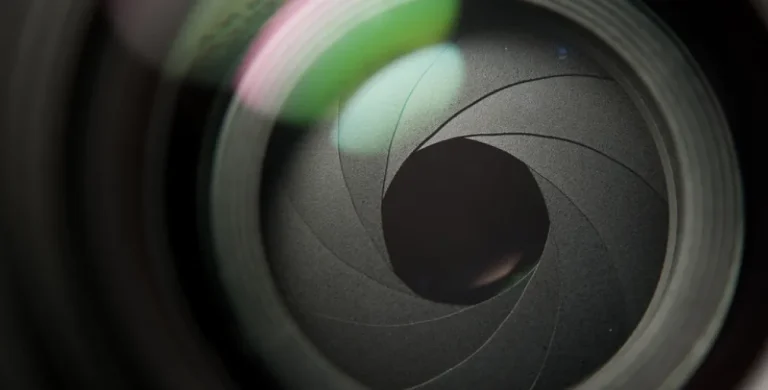
Let’s break down what aperture is measured in and what it tells you about your lens.
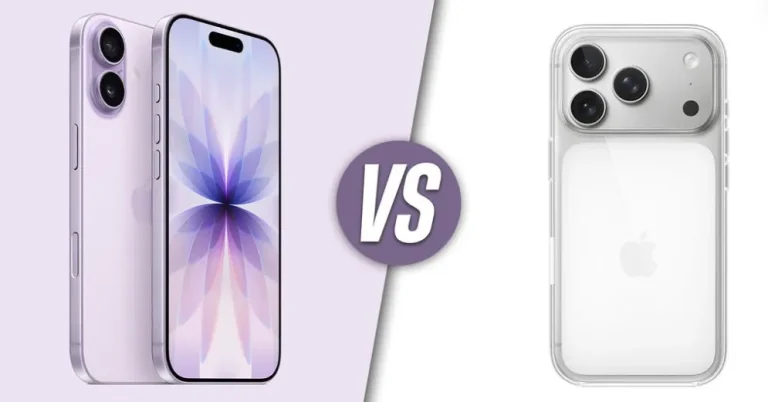
Does the iPhone 17 have a good camera? Absolutely. But is it enough compared to the Pro’s advanced tools? Let’s check together.

Alternatives
Use cases
Features