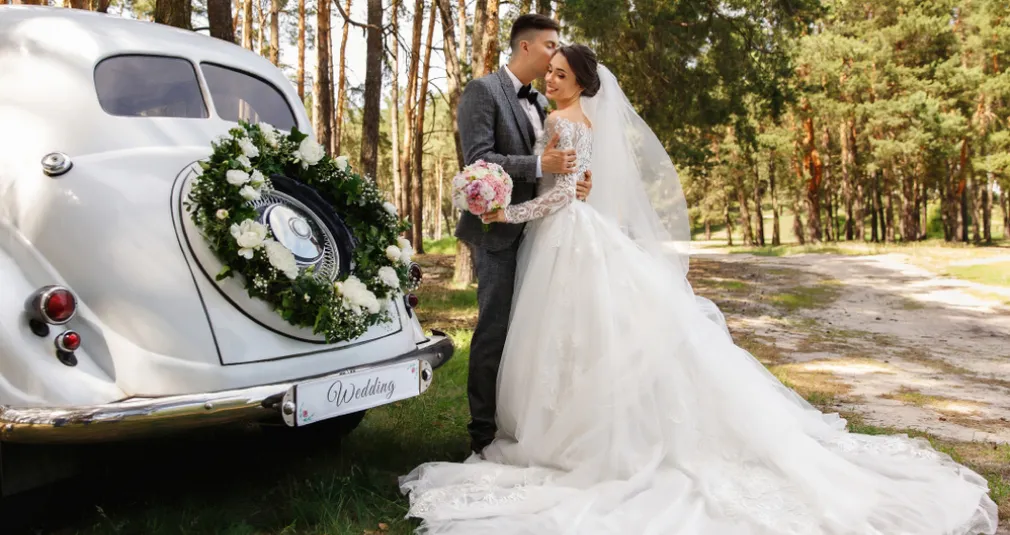
Commercial photography turns business goals into useful images. Explore its types, shoot planning, pricing, and editing workflows for client projects.
Commercial photography creates images for business use, from product listings and advertising campaigns to company websites and property marketing. The photographs need to communicate something specific about a product, service, place, or brand.
Every assignment starts with a practical question: what does the client need these images to do? A retailer may need accurate views of a jacket. A hotel may need photographs that explain its rooms and atmosphere. A consultant may need a portrait that fits a website layout. Each brief calls for different decisions.
This guide explains the main types of commercial photography, how to approach a first client project, what to include in an estimate, and how to choose an editing workflow.
Don’t feel like reading the whole breakdown? We’ve pulled together a quick summary below.
Key Takeaways
- Commercial photography is defined by its business purpose. It includes product, fashion, food, property, corporate, and other assignments.
- A clear brief is as important as the camera. Confirm the audience, image uses, deliverables, deadline, and approval process before shooting.
- Build a portfolio for the clients you want. Show coherent sets of useful images rather than unrelated favorites.
- Price the whole project. Account for preparation, production, editing, expenses, and agreed image use.
- Edit for accuracy and consistency. AI can accelerate some tasks, but product details, colors, portrait texture, and masks still need inspection.
What Is Commercial Photography?
 Commercial photography is the creation or use of photographs to support a business, organization, product, service, or professional brand. The result might appear on a packaging label, an online store, a brochure, a recruitment page, or a paid advertisement.
The business purpose matters more than the subject alone. A photograph of a coffee cup could be a personal still life, a magazine illustration, or a promotional image for a café.
Commercial photography also differs from photography that is simply paid work. A private family session is a paid assignment, but its usual purpose differs from a brand campaign. The same photographic skills can serve both.
Exclusive Tools of Endless Possibilities in One Editor
Commercial vs Advertising Photography
Advertising photography is generally a part of commercial photography. It creates imagery for promotional messages and campaigns. Commercial work also includes less campaign-led assignments, such as staff portraits, product documentation, or photographs of a business location.
An advertisement may need a strong concept and space for a headline. A product listing may need a clear front view and a construction detail. Both are commercial images, but success is measured against different briefs.
Why Businesses Use Commercial Photography
 Useful images make information easier to understand. They can show what a product looks like, explain how a service works, or help a customer recognize a business and its people.
The benefits depend on the business need and how the photographs will be used:
| Business need | What the photographs can provide | Example |
| Explain an item | Clear views of shape, finish, scale, and details | A bag photographed from several angles, including its interior |
| Introduce a service | A view of the process and people involved | A workshop showing preparation, tools, and the finished work |
| Create a consistent identity | A repeatable approach to light, color, and framing | Staff portraits with the same background and crop |
| Support different layouts | Images composed for the planned placements | A wide website banner and a vertical social image |
| Build a reusable collection | A coordinated set of assets for agreed uses | A café series covering interiors, drinks, and staff |
Better photography does not guarantee higher sales or lower returns. Price, product quality, page design, delivery, and the campaign itself also influence results. Define what the pictures must communicate so the client can evaluate their performance in context.
Main Types of Commercial Photography
Product Photography

Product photography makes an item understandable through views of its form, material, color, and features. A clean catalog image and an elaborate advertising still life can both serve that goal in different ways.
For a handmade cup, capture the complete shape, handle, glaze, interior, and an appropriate scale reference. A consistent background helps compare variations, while a lifestyle image can show the cup in use. These product photography tips offer a starting point for planning the setup.
Fashion Photography
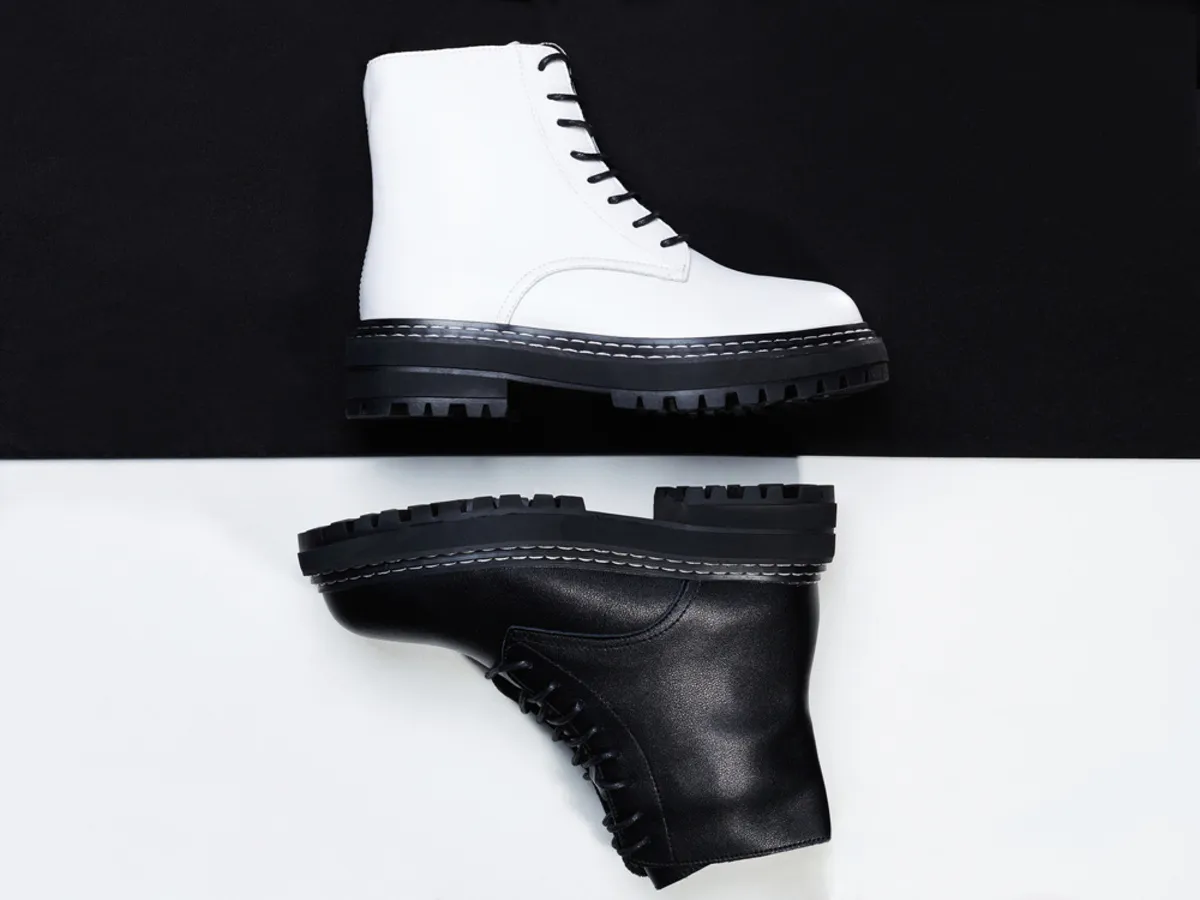 Commercial fashion work presents clothing, shoes, and accessories for brands and retailers. A campaign can build atmosphere; an e-commerce set should explain fit and construction clearly.
Confirm required views and garment details before the session. Styling and posing should reveal important features rather than conceal them. An attractive portrait is not enough if the client cannot see the item being sold.
Food Photography
 Restaurants, cafés, food producers, and hospitality businesses need photographs for menus, packaging, websites, and promotions. The challenge is to show texture, portion, ingredients, and atmosphere convincingly.
Plan preparation and shooting order with the team. A melting dessert or freshly poured drink may have a short useful window. Capture the necessary detail before moving into wider table scenes, and make sure menu images represent what customers can expect.
Architectural Photography
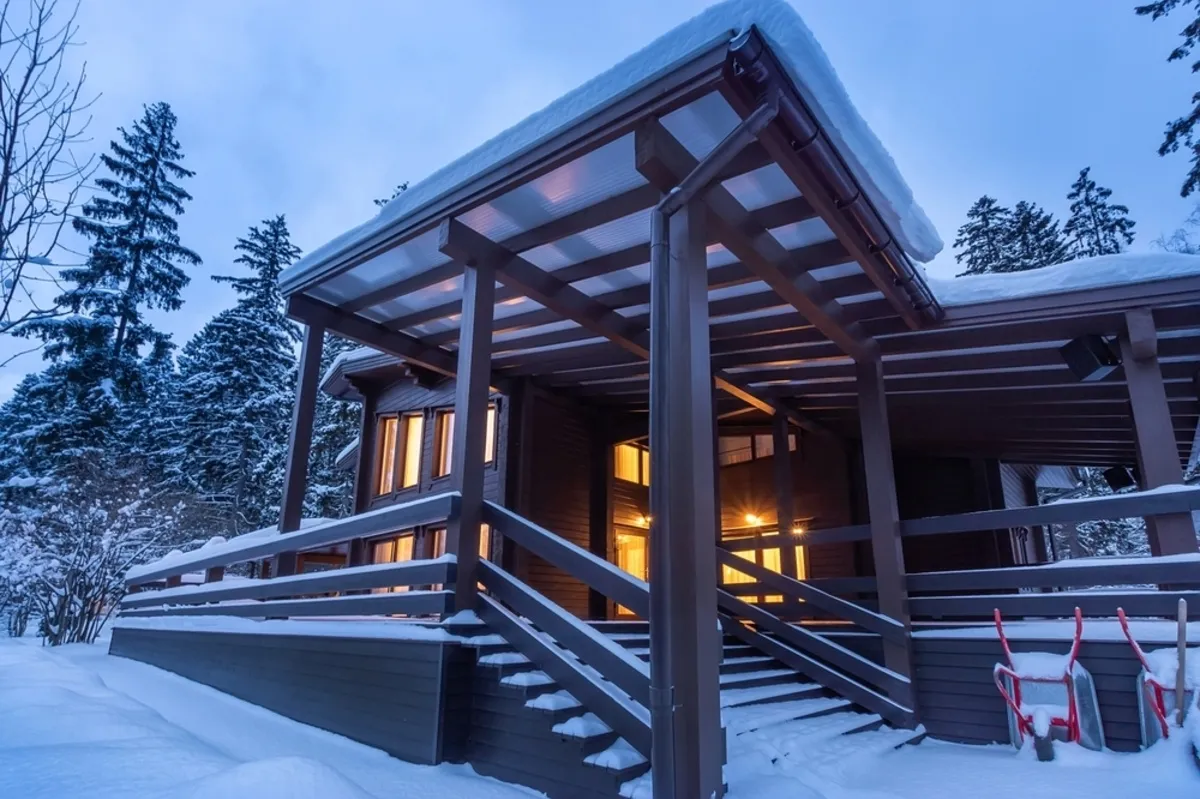 Architectural photography can document design, materials, spaces, and relationships between a building and its surroundings. Clients may include architects, developers, designers, and hospitality businesses.
Identify which design decisions matter: a façade, a circulation route, a material transition, or a relationship with the landscape. Light and viewpoint should support those priorities. Commercial architectural work has a business purpose even when the result is strongly artistic.
Real Estate Photography
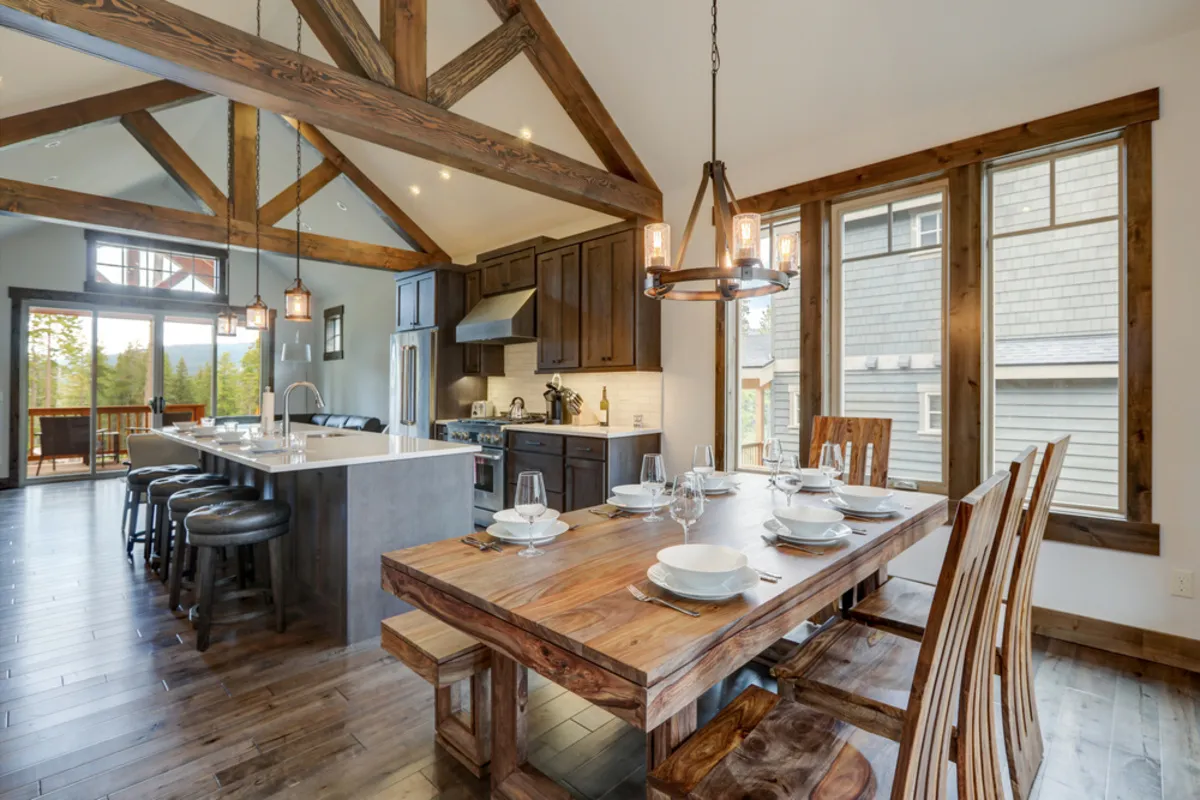
Real estate photography helps market a property to prospective buyers or tenants. It often shares techniques with architectural work, but the brief usually emphasizes room coverage, layout, amenities, and a clear sense of the space.
Plan a sequence that connects rooms logically, using viewpoints and edits that preserve a believable sense of their dimensions. If virtual staging is requested, agree on how those images will be identified and review the relevant listing requirements. There is no universal number of photographs suitable for every property.
Lifestyle and Brand Photography
 Lifestyle imagery places a product or service in a plausible situation. It can show how something is used, who it is intended for, and what kind of experience the brand wants to communicate.
For a small bakery, a useful set could include a customer selecting bread, a baker working, a detail of the finished product, and a wider view of the shop. Together, these frames explain more than a collection of isolated product close-ups.
Corporate Portraits and Headshots
 Businesses need portraits for staff pages, professional profiles, presentations, and press materials. The photographs should fit the organization’s visual direction while helping each person feel comfortable.
Confirm the background, crop, clothing guidance, and whether future team members need to match the set. A repeatable setup becomes especially useful when portraits are photographed on different dates.
Commercial Event Photography

A launch, conference, or business gathering can produce images for marketing, public relations, and internal communication. The photographer needs to understand which people, moments, and details are essential.
Request the schedule, a priority list, and the intended delivery timing. A wide room image, a speaker photograph, a brand detail, and a natural interaction each serve different purposes. An event cannot always be repeated, so planning coverage matters.
Elevate Your Photography with Our Advanced Software
Skills a Commercial Photographer Needs
Turning a Business Need into a Visual Plan

Creative skill includes making an idea achievable within the available time and budget. Present a small number of workable options with clear reasons for each.
For example, a skincare brand requesting a clean launch image might need a product detail, a simple hero composition, and a portrait showing use. The photographer’s job is to connect that request to a realistic production plan.
Repeatable Technical Control
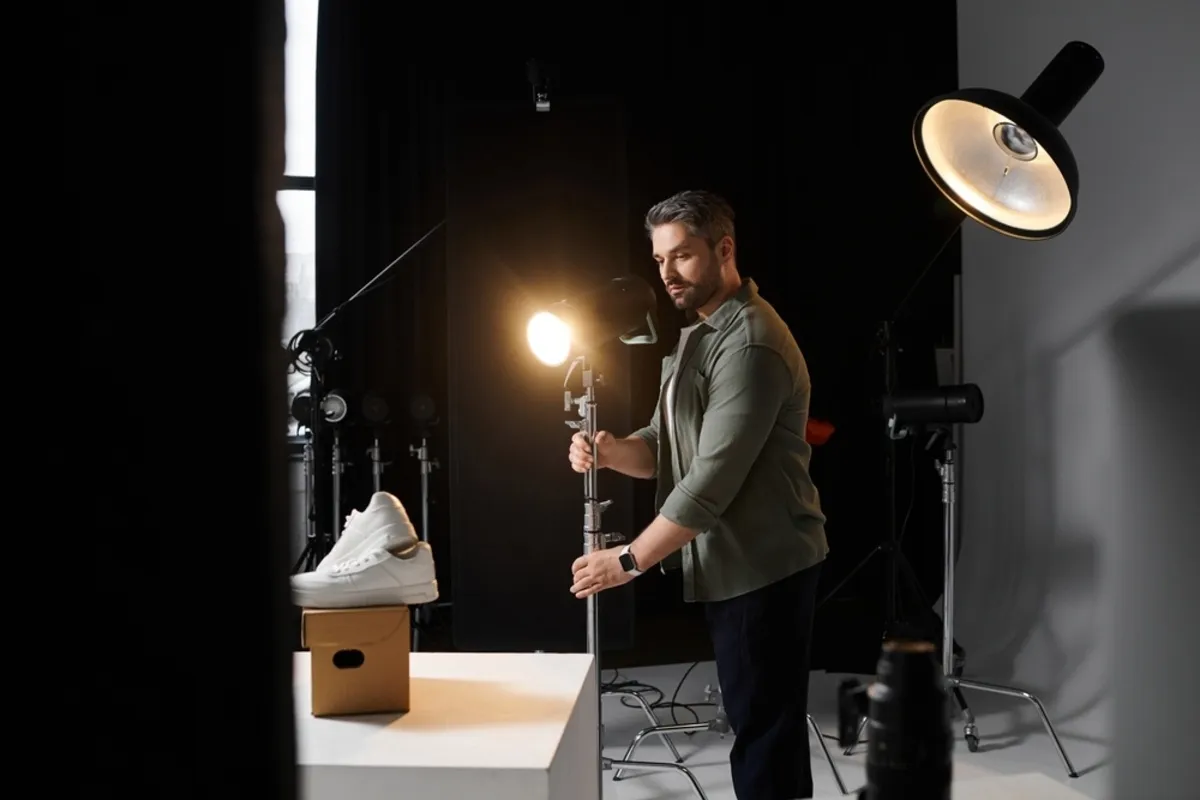
Good technique makes a set consistent. Record camera position, light placement, settings, and reference images when a project may continue across multiple sessions.
For reflective products, examine reflections as carefully as exposure. For interiors, check vertical lines and window highlights. For people, keep the necessary faces and clothing details in focus. Different subjects need different solutions.
Editing and Quality Control
 The retouching should be subtle yet systematic. An example of a real-life situation: a marketplace does not accept photos because they have a problem with color and background. Create or replace backgrounds in minutes, even when the source shot is imperfect: AI background removal cleanly cuts subjects and lets you composite on brand-ready backdrops using layers. Then you may make a preset for the entire series, remove dust, adjust the perspective, make the skin and fabrics look natural, and generate web and print file packages. What is needed is quick processing of dozens of shots with the same product, so that the product pages appear to be unified.
Commercial editing should preserve relevant information: labels, logos, fabric texture, construction, skin detail, and believable color. Applying the same preset is only a starting point when frames have different lighting.
Before delivery, inspect the images individually and as a set. The client should not have to discover mismatched backgrounds, inconsistent crops, or a damaged product label.
Communication and Project Management

Confirm who approves the brief, chooses the photographs, and requests revisions. Keep feedback tied to filenames and a clear deadline.
If a requested change affects production time or the agreed output, explain the impact before doing the additional work. This is easier when the original scope is specific.
How to Get Started in Commercial Photography
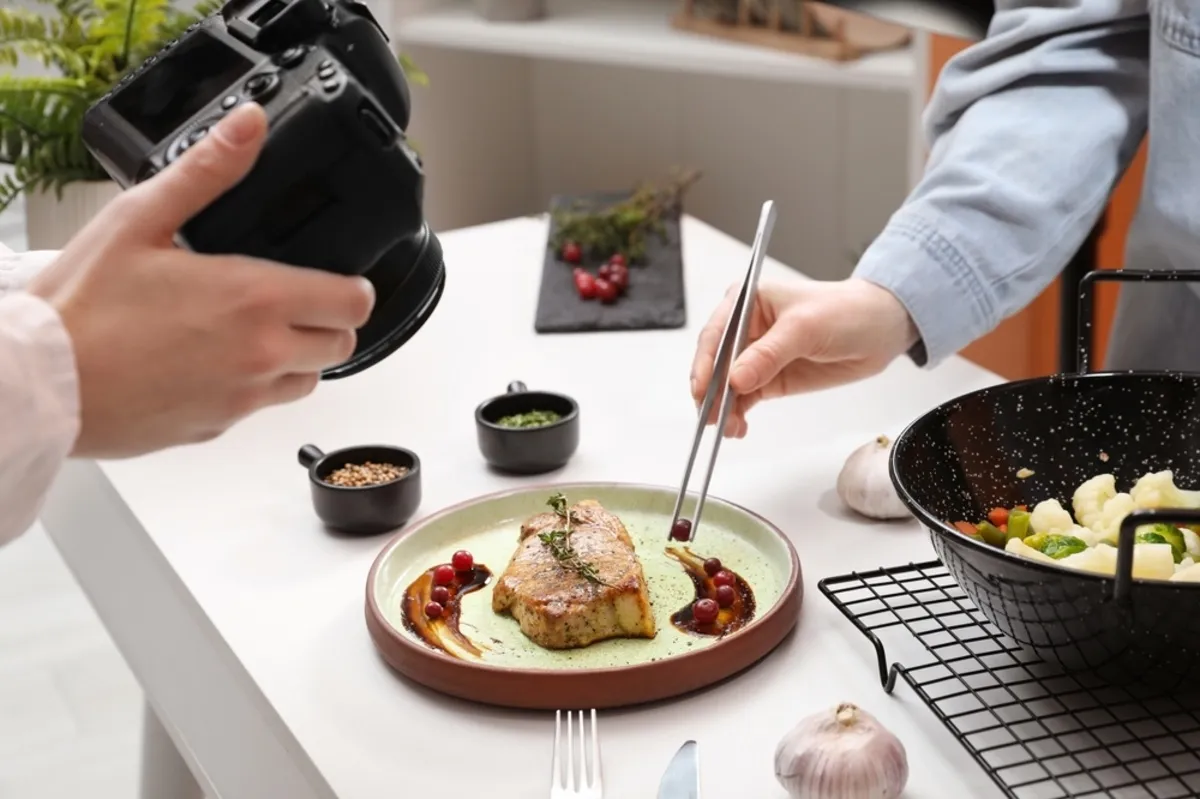
1. Choose a Manageable Starting Market
Begin with a type of work you can practice and deliver reliably. Tabletop products, small-business portraits, or a local hospitality project can offer useful starting points depending on your skills and access.
Pick a client type as well as a photographic subject. “Independent cafés needing website images” gives a portfolio more direction than “anything commercial.”
2. Create Portfolio Projects That Resemble Assignments
Give each practice project a brief, even if there is no client. Define the audience, intended placements, visual direction, and finished images.
For a sample product project, create a clean listing image, several details, and a wider promotional frame. Label self-initiated projects clearly rather than presenting them as commissioned campaigns.
3. Show Coherent Sets
A prospective client needs evidence that you can deliver useful variations. Show a few complete mini-projects that demonstrate consistency, useful variations, and attention to the brief.
Include captions explaining the task and your contribution. If styling, design, or retouching involved collaborators, credit those roles accurately.
4. Establish a Simple Project Process
Prepare a brief template, a shot-list format, an estimate structure, and a delivery checklist. Decide how you will back up files and track approvals.
You do not need a large studio to create a professional process. You need realistic commitments and a method for meeting them.
5. Approach Relevant Prospects
Research businesses whose needs match your portfolio. Make each introduction specific: identify a plausible image need and link to the relevant project, rather than sending every contact the same gallery.
Track responses and follow-ups. When an assignment is complete, ask what worked and what the next project would need. That feedback can guide both your service and portfolio.
The Photo Perspective Correction Tool You've Been Waiting For
Planning a Commercial Photoshoot
Questions to Put in the Brief
| Question | Why it matters |
| What is the image meant to communicate? | Sets the creative priority |
| Who is the intended audience? | Guides styling, context, and tone |
| Where will the images appear? | Determines framing and output needs |
| Which subjects and views are essential? | Prevents gaps in the shot list |
| How many finished photographs are needed? | Defines editing and delivery scope |
| Who approves the work? | Keeps feedback organized |
| What is the deadline? | Shapes production and turnaround |
| What use of the images is being requested? | Helps define the estimate and agreement |
Also confirm who supplies products, models, locations, styling, and any permissions needed for the planned use. Requirements depend on the project and jurisdiction; do not assume one form resolves every situation.
From Preparation to Delivery
- Approve the brief and shot list. Resolve essential views and layout needs before the shoot.
- Test the setup. Check light, reflections, framing, and color references.
- Photograph the required images first. Add variations once the core brief is covered.
- Review on set where practical. Tethered viewing can help, but confirm camera and software compatibility first.
- Back up and select. Maintain copies separate from the working files and record approved selections.
- Edit and deliver. Export the agreed formats with clear filenames, then retain the project according to your agreed arrangements.
How to Price Commercial Photography

Day rates vary by location, specialty, experience, and production requirements. A quote depends on the actual assignment, your costs, and the client’s requested use.
A useful estimate makes the following components visible:
| Component | What to account for |
| Preparation | Planning, meetings, tests, and coordination |
| Photography | Time, expertise, and production responsibilities |
| Expenses | Crew, studio, travel, equipment rental, and styling |
| Post-production | Selection, editing complexity, and revision scope |
| Image use | The agreed media, duration, territory, and exclusivity |
| Additional requirements | Extra versions, rush delivery, or expanded scope |
An Illustrative Estimate
Here is a fictional example of the structure, not a market-rate benchmark: preparation at $200, photography at $700, expenses at $150, editing at $300, and an agreed usage fee at $250 would total $1,600 before any applicable tax.
The point is to show what the price covers. A longer shoot, more complex edits, or wider usage could change the estimate. Research comparable local work and calculate your own costs before setting actual figures.
Clarify Usage and Revisions
Agree on where and how the images may be used. Avoid leaving broad terms such as “all use” unexplained. Payment, delivery of files, and permission to use images are separate matters to address in the agreement; copyright ownership depends on applicable law and contractual arrangements.
Also specify final image count, revisions, delivery timing, payment schedule, and how changes will be priced. For unfamiliar rights or complex agreements, get qualified local advice.
If a budget is too small, discuss a narrower scope: fewer setups, fewer finished images, or a simpler location may make the project workable.
Editing Tools for Commercial Photography
Choose software around the main task that needs solving. A selected set needing portrait finishing has different requirements from a large catalog or a detailed advertising composite.
Luminar: Accessible Finishing and Creative Adjustments
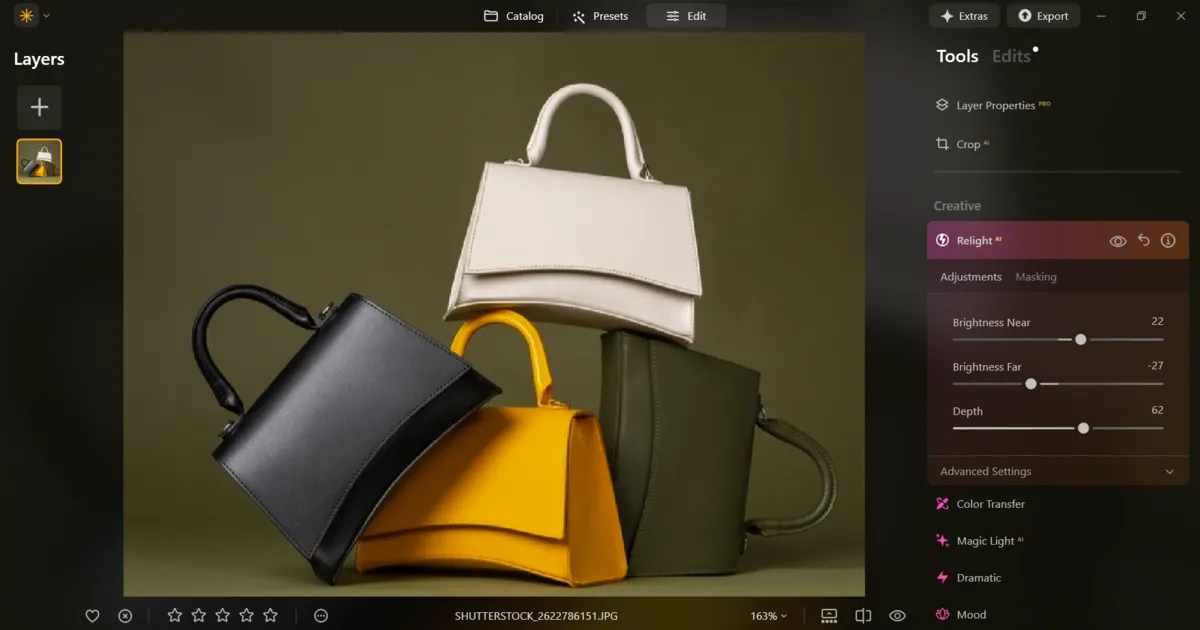
Luminar for desktop suits photographers who want light, color, portrait tools, and image layers in one editing application. It can suit small product collections, business portraits, and selected campaign images where an approachable finishing workflow matters.
Start with exposure and white balance, then review the images together for consistency. A color photo editor can help refine the palette, but accurate product color needs reference images and careful judgment.
Background Removal AI can provide an initial subject mask. This transparent background workflow is useful for isolation and image combinations, but inspect fine edges, transparent materials, and reflections before treating the result as finished.
Keep automated portrait adjustments subtle. Editing can improve the presentation of a usable photograph; it cannot guarantee recovery of missed focus, clipped detail, or incorrect styling.
| Pros | Cons or limits |
| Accessible exposure and color tools | Automatic changes can alter important product colors |
| Portrait tools provide a quick starting point | Natural skin still requires restrained settings and review |
| Layers support image combinations and background work | Complex masks need careful refinement |
| Reversible editing supports later adjustments | Specialized features and availability depend on your version and plan |
Luminar is worth considering when the priority is efficient photographic finishing. Verify any specialized requirement, such as merge or enlargement tools, before including it in a client workflow.
Lightroom Classic: Organizing and Matching Larger Sets
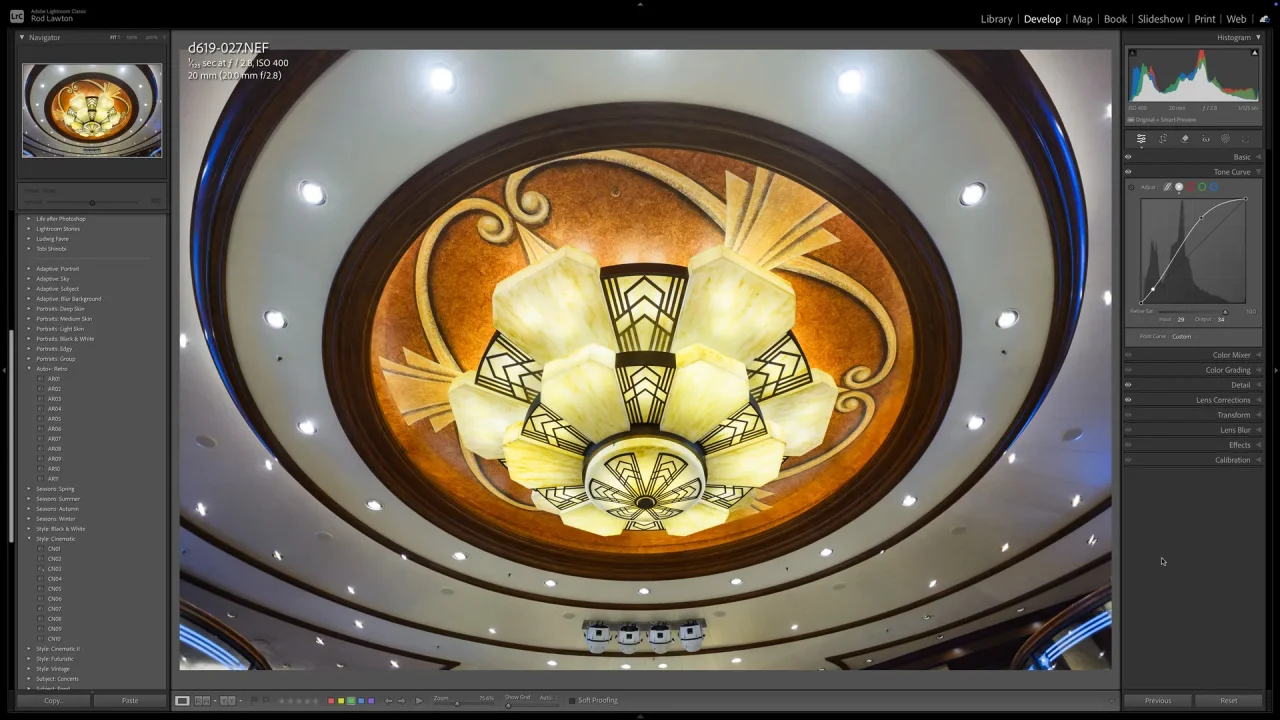
Adobe Lightroom Classic is a desktop catalog and photo-editing application. It suits projects with many photographs, such as events, staff sessions, or repeated product setups.
Ratings and keywords help organize selections. You can copy or synchronize selected editing settings between images, then export versions with defined file settings. Synchronize only appropriate adjustments: a local correction or crop that works on one frame may be wrong on another.
It is a strong option when the challenge is keeping a large collection organized and consistent. Intricate image combinations or detailed pixel-level cleanup may require a suitable external editor.
| Pros | Cons or limits |
| Catalog tools support selection and organization | Catalog management needs a dependable file structure |
| Selected adjustments can be synchronized across images | Differently lit frames still need individual review |
| Export settings support repeatable delivery | Output presets must match the client’s current requirements |
| Reversible development suits ongoing revisions | Complex composites require another workflow |
Photoshop: Precise Retouching and Composites

Adobe Photoshop provides detailed cleanup, carefully controlled masks, and tools for advertising images assembled from multiple elements. Layers let you separate different parts of a retouch, while adjustment layers can refine color and tone without permanently changing the source pixels beneath them.
For a demanding product image, keep cleanup separate from color corrections and retain a layered master for revisions. This approach takes more setup than a quick global edit, but makes specific changes easier to revisit.
Photoshop is useful when that precision is required. It does not remove the need for good source photographs or a consistent approval process.
| Pros | Cons or limits |
| Detailed control over masks and localized changes | Skilled retouching takes time |
| Layers separate components for revisions | Poor layer organization makes changes harder |
| Supports complex composites and text elements | Believable composites require matching light and perspective |
| Adjustment layers preserve editing flexibility | Subscription cost and learning time need to fit the work |
Your AI-Powered Photo Editor for MacOS and Windows
Commercial Editing: Accuracy Before Effects
Separate factual correction from creative styling. A campaign may invite a strong grade, while a product page needs a faithful view of the item. This guide to color grading explains how a creative look differs from base correction.
Before export, inspect:
- Logos, lettering, seams, and product shape.
- Mask edges and any replaced backgrounds.
- Color consistency across related images.
- Skin and material texture.
- Required dimensions, crop, format, and color profile.
For a fuller capture-to-edit example, this product advertising workflow can help connect the brief to the finished images.
For web delivery, follow the client’s specifications and provide manageable files. For print, request the printer’s requirements. Retain your source and editable master files separately from delivered exports.
Build a Service Clients Can Use
Start with one manageable market and a few coherent sample projects. Make the work easy to assess: explain the brief, show useful variations, and describe what you deliver.
Commercial photography combines visual skill with reliable project handling. Clear planning, appropriate editing, and a realistic estimate help turn a good photograph into a set the client can actually use.
FAQ
It creates images for business purposes such as product listings, advertisements, websites, brochures, professional profiles, and property marketing. The brief determines the required style and deliverables.
Advertising photography focuses on promotional messages and campaigns. Commercial photography is broader and also includes work such as staff portraits, catalog images, and photographs of business spaces.
Use equipment that can meet the brief reliably. Depending on the subject, that may include a camera and suitable lens, controllable light, a tripod, backgrounds, and backup storage. Test a simple setup before buying equipment for hypothetical projects.
Price the assignment based on preparation, photography, expenses, editing, and the agreed image use. Compare relevant local services and calculate your costs rather than treating an advertised day rate as an all-inclusive price.
Build a focused portfolio with clearly labeled sample projects, then approach businesses whose needs match it. Show a relevant image set and explain the specific deliverables you can provide.