Topaz Labs Review: Sharpening Your Vision, Pixel By Pixel
Looking for a photo editor that will reduce photo noise, increase the sharpness and quality of your photos, and also have a wide range of AI tools? Get ready for the full Topaz review!
My photographic journey began with a small digital companion, capturing everyday moments that sparked my curiosity and ignited my creative flame. This modest beginning evolved into a profound love for the art of photography.
Driven by a desire to refine and enhance visual stories, I transitioned into the realm of photo retouching. My expertise lies in meticulously perfecting images, ensuring each frame tells a compelling story. I’ve had the privilege of contributing my retouching skills to various magazines, where precision and attention to detail are paramount.
Looking for a photo editor that will reduce photo noise, increase the sharpness and quality of your photos, and also have a wide range of AI tools? Get ready for the full Topaz review!
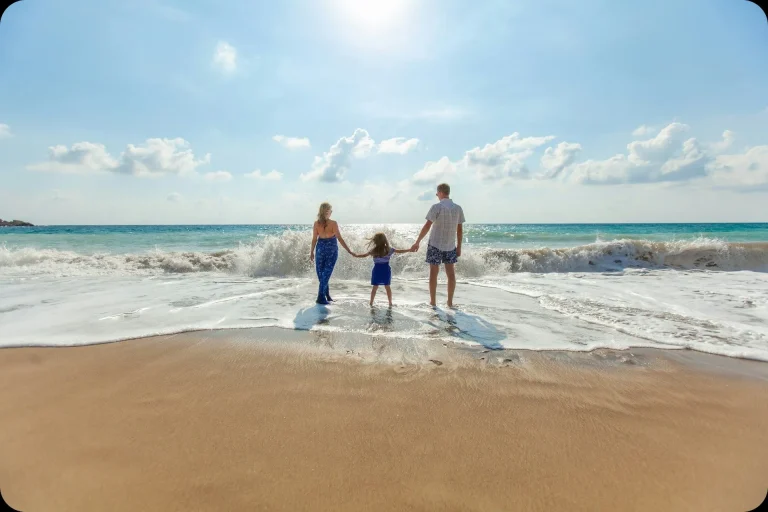
From family entertainment to the fancy industry, water photography impresses with its limitlessness of creative ideas. Be on trend and dive headfirst into it this summer. Today in our blog, we discuss water photography ideas and the secrets of photo editing such pictures. Ready for more?
Looking for an alternative to Affinity Designer with the same extensive features but a better value? Stay with us! Today, we will discuss 7 options of paid and free software that can become worthy replacements for this tool.
Do you want to discover Photoshop new features and find alternatives to them from other photo editors? In our blog today, we will reveal this issue and compare Photoshop AI features with similar ones in Luminar Neo. Stay here!
Are you looking for a high-quality and powerful Photoshop replacement? We can help you choose! In our blog today, we discuss Adobe Photoshop alternatives popular in 2026. Stay tuned!
If you're searching "iOS how to hide photos," this guide is your go-to resource. It provides clear, easy steps to ensure your private images stay just that — private on your iPhone!
Editing on your phone gets slow when every image feels like guesswork. A simple editing “formula” gives you a repeatable way to work instead of starting from zero each time.
Have you ever opened a photo and wondered why the whites look wrong? Welcome to white balance explained, the short, useful guide that will save your colors and your reputation.
Find out which is better: mobile or desktop photo editing. Discover the strengths of each Lightroom edition and choose the one that fits your workflow best.
Alternatives
Use cases
Features