The Nikon ZF is revolutionizing the world of photography: its outstanding features and high performance make this camera the perfect choice for enthusiasts and professionals alike.
Do you love the vintage look but aren’t ready to give up the convenience of modern cameras? Maybe you should consider the Nikon ZF. This full-frame mirrorless camera looks exactly like a vintage film camera from the 1980s, but it’s packed with a flagship processor and an impressive sensor. For a price starting at $2,000, you get a body with brass dials, phenomenal autofocus that works in the dark, and the world’s best focus-point stabilization. Still not convinced? Let’s take a closer look.
Don’t feel like reading the whole breakdown? We’ve pulled together a quick summary below.
Key Takeaways
- Flagship-level performance. Despite its vintage appearance, the Nikon Zf is powered by the advanced EXPEED 7 processor—the same engine used in the professional Z8 and Z9—enabling fast, deep-learning-based autofocus and subject tracking.
- Design-focused ergonomics. While the brass-dial layout and retro aesthetics provide a premium tactile experience, the intentionally slim grip often requires third-party handle attachments for comfortable, long-term use.
- Specialized shooting modes. The ZF stands out with a dedicated mechanical monochrome switch for high-contrast B&W photography and a Super-Resolution mode that creates highly detailed 96-megapixel images using sensor-shift technology.
- Practical hybrid constraints. To balance its classic form factor, the camera utilizes a mixed SD and MicroSD card setup and experiences thermal limitations during extended high-resolution video recording, making it a stylistic choice rather than a pure efficiency tool.
Overview of the Nikon ZF

Although the Nikon ZF camera may look like something from the last century, its release date is set for October 2023. Inside, it features a 24.5-megapixel full-frame sensor that captures several times more light than the sensors found in smartphones or crop-sensor cameras. The EXPEED 7 processor, inherited from Nikon’s flagship Z8 and Z9 models, handles all the image processing.
The processor directly controls the autofocus system, which incorporates deep learning algorithms at the hardware level. The camera recognizes and tracks nine types of subjects within the frame: silhouettes, animals, vehicles, faces, and eyes. The algorithm keeps the subject in perfect focus without requiring any user intervention.
It also features a five-axis stabilizer that physically prevents sensor shift. The system detects micro-movements of the camera body and dampens vibrations, enabling clear shots at long exposure times without a tripod. Moreover, stabilization can be locked to any point, meaning the subject will remain sharp regardless of its position in the frame.
A dual electronic controller is used for data storage, distributing files across two separate memory cards. This makes it possible to save images in both RAW and JPEG formats simultaneously. This can come in handy later when the photos are imported into a photo editing software environment.
Exclusive Tools of Endless Possibilities in One Editor
Pros and Cons of the Nikon ZF

It might seem that this Nikon model has nothing to offer besides its appearance. Some might even say that its appearance isn’t unique either—and they’d be right, since the Nikon ZF draws its design from the legendary Nikon FM2 film camera. But is it really all that bad?
- Super-Resolution Mode. The camera takes a series of shots while shifting the sensor by fractions of a pixel. Using the manufacturer’s PC software, these can be stitched together into a single massive 96-megapixel image with perfect detail and no color distortion when using a tripod.
- Smart stabilization. In standard IBIS systems, effectiveness decreases from the center to the edges of the frame due to radial distortion. In the ZF, the algorithm calculates shift compensation relative to the coordinates of the selected focus point. As a result, sharpness is maintained even at the edges of the frame at shutter speeds of up to 1/2 second when shooting handheld.
- Solid brass and an OLED screen. The exposure, ISO, and metering correction dials are CNC-machined from a solid block of brass. The click stops are firm and distinct, making it difficult to turn them accidentally. The current settings are displayed on a small separate screen.
- Full power on the go. The USB-C port supports the Power Delivery standard. During long shoots or streams, the camera can be powered directly from a high-capacity power bank (18 W or higher), so the built-in battery doesn’t drain.
However, there are some drawbacks. For example, despite supporting resolutions up to 4K, recording 4K at 60p is only possible with a crop. Support for RAW video is limited—an external recorder (such as an Atomos) is required. Furthermore, due to its small size, extended high-resolution video recording causes the camera to overheat greatly, causing it to slow down.
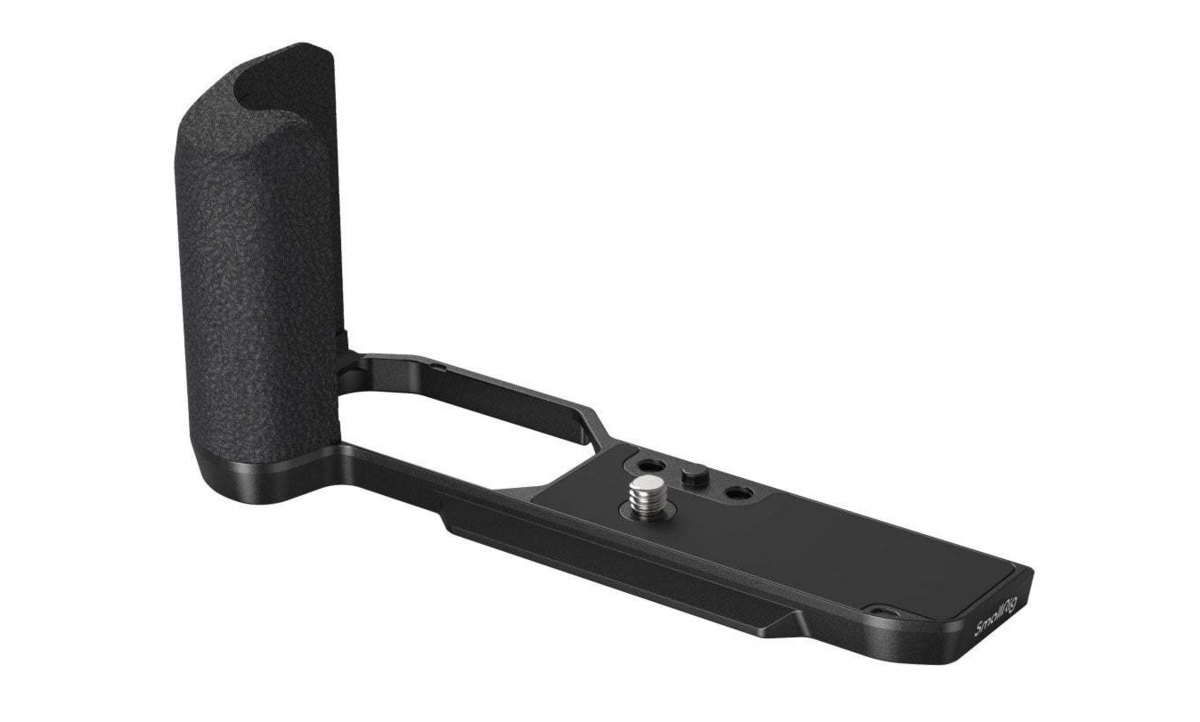
To maintain the retro design, the decision was made to make the grip smaller. No, seriously, it’s practically nonexistent. So if you have large, strong hands, using the camera without extra attachments will be somewhat problematic. Data storage is also an issue. There’s an SD card connector and another one for MicroSD. The second slot is less convenient than a full-size SD or CFexpress.
Elevate Your Photography with Our Advanced Software
Performance and Image Quality
We’ve covered the specs, but how does the Nikon ZF perform overall? Thanks to its 24.5-megapixel sensor, the camera delivers image quality that’s solid for its price range. Photos come out sharp, with natural colors and accurate skin tones. Shooting at maximum ISO is even comfortable.

Image noise is reduced, so photos taken in near-total darkness appear relatively clear. If the RAW feature is enabled, the resulting files will contain a wealth of information. It will be easier to edit the background of a photo or remove specific sections, as the AI will be better able to detect the edges of each object in the frame.
Usability and Handling Experience

Nikon ZF reviews can broadly be divided into two camps. Some believe that design shouldn’t take precedence over functionality, while others are tired of generic cameras and are willing to sacrifice some convenience for a unique experience. Where does the truth lie? As usual, it lies somewhere in the middle. Let’s turn to the opinion leaders to see what professional photographers have to say about the ZF model.
Indeed, DPReview and leading tech bloggers Chris Nichols of PetaPixel, Jared Paulin, and wedding photographer Sam Hurd all agreed: if you want to use the Nikon ZF regularly, you’ll inevitably have to make some compromises. This camera isn’t about maximum efficiency. It’s about the experience of interaction and the sensations that come before the result.
While the camera’s internal design is flawless and technologically advanced, its external ergonomics represent a deliberate throwback to the film era. It is impossible to use the camera without accessories for the entire battery life, which is approximately 2.5 hours according to official CIPA tests. Due to the awkward grip, your hand starts to get sore after just an hour of active use.
Could it have been done better? Definitely. But the current usability issues can be mitigated by the photographers themselves. All it takes is a SmallRig grip to put an end to the struggle and free up space for creating high-quality content. Based on all of the above, one conclusion stands out: the Nikon ZF is a stylish, reasonably affordable, and practical camera that requires some adjustment before use.
Auto ISO Features and Benefits

On the Nikon ZF, the “Auto ISO” function is linked to the lens’s focal length via the “Auto Minimum Shutter Speed” algorithm. The camera automatically detects the focal length and sets the exposure threshold using the formula 1/50 second. If there is insufficient light, the processor only begins to increase the ISO when the speed reaches this threshold, protecting the image from blurring visible to the naked eye.
The photographer can choose from 5 adjustment levels. The first is “Faster”, which shortens the shutter speed for shooting fast-moving subjects, while “Slower” is designed for static scenes; the IBIS stabilizer allows for long exposure times at low ISO settings. The maximum ISO limit is set manually by the user.
When the camera reaches its peak values, it won’t ruin the shot with noise; instead, it will automatically underexpose the image or extend the shutter speed. As a result, regardless of the conditions, your photos will come out clean, natural, and high-quality. Underexposed shots can easily be brightened in editing software like Luminar Neo, which offers advanced tools for adjusting brightness.
A major advantage of the Expeed 7 processor is that the “Auto ISO” function works even in “Manual” mode when shooting video. You set the desired creative shutter speed, for example, 1/50 for 24 fps, and the aperture to blur the background. The camera then continuously and smoothly adjusts the ISO as you move from a dark room to a bright street, eliminating sudden changes in brightness in the recording.
Elevate Your Photo’s Visual Appeal With a Blur Background Tool
Recommended Additions for the Nikon ZF
To mitigate the impact of the camera’s shortcomings on the user experience, bloggers and experienced internet users recommend purchasing special accessories. Among the add-ons that make an immediate difference are:
- SmallRig L-Shape Handle. Provides a deep, ergonomic grip, redistributes the weight of heavy lenses, and features a built-in Arca-Swiss plate.
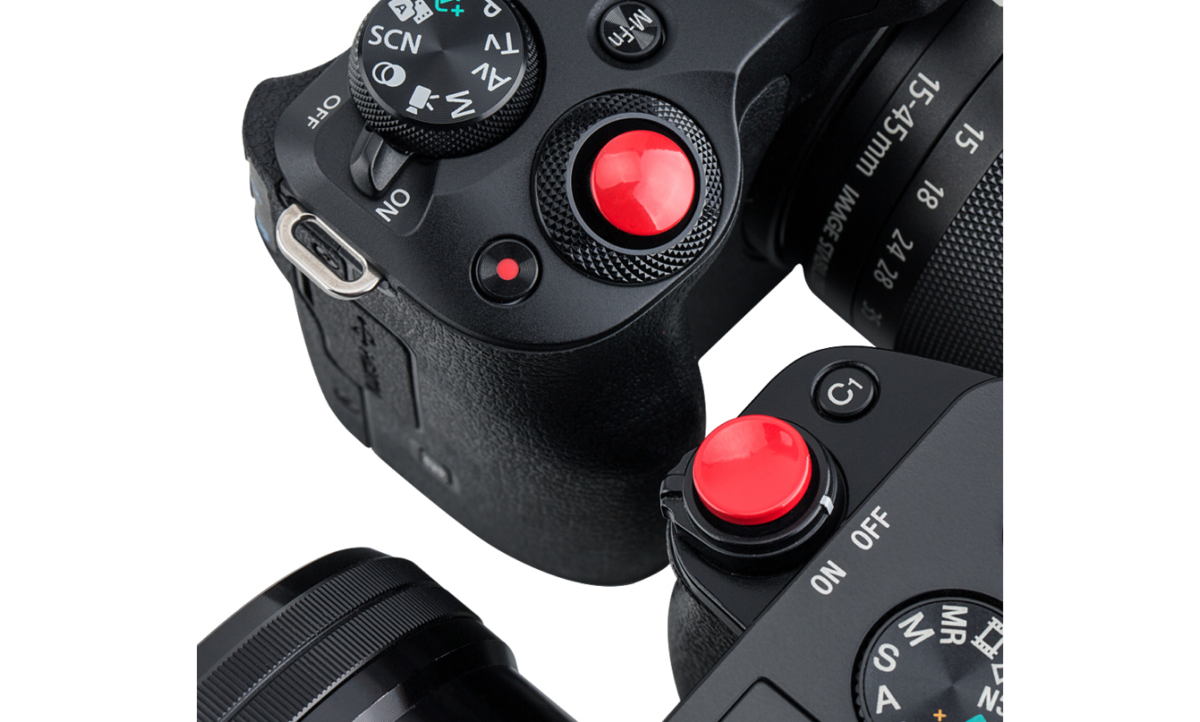
- JJC Soft Release Shutter Button. Screws into the shutter button mount, increasing its surface area and providing a soft, tactile click.
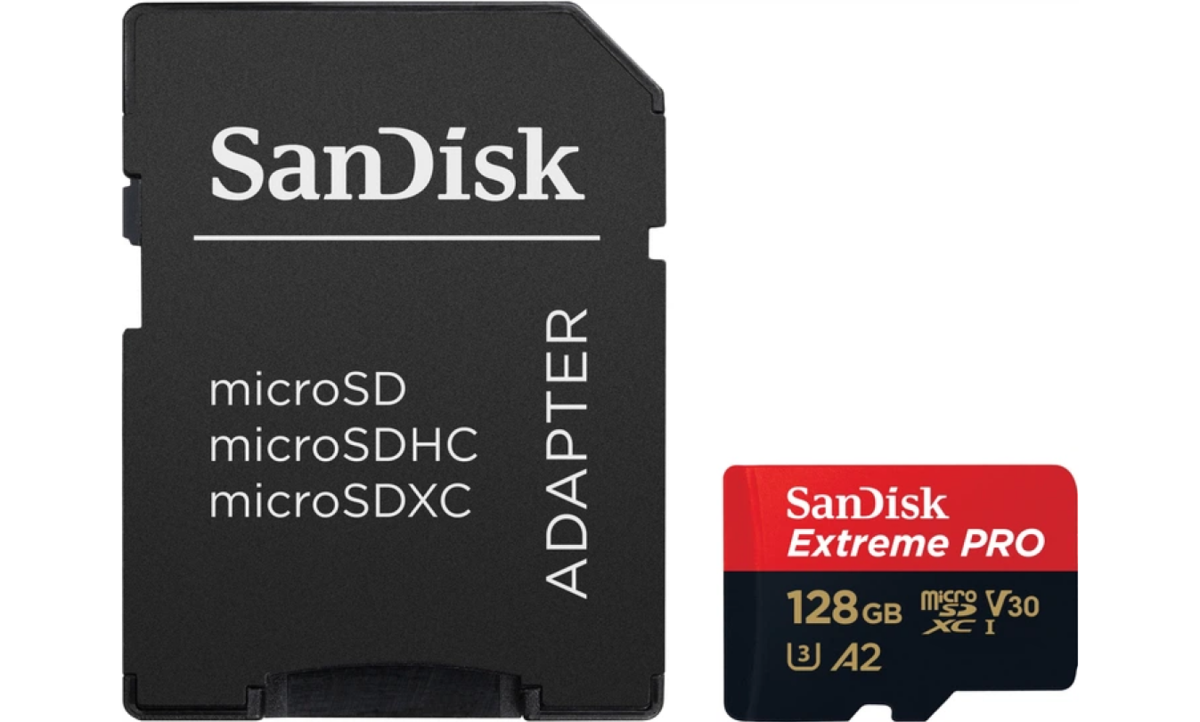
- SanDisk Extreme PRO MicroSDXC (UHS-I) memory card. A reliable and compact card for the second slot, suitable for creating backups.
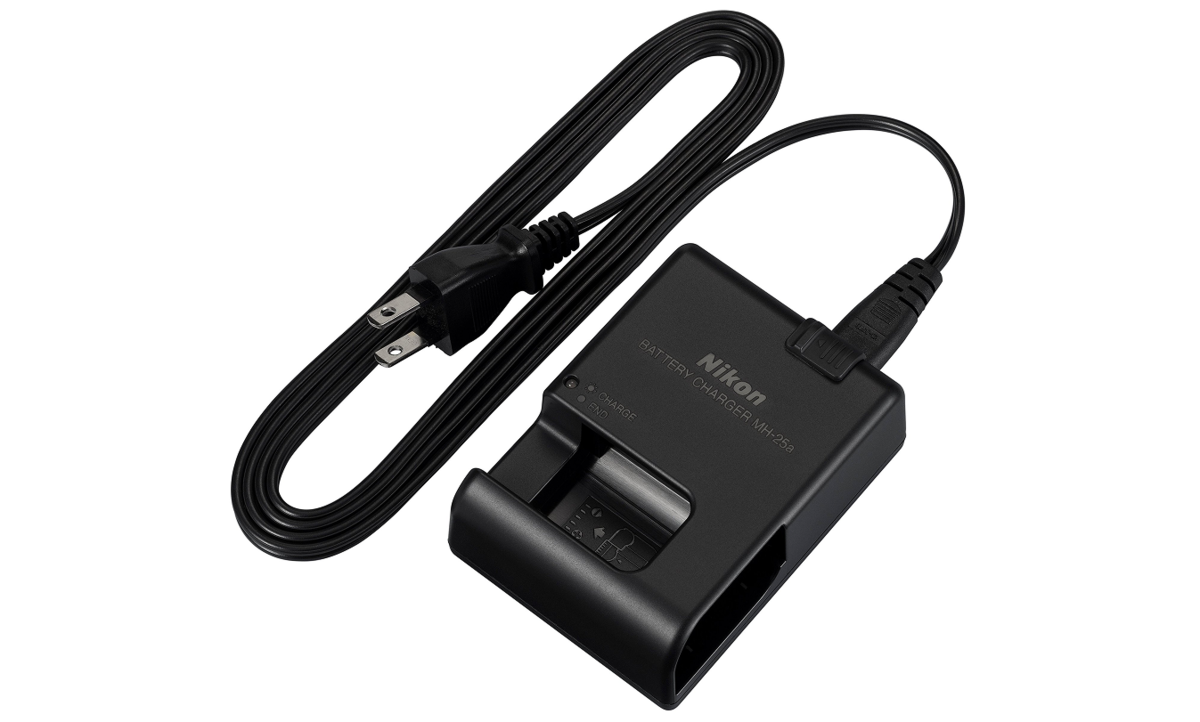
- Nikon MH-25a charger. An external charger for simultaneously charging a spare EN-EL15c battery from a wall outlet, separately from the camera.


Not everything is a must-have purchase at once. All you really need is a grip to prevent your hand from getting tired during long shoots, and a memory card to save files in all formats. Later, when you import them into an automatic photo editor, you’ll be glad you did.
Monochrome Photography with Nikon ZF
Have you noticed that Nikon ZF photos look incredibly captivating? That’s because there’s a dedicated mechanical switch on the body that switches the camera to black-and-white mode.

Photographers can switch between “deep monochrome” and “flat monochrome” profiles to create high-contrast images even in less-than-ideal lighting conditions.
The camera simulates the physical optical filters of the film era by adjusting brightness on a per-channel basis using RGB data from the sensor. Yellow and red filters darken the blue sky, making the clouds as high-contrast and dramatic as possible. The green filter gently brightens foliage and evens out skin tones in portraits.
Final Thoughts and Verdict
The Nikon ZF offers a balanced blend of cutting-edge specifications found in flagship models and an authentic film-era design. This camera is designed for passionate photographers who appreciate the aesthetics of the shooting process itself and consciously choose a classic body design to achieve high-quality images, effective autofocus, and a satisfying tactile experience when operating the camera.