Compare 4×6 and 5×7 photo prints across exact dimensions, aspect ratios, edge cropping, and framing options to choose the right size for your albums and display spaces.
Choosing a photo print size seems simple until you place two prints side by side. On screen, 4×6 and 5×7 look almost identical, but they behave very differently when framed, placed in an album, or trimmed at a photo lab. In this guide, we’ll look at the 4×6 vs 5×7 photo prints in simple words.
Don’t feel like reading the whole breakdown? We’ve pulled together a quick summary below.
Key Takeaways
- Difference in size and area: A 5×7 (12.7 x 17.8 cm) photo has approximately 46% more area than a standard 4×6 (10.2 x 15.2 cm) photo, which makes facial details more visible from a distance.
- Aspect ratio and cropping: Photos from DSLR and mirrorless cameras (3:2) print onto 4×6 paper without cropping, while photos from smartphones (4:3) are much better suited for 5×7 paper (7:5), losing only ~5% of the frame compared to ~11% on 4×6-inch paper.
- Cost-effectiveness vs. visual impact: Choose the 4×6 format for budget bulk printing, photo albums with insertable photos, and travel collections; reserve the 5×7 format for individual tabletop frames, portraits, and personal gifts.
- Framing with a mat: Pairing a photo with a larger mat frame polishes its presentation. Use a 5×7 frame with a 4×6 opening for everyday photos, or an 8×10 frame with a 5×7 opening for a clean, gallery-style look.
- Preparing for printing: Since backlit screens appear brighter than printed paper, slightly increasing the exposure and double-checking the trim lines before ordering will prevent dark prints and cropped edges.
How to Choose the Right Photo Print Size

Start by considering where the photo will be displayed. A photo for an album or a keepsake box has very different requirements than one that will sit on a desk or hang in a hallway. The 4×6 format is the standard size for instant prints at most photo labs and is usually the cheapest option. The 5×7 format offers more space for fine details, and such a print looks much better in a frame on a shelf.
Print quality depends directly on the source file, so it’s worth quickly checking the lighting, color, and sharpness before placing an order. If you plan to edit the photo first, you can use Luminar to fine-tune it and prepare it for printing.
Comparing Cost, Cropping, and Display Options

Is 5×7 bigger than 4×6? Yes. A 4×6-inch print measures 10.2 x 15.2 cm, while a 5×7 measures 12.7 x 17.8 cm. In terms of area, that’s 24 square inches versus 35, so the 5×7 format provides approximately 46% more image area. The size, aspect ratio, and number of pixels differ in both cases, and any 4×6 vs 5×7 comparison starts with these figures.
| 4×6 | 5×7 | |
| Size in inches | 4×6 | 5×7 |
| Size in centimeters | 10.2×15.2 | 12.7×17.8 |
| Area | 24 sq in | 35 sq in |
| Aspect ratio | 3:2 | 7:5 |
| Pixels at 300 ppi | 1200×1800 | 1500×2100 |
| Typical cost | Lowest per print | Higher per print |
| Best for | Albums, sharing, snapshots | Frames, desks, gifts |
The price depends directly on the dimensions. Photo labs typically charge more for 5×7 than for 4×6, and this difference becomes noticeable when ordering a large batch, so be sure to check your lab’s price list before making a choice. For a large batch of graduation photos, the 4×6 format will save you money, while 5×7 makes sense for a few of your best shots that you want to display prominently.
When the aspect ratio of your file doesn’t match that of the selected paper, the lab will crop the edges. A tool like Crop AI lets you set the frame boundaries yourself so that automatic cropping doesn’t cut off faces or the horizon line.
How Aspect Ratio Affects Your Printed Photos

Always count on shape when you look for the difference between 4×6 and 5×7. The 4×6 format has a 3:2 aspect ratio, which matches most DSLR and mirrorless cameras exactly. The 5×7 format has a 7:5 aspect ratio, it’s slightly closer to a square. At the same time, most smartphones shoot in a 4:3 format, which is even more square.
- A frame from a camera (3:2), printed as a 4×6, fits on the paper without any cropping.
- The same photo, when printed as a 5×7, loses about 7% along the long side.
- A photo from a smartphone (4:3), when printed as a 4×6, loses approximately 11% along the short side.
- The same smartphone photo, when printed as a 5×7, loses only about 5%.
Because of this, photos from a phone often look better in 5×7 than in 4×6, since their aspect ratio is closer to that of the larger print. Photos from a camera print perfectly in 4×6 sizes, yet require a little more attention when preparing them for 5×7. If you’re ordering a size that doesn’t match your file’s aspect ratio, you should first resize a photo manually and check what stays within the frame.
Exclusive Tools of Endless Possibilities in One Editor
Best Uses for 4×6 and 5×7 Prints
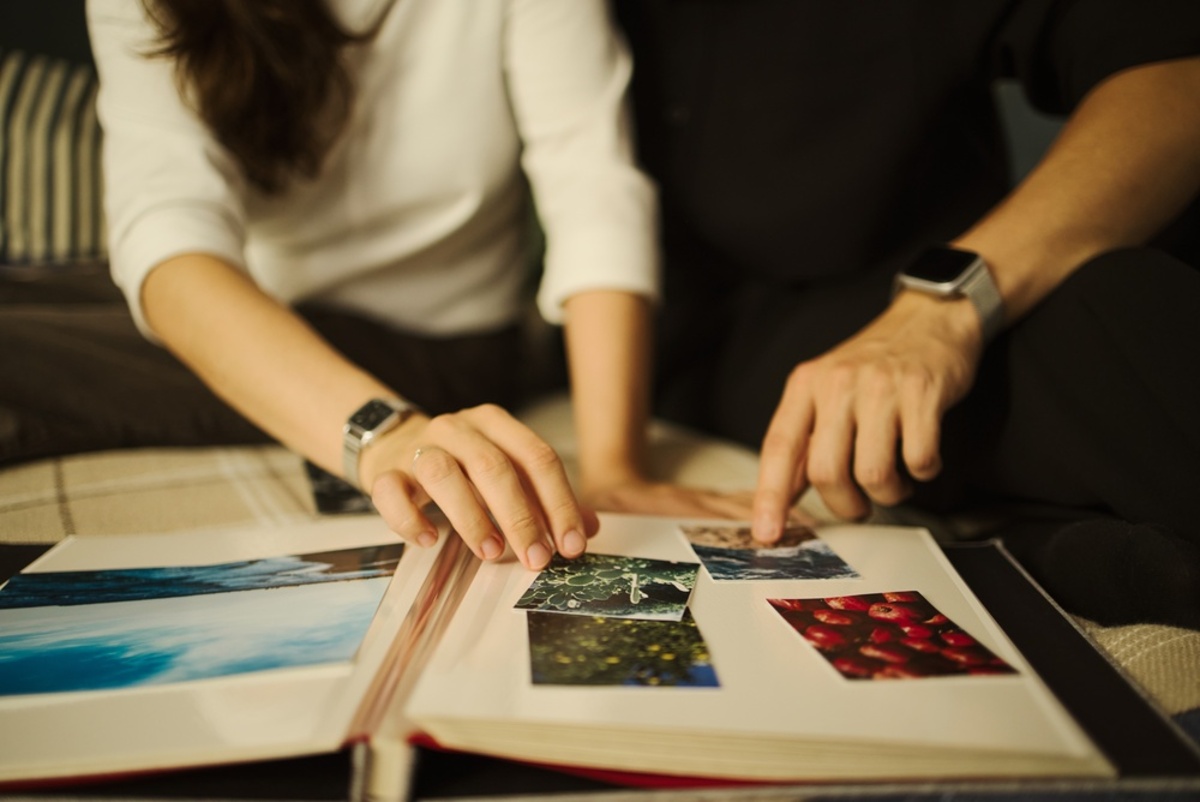
The 4×6 size is compact enough to carry around, affordable enough for bulk printing, and standard for photo albums and quick sharing with friends. The 5×7 format is large enough to make out details from a few steps away, yet compact enough for a desk or nightstand.
- 4×6: photo albums, scrapbooking, travel photos, party keepsakes;
- 5×7: tabletop and wall frames, small gifts, greeting cards, and portrait prints.
A 4×6 photo example is a beach snapshot slipped into a vacation album next to twenty others. A 5×7 photo example is a family portrait in a wooden frame on a mantel, where the extra size lets people see faces from across the room. Before sending to print, a quick adjustment in Luminar (known as Luminar Neo until August 2026) will help combine the light and color.
Tips for Choosing a Size for Albums, Frames, and Gifts
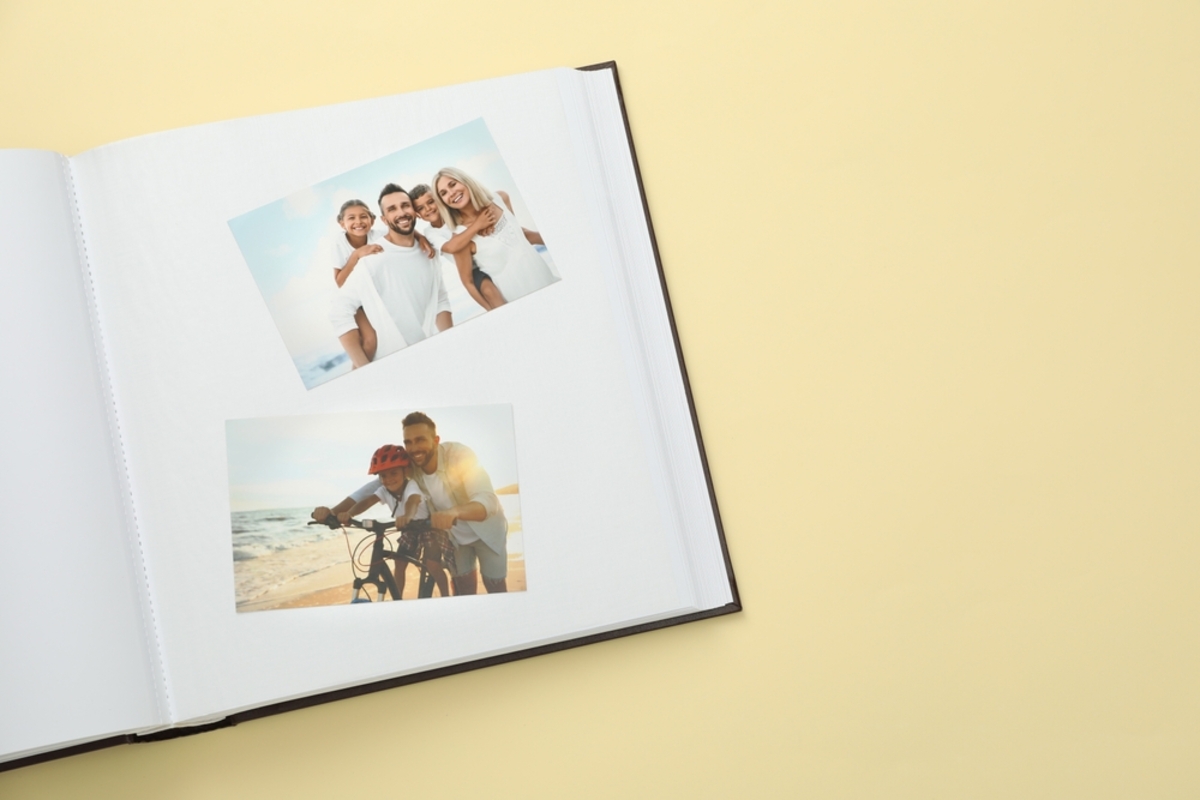
Choose a print size that fits where it will be displayed. Albums, frames, and gift boxes have fixed dimensions, and a photo that fits perfectly looks much neater than one that had to be trimmed with scissors.
- Check the size of the album pockets before ordering, most standard albums are designed for 4×6.
- Pick a frame first when the print is for display, then order the matching size.
- For gifts, choose 5×7, as this format looks more elegant and fits most small frames.
- Order one test print when the photo matters, to check crop and color.
- Use the preview tool on the photo lab’s website to see the crop lines before paying.
Color and exposure are the other half of a good print. A screen is brighter than paper, so a photo that looks perfect on your monitor can print dark. A round of photo correction for exposure and color brings the file closer to what you will see, and it helps all your prints in a batch look consistent.
https://skylum.com/luminar/photo-correction
Once you’ve chosen your print size and finished editing, Luminar’s photo printing feature lets you print on your own printer or order professional prints through the service available in the app.
Check the available sizes and preview the crop before printing, especially when switching between 4×6 and 5×7. Professional print options and delivery availability depend on your location and the supported service.
Matching Print Sizes to Popular Frame Dimensions
Frames come in standard sizes, and a mat lets you neatly place a smaller photo in a larger frame. The choice of framing changes how the photo is perceived: a mat adds space and draws the eye to the image itself.
| Print size | Frame that fits directly | Frame with a mat |
| 4×6 | 4×6 frame | 5×7 frame with a 4×6 opening |
| 5×7 | 5×7 frame | 8×10 frame with a 5×7 opening |
Buying a larger frame with a mat is an easy way to give a small photo a finished look. For example, a 5×7 photo in an 8×10 frame looks like a gallery piece, while a 4×6 in a 5×7 frame is perfect for a shelf with family photos. Always check the size of the inner window in the mat, as the packaging often lists only the frame’s outer dimensions.
Choosing the Best Size for Different Photo Types

The subject of the photo often dictates the right size. Family portraits and close-ups of faces usually look best in the 5×7 format, where fine details remain sharp. Travel photos, street scenes, and wide-angle shots work wonderfully in the 4×6 format, especially when you’re flipping through a stack of photos that come together to tell a single story.
Group photos work well in both sizes. Go with 5×7 if you want everyone’s face to be clearly visible, and 4×6 if you want a compact keepsake. If you can’t decide, print your favorite shots in both sizes. A 4×6 print for an album and a 5×7 for a frame cost very little, though you’ll get the benefits of both formats at once.
One last check before you order is the file itself. A 5×7 print needs about 1500 x 2100 pixels to look sharp at 300 ppi, and a 4×6 needs 1200 x 1800, so most modern phone and camera photos have plenty of resolution.
Pictures saved from messaging apps or social media are the exception, because they are often compressed and much smaller. Use the original file whenever you can. Finally, pick the finish with the size in mind: glossy brings out color in small snapshots, while matte reduces glare on a framed 5×7 that sits near a window.