Digital Asset Management for Photographers
Learn what digital asset management (DAM) software for photographers is, how it helps organize and protect images, and how to build an efficient photo workflow.

Professional wildlife photographer
Scott has been involved in photography for more than three decades. He is a founder of the popular photography web-site - Photofocus. Also, Scott is one of the founders of This Week In Photo and the new Photo Podcast Network
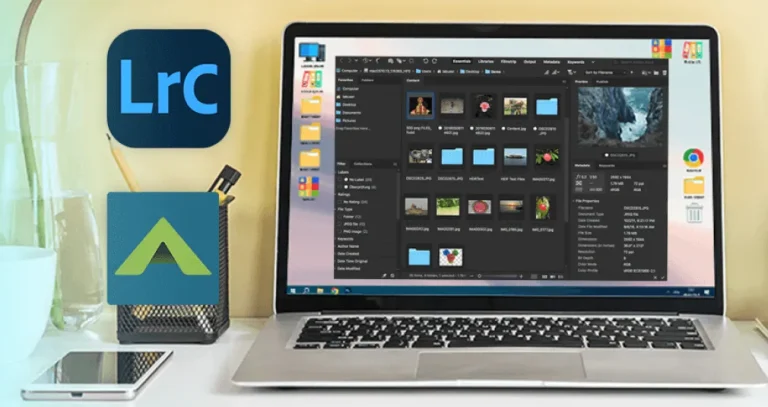
Learn what digital asset management (DAM) software for photographers is, how it helps organize and protect images, and how to build an efficient photo workflow.

If you plan to take photos of eagles or other birds, make sure to check out these helpful tips from Scott Bourne.


This post explores ideas for couple maternity photoshoots and offers tips on enhancing these special moments. It's a great help for anyone who wants to capture their pregnancy and to know how to pose!

Learn how to take stunning chocolate photos with this guide! It is filled with practical techniques that will help you capture eye-catching images for social media! Keep reading!
Alternatives
Use cases
Features