Compare leading e-commerce photo editing software on pricing, batch processing, and marketplace compliance to find the right tool for your product catalog.
A product photo should make a stranger trust the item enough to buy it. The right photo editor cleans up the background, maintains a consistent style throughout the entire catalog, and complies with each marketplace’s rules. Marketplace rules are getting stricter: Amazon rejects white if it isn’t perfectly white, and in October 2026, Etsy began requiring at least one unedited photo of the actual product in most listings.
Don’t feel like reading the whole breakdown? We’ve pulled together a quick summary below.
Key Takeaways
- Match the tool to your catalog size: Mobile and web apps like Photoroom or Pixelcut work well for small shops, while catalogs with thousands of items need batch processing, presets, or an API.
- Check marketplace rules before editing: Amazon requires a pure white background (RGB 255, 255, 255) with the product filling at least 85% of the frame, while Etsy requires at least one unedited photo of the actual item in most listings.
- Prioritize speed and color accuracy: One-click cutouts, consistent sizing, and calibrated display colors reduce manual work and help prevent product returns caused by mismatched shades.
- Calculate annual cost at real volume: Monthly subscriptions are flexible for smaller stores, whereas one-time desktop licenses or flat-rate server SDKs can save money at high image volumes.
- Keep master files and unedited originals: Export compressed JPEGs (80-85% quality in sRGB) for listings, but save high-resolution master files and original camera shots for future edits or marketplace verification.
Top Photo Editing Tools for E-commerce
No single editor excels in every category at once, so this ranking is based on quick background removal, batch processing, and a clean, polished final result. Prices change frequently, and November sales can skew the actual picture, so consider the figures provided as a current guide.
1. Luminar

A desktop editor with a one-time license, suitable for sellers who need retouching, lighting correction, and a consistent style thanks to presets.
People looking for a desktop solution for regular image editing can check out the description of Skylum’s e-commerce photo editor and compare it with the mobile and web tools listed below. A seller with fifty products will find almost any program suitable, whereas for a catalog of fifty thousand items, you’ll need to consider batch processing limits, API access, or a fixed license.
2. Photoroom

Designed specifically for product photography. It features background removal, AI scenes, shadow adjustments, batch processing, a Shopify app, and an API. Reviewers often rank it first for catalog work.
3. Pixelcut

A strong budget option with a free background removal tool that requires no registration, as well as bulk export and an API.
4. Canva

A convenient option when one person creates both product photos and marketing graphics, although background removal and batch processing tools are only available on the paid plan. The service has also taken over the web tool from remove.bg, which is shutting down on December 1, 2026.
5. Adobe Photoshop

The most flexible tool for complex collages and in-depth retouching, though it operates on a subscription basis only and has the highest entry barrier.
Exclusive Tools of Endless Possibilities in One Editor
Key Features to Look for in E-commerce Photo Editors

The most useful feature is clean background removal, since most marketplaces require a plain, solid-color background. On Amazon, the main image must be on a pure white background (RGB 255, 255, 255), and the product itself must occupy at least 85% of the frame without any text, logos, or extraneous props. A studio background photographed under warm lighting often has values of 250, 248, and 245.
To the human eye, it appears white, though it won’t pass Amazon’s automated check. A tool that can add a white background to a photo with numerical values eliminates this flaw. Pay attention to consistent resizing, realistic shadows, precise color control, and the ability to apply the same processing to hundreds of files.
User-Friendly Interfaces for Efficient Editing
Mobile and browser-based tools like Photoroom and Pixelcut work on a smartphone or in a web version and let you remove the background in a few taps. Desktop editors offer more control but take longer to master. Instead of complex layers and masks, Luminar features one-click tools and sliders, so even a beginner can prepare a clean product photo in just a few minutes. Test each program on five real products before buying.
Advanced Editing Options for Product Images
Once the basics are in place, it’s the advanced tools that set good product listings apart from mediocre ones. Realistic drop shadows prevent the object from appearing to “float in the air,” relighting corrects uneven studio lighting, and retouching removes dust and minor scratches. Working on a screen with distorted colors skews the shade of every item in the catalog, so calibrate your monitor if possible.
Next up is batch processing. Pixelcut’s Pro plan includes 1,000 batch exports per month, and Canva’s batch background removal handles up to 50 images at a time on a paid plan. A high-quality batch photo editor applies uniform cropping, color correction, and sizing to an entire product line in a single pass.
Compatibility with Various E-commerce Platforms

Each marketplace has its own image requirements, and the most reliable option is to maintain a single master file and export separate copies for each platform.
| Platform | Recommended size | Background | Notes |
| Amazon | 2,000 px square (1,000 px minimum for zoom) | Pure white, RGB 255, 255, 255 | Product fills 85% or more, no text or props on the main image |
| Shopify | 2,048 × 2,048 px | Your choice, white is suggested | Keep every product on the same canvas size |
| Etsy | 2,000 px or more per side | No white rule | At least one unedited photo of the real item is required for most listings |
| eBay | About 1,600 px | White generally works best | Larger files enable zoom |
The required photo on Etsy must show the actual product against a real background, and the platform has stated that the image cannot be edited using AI tools, although it later clarified that standard cropping or resizing is permitted. Save the original file and refer to the current wording in the Seller Handbook.
Photoroom’s API costs $0.02 per image for background removal and $0.10 for full processing, while Pixelcut’s API costs about $0.05 per photo, so a store that processes thousands of images each month can automate this process.
Photoroom also offers a Shopify app that enables you to upload processed images directly to product pages without manual uploads. Companies that prefer to host images on their own servers may want to consider Skylum’s AI image editing API, available as an offline SDK that runs on your own hardware instead of a cloud service.
Pricing Plans and Value for Money

Software costs may seem insignificant until your volume increases, so compare the total annual cost. Cloud services charge monthly or annually, while desktop licenses are paid for once.
| Tool | Entry price | What to know |
| Luminar | From $99 (Desktop) or $139 (All Platforms) in the current sale | One-time license, generative tools included for 365 days |
| Photoroom Pro | $12.99/month or $89.99/year | Free plan is for personal use, batch processing included |
| Pixelcut Pro | $10/month or $8/month billed yearly | Free tier has limited removals and upscaling |
| Canva Pro | About $12.99 to $18 per month, by plan and region | Background remover on single photos, bulk needs Pro |
For large volumes, a fixed-price license may prove more cost-effective than pay-per-image pricing. Skylum’s Luminar Engine uses a fixed annual license per server with no per-image fees, paying for itself within a year for volumes exceeding 500,000 images annually, according to the developer’s estimates. For smaller volumes, a monthly subscription is usually cheaper and easier to cancel.
https://skylum.com/luminar-engine
Tips for Optimizing Product Photos for Online Sales

High-quality editing starts with a good source image. Shoot against a solid-color background with soft, even lighting, and position the product so that it fills most of the frame. Maintain a consistent angle, framing, and background across your entire product line, as visual consistency builds trust in your store. Export a high-resolution master file, and save copies for marketplaces in JPEG format at about 80-85% quality.
Amazon accepts files up to 10 MB and prefers JPEGs in the sRGB color profile, so check the size and profile before uploading. Use descriptive file names and alt text, and show the product from multiple angles. Always keep the unedited original of each product: first, Etsy now requires this, and second, it will protect you if a buyer disputes the actual appearance of the item.
How to Choose the Right Photo Editing Software for Your Store
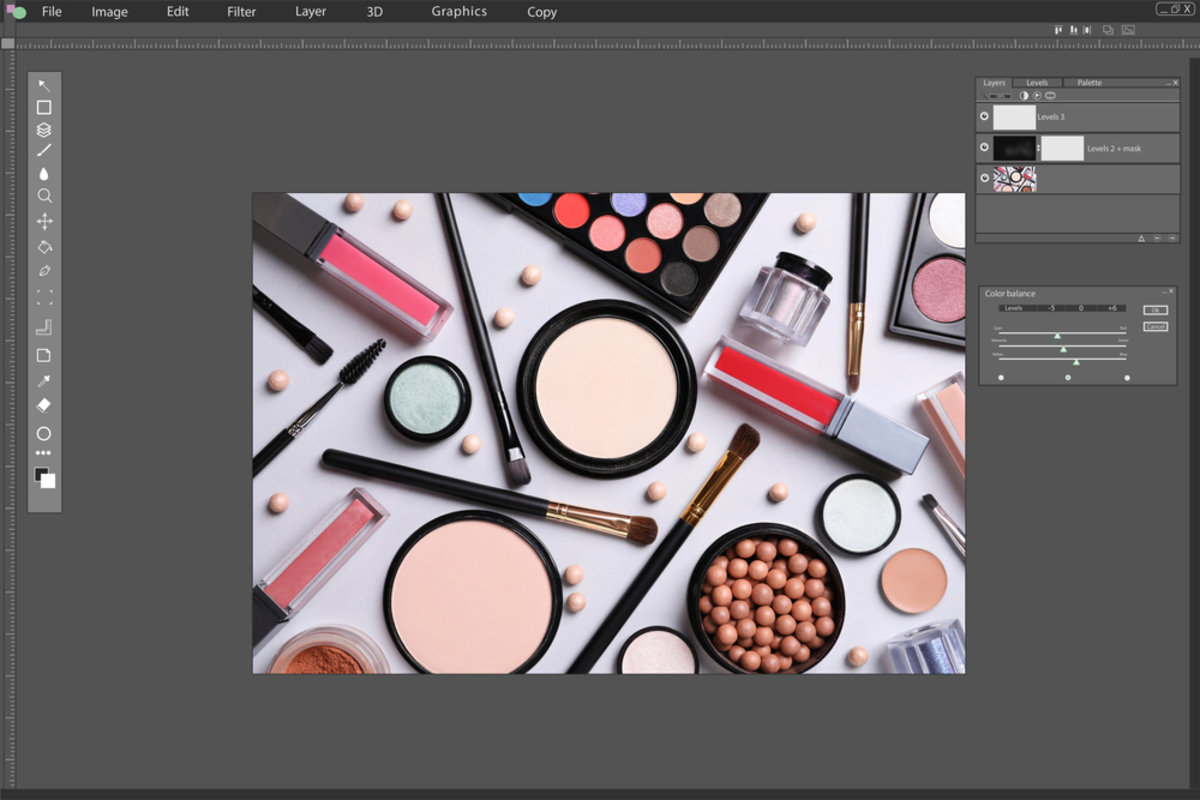
Base your decision on the platform where you sell and the number of items you have. For a small seller with a few dozen listings, a mobile app for quickly removing backgrounds will suffice. A store with a large catalog should calculate batch processing limits and API costs, while a brand that relies on a recognizable aesthetic is better suited for a desktop editor with retouching tools and presets.
Whichever option you choose, test the free trials on your own products, make sure the software meets the strictest requirements of your primary marketplace, and calculate the cost of processing a single photo based on your actual volume. The best tool is the one your team can use every week without any unnecessary complications.