Do you want to fix the camera firmly in different positions? Then using L-brackets is one of the best options.
A camera L-bracket is an L-shaped plate that lets you mount a camera on a compatible tripod head in either landscape or portrait orientation. It is especially useful when you frequently change orientation but want to keep the camera centered above the tripod.
This guide explains how L-brackets work, when they are worth using, and what to check before buying one.
Don’t feel like reading the whole breakdown? We’ve pulled together a quick summary below.
Key Takeaways
- An L-bracket lets you switch between horizontal and vertical framing without tilting the tripod head sideways.
- Keeping the camera centered over the tripod can improve balance, especially with heavier equipment.
- Most current L-brackets use an Arca-type dovetail, but dimensions and clamp compatibility can vary.
- Camera-specific brackets usually fit more securely and preserve better access to doors, ports, and screens.
- Universal brackets are more flexible but may twist or block controls if they do not fit properly.
- An L-bracket is useful for portraits, landscapes, architecture, product photography, and some panoramic setups.
- It does not prevent camera shake by itself or replace a sturdy tripod and correct shooting technique.
What Is an L-Bracket for a Camera?
An L-bracket, also called an L-plate, attaches to the camera’s tripod socket and wraps around its base and one side. Its two mounting surfaces allow the camera to be clamped horizontally or vertically.
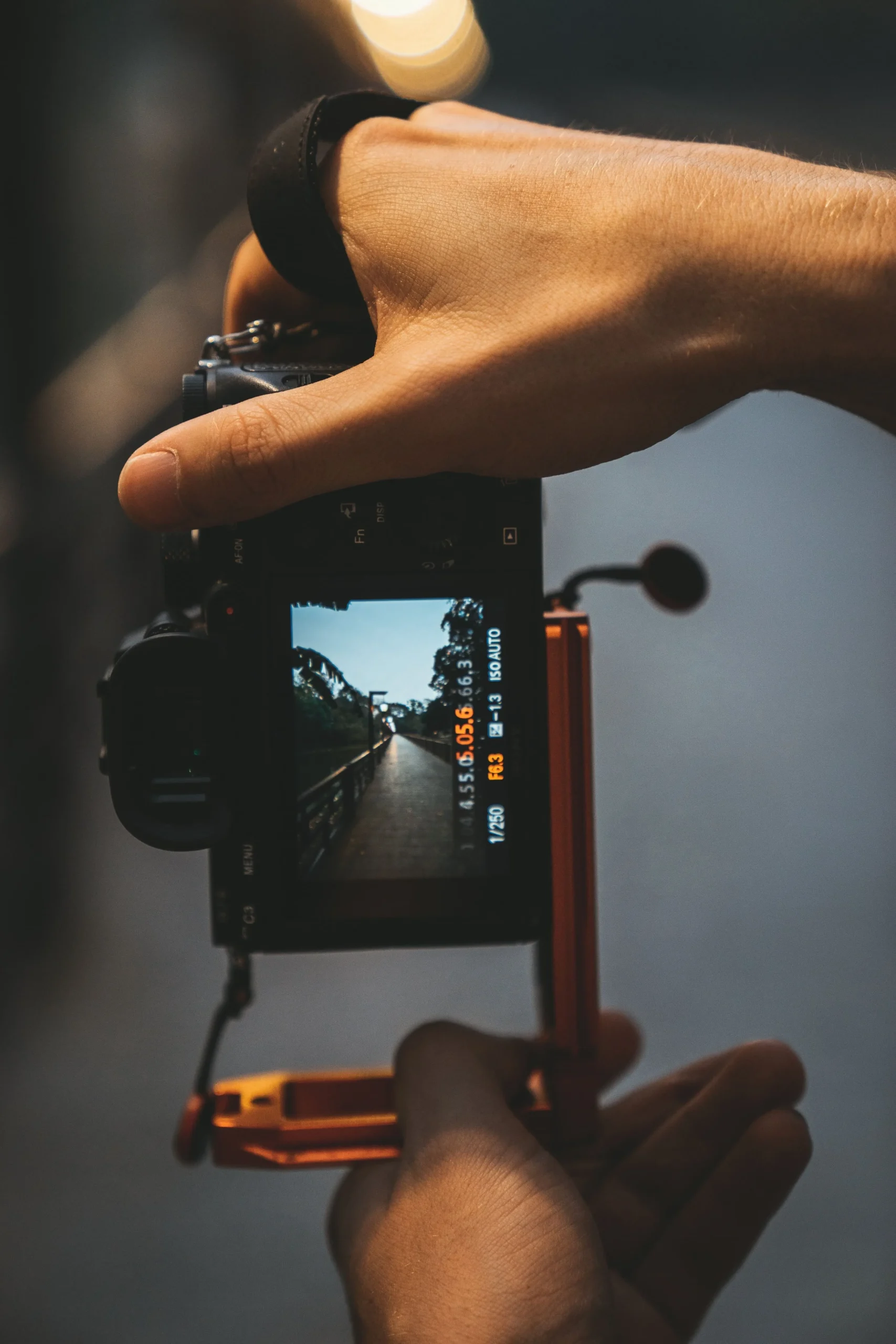
With a standard camera plate, shooting vertically often means tilting the tripod head into its side notch. This shifts the camera away from the tripod’s center. An L-bracket instead allows you to remove the camera, rotate it by 90 degrees, and secure it again above the tripod’s central axis.
Many L-brackets use an Arca-type dovetail and work with compatible quick-release clamps. However, “Arca-compatible” does not guarantee a perfect match between every plate and clamp, particularly with lever-release systems. Check the specifications of both products before buying.
Benefits and Limitations of Camera L-Brackets
| Pros | Cons |
| Makes landscape-to-portrait changes faster | Adds weight and bulk to the camera |
| Keeps the camera centered above the tripod | Camera-specific models may be relatively expensive |
| Helps preserve tripod height and framing when orientation changes | A poor fit may block ports, the battery door, or an articulating screen |
| Can provide a more balanced setup with heavy gear | Not every Arca-type plate fits every clamp equally well |
| Often includes anti-twist edges for a secure fit | Must be removed or adjusted for some cables and accessories |
An L-bracket can support a more efficient tripod workflow, but it does not automatically make every image sharper. Sharpness still depends on the tripod, head, shutter speed, stabilization settings, wind, focusing, and how the shutter is released.
How to Choose the Right L-Bracket
1. Check the Exact Camera Model
Camera-specific brackets are shaped around a particular body and usually include anti-twist flanges. Confirm the complete model name and check whether the bracket is designed for the camera alone or for a camera with a battery grip.
Universal L-brackets can fit several bodies and may cost less. However, they require more careful adjustment and may be less secure than a well-designed custom bracket.
2. Confirm Tripod-Head Compatibility
Check whether your tripod head has an Arca-type clamp or uses a proprietary quick-release plate. If it uses another system, you may need a compatible replacement clamp or adapter.
Pay particular attention to lever clamps. Screw clamps can often accommodate small differences in plate width, while a lever clamp may require adjustment or a plate from the same system.
3. Inspect Access to Ports and Doors
The bracket should allow access to the battery compartment, memory-card slot, remote-release port, microphone connection, and other controls you regularly use.
If the camera has a fully articulating screen, make sure the vertical section does not limit its movement. Sliding or modular L-brackets can provide more room for cables, but extending the vertical section may make the setup less compact.
4. Consider Build and Safety Features
Look for a rigid material, a secure mounting screw, anti-twist shaping, and clearly marked alignment points. Safety-stop screws can help prevent the plate from sliding completely through a partially loosened clamp, although they are not a substitute for checking that the clamp is fully locked.
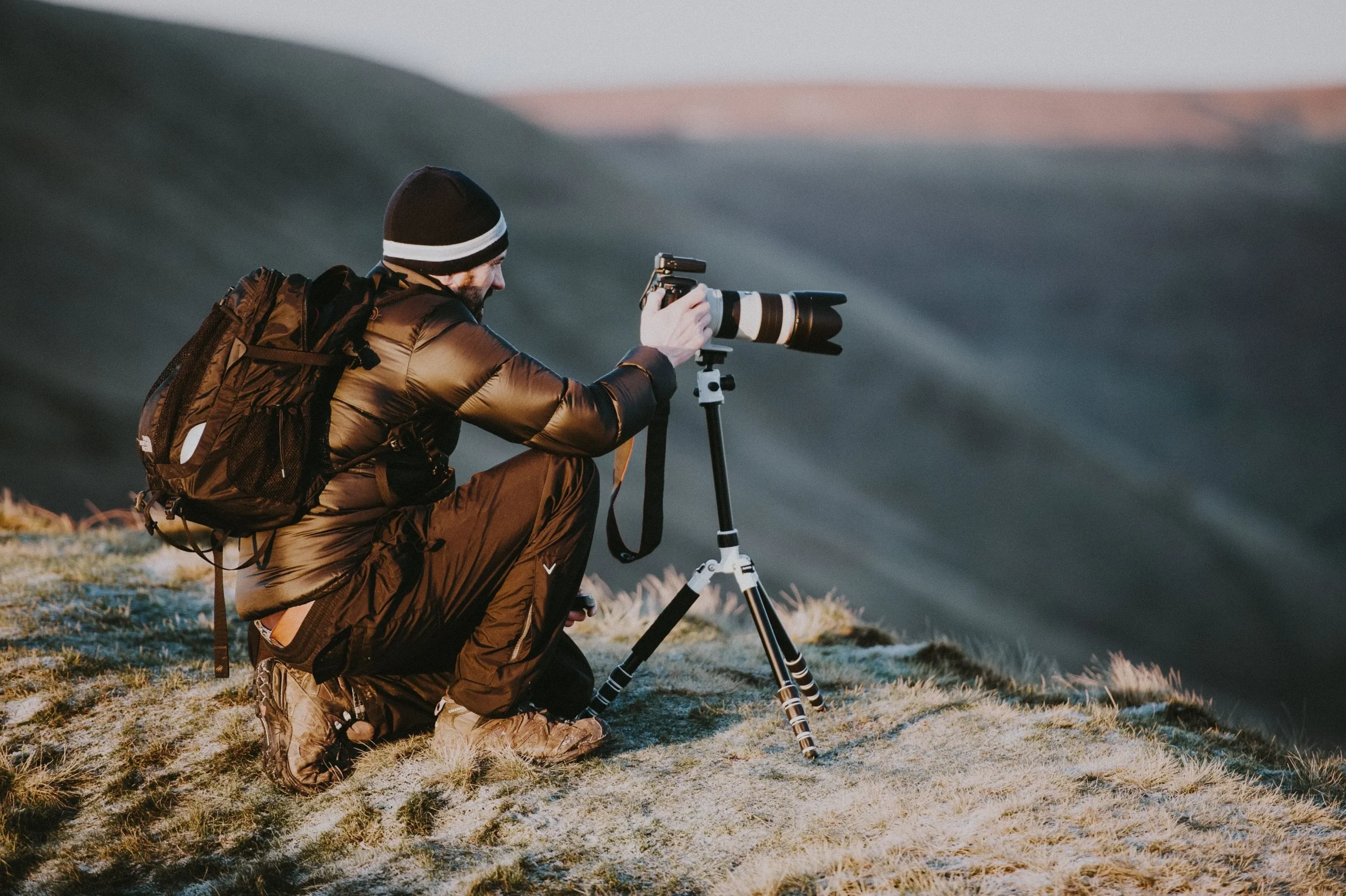
L-Brackets vs Other Camera Mounts
| Mounting option | Best for | Main limitation |
| L-bracket | Frequent landscape and portrait switching | Extra weight, bulk, and cost |
| Standard quick-release plate | General tripod use in one main orientation | Vertical framing usually requires tilting the head |
| Tripod collar | Large telephoto lenses | Available only for compatible lenses |
| Rotating camera collar | Fast orientation changes while keeping the lens axis centered | Limited camera and lens compatibility |
| Camera cage | Video rigs and multiple accessories | Larger and heavier than a simple L-bracket |
Elevate Your Photography with Our Advanced Software
When Is an L-Bracket Most Useful?
Portrait and Headshot Photography
An L-bracket makes it easier to move between horizontal and vertical portraits without lowering the camera or shifting it far to one side. This is helpful when you want consistent framing across a series.
Landscape and Architecture Photography
Landscape and architectural photographers often work carefully with levels, perspective, and foreground placement. Keeping the camera centered can make orientation changes more predictable and reduce the need to reposition the tripod.
Macro and Product Photography
Small framing changes can matter in close-up work. An L-bracket lets you change orientation while keeping the camera close to the same position, although some recomposition may still be necessary.
Panoramic Photography
An L-bracket can hold the camera vertically for a panorama, giving the stitched image more vertical resolution. However, it does not by itself position the lens around its no-parallax point. Accurate close-range panoramas may also require a panoramic head or nodal slide.
Exclusive Tools of Endless Possibilities in One Editor
How to Use an L-Bracket Safely
- Attach the bracket using the correct screw and tool.
- Make sure the anti-twist edges sit flush against the camera body.
- Place the required side of the bracket fully inside the tripod clamp.
- Tighten the clamp and gently test the connection before letting go.
- Check cable clearance before rotating or moving the camera.
- Recheck the mounting screw periodically, especially after travel.
Do not assume that a quick-release plate is locked simply because it looks seated. Support the camera with one hand until the clamp has been tightened and tested.
Care and Maintenance
L-brackets require little maintenance. Remove dust and grit with a soft cloth or brush, inspect the mounting and safety-stop screws, and check for damage after a fall or impact.
Avoid overtightening screws, as this can damage threads. If the bracket has adjustable or removable sections, use the manufacturer’s recommended tool and instructions.
Editing Photos Taken with a Tripod
Careful mounting helps you capture a clean composition in camera, but post-processing can still refine exposure, color, perspective, and small distractions. Luminar provides RAW editing, masking, color adjustments, and tools for improving details without changing the original file.
Use editing to strengthen the photograph rather than compensate for an unstable setup. A level tripod, secure bracket, accurate focus, and suitable camera settings remain the foundation of a sharp image.
Frequently Asked Questions
Not necessarily. It is most useful when you regularly shoot from a tripod in both landscape and portrait orientation. If you mainly shoot handheld or rarely rotate the camera, a standard plate may be sufficient.
No. Many use an Arca-type dovetail, but some belong to proprietary systems. Even Arca-type products can have small dimensional differences, so confirm compatibility with your clamp.
A universal bracket may fit several cameras. Camera-specific models generally fit more securely and provide better access to controls, but they normally cannot be transferred to a different body.
It can. Well-designed camera-specific brackets usually include suitable openings, but access varies by camera, bracket, cable, and screen design. Check product diagrams and user instructions before buying.
Yes, it can hold the camera vertically and help keep it centered over the tripod. For precise panoramas with nearby foreground objects, you may also need a nodal slide or panoramic head.