Blog
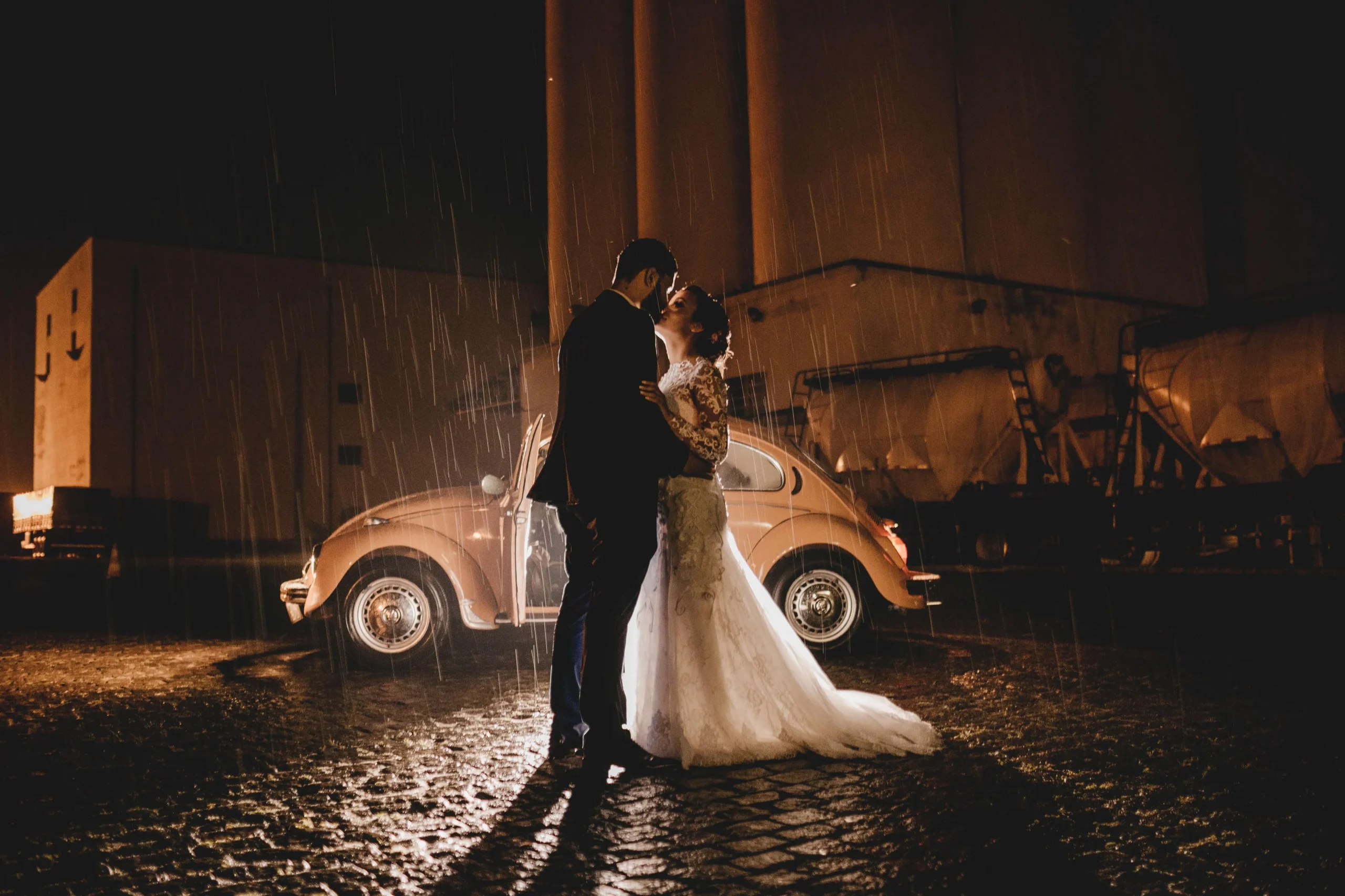
Wedding Photography Tips for Beginners: Ideas, Styles, and Shot List
Success in wedding photography is the result of hard work. These wedding photography tips are intended to help you capture the best pictures.
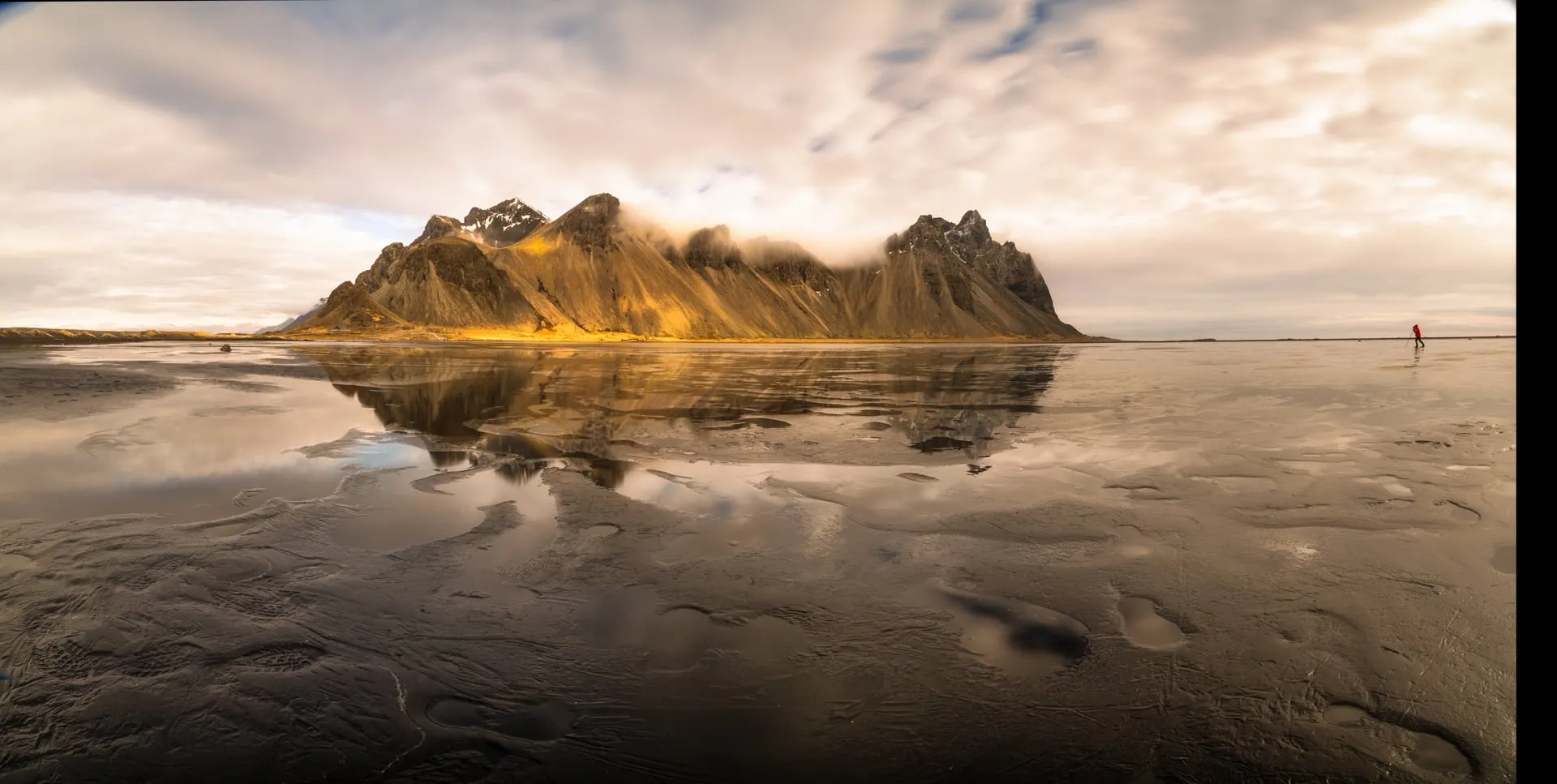
Nature Photography: The Language of Light, Composition, and Timing
Join us on a journey through the art of nature photography, where we delve into the essentials of capturing the essence of the natural world.

Best Camera Settings for River Photos to Capture Flowing Beauty
Are your river landscapes not turning out as planned? Here are some camera settings that actually work. Let’s break down how shutter speed, ISO, aperture, and filters affect the final result.

Photography Business Tools Unlocking Creative Success
Compare photography business software for managing bookings, contracts, and invoicing. Offload daily admin tasks and keep client communication on track.

Beach Engagement Photo Ideas: Creative Ideas For Couples
Capture your love against a backdrop of sun-kissed waves and soft sand. Discover how to create timeless beach engagement photos that tell your unique story in every shot.

How to Edit Photos on iPhone With AI
Learn which settings to tweak, what tools to tap, and how to get clean, natural photo edits on your iPhone in less time.

Luminar vs Photoshop AI Features Comparison
Compare the AI tools in Luminar to the advanced features in Photoshop. Find out which software helps you edit photos faster and with better control.

Sunny 16 Rule: Master Exposure Without a Light Meter
Stop second-guessing your camera settings. Use the Sunny 16 rule to get bright, perfectly exposed outdoor photos every time.

Business Insurance for Photographers Guide
Find out what photography insurance actually covers and who needs it. Get practical advice on choosing the right policies to protect your gear, income, and client work.
Advanced yet easy-to-use photo editor
view plansMost Popular

SEO for Photographers: Unlock More Clients Easily
Great photography deserves to be seen, and SEO for photographers is one of the most effective ways to turn online searches into real bookings.

Travel Photography Tips Tested By Pro Photographers
Take amazing photos on any trip. All you need to do is master the basics, which will turn ordinary scenes into unforgettable photo stories.

How To Take Burst Photos And Edit Them In Luminar Neo
Burst photography is a go-to choice for a range of photography styles. Sports photographers use burst mode to capture the perfect moment a ball is kicked, a boxer lands a punch, or a tennis player connects with a swing. Street photographers use it to make sure they get the timing just right in their compositions too, and as a street photographer myself, I’ve often relied on it while out shooting. It gives photographers the ability to ensure moments aren’t missed, capturing the exact moment they were hoping for.
Subscribe to know first
Our delivery owl will bring you our best deals and news about Skylum news.
Thank you for subscribing!