A camera and lens are enough to start, but a few well-chosen tools can make photography easier, safer, and more consistent. This guide covers useful gear, software, planning resources, and backup tools without treating every accessory as essential.
A camera and lens are enough to start, but the right supporting tools can make photography easier, safer, and more consistent. Spare batteries prevent an interrupted shoot, a tripod expands what you can capture in low light, and a reliable backup system protects the images you have already created.
This guide covers essential photography equipment, editing software, planning apps, storage solutions, and learning resources. You do not need everything at once—the goal is to choose tools that solve real problems in your own workflow.
Don’t feel like reading the whole breakdown? We’ve pulled together a quick summary below.
Key Takeaways
- Start with spare batteries, reliable memory cards, and a comfortable camera bag.
- A tripod is valuable for long exposures, low light, landscapes, interiors, and self-portraits.
- Circular polarizing and neutral-density filters have specific uses; not every filter improves every photograph.
- Editing software should match your workflow, skill level, and need for organization or detailed retouching.
- Planning apps can help predict light, weather, tides, and the position of the sun or stars.
- Use at least two copies of important photographs and keep one copy in a separate location.
- Calibration tools matter when accurate color and printing are part of your work.
- Courses and workshops are most useful when they include practice and specific feedback.
Photography Tools at a Glance
| Category | Useful tools | Main purpose |
| Camera support | Tripod, monopod, remote release | Stability and consistent framing |
| Light control | Reflector, diffuser, flash, filters | Shape or reduce available light |
| Power and storage | Batteries, memory cards, card reader | Keep shooting and transfer files safely |
| Protection | Camera bag, rain cover, cleaning kit | Protect and maintain equipment |
| Editing | Luminar, Lightroom, Photoshop | Process, organize, and retouch images |
| Planning | Weather, sun, tide, and star apps | Prepare for outdoor and night shoots |
| Backup | External drives and off-site storage | Protect original and edited files |
| Learning | Tutorials, courses, workshops | Build technical and creative skills |
Photo Editing Software
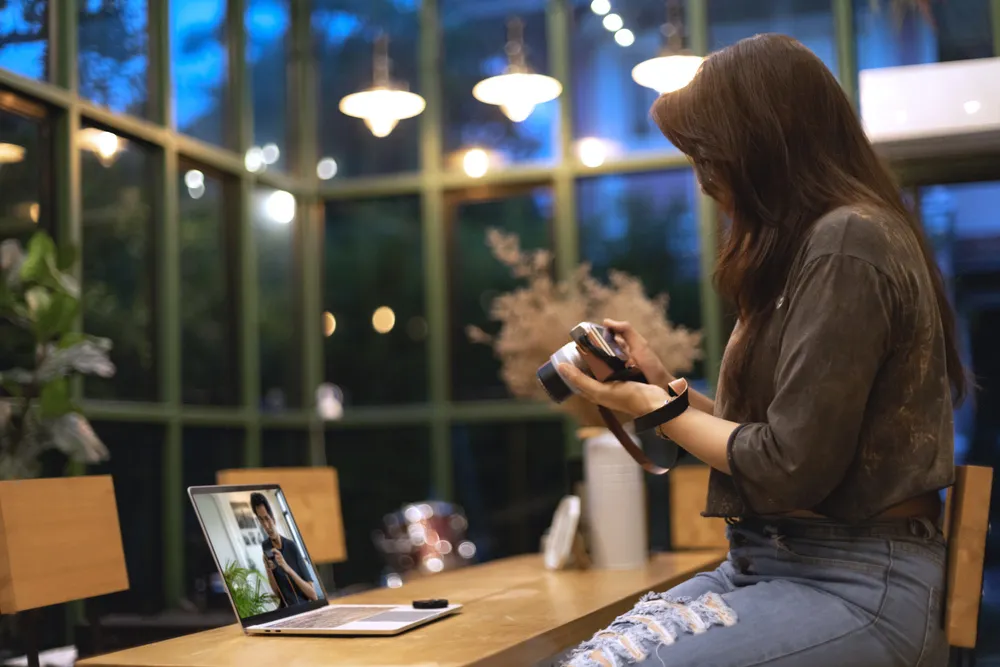
Editing software can correct exposure and color, process RAW files, remove distractions, and prepare images for print or online use. The best choice depends on whether you need fast creative editing, large-library organization, or precise pixel-level work.
| Software | Best suited to | Main strengths | Considerations |
| Luminar | Fast creative editing and AI-assisted workflows | RAW editing, masking, layers, portrait and landscape tools, generative features | Catalog tools are simpler than a dedicated digital asset manager |
| Adobe Lightroom | Organizing and editing large photo collections | Cataloging, batch editing, cloud workflows, RAW processing | Subscription-based |
| Adobe Photoshop | Detailed retouching, compositing, and graphic work | Layers, selections, masks, advanced local editing | Steeper learning curve and less focused on library management |
Luminar
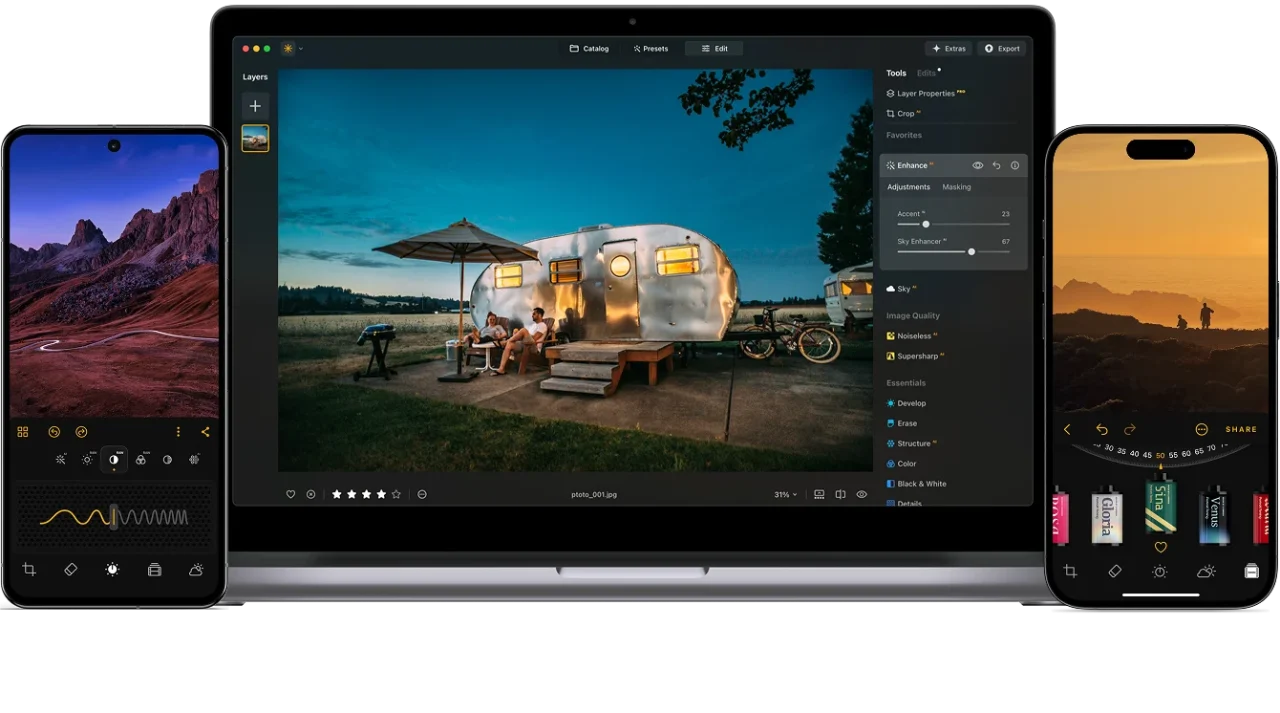
Luminar combines traditional adjustments with AI-assisted tools in a comparatively approachable interface. It supports RAW processing, masking, layers, object removal, portrait editing, and creative landscape adjustments. It can work as a standalone editor or alongside software such as Photoshop and Lightroom.
It is particularly useful when you want to make selective changes without building a complex layer structure manually. For example, an object removal tool can clean up small distractions, while masks allow you to limit adjustments to particular areas.
Adobe Lightroom

Lightroom combines RAW editing with organization, ratings, search, presets, synchronization, and batch adjustments. It is practical for weddings, events, travel, and other work requiring consistent edits across a large series. Lightroom and Lightroom Classic use different cloud- and desktop-centered workflows, so compare them before choosing.
Adobe Photoshop

Photoshop is suited to detailed retouching, complex selections, compositing, multilayer documents, and graphic design. It offers granular control but is less convenient for sorting an entire shoot, so many photographers use it only for selected images.
Essential Camera Accessories
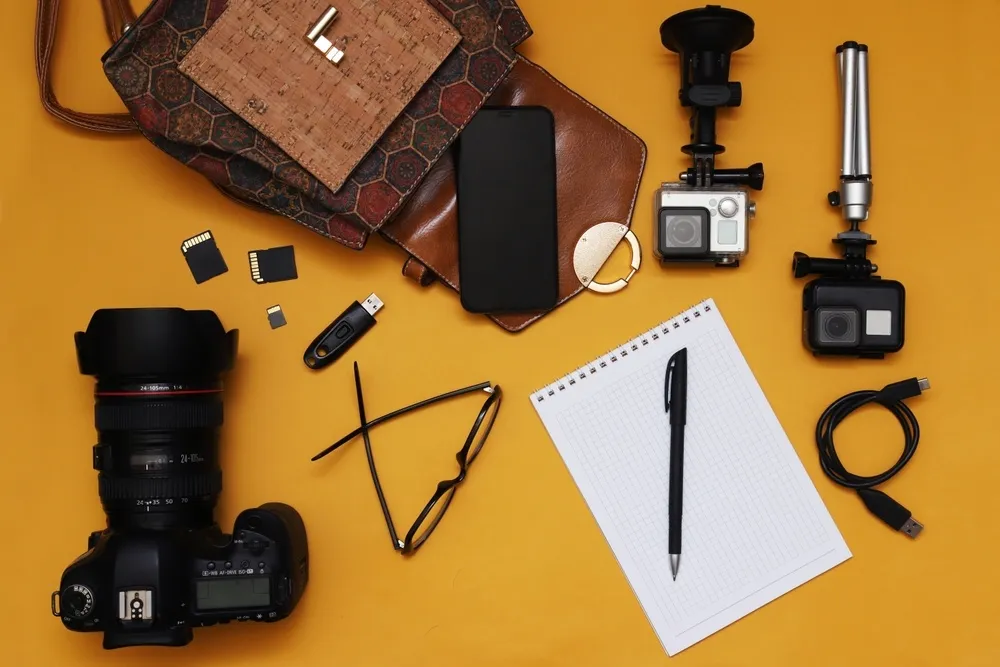
Not every photographer needs the same equipment. Build your kit around the subjects you photograph and the conditions in which you work.
1. Spare Batteries and Memory Cards
Choose reputable memory cards that meet your camera’s required speed class, especially for bursts or high-resolution video. Format cards in the camera only after verifying your backups. Protect spare battery contacts from metal objects, and keep batteries relatively warm in cold weather.
2. Tripod or Monopod
A tripod is useful for:
- long exposures;
- landscapes and architecture;
- night and astrophotography;
- product photography;
- exposure bracketing;
- self-portraits and consistent framing.
Check load capacity, stability, folded length, height, and head type. A monopod provides less stability but is easier to reposition for sports, wildlife, and events.
Elevate Your Photography with Our Advanced Software
3. Filters
Different filters solve different problems:
- Circular polarizer: reduces some reflections and can deepen skies or foliage, depending on the angle to the light.
- Neutral-density filter: reduces the amount of light entering the lens, allowing slower shutter speeds or wider apertures.
- Graduated neutral-density filter: balances a brighter part of the scene with a darker area, although exposure blending can provide an alternative.
- Clear or UV filter: may protect the front element in harsh conditions but does not automatically improve digital image quality.
Buy the filter size that matches the lens thread or use step-up rings when practical. Cheap filters may introduce color casts, flare, or softness.
4. Lens Hood and Cleaning Kit
A lens hood can reduce stray light and provide some physical protection. A basic cleaning kit may include a blower, microfiber cloths, and suitable solution. Blow away grit before wiping a surface. If you are unsure about sensor cleaning, use a professional service.
5. Camera Bag and Weather Protection
A useful bag should fit your kit, distribute weight comfortably, and provide safe access. A rain cover can still be helpful with a weather-resistant camera because weather sealing does not make equipment waterproof.
Lighting Tools

Good light matters more than owning a large lighting kit. Start with inexpensive tools that help you control what is already available.
- Reflector: redirects light toward a subject and can soften facial shadows.
- Diffuser: spreads direct light over a larger area and reduces contrast.
- Speedlight: adds portable flash for events, portraits, interiors, or fill light.
- Trigger and light stand: allow the flash to be positioned away from the camera.
- Softbox or umbrella: makes a small flash source appear larger and softer.
For portraits, learn to control one light before buying several. Understanding direction, distance, size, and intensity will improve results more than collecting modifiers.
Planning Apps for Photographers
Planning tools are especially valuable for landscapes, travel, architecture, and night photography. Depending on the subject, look for apps or websites that provide:
- sunrise, sunset, golden-hour, and blue-hour times;
- sun and moon direction;
- cloud cover and precipitation;
- wind speed;
- tide times;
- Milky Way visibility;
- maps, access information, and offline navigation.
Predictions are not guarantees. Conditions can change quickly, so carry suitable clothing, share your plans, and avoid unsafe locations for a photograph.
Storage and Backup Tools
A memory card is not a long-term archive, and one external drive is not a complete backup. Keep multiple copies and store at least one separately from your main computer.
A simple workflow may include:
- Copy files from the memory card to the working drive.
- Create a second copy on another drive or approved cloud service.
- Confirm both copies before formatting the card.
- Back up edited masters, catalogs, and project files.
- Periodically test whether older files can still be opened.
Use clear folder names and consistent metadata so older photographs remain easy to find.
Your AI-Powered Photo Editor for MacOS and Windows
Color Management and Printing Tools
If you print photographs or deliver color-sensitive commercial work, consider:
- a monitor calibration device;
- a display that covers the color space you need;
- suitable ICC profiles for the printer and paper;
- soft-proofing tools;
- test prints viewed under consistent lighting.
Calibration cannot make every screen identical, but it creates a more reliable reference for editing and printing.
Photography Education and Feedback
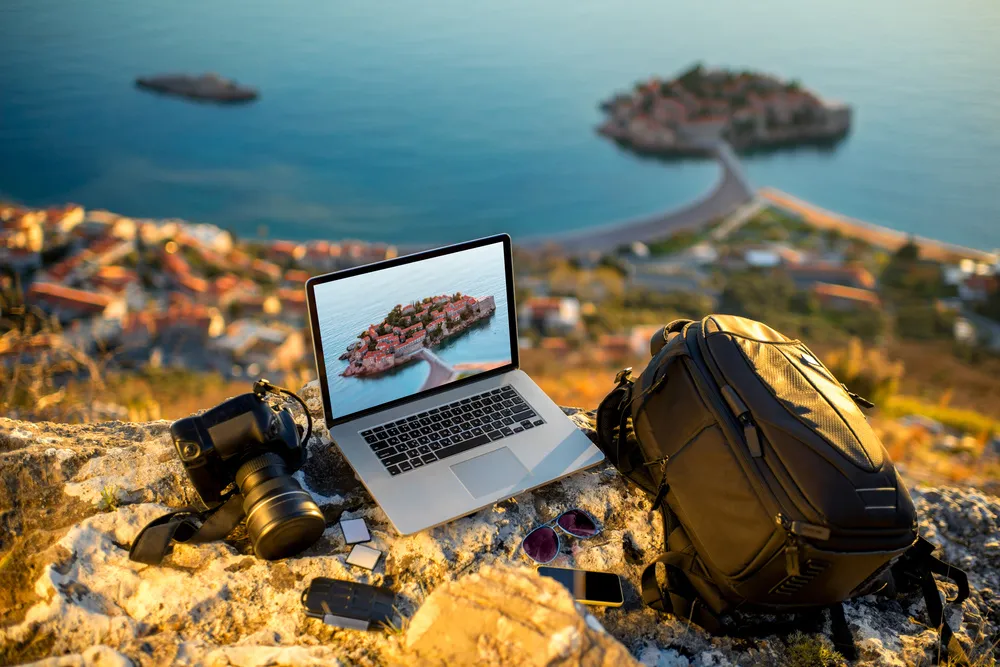
Tutorials, books, courses, and workshops can all help, but passive watching is not enough. Choose one technique, practice it, review the results, and repeat.
When selecting a course or workshop, check:
- whether the instructor shows complete projects rather than only finished images;
- whether assignments and feedback are included;
- whether the material matches your current level;
- whether the examples are relevant to your genre;
- whether safety, ethics, copyright, and workflow are addressed.
Free videos solve specific problems, structured courses build skills in order, and workshops provide immediate feedback in real shooting conditions.
How to Choose the Right Photography Tools
Before buying anything, ask:
- What specific problem will this tool solve?
- How often will I use it?
- Is it compatible with my current equipment?
- Can I rent, borrow, or test it first?
- Will a simpler or cheaper option do the same job?
Avoid purchasing gear only because it appears on a universal “must-have” list. A wildlife photographer, studio portrait photographer, and street photographer need very different kits.
Final Thoughts
The most useful photography tools are the ones that remove friction from your workflow. Start with reliable power, storage, protection, and backup. Add a tripod, filters, lighting equipment, or specialized software only when your subjects and working methods require them.
Editing software such as Luminar, Lightroom, or Photoshop can improve efficiency and creative control, but it cannot replace thoughtful light, composition, and timing. Learn each tool well enough that it supports the photograph instead of becoming the focus of it.
Frequently Asked Questions
A camera or smartphone, spare power, sufficient storage, a comfortable bag, and basic editing software are enough to begin. Add accessories only when you encounter a specific limitation.
No, but it is extremely useful for long exposures, low light, landscapes, architecture, product photography, and any situation requiring consistent framing.
The best option depends on the workflow. Luminar emphasizes approachable AI-assisted editing, Lightroom combines editing with library management, and Photoshop is designed for more detailed retouching and compositing.
Cloud storage is optional, but important files should have an off-site copy. This can be a reputable cloud service or a drive stored safely in another location.
A circular polarizer is useful for controlling some reflections and enhancing foliage or skies, while an ND filter helps create longer exposures. The better choice depends on what you photograph.