How To Scan Photos On iPhone: Quick And Easy Scanning Guide
Read it to learn the quickest and most effective ways to digitize your cherished memories directly from your smartphone!
I find immense joy in connecting with people and capturing their essence through my unique perspective and camera lens. Primarily a portrait photographer, my portfolio is rich with images of individuals, each telling their own story. Beyond the camera, my passion extends to meeting a diverse range of people, learning about their interests and narratives, and bringing those stories to life in my post-production work.
Read it to learn the quickest and most effective ways to digitize your cherished memories directly from your smartphone!
This article breaks down how long it typically takes to learn photography and what can speed up or slow down your progress.
Having trouble transferring iPhone photos to your computer? Follow our simple step-by-step guide to move your images quickly and hassle-free!
Discover how to turn your everyday photos into stunning digital collages. Our guide offers practical tips to enhance your creativity and craft unique art today!
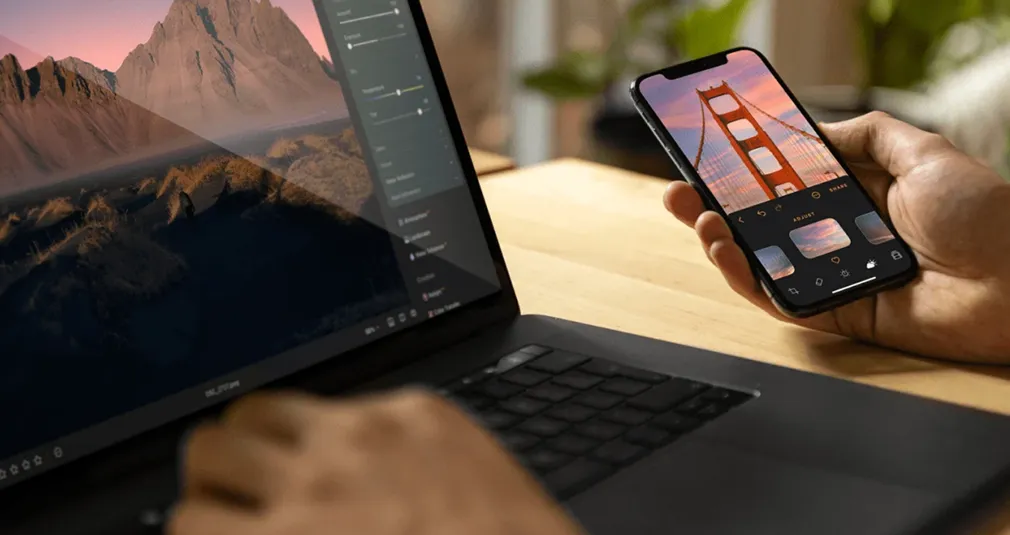
Tired of constantly transferring files between devices? We tested the top services and selected the best multi-platform editors that will make your work as comfortable as possible.
Luminar Neo is turning 4 years old and is ready to continue changing the world of photography by offering next-generation tools for those who are not willing to compromise on editing speed and accuracy.

If color is your language, you need tools that speak fluently. Here’s why Luminar is the best for color grading and creative toning.
Alternatives
Use cases
Features