Find the right photo printing service for your project. Explore paper finishes, framing, delivery options, and practical tips for better printed photos.
The right online photo printing service depends on what you want to make. An album of small family prints, a custom photo book, and a large framed landscape need different materials, ordering options, and preparation.
For quick local pickup in the US, check Walmart Photo or CVS Photo. For paper prints with finishing options, compare Printique, Nations Photo Lab, and Mpix. For display-focused wall art, consider Xpozer, Canvaspop, or WhiteWall according to the material and mounting system you want.
The eleven services below cover everyday printing, designed keepsakes, and display projects. Check delivery to your address first: several options focus on the US, and products or promotions can vary between regional sites.
Don’t feel like reading the whole breakdown? We’ve pulled together a quick summary below.
Online Photo Printing Services at a Glance
| Service | Useful starting point for | What to check before ordering |
| Snapfish | Everyday prints and personalized photo products | Regional options, finish, promotions, and pickup eligibility |
| Shutterfly | Photo books, gifts, and coordinated projects | Pages, cover, binding, upgrades, and total price |
| Xpozer | Large photographs with a reusable display system | Print dimensions, matching frame, and material |
| Walmart Photo | Convenient US store pickup | Local availability and the exact product’s turnaround |
| CVS Photo | Eligible same-day US prints and gifts | Participating store, deadline, and crop |
| Printique | Paper prints and display finishing | Paper, size, mounting, and production schedule |
| Nations Photo Lab | Prints with configurable finishing and corrections | Paper, correction options, crop, and delivery |
| Mpix | Paper prints, mounting, and framing | Product family, correction handling, and aspect ratio |
| Canvaspop | Canvas and framed wall art | Wrapped edges, frame, proof process, and delivery estimate |
| WhiteWall | Material-led wall art and fine-art presentation | Samples, product profiles, framing, and destination |
| RitzPix | Print formats and personalized projects | Exact size, finish, product options, and checkout total |
1. Snapfish: Everyday Prints and Photo Projects
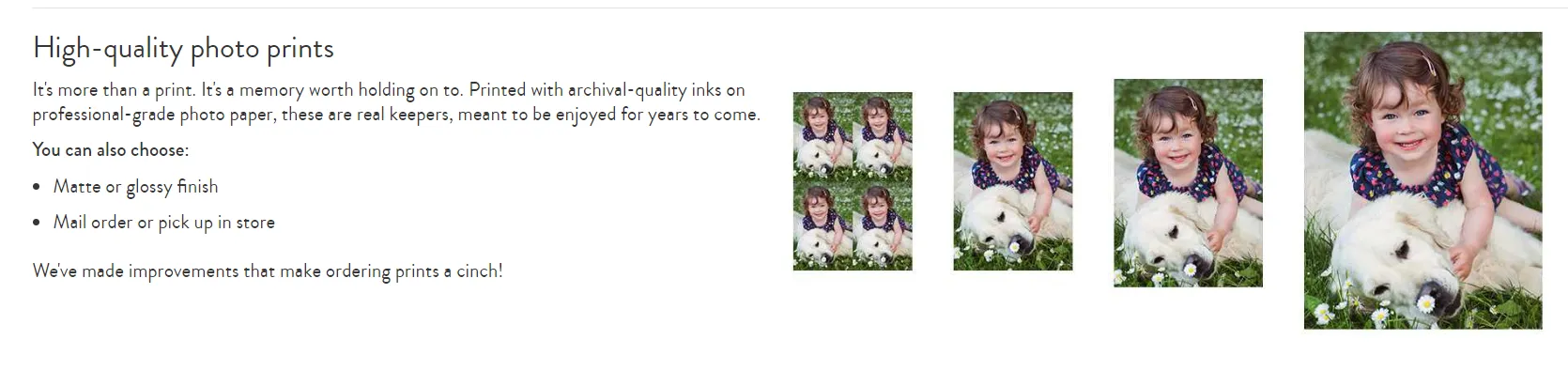
Snapfish offers standard prints, enlargements, and personalized photo products. It is a useful starting point when the main task is turning a collection of phone or camera photographs into an album or gifts.
Its ordering workflow lets you select sizes and quantities, then review the print area. Paper finishes and available formats depend on the product and regional service. Eligible products may also have store-pickup options.
Compare the total price after shipping and any promotion conditions. A mailed-print offer may not apply to store pickup, and a low per-print price does not always produce the lowest small-order total.
| Pros | Cons or limits |
| Everyday prints and personalized products in one service | Promotions can differ by delivery method |
| Size and quantity controls suit album orders | Pickup applies only to eligible products and locations |
| Mobile ordering options | Crop and resolution warnings still need review |
Good fit: a collection of everyday photographs or a straightforward personalized project.
Exclusive Tools of Endless Possibilities in One Editor
2. Shutterfly: Photo Books and Personalized Gifts
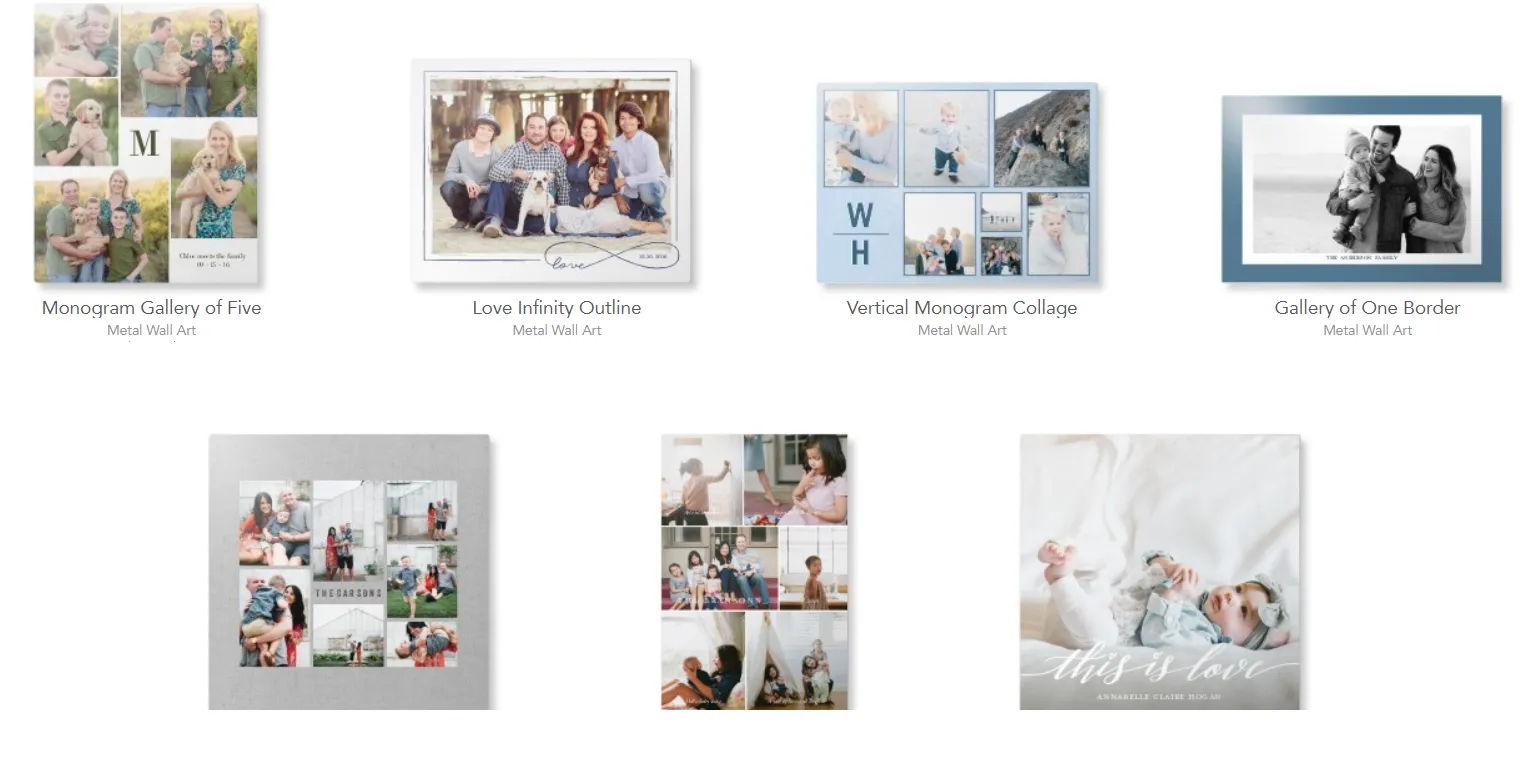
Shutterfly is particularly relevant when the project needs a design workflow, such as a travel book, family album, or gift. Its photo-book options include choices of cover, page style, and binding, with availability depending on the selected product.
The advantage is bringing photographs into a coordinated layout rather than ordering individual prints alone. Templates and design assistance can help, but the result still benefits from checking image placement and sequence.
The starting price is only part of the cost. Extra pages, premium covers, page upgrades, and delivery can change the total. Review a book carefully for text mistakes and images disappearing into edges or spreads.
| Pros | Cons or limits |
| Extensive book and gift options | Upgrades and additional pages increase the total |
| Layout tools help organize a multi-image project | Templates still need individual crop checks |
| Cover and page choices for different projects | Product specifications vary by book type |
Good fit: a designed keepsake or gift rather than a simple batch of loose prints.
3. Xpozer: Large Prints with a Swappable Frame
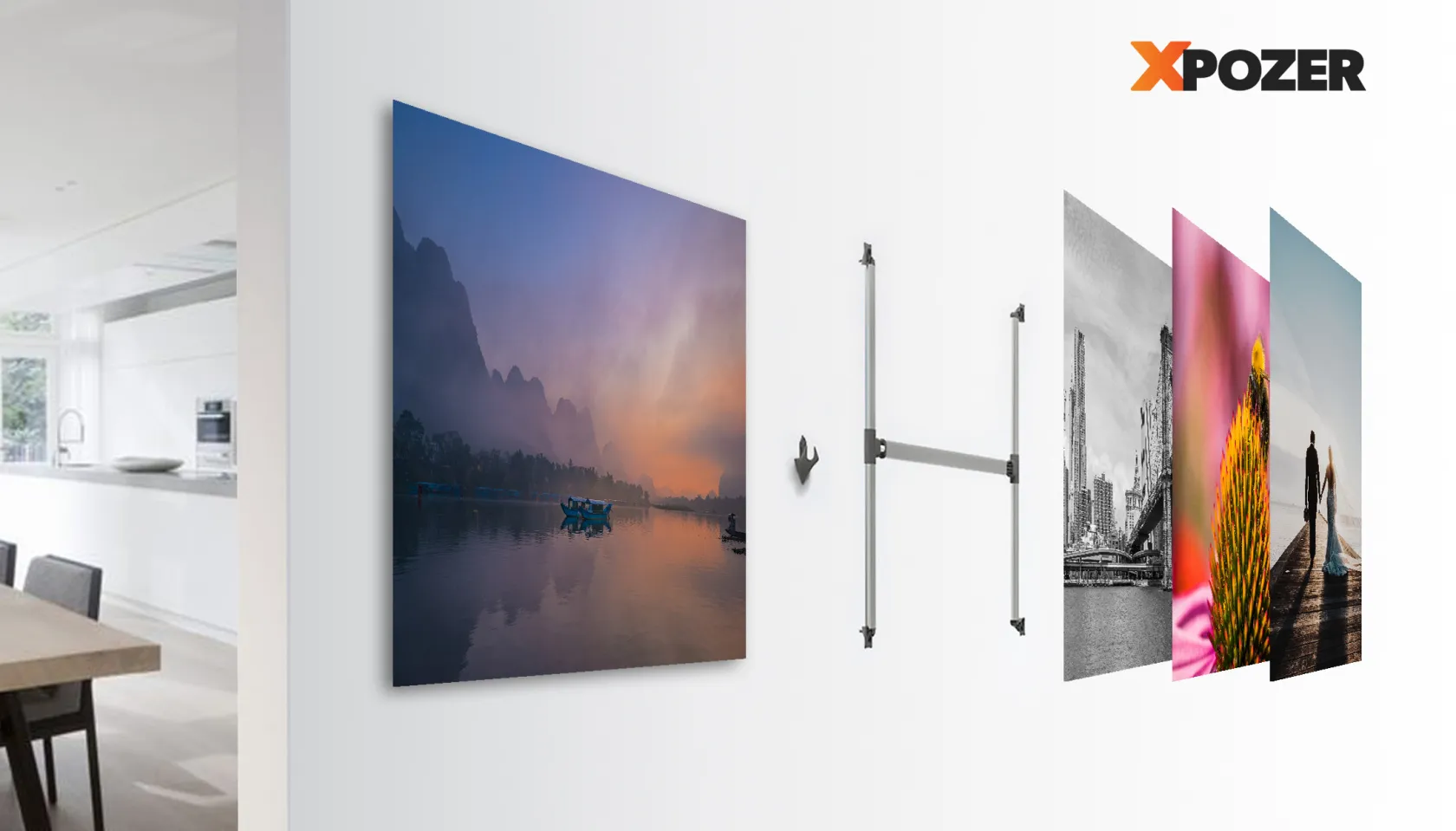
Xpozer centers on large photographic displays using a print-and-frame system that allows compatible prints to be swapped. It suits someone who wants to change the photograph on a wall without replacing the entire display each time.
This is a different presentation from traditional paper behind glass or a stretched canvas. Choose it because you want that display method and material, not because one format is automatically superior to all others.
Check that the print and frame dimensions match, and distinguish a print-only replacement from a complete first purchase. Also examine the image’s crop and available detail at the planned size.
| Pros | Cons or limits |
| Reusable display system for compatible prints | The frame must match the selected size |
| Suits rotating large photographs | Specialized presentation may not fit every room |
| Print replacements can reuse the setup | Not primarily a loose-print album service |
Good fit: large photographs that you want to rotate on the same wall display.
4. Walmart Photo: Convenient Local Pickup
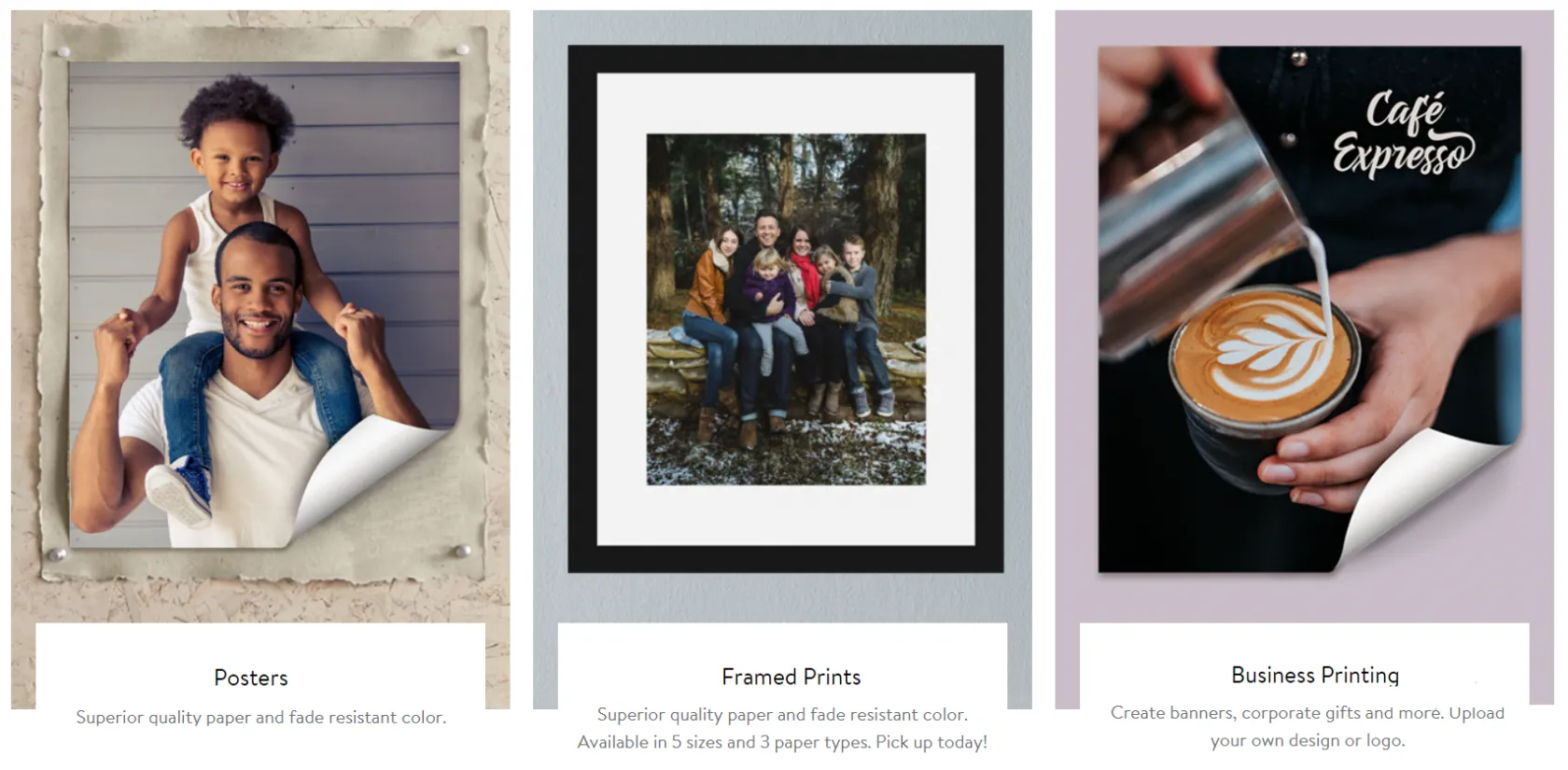
Walmart Photo offers prints, books, cards, wall products, and gifts. Participating US locations provide one-hour or same-day options for eligible items, making it relevant when collection is more practical than shipping.
Choose the store and product before relying on a pickup estimate. Availability depends on the selected item and location, and mailed products follow a different schedule.
There is no basis for assuming every retail location produces poor prints or every lab produces better ones. For an important order, try a small sample from the location you intend to use and inspect it before committing to a large batch.
| Pros | Cons or limits |
| Eligible local pickup can avoid shipping time | Availability depends on the store and product |
| Broad product range | Not every item is available quickly |
| Convenient for a nearby US customer | Location-based collection limits its usefulness elsewhere |
Good fit: a practical pickup order when an eligible Walmart location is nearby.
5. CVS Photo: Eligible Same-Day Prints and Gifts
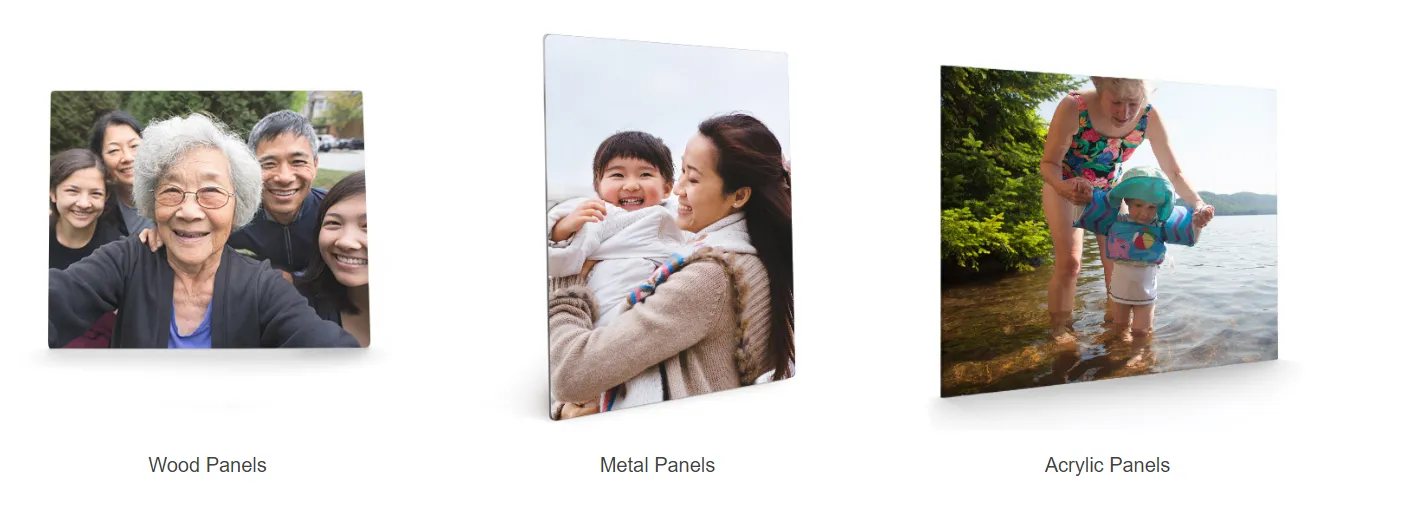
CVS Photo offers standard, square, wallet, and other print formats alongside selected gifts and wall products. Same-day pickup can be useful for a last-minute small project in the US.
Confirm the participating location, ordering cutoff, and product before planning collection. “Same day” does not apply to every size, finish, or item in the catalog.
Use the crop preview carefully, especially for faces near the edge or photographs with a different aspect ratio. If the order is for an important gift, allow time to inspect the result and resolve any problem.
| Pros | Cons or limits |
| Eligible same-day local collection | Product and location restrictions apply |
| Several small-print formats | Not every finish or format has the same turnaround |
| Useful for short deadlines | Convenience depends on access to a participating store |
Good fit: an eligible print or gift order needed quickly near a CVS location.
6. Printique: Prints with Material and Finishing Choices
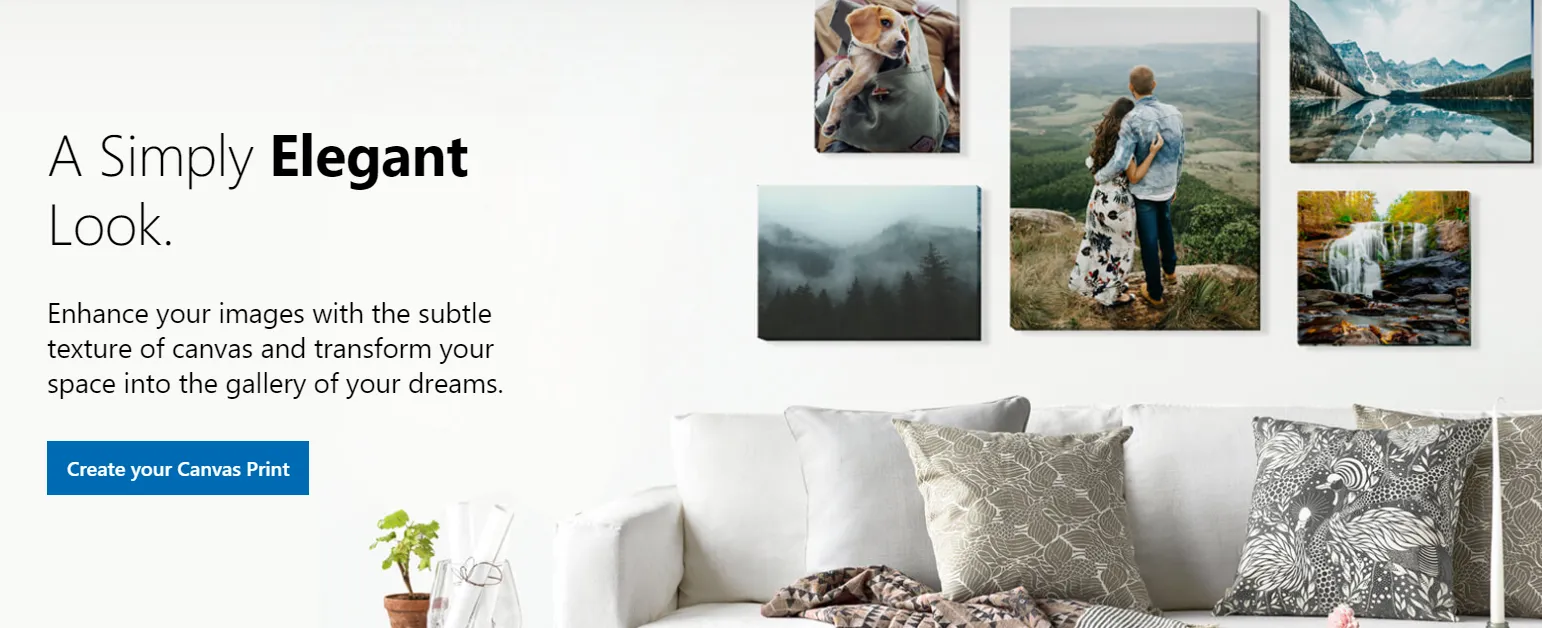
Printique, formerly AdoramaPix, offers photographic prints alongside canvas, metal, wood, and other display products. It is worth examining when the material and finish are part of the project’s purpose.
For portraits or a display set, compare the paper and finishing choices rather than selecting solely by dimensions. A print intended for an existing frame needs different preparation from a mounted or framed product.
Order a small sample when paper appearance is unfamiliar. Review production and shipping separately, and check the upload requirements for the specific product rather than assuming one format is accepted everywhere.
| Pros | Cons or limits |
| Photographic and display-material options | More choices require more preparation |
| Relevant to coordinated print projects | Production and delivery need scheduling |
| Options beyond ordinary loose prints | Finishing changes the final cost and appearance |
Good fit: a print project where paper, mounting, or display material deserves deliberate selection.
7. Nations Photo Lab: Configurable Prints and Finishing
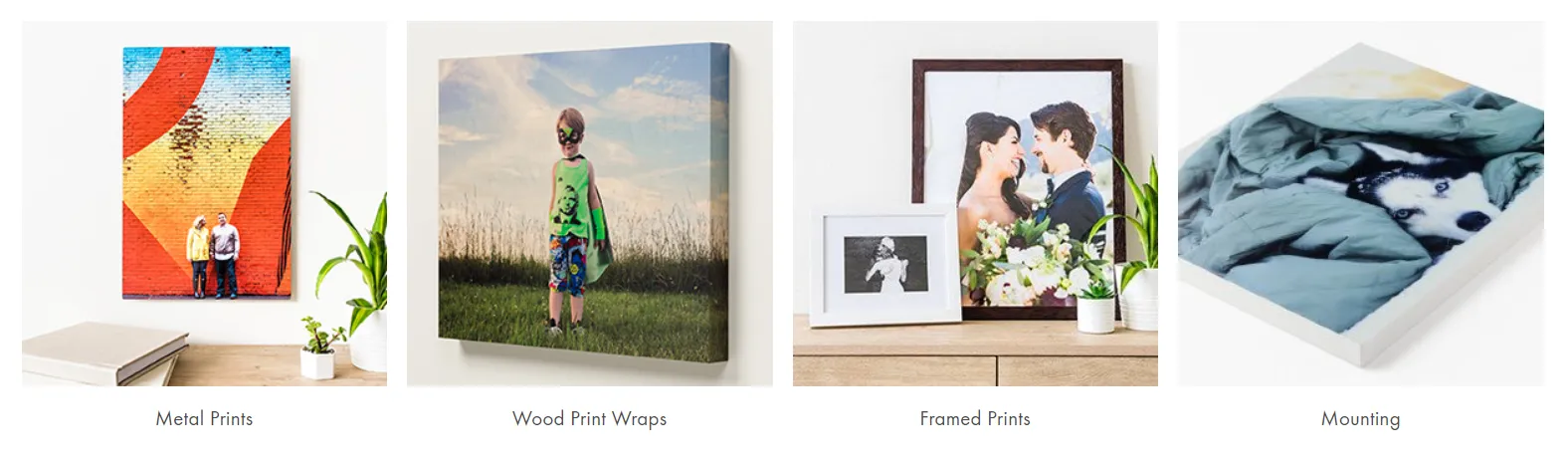
Nations Photo Lab provides print options that can include paper choices, borders, mounting, and color correction. These controls are useful for portraits, enlargements, and coordinated sets.
Its ordering workflow makes preparation important: select the intended dimensions, inspect the crop, and choose the finish before finalizing. Correction availability and charges depend on the product.
Decide how the lab’s correction service should interact with your own edit. A carefully finished artistic palette may need different handling from an unedited snapshot. Verify file requirements and avoid uploading a compressed social-media copy when the original is available.
| Pros | Cons or limits |
| Paper and finishing choices | Add-ons can increase the order total |
| Color-correction options on applicable products | Corrections may change an intentional edit |
| Useful for coordinated print orders | Crop and export requirements need attention |
Good fit: a selected image collection needing specific paper and finishing decisions.
8. Mpix: Paper Prints, Mounting, and Framing
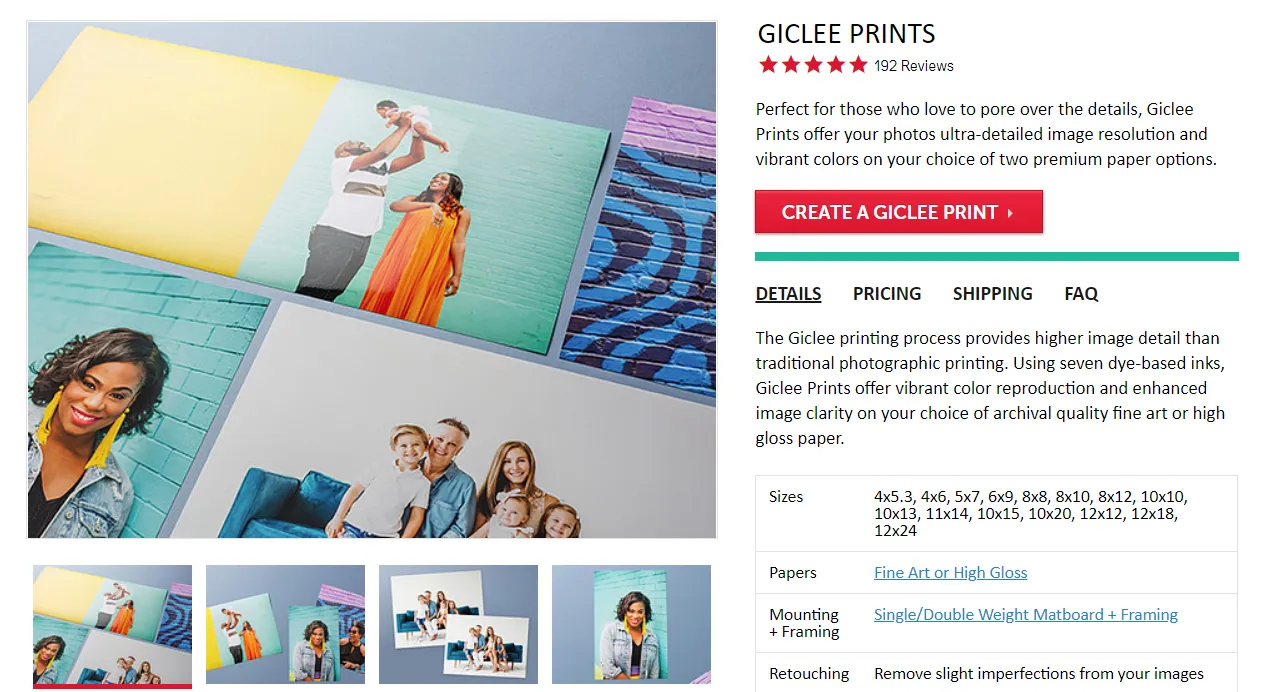
Mpix offers photographic paper prints, giclée options, mounting, and framing. Its current print range includes several proportions, including square and 4×5.3-inch options, so smartphone photographs are not automatically excluded by their aspect ratio.
Paper families have different finishes. E-Surface and Metallic photographic prints are not the same product as a deep-matte or fine-art giclée print; select the material for the appearance you want.
Mpix describes color review and correction as part of its photo-print service. Understand how that applies to your order, especially for a deliberately graded image. Check the crop yourself rather than assuming the service will preserve every edge.
| Pros | Cons or limits |
| Multiple paper families and finishing options | Paper names require attention to the actual finish |
| Mounting and framing options | Add-ons change the total price |
| Print sizes include varied proportions | An unmatched file can still be cropped |
Good fit: portraits, display prints, or a project that needs paper and framing choices together.
Your AI-Powered Photo Editor for MacOS and Windows
9. Canvaspop: Canvas and Framed Wall Art
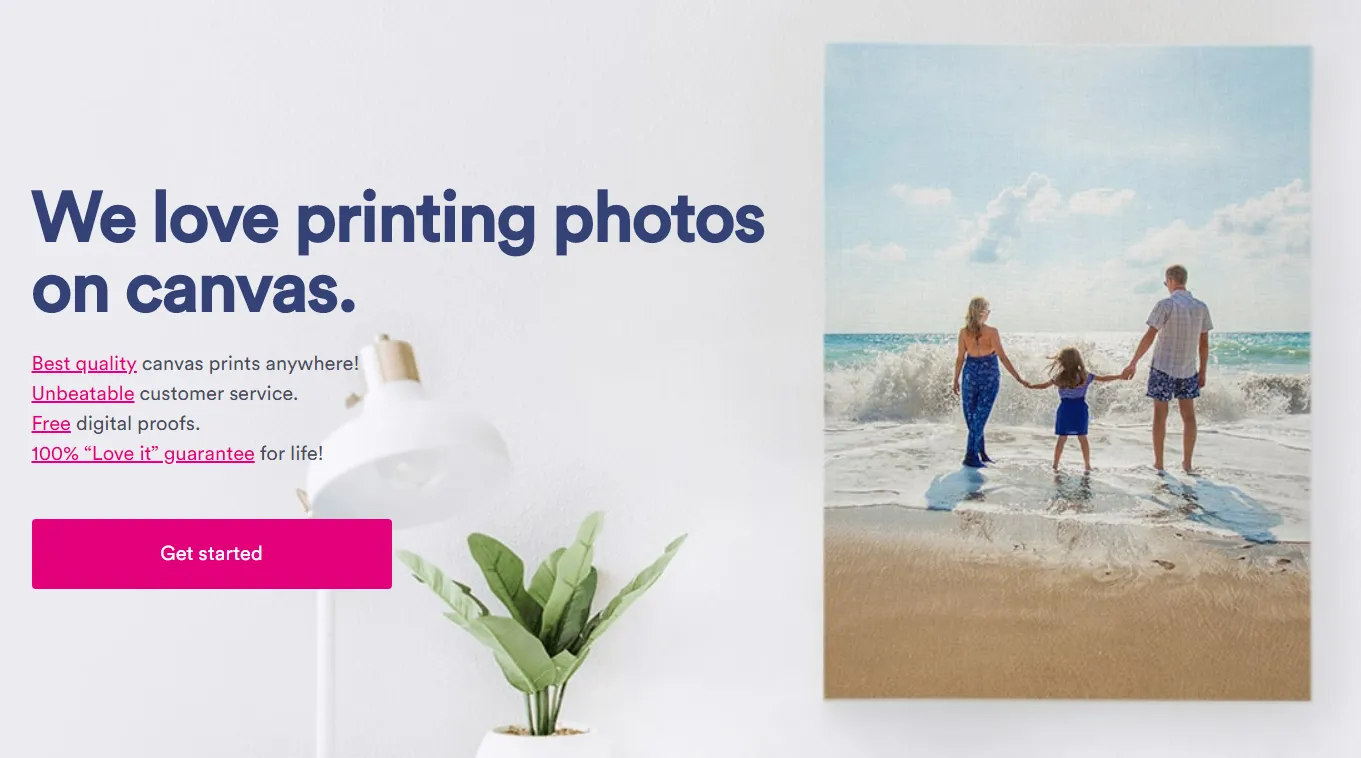
Canvaspop specializes in turning photographs into display products such as canvas and framed prints. It is relevant when the finished object, rather than a loose paper print, is the priority.
Canvas introduces surface texture, and wrapped edges can change which parts of the image remain visible on the front. Choose a photograph with enough room around important faces or details, then review the chosen edge treatment.
Confirm the current product options, proof or approval process, shipping destination, and estimated delivery at checkout. Allow time for any approval step as well as production and shipping.
| Pros | Cons or limits |
| A wall-art-focused service | Not the natural choice for a batch of small album prints |
| Canvas and framed presentation options | Texture and wrapped edges affect the image |
| Suits a single display project | Current options and delivery need checking |
Good fit: a photograph intended to become a canvas or framed wall piece.
10. WhiteWall: Material-Led Photographic Display
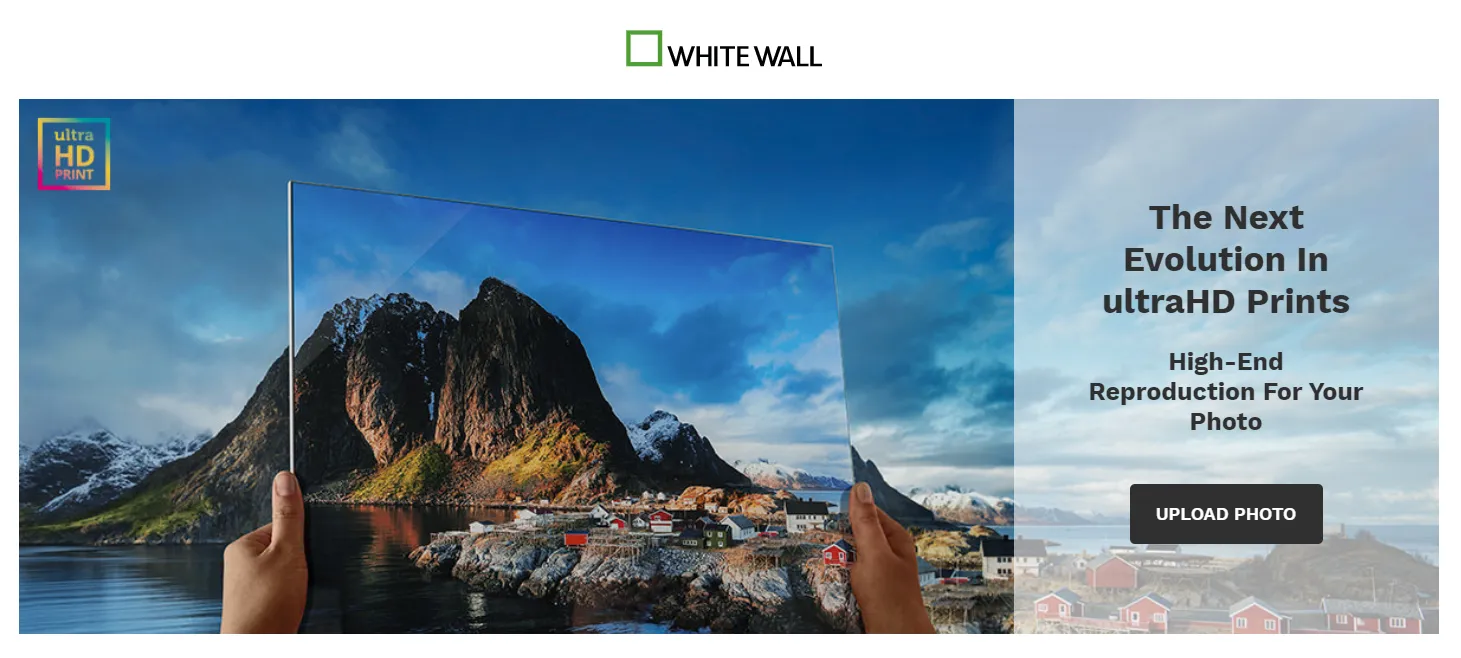
WhiteWall offers photo prints, fine-art presentation, mounting, and framing choices. Its material samples and test-print options are useful when you are deciding how a photograph should look as a physical object.
It also provides product-specific ICC profiles for soft proofing where available. Those profiles help preview output in a suitable color-managed workflow; they should be used according to the lab’s instructions rather than automatically embedded into the upload.
This suits a project where surface, mounting, frame, and viewing conditions matter. It involves more decisions than a simple album order, and delivery options depend on the destination and regional site.
| Pros | Cons or limits |
| Wide material and presentation choices | A more involved selection process |
| Samples and test-print options | Samples and production require planning time |
| Product-specific color-management resources | Soft proofing needs a suitable workflow |
Good fit: an important display print where testing materials and controlling presentation are priorities.
11. RitzPix: Varied Print Formats and Photo Projects
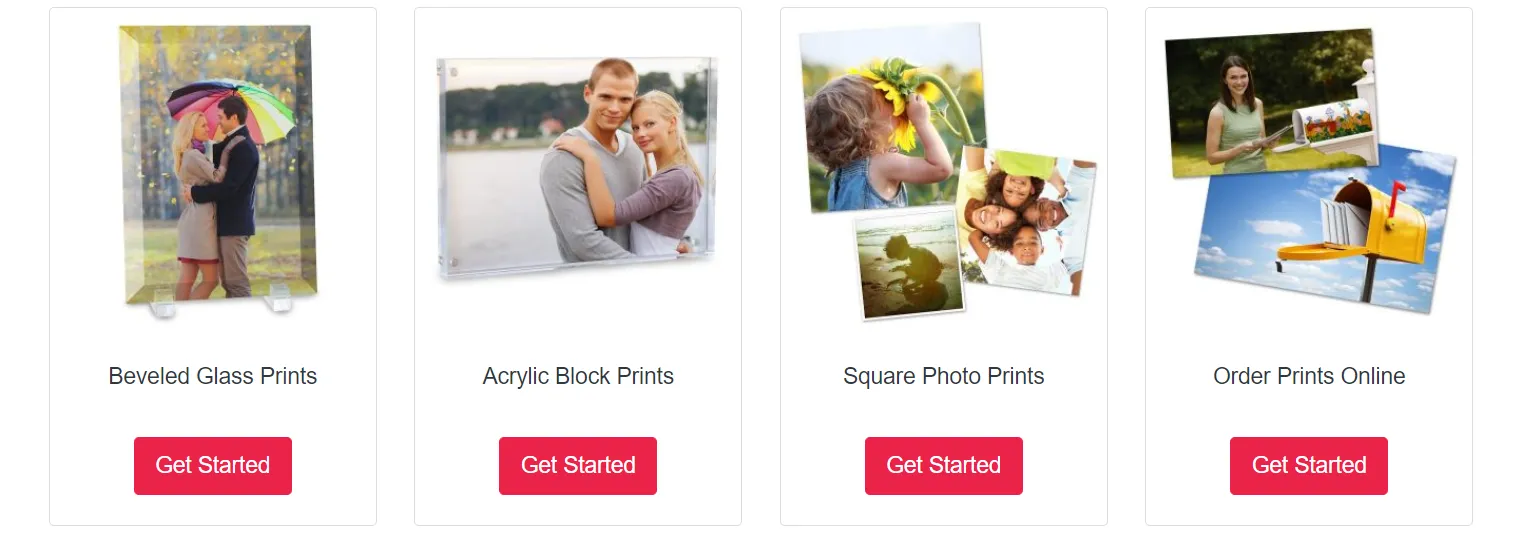
RitzPix lists standard glossy and matte prints alongside square, mini, panoramic, and other formats. It also offers books, cards, and display products, giving it a broad project-oriented catalog.
The format range can be useful for scrapbook pages, small gifts, or an image that does not fit a conventional print ratio. Check the selected product’s dimensions, finish, and available options before uploading the final file.
Compare the current checkout workflow and total price with other services offering the same product. Check whether the available image-adjustment tools meet your needs, or prepare the final file before uploading.
| Pros | Cons or limits |
| Several standard and creative print formats | Options differ between product categories |
| Books, cards, and display products | Shipping and finishing affect the total |
| Useful for format-specific projects | The exact item still needs crop and specification checks |
Good fit: a project requiring varied print shapes or additional personalized products.
How to Choose a Photo Printing Service

Start with the Finished Product
Choose a loose paper print, photo book, canvas, mounted photograph, or framed item before comparing prices. Similar dimensions do not mean similar materials or construction.
For wall art, consider the room’s light and viewing distance. A reflective surface behaves differently from a matte one. For an album, handling, texture, and page fit may matter more than display size.
Compare the Complete Cost
Include quantity, paper, finishing, framing, corrections, shipping, and tax where applicable. Check promotion eligibility, minimum order conditions, and delivery method.
Avoid comparing a discounted print-only price with a framed product or a shipped order with a pickup order. Match the product first, then compare totals.
Distinguish Production from Arrival
A promise to ship within a business day is not a promise that the package arrives the next day. Transit time, location, product complexity, and approval steps can affect arrival.
For a deadline, check the actual delivery estimate before paying. Eligible same-day pickup may be the appropriate choice when a local store can fulfill the product.
Use a Test Order for Important Images
Order a small print on the intended material or request available samples before a large display purchase. Examine brightness, skin tones, dark detail, texture, and reflections in suitable light.
A sample cannot predict every larger print perfectly, but it gives useful information that a website preview alone does not.
Preparing Photos for Online Printing

Check the Aspect Ratio
A 4×6-inch print has a 3:2 aspect ratio. A 4:3 phone photograph will need cropping or an alternative print option to fit it without changing the image’s proportions.
Use photo cropping tools to prepare the intended frame, then check the service’s preview. Keep important details away from trim, wrapped edges, or book gutters where relevant.
Check Pixel Dimensions
Printed detail depends on the pixels available after cropping, output size, material, and viewing distance. Changing a resolution label alone does not add image detail.
For example, an 8×10-inch print at 300 pixels per inch requires 2400×3000 pixels. Treat this as a calculation, not a universal requirement: follow the lab’s guidance for the specific product.
A photo resizing workflow helps prepare the requested dimensions. Avoid repeatedly resizing and resaving the same finished file.
Follow the Lab’s File Instructions
Export the file format, color profile, and bit depth the service requests. A high-quality JPEG is appropriate for many orders; TIFF support is not by itself proof that a service produces better prints.
This JPEG vs PNG comparison explains format differences, but the destination’s requirements should determine the final upload. Many services expect an RGB image; do not convert to CMYK simply because it is being printed.
Review Color and Brightness
A bright screen can make a photograph look lighter than it will on paper. Use a consistent editing environment, suitable display settings, and the lab’s color-management instructions.
Decide whether to select automatic or operator correction where offered. If the image has already been carefully edited, confirm how additional correction would affect it. Soft proofing and a physical test print can help with important work, but no preview guarantees identical appearance under every light.
The Photo Perspective Correction Tool You've Been Waiting For
Editing Photos for Print in Luminar

Luminar provides exposure, color, cropping, and local adjustments for preparing a photograph before export. Begin with the original file, establish the intended crop, and refine the image for the chosen product.
Use photo color editing tools to balance the palette and check skin tones or neutral objects. Keep shadow detail visible without flattening the image, and inspect sharpening at the intended output scale.
If the cropped file is too small for the desired print, AI image upscaling can increase pixel dimensions. Inspect the result for invented textures and artifacts; enlargement does not reliably restore every detail missing from the capture. Compare a smaller print size when that would better suit the source.
Match the Service to the Project
For a quick album order, prioritize straightforward ordering and a suitable final price. For a book, evaluate layout and construction. For a display print, examine the material, mounting, and test options.
The most useful choice is the service that can produce the right object from your prepared file, deliver it where needed, and meet the deadline. A careful crop and a small test order often make that decision more reliable than a universal “best quality” label.
FAQ
There is no universal winner for every material and image. Compare labs such as Printique, Nations Photo Lab, Mpix, and WhiteWall for the particular product, then use a test print or sample to evaluate the result.
Cost depends on size, quantity, material, finishing, corrections, and delivery. Compare the total for the same product rather than relying on a starting per-print price or a temporary promotion.
Eligible local pickup from providers such as Walmart Photo or CVS Photo can be faster than shipping. Confirm the product, participating store, ordering cutoff, and collection estimate before ordering.
Yes, when the file contains enough usable detail for the chosen output. Upload the original where possible, check the crop and dimensions, and avoid using a compressed messaging or social-media copy.
Check crop, exposure, color, and sharpness before uploading. Follow the lab’s file instructions and understand any additional correction service. For important prints, test the prepared image on the intended material.